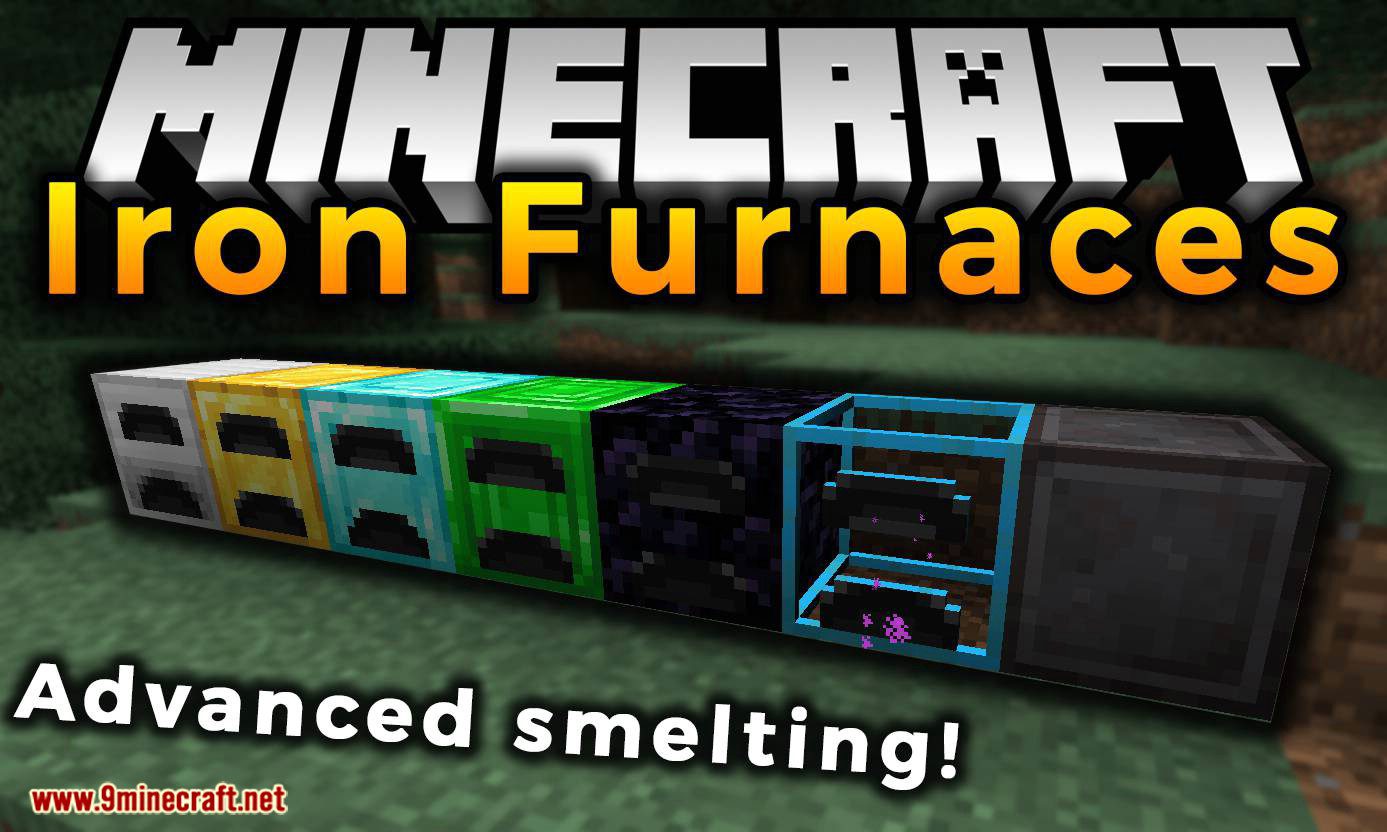
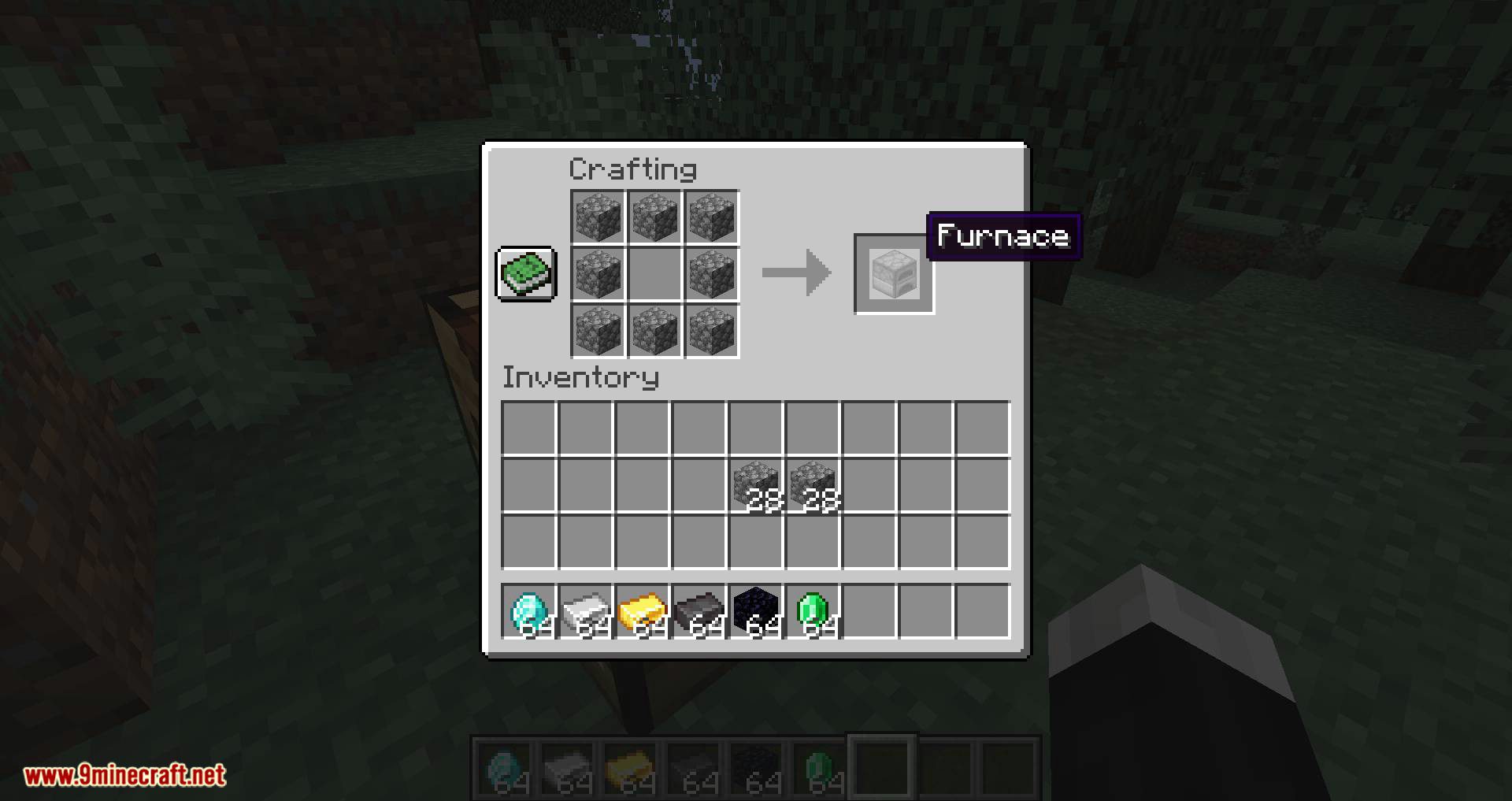
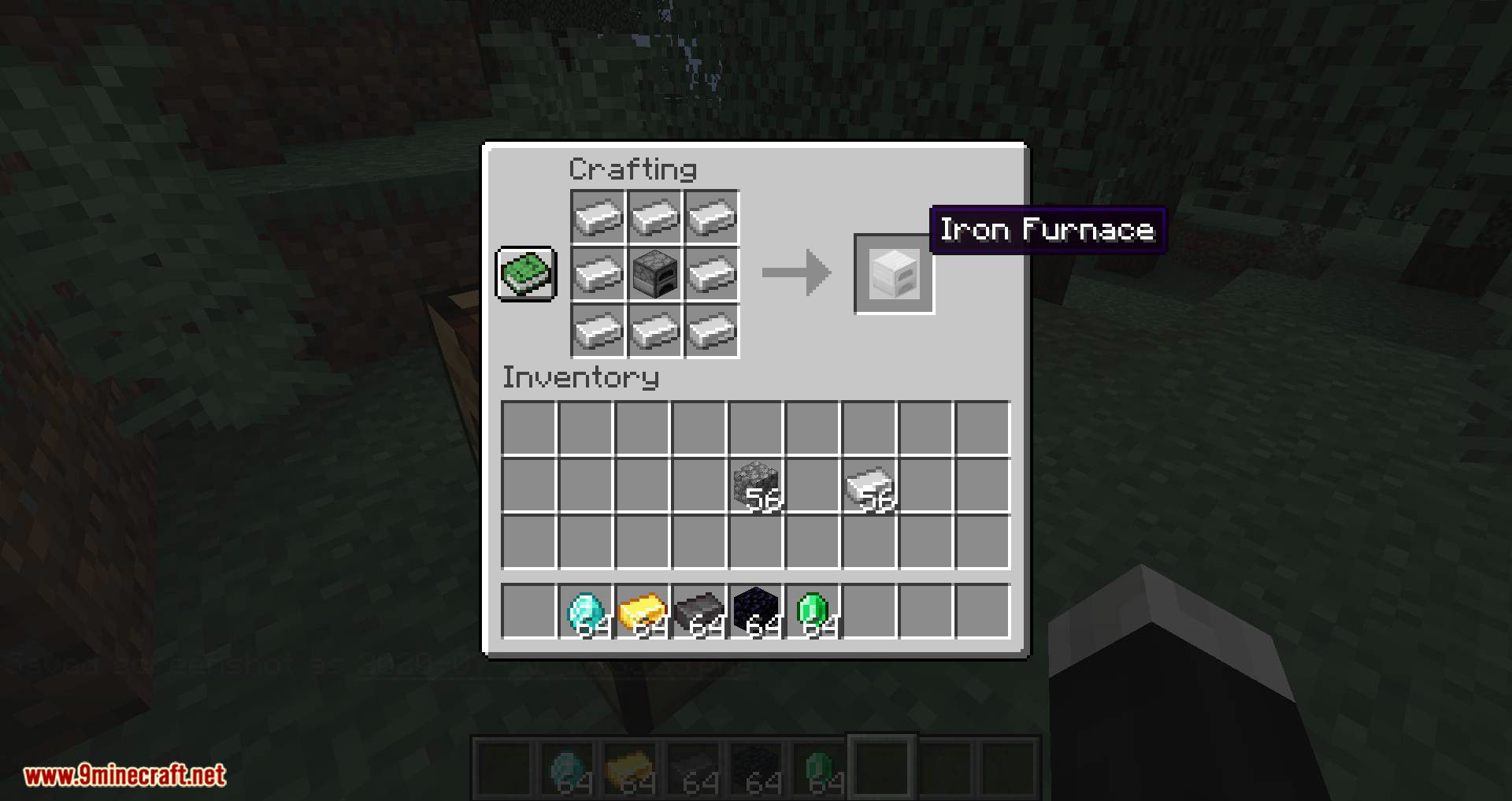
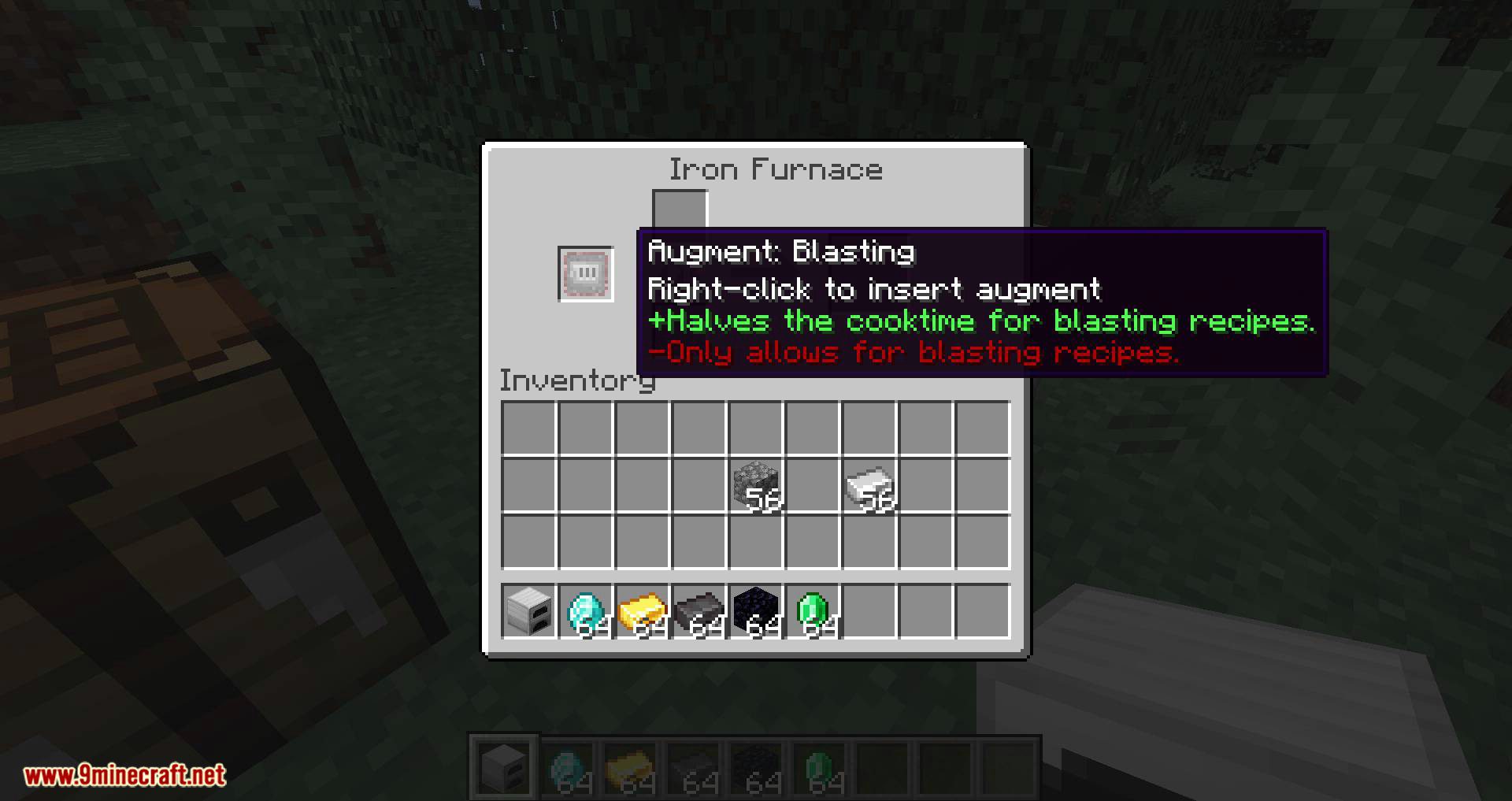
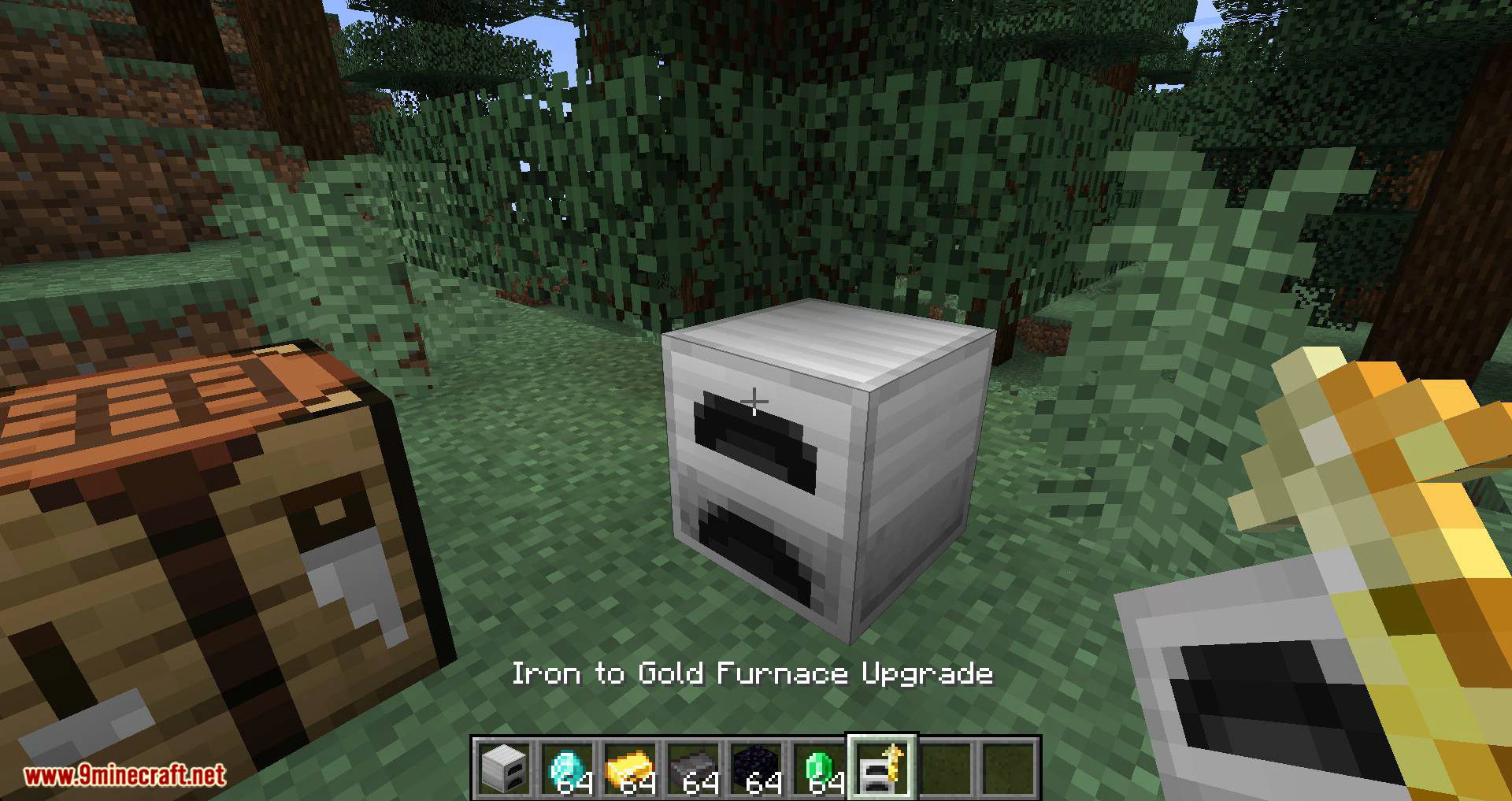
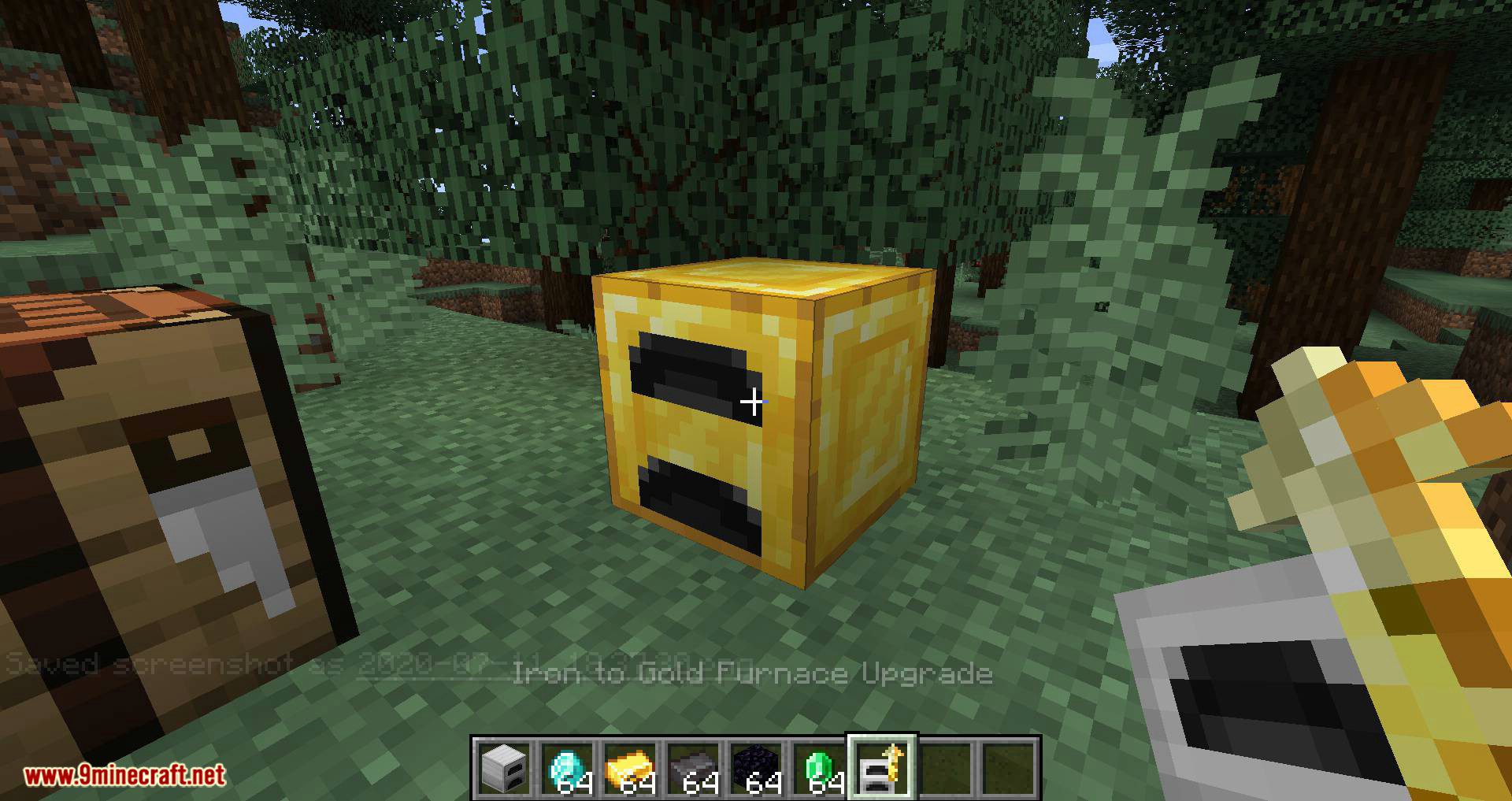
Iron Furnaces Mod focuses on giving players the ability to craft a wide variety of furnaces. These furnaces can be made using materials already existing in the game. These new furnaces aim to offer superior performance compared to Minecraft’s default furnace. All these furnace variants are designed to be accessed progressively. In other words, you won’t be able to make a diamond furnace directly. Instead, you’ll start with the stone furnace, then move on to copper, iron, gold, diamond, crystal, emerald, and obsidian.
Beyond the game’s default materials, if you have a mod installed that adds new mineral resources, you can also create a silver furnace. This furnace would be positioned midway between an iron furnace and a gold furnace.
Features:
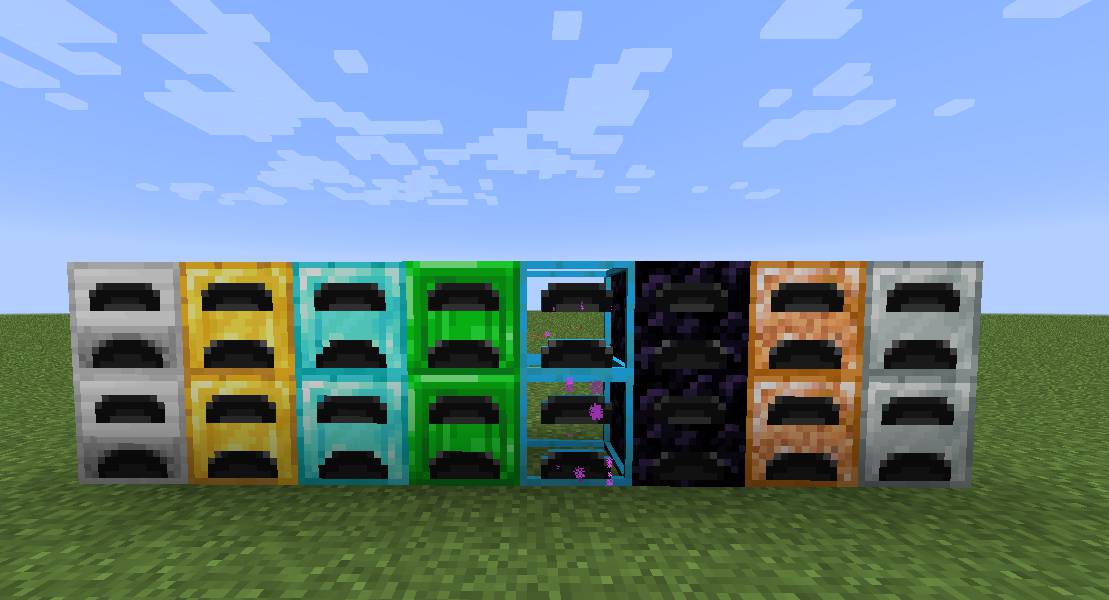
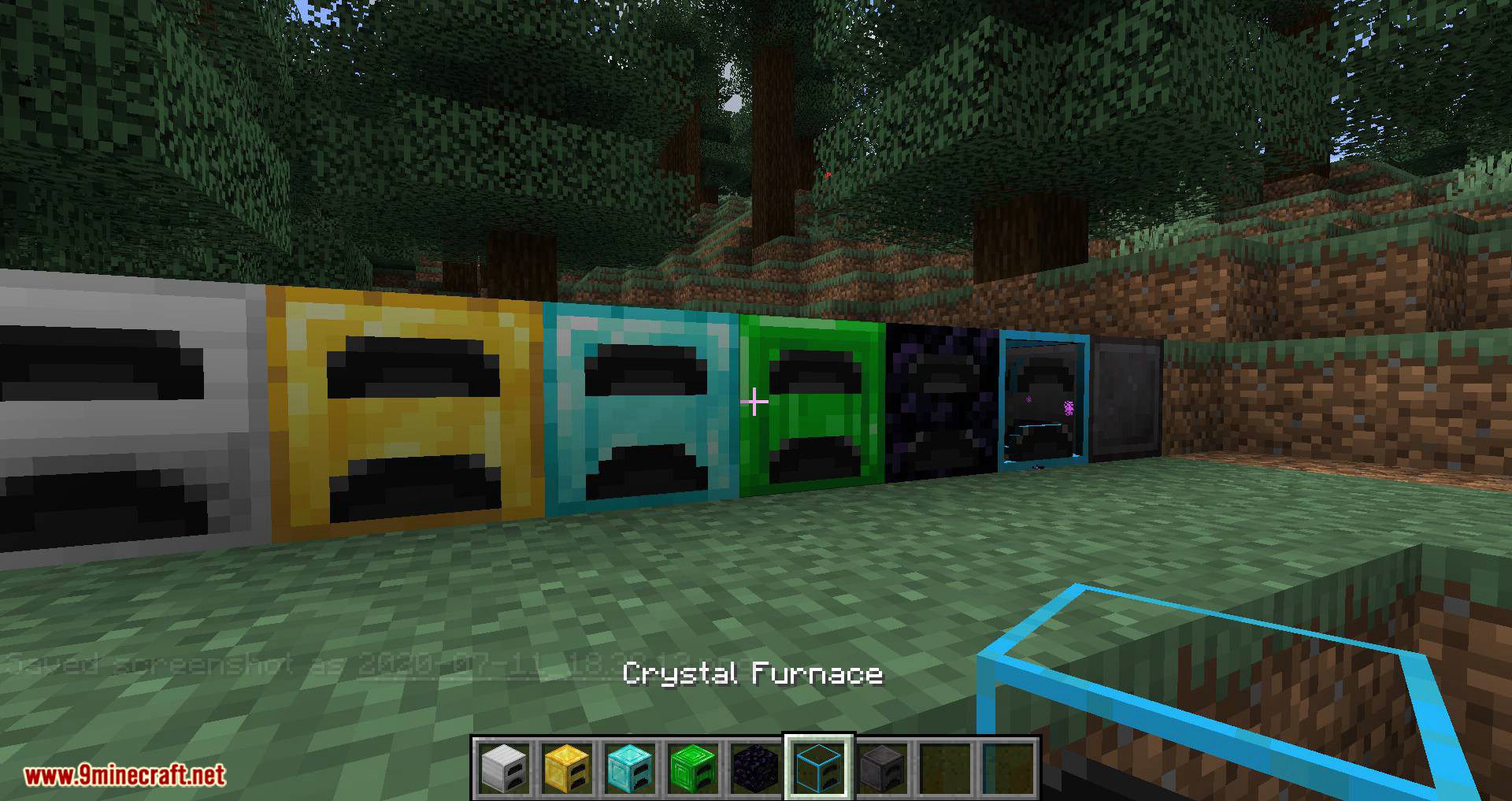
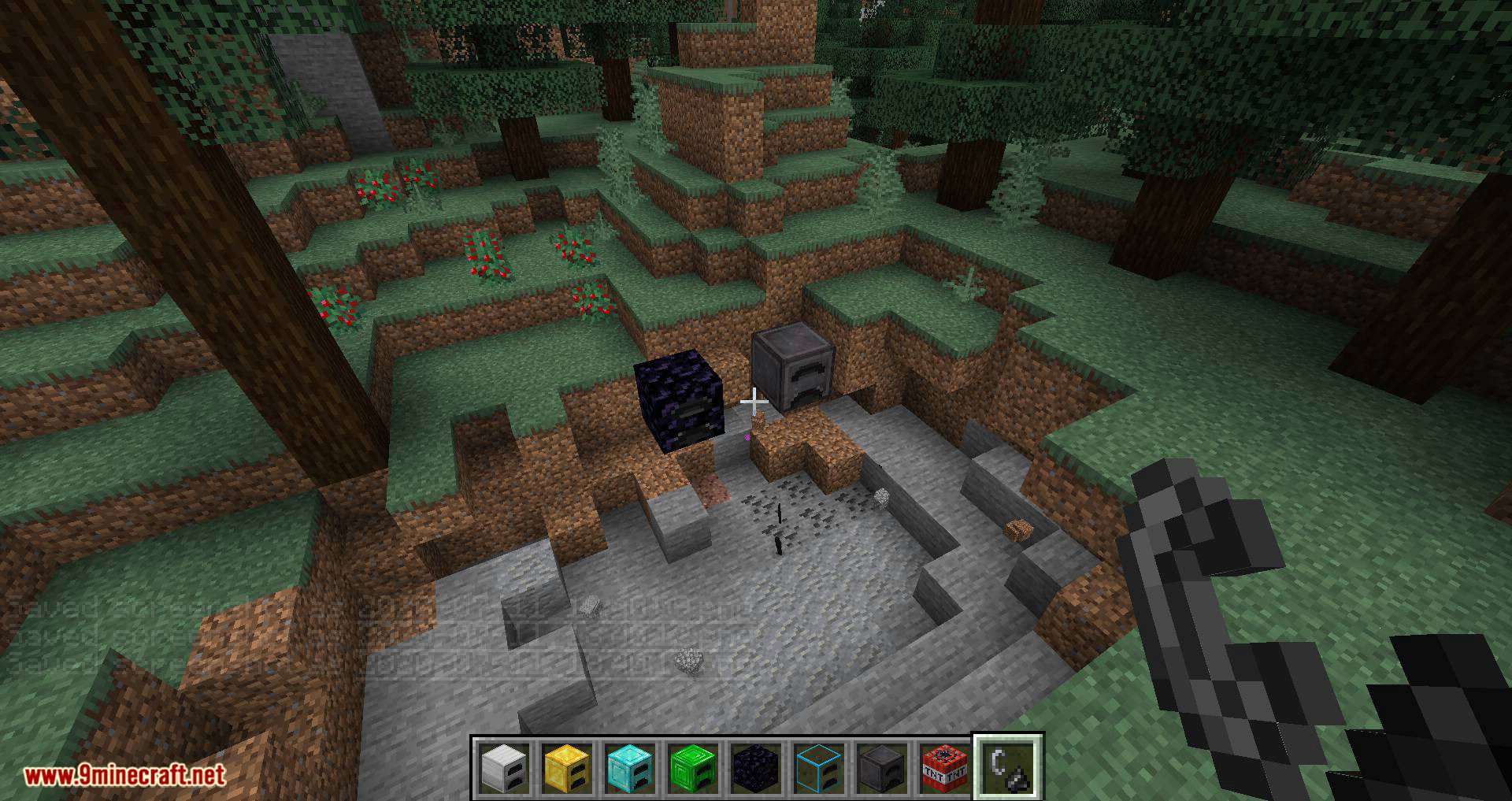
- Offers furnaces made from materials like stone, copper, iron, gold, diamond, crystal, emerald, obsidian, and even rainbow furnaces, each with increasing smelting speed and efficiency.
- Players must craft furnaces in a specific order, starting with basic materials and progressing to advanced ones.
- Enhanced Functionality:
- Faster smelting speeds compared to the default furnace.
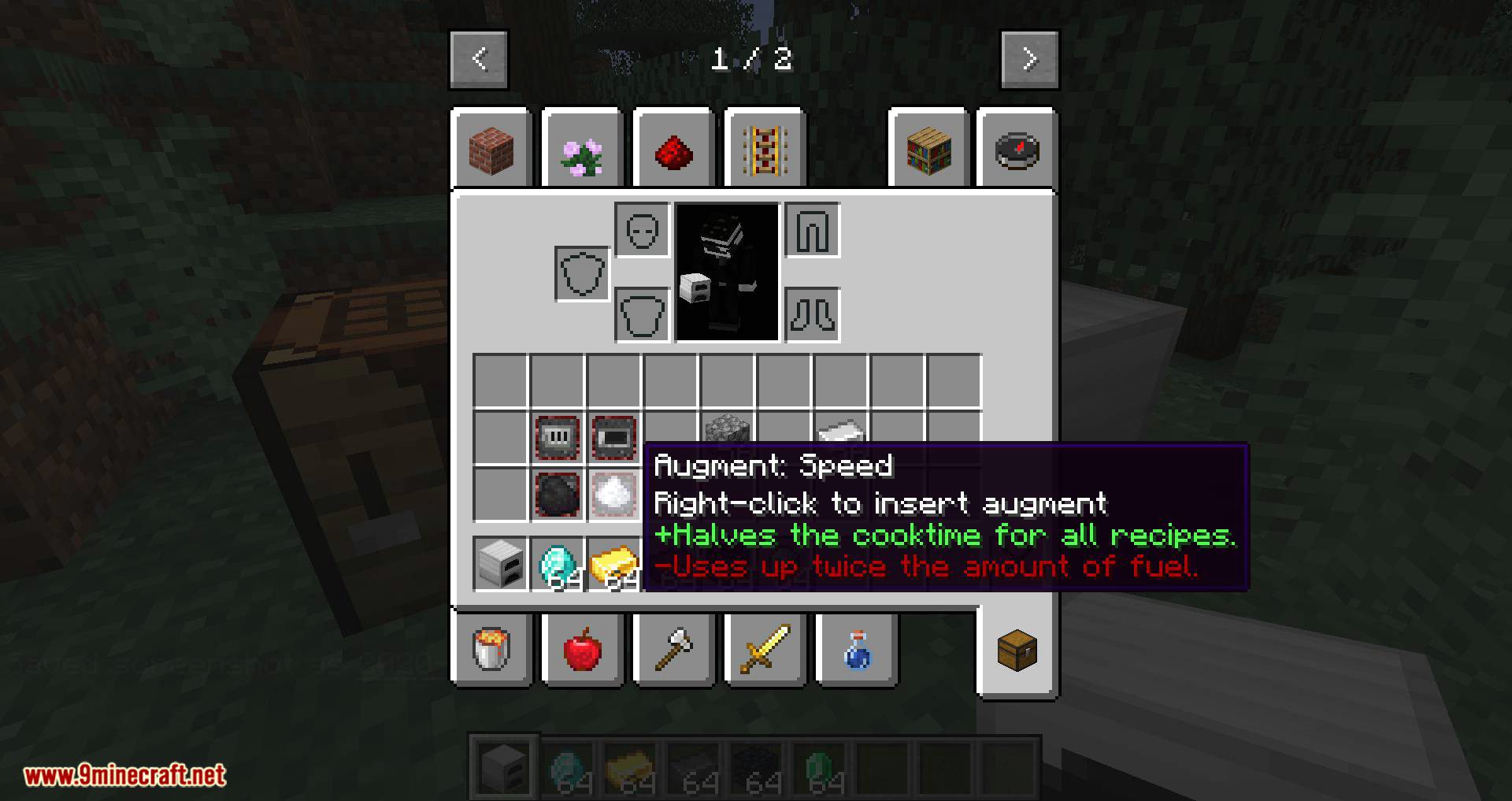
- Reconfigurable sides for input and output.
- Add-ons for smoking and blasting.
- Works with mods like JEI (Just Enough Items) and Project MMO, ensuring smooth integration into modpacks.
- Features unique textures inspired by the Thermal Series, adding visual appeal to your builds.
Screenshots:
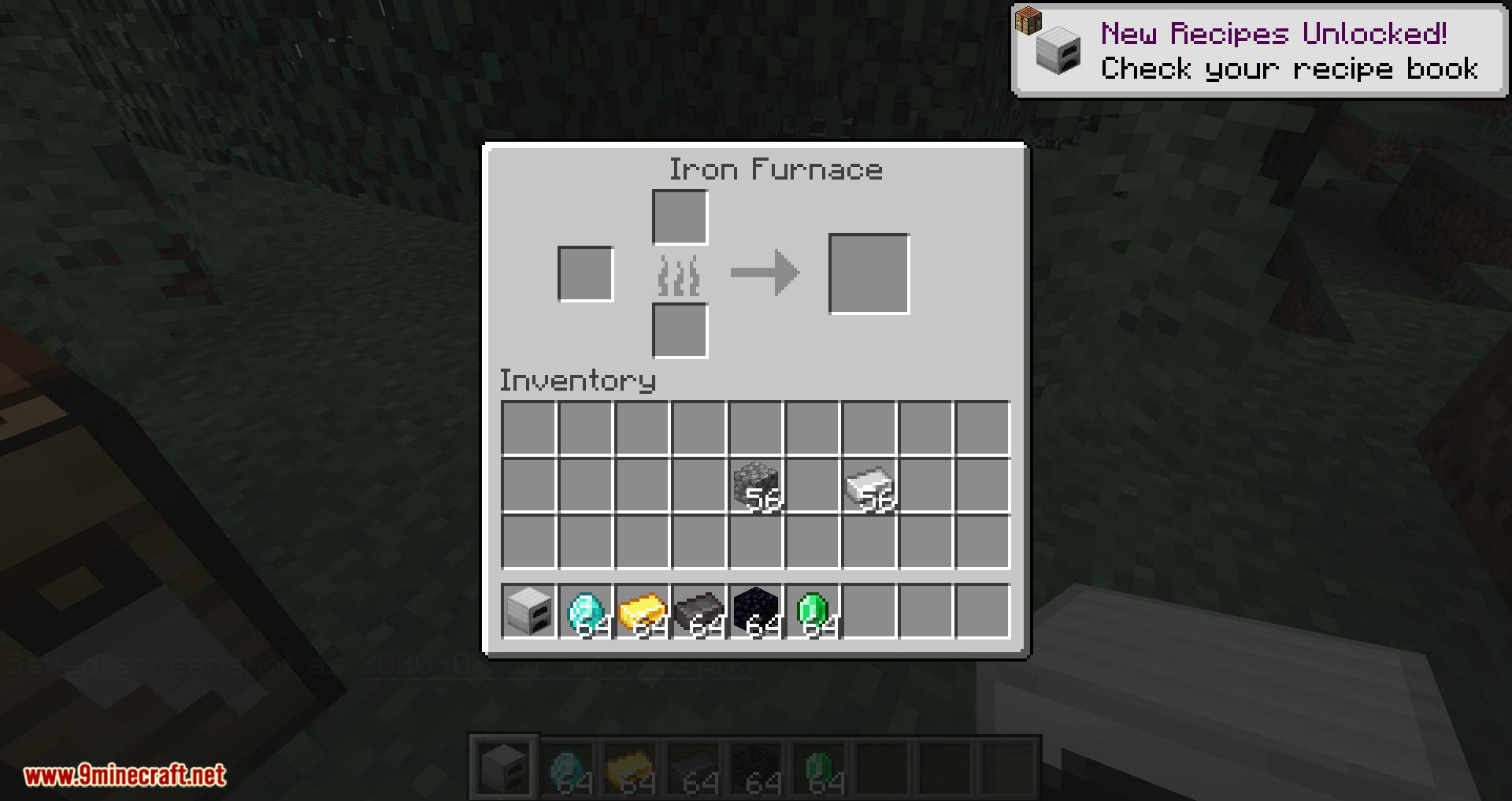
Brand new furnaces!
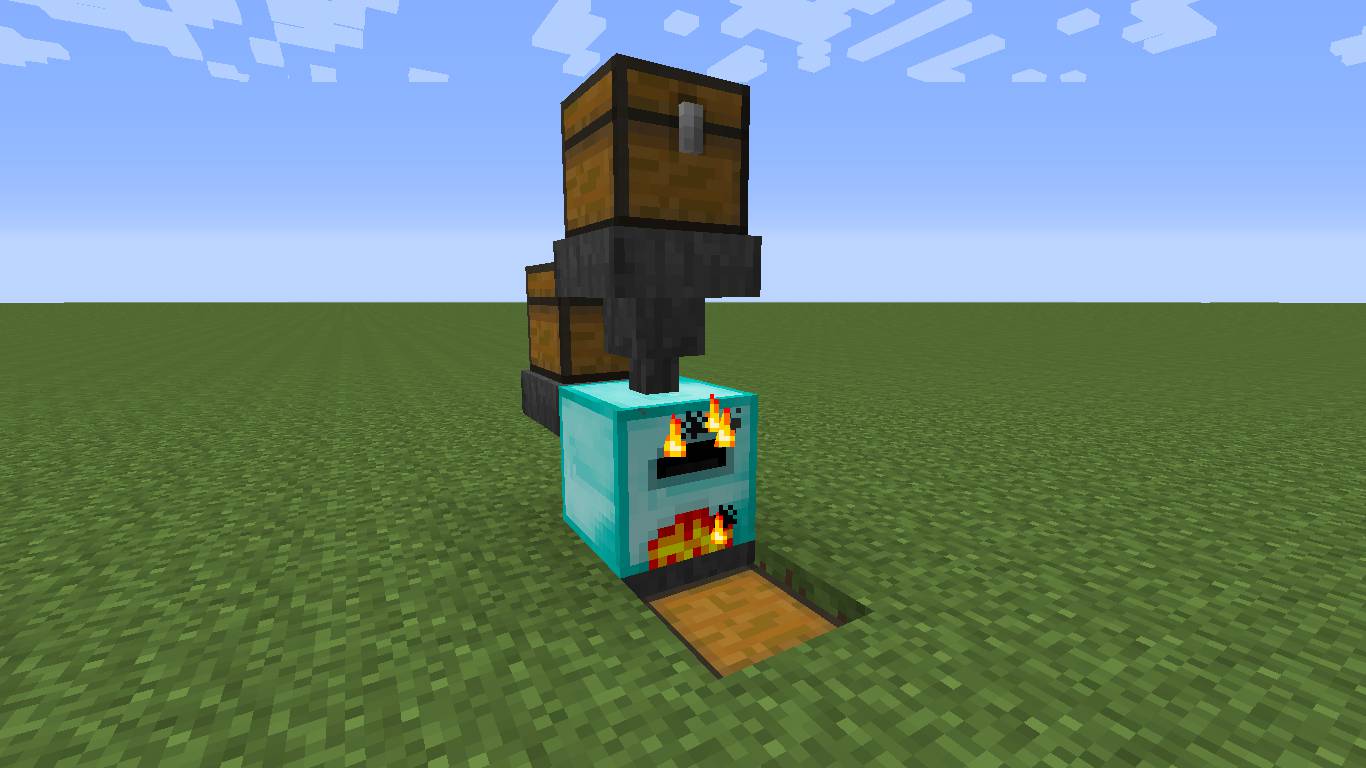
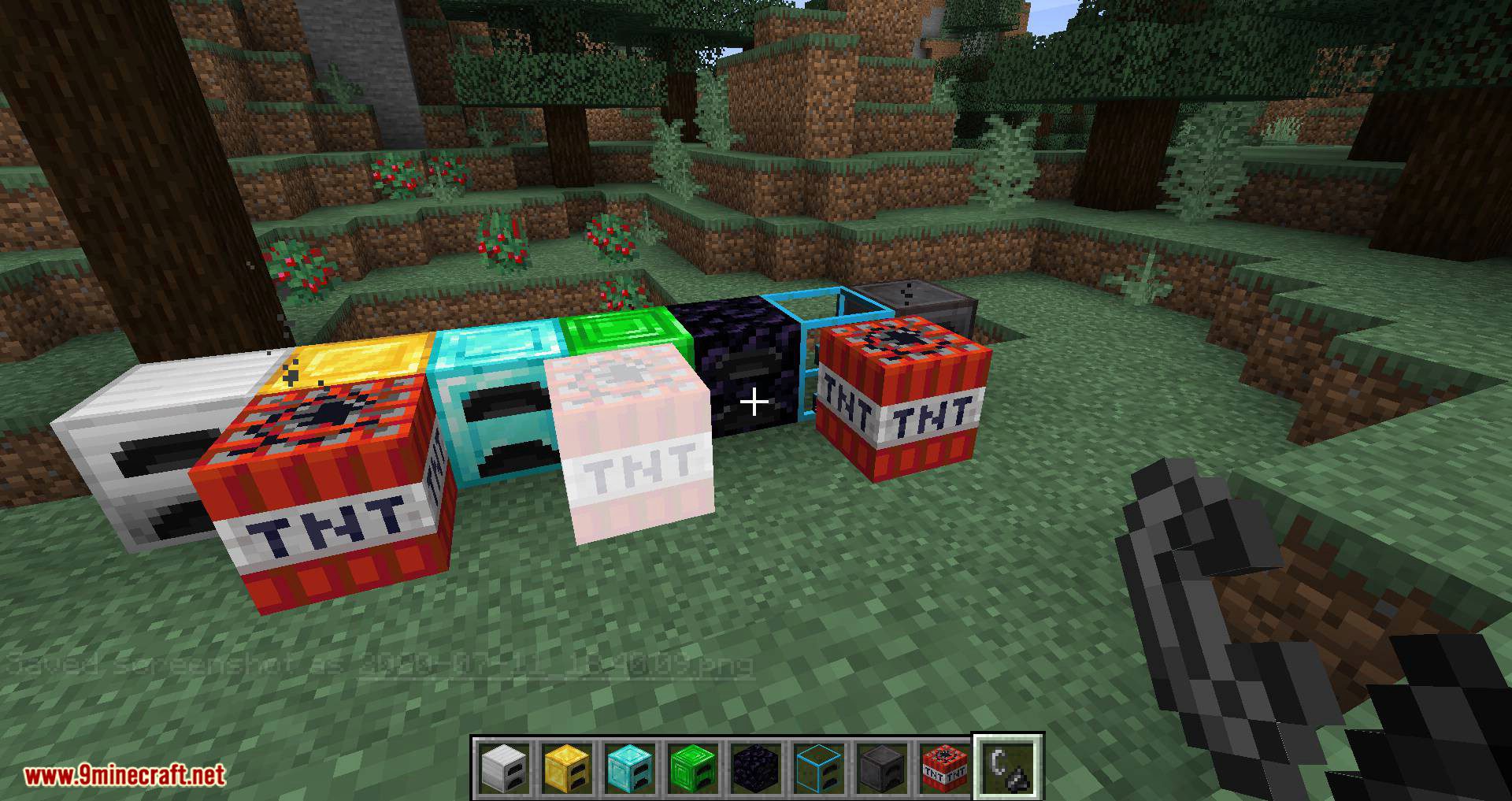
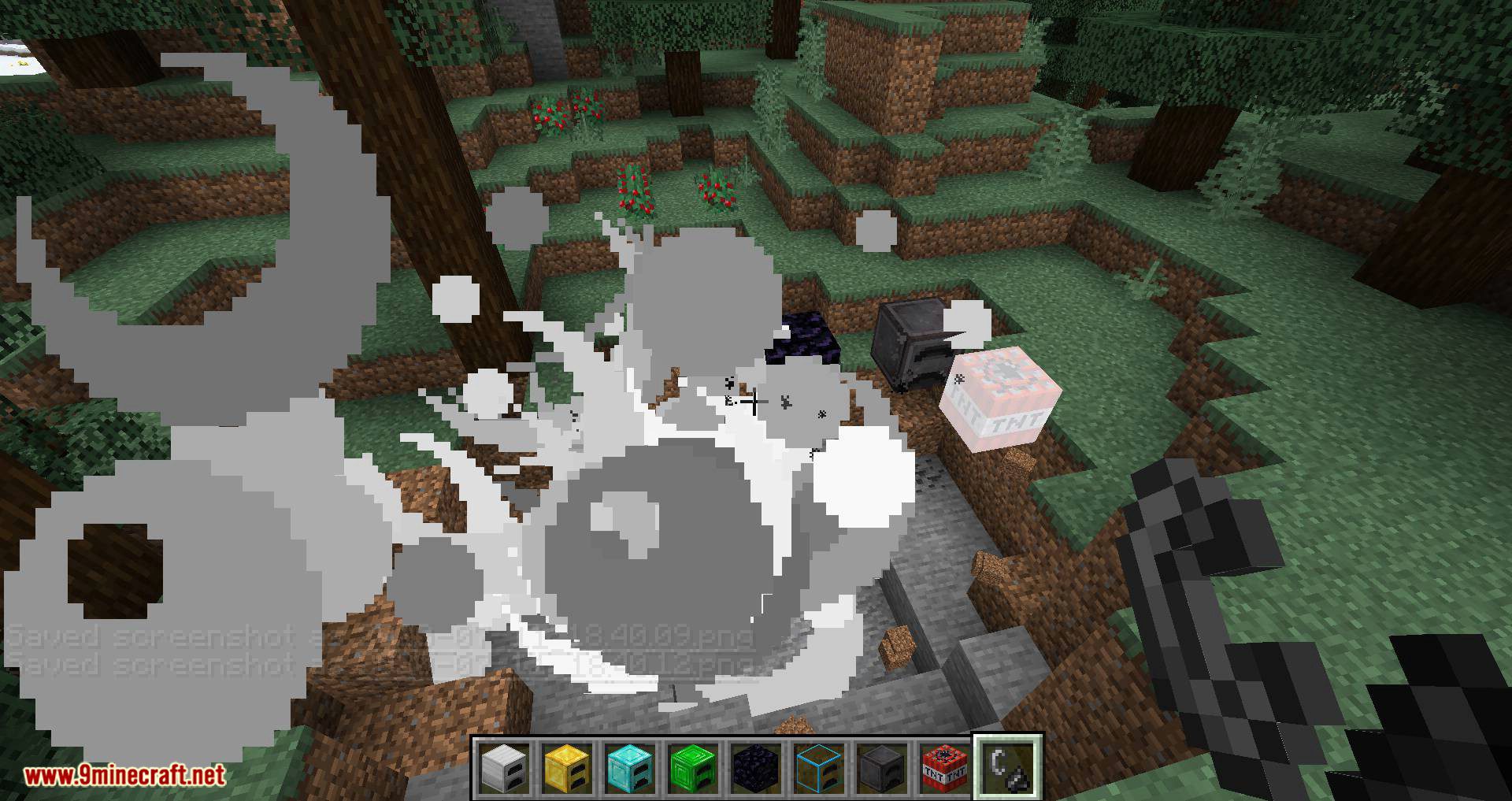
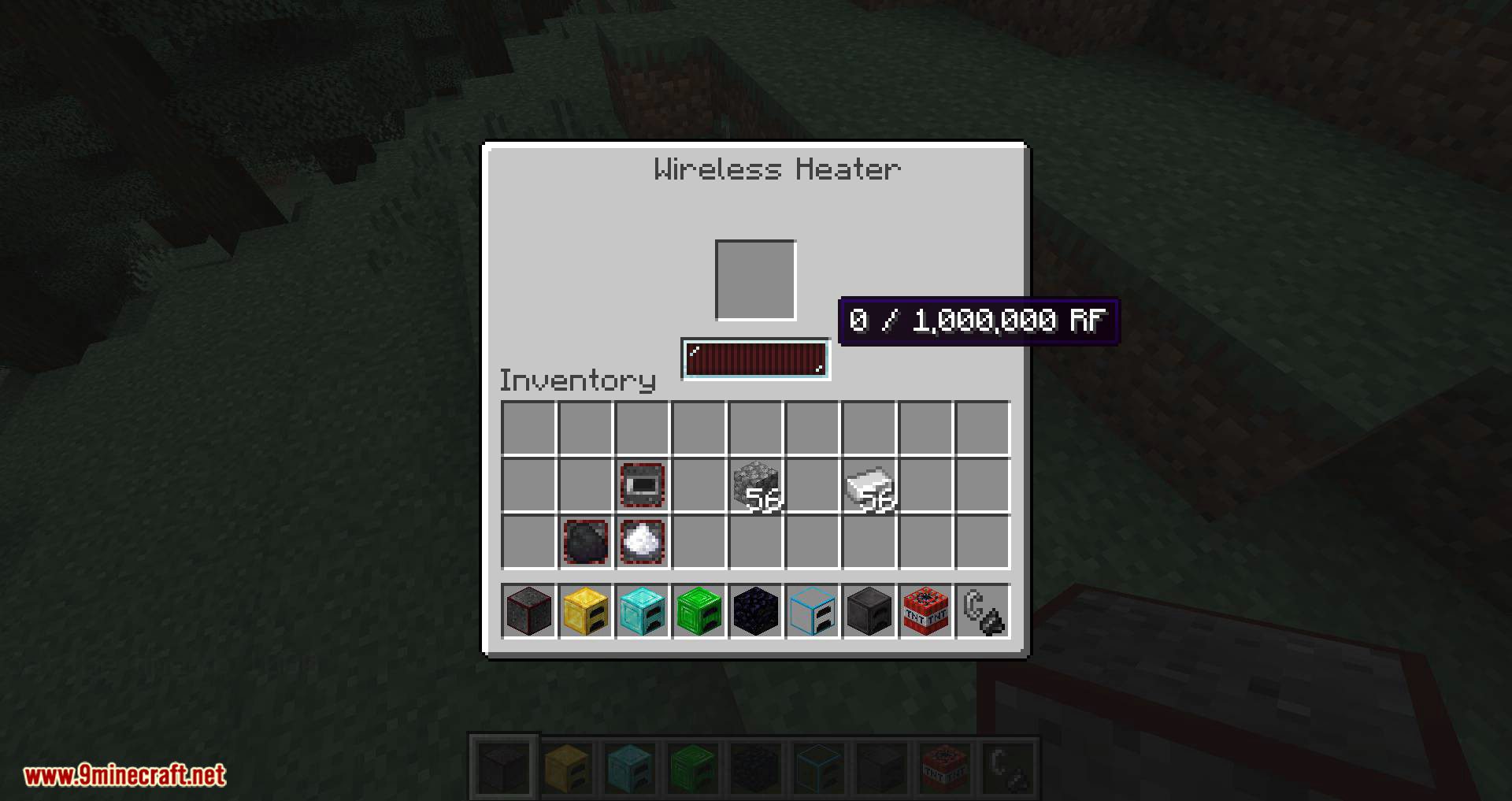
Fully automatable: This screenshot shows that these furnaces are fully automatable by other mods, and vanilla Minecraft.
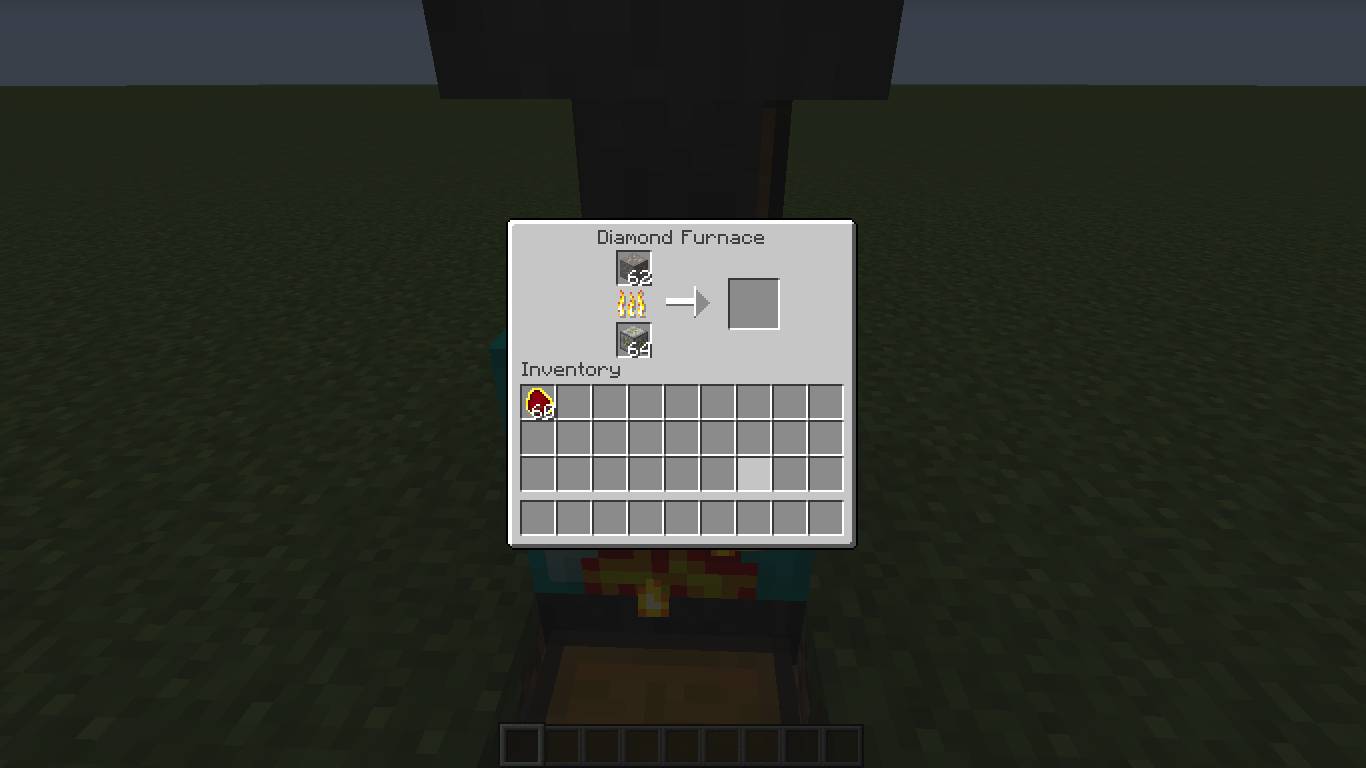
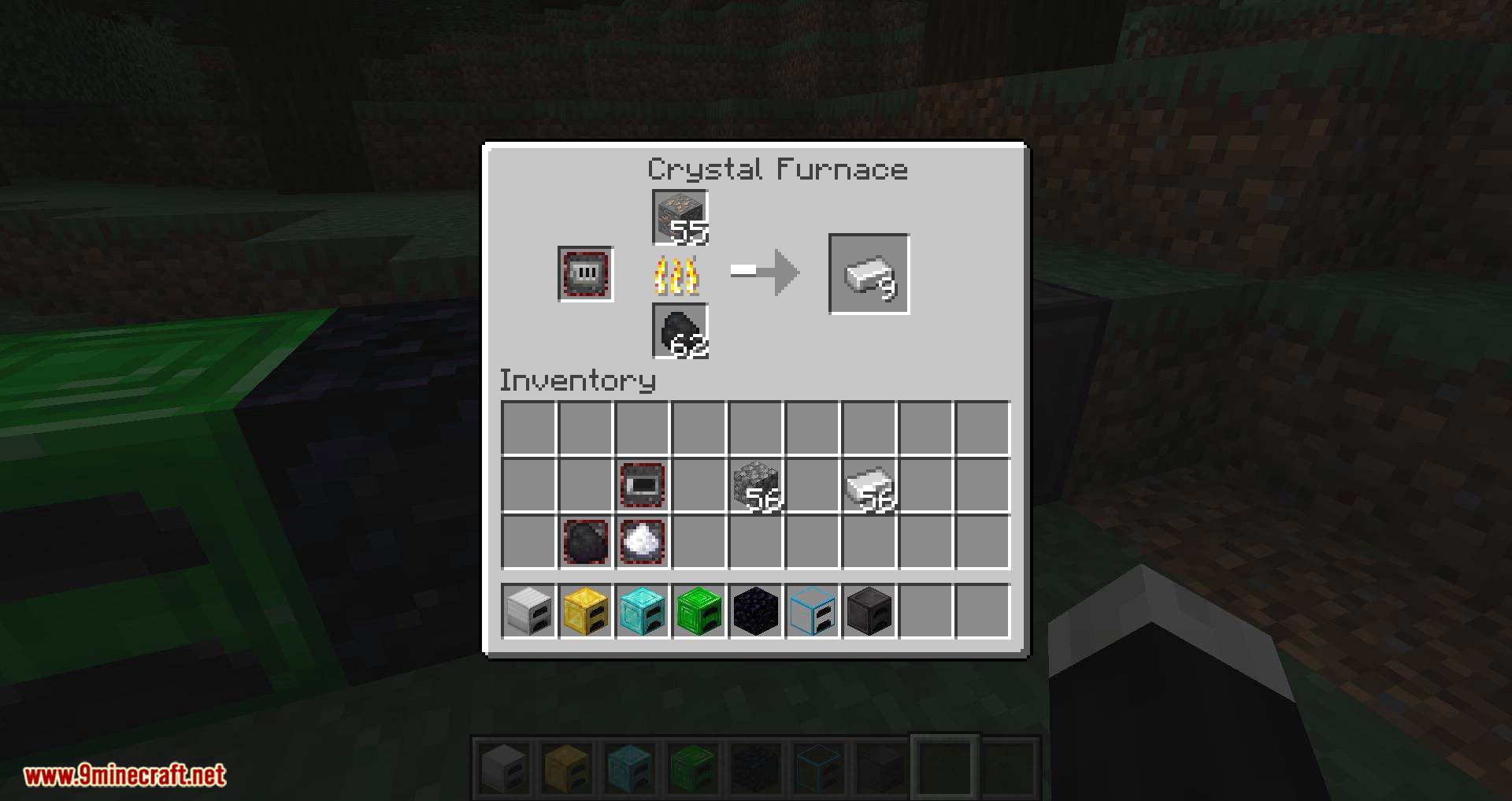
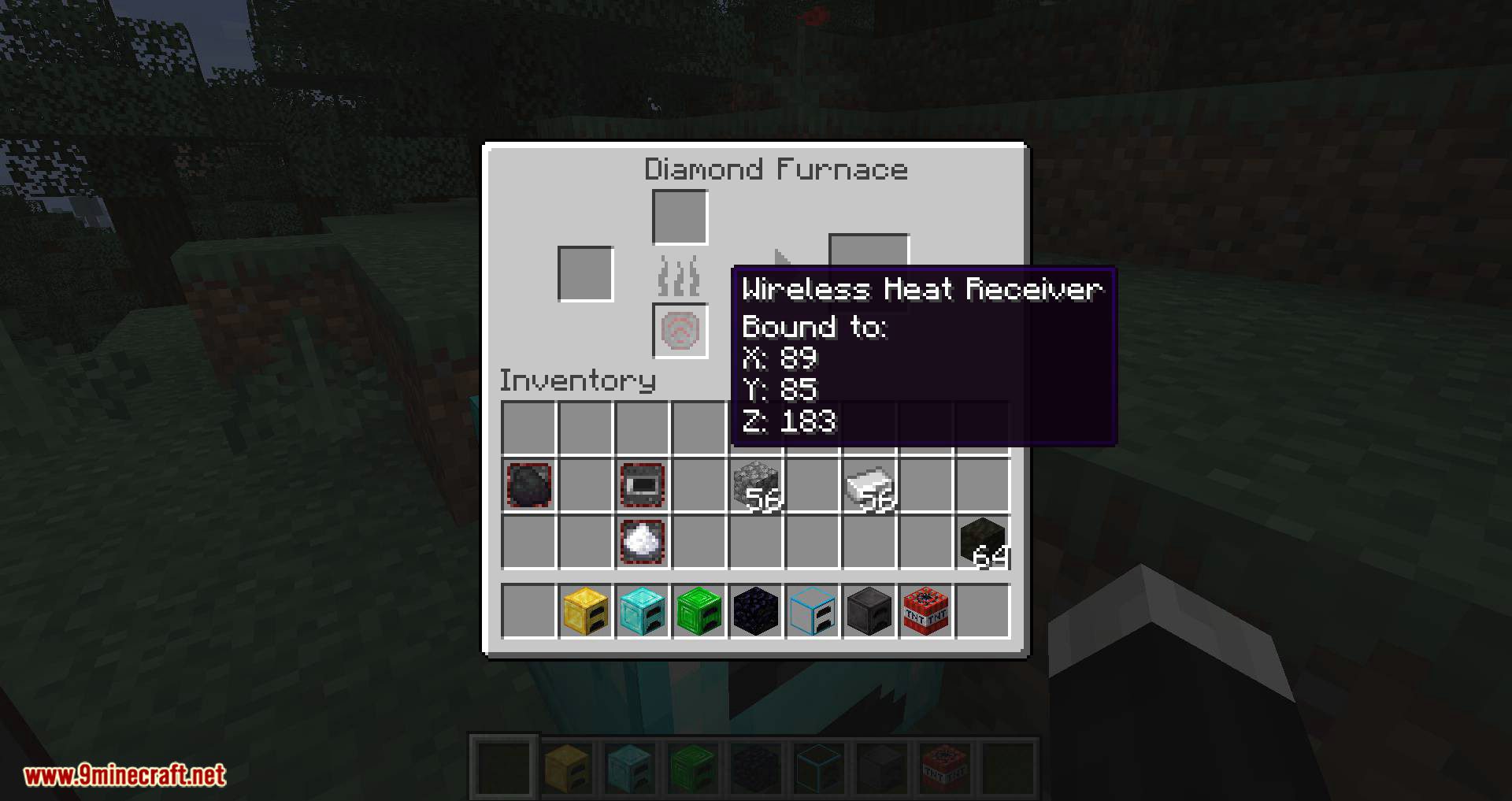
Mod fuel-friendly: This screenshot shows that the furnaces accept fuel from other mods.
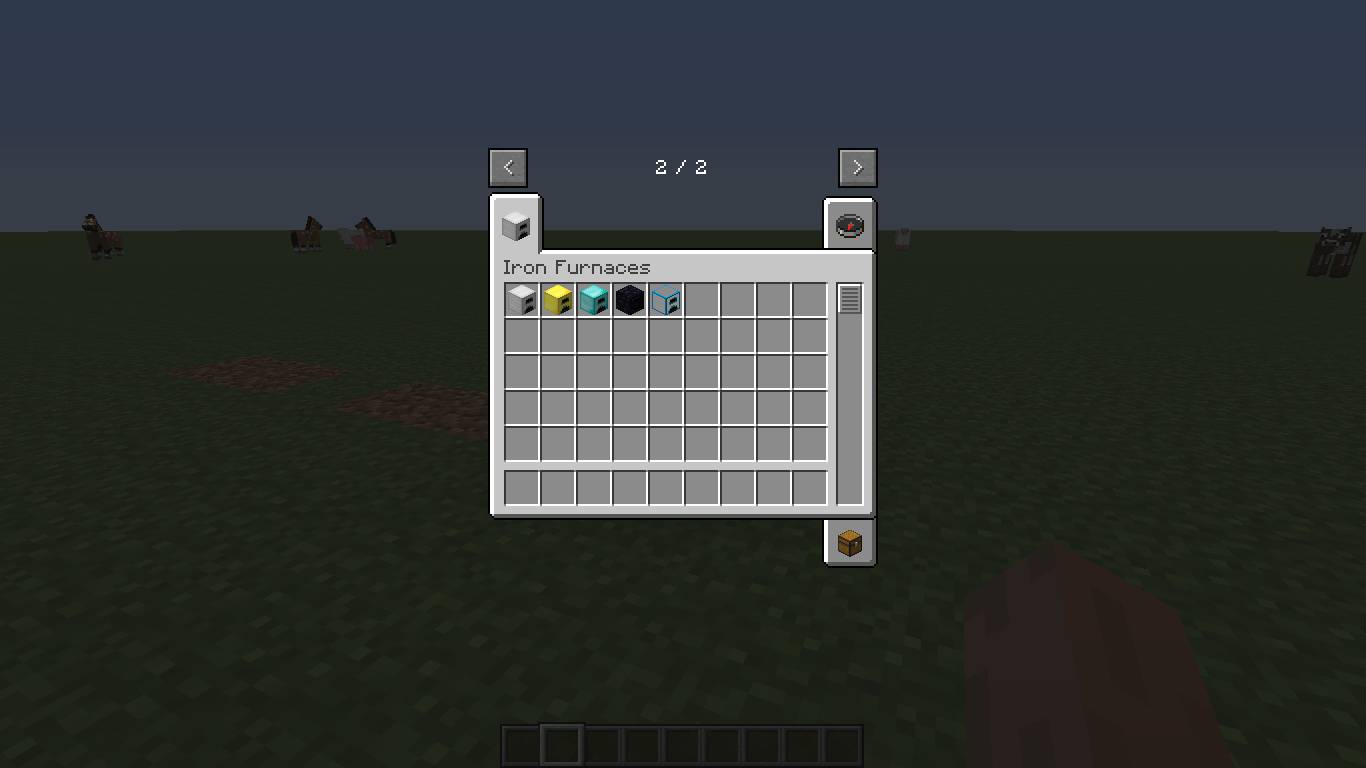
Mod Creative Tab: The mod’s creative tab, and all furnaces included in this mod.
Iron Furnaces Mod Download Links
- Edition: Minecraft Java
- File type: .jar
- Minecraft versions listed: 1.21.11, 1.20.1
- How to install: Install the matching mod loader (Forge, Fabric or NeoForge) for your Minecraft version. → Download the .jar. → Put it in the .minecraft/mods folder and launch that loader profile.
- Where to get it: In MC Java Mods, or directly above on this page.
Install steps are the general flow for this file type — How to install Minecraft Java mods & modpacks walks through it step by step.
- Downloads as 30318.mcaddon
- Download size: 562 KB
- Download link checked 22 Sept 2026 — working
- Mirrored on our own servers — the download does not depend on the original host
These come from our own check of the pack file, not from the source page.