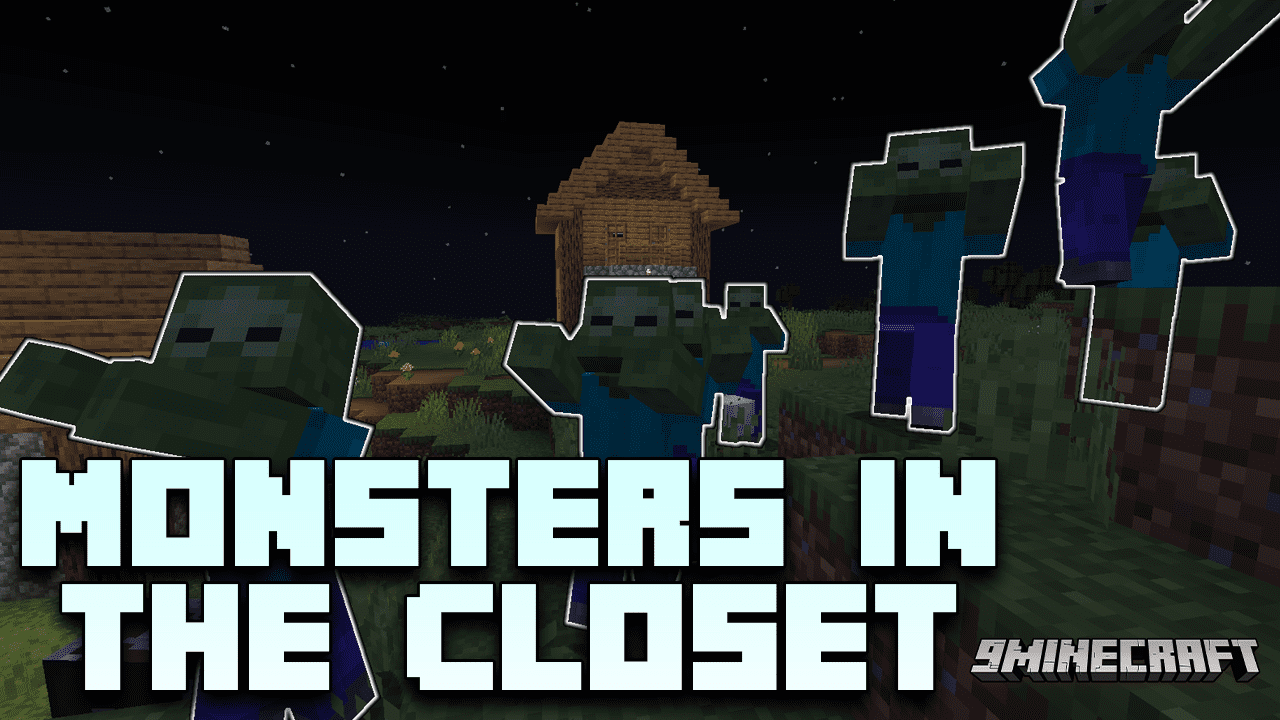
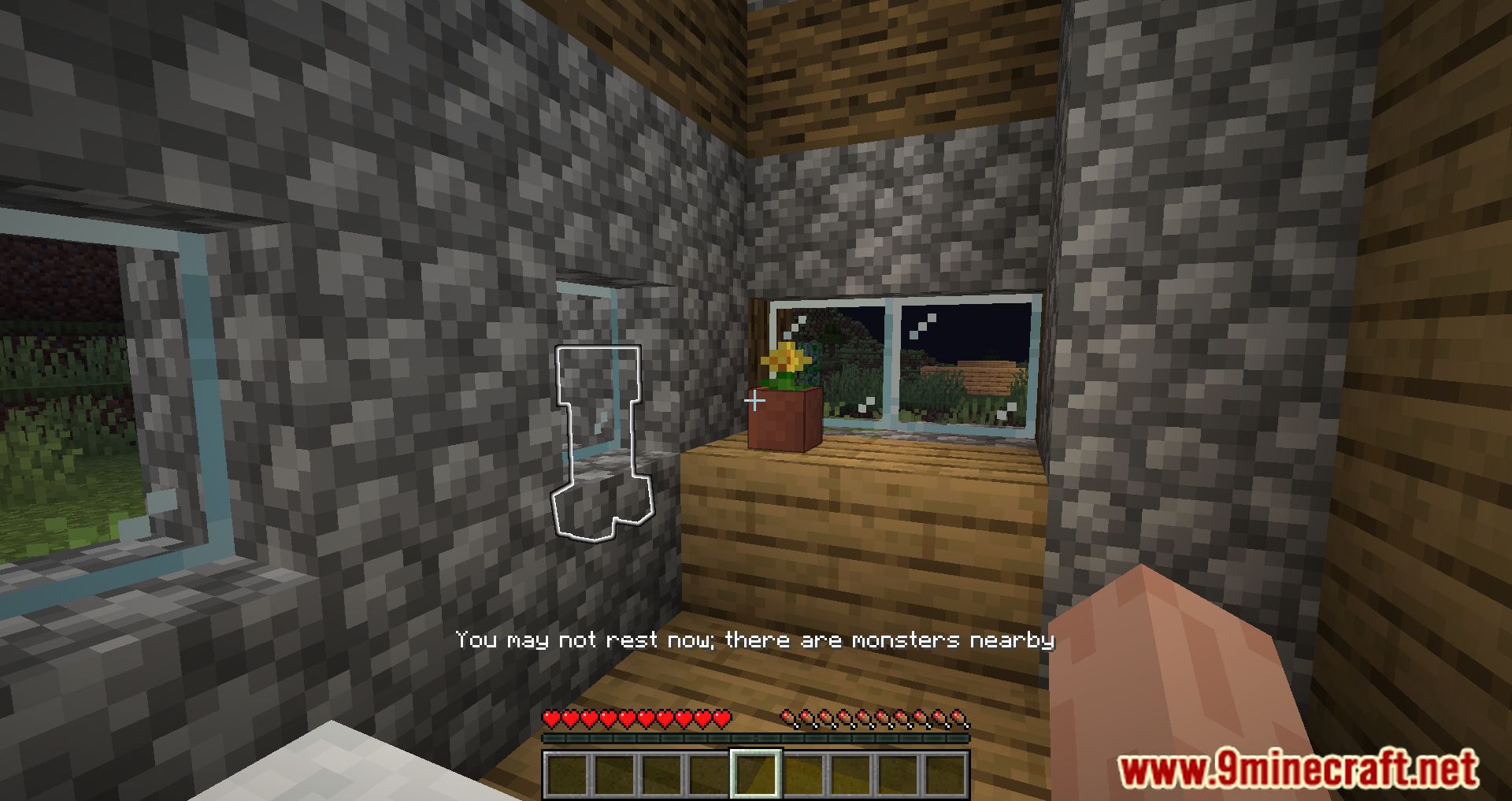
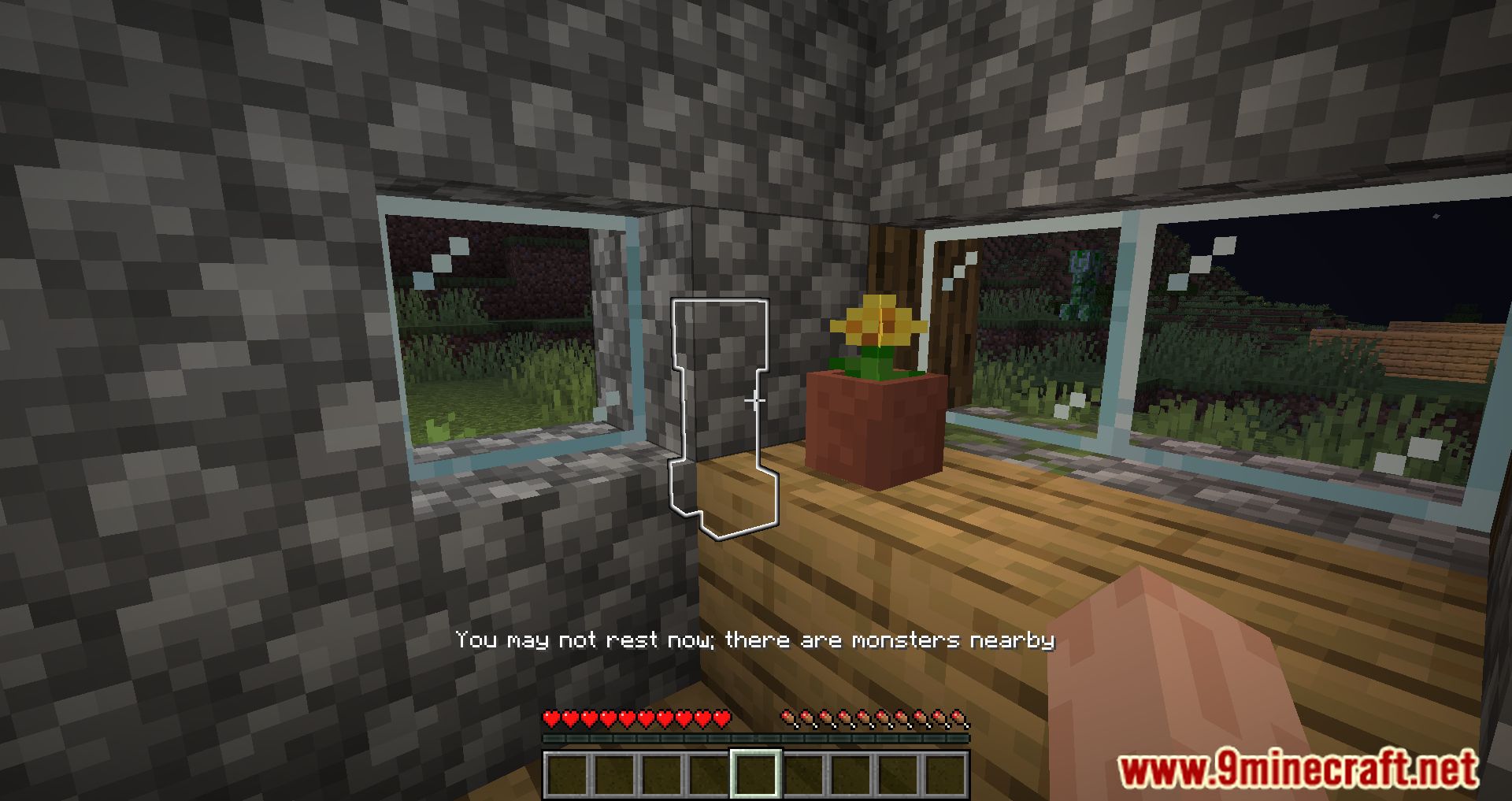
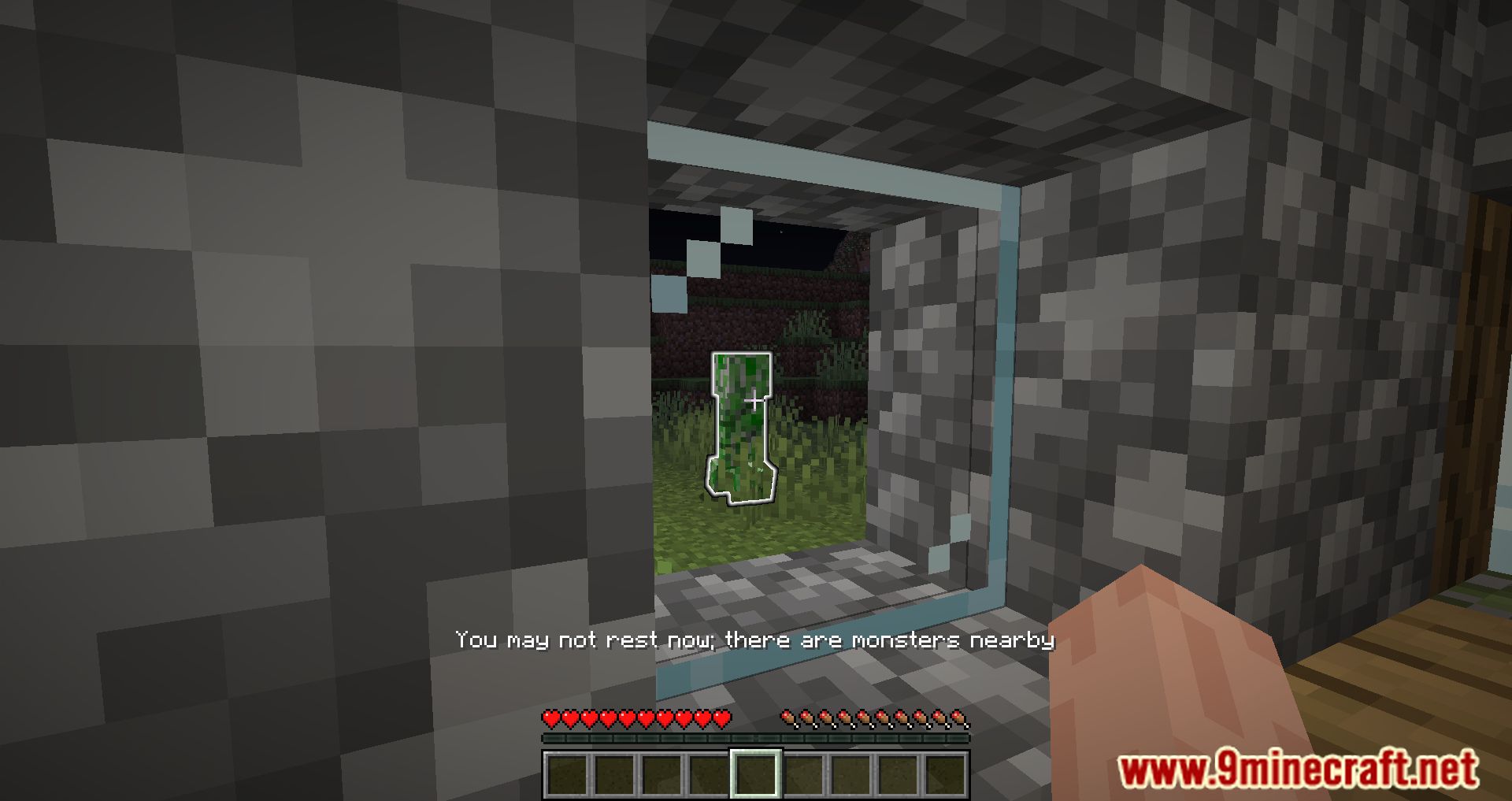
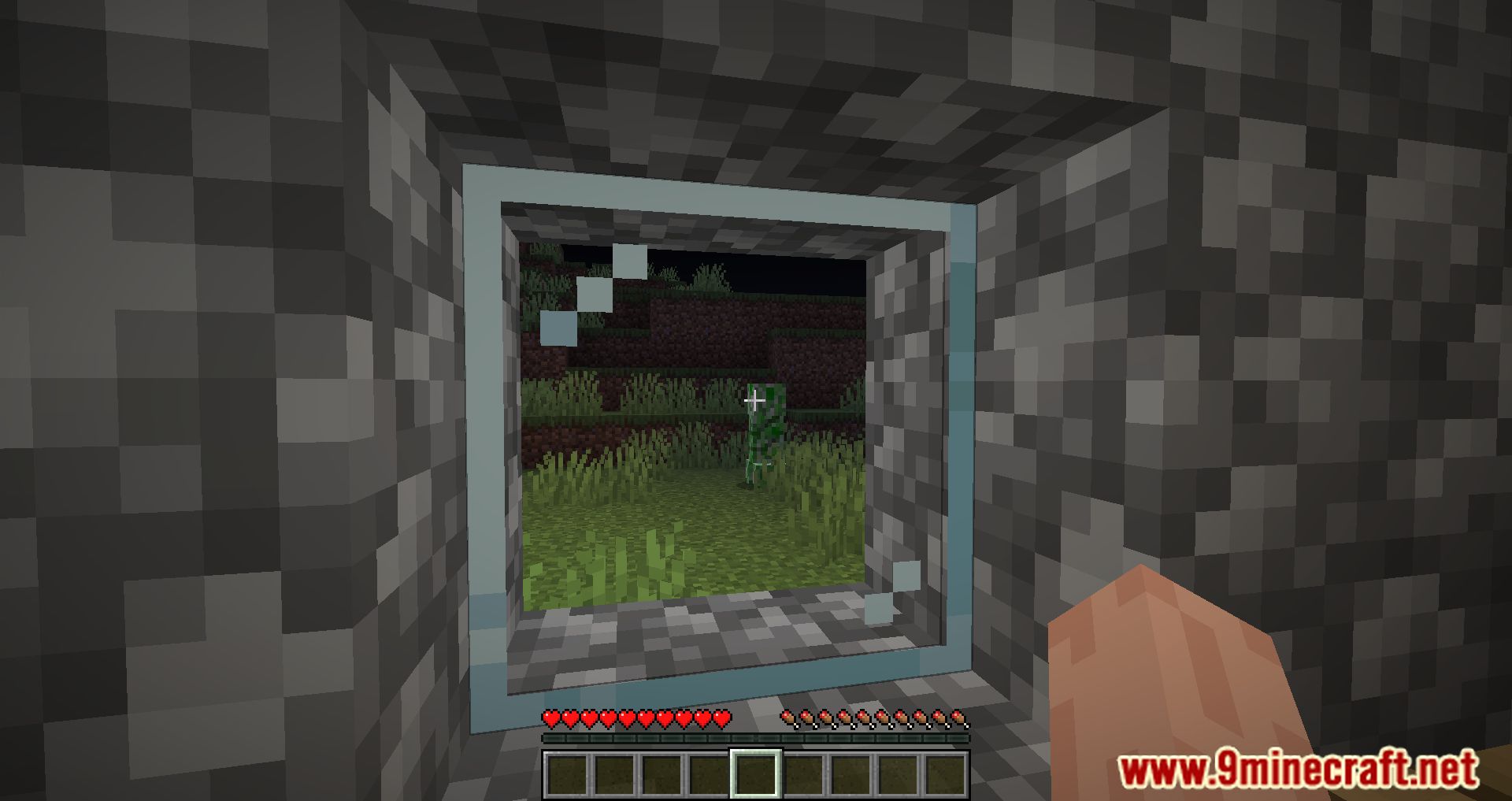
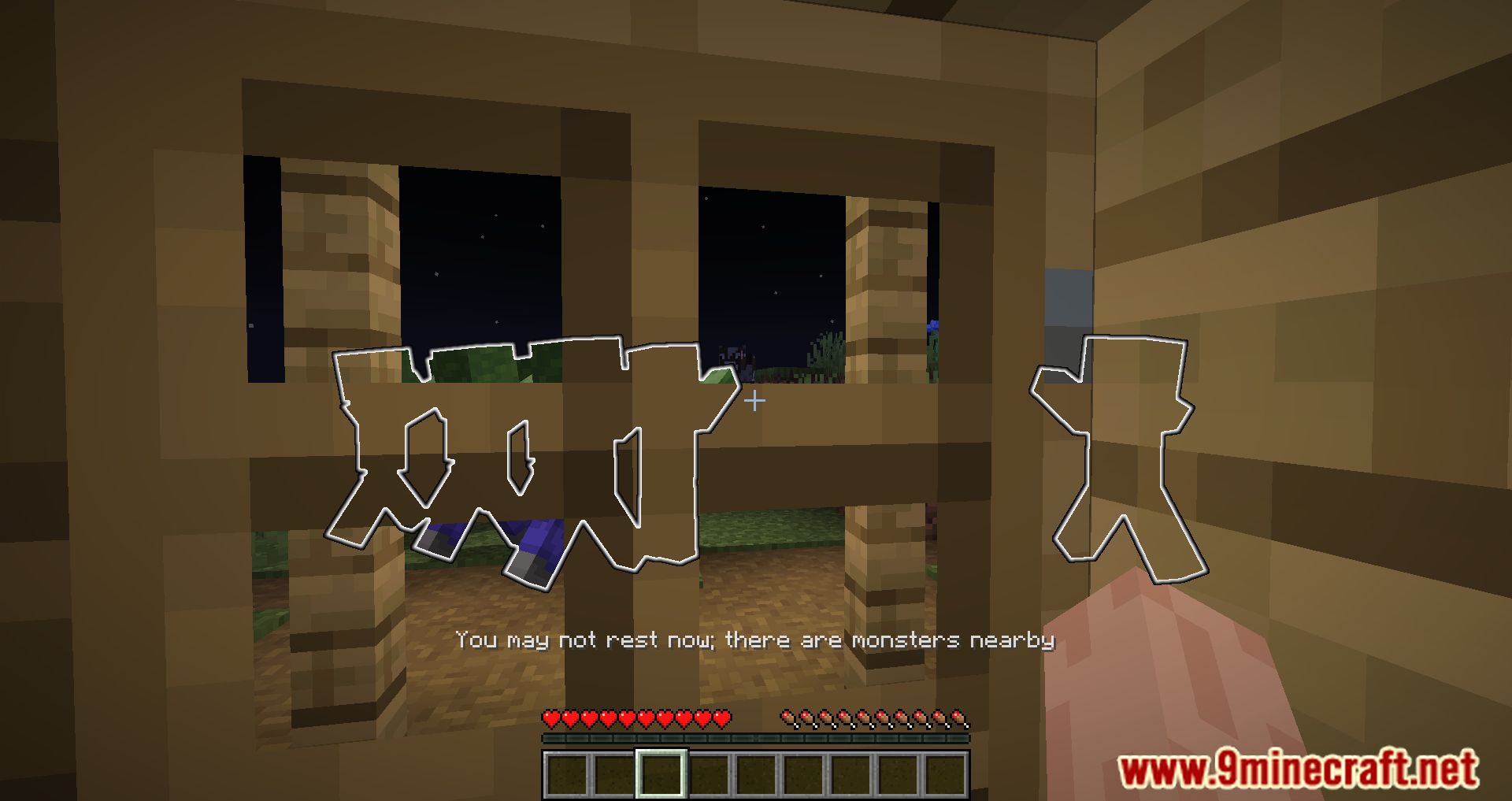
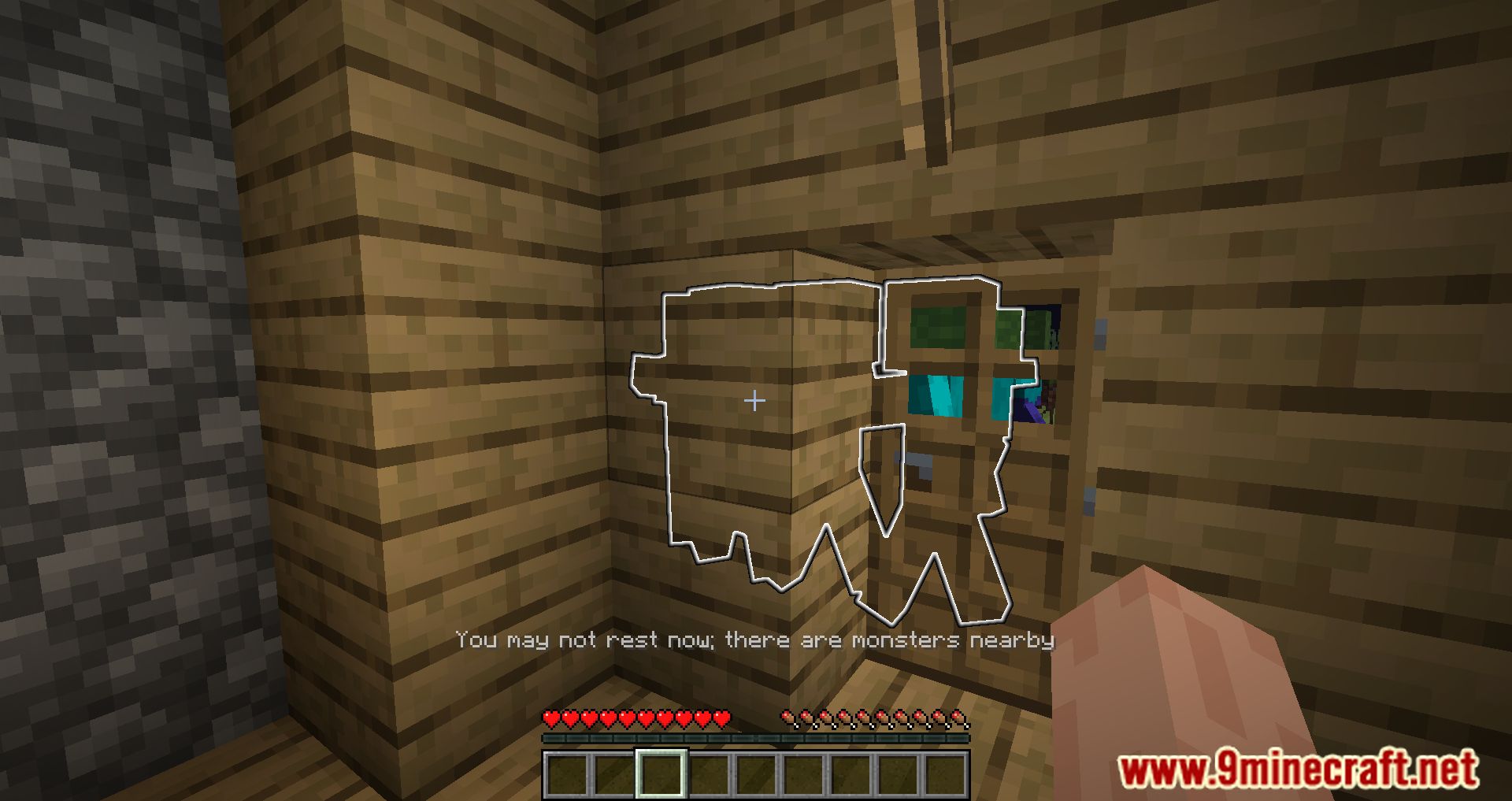
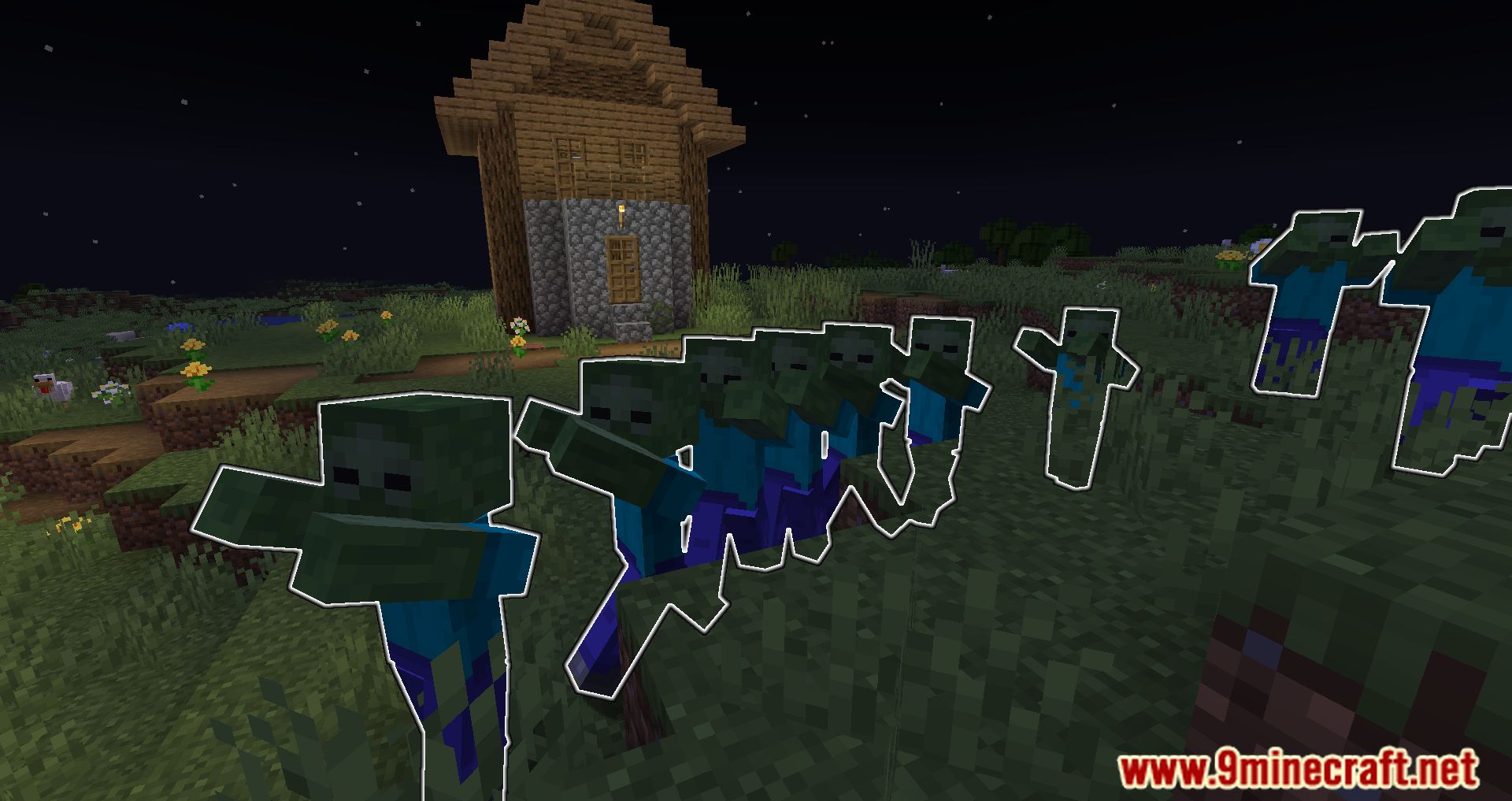
Monsters In The Closet Mod provides a helpful visual cue by highlighting the mobs that prevent you from sleeping, ensuring that you can quickly identify and address the threat without delay. This subtle yet effective feature provides immediate feedback, allowing you to take swift action to eliminate the threat and return to peaceful slumber.
Features:
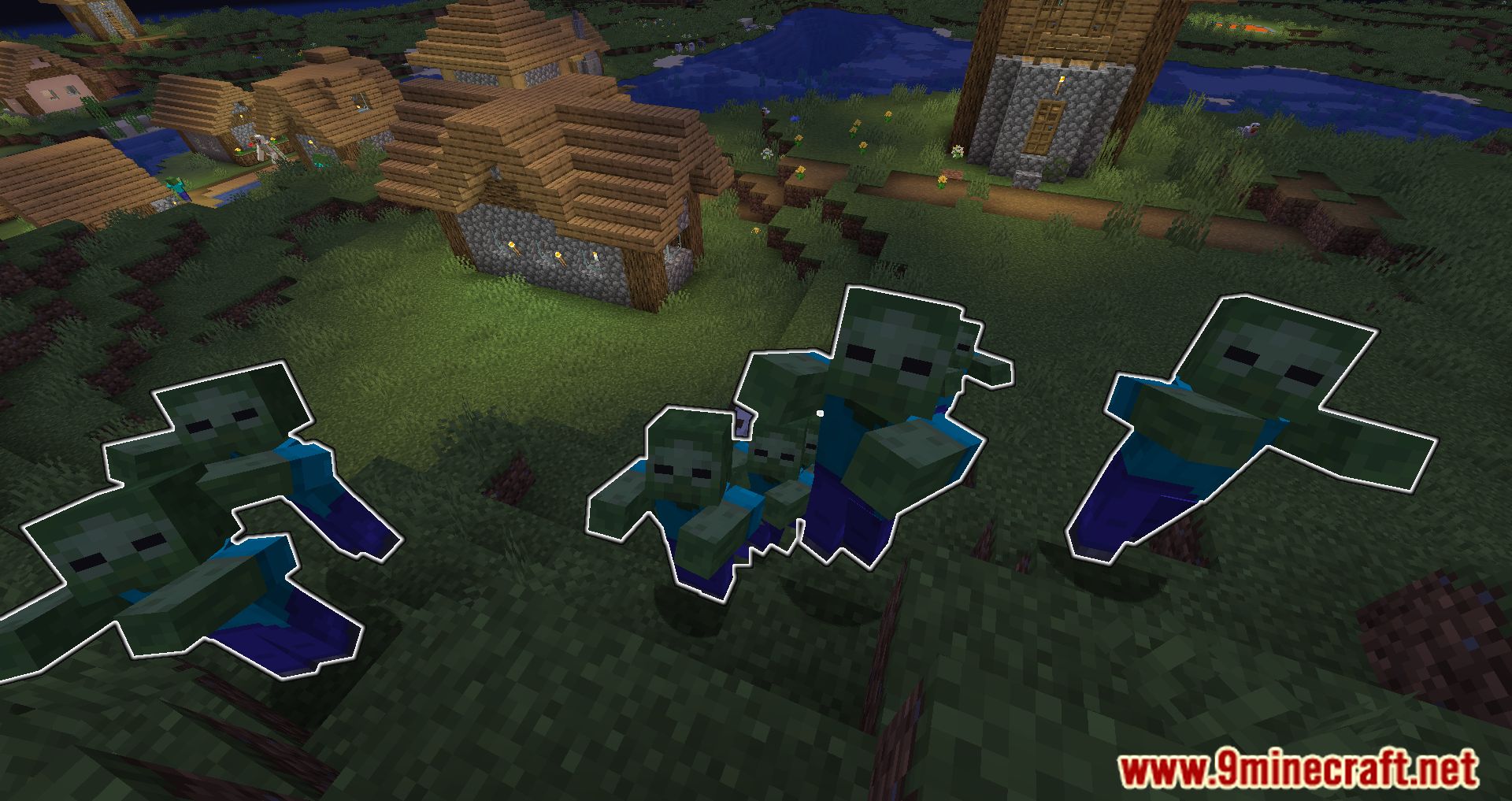
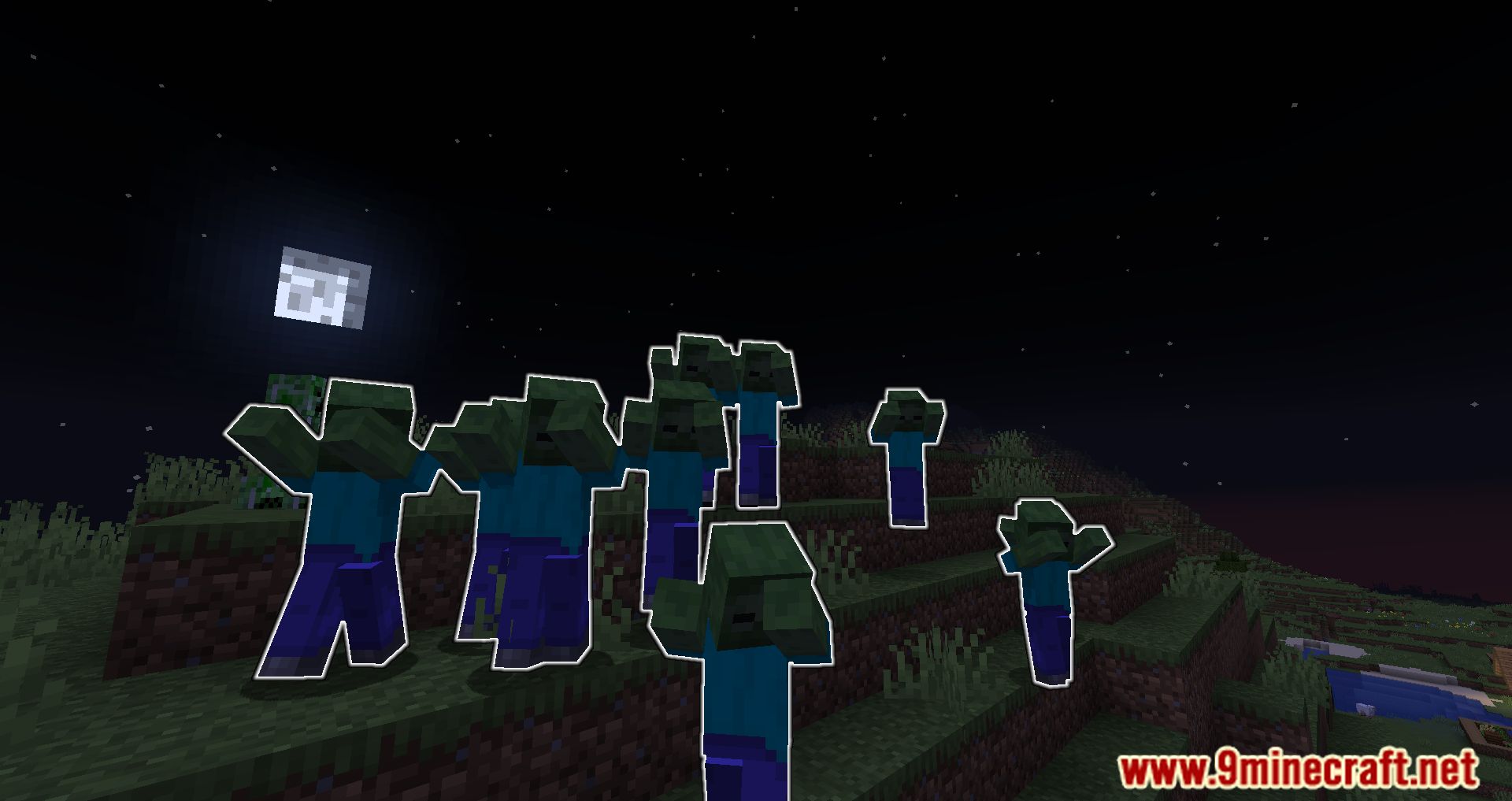
- The mod highlights the mobs that prevent you from sleeping, ensuring you’re always aware of the threats nearby.
- The mod only highlights the mobs if the message you get would be “Can’t sleep now; monsters near by”, and it only highlights for 3 seconds, preventing the mod from being exploitative.
- The mod can be installed on the client for single-player and any server. If it’s installed on the server, then everyone can see the highlights, even those without the mod.
Screenshots:
Monsters In The Closet Mod Download Links
Quick facts
- Edition: Minecraft Java
- File type: .jar
- Minecraft versions listed: 1.21.11, 1.20.1
- How to install: Install the matching mod loader (Forge, Fabric or NeoForge) for your Minecraft version. → Download the .jar. → Put it in the .minecraft/mods folder and launch that loader profile.
- Where to get it: Opens on the file's original source — not every file is mirrored on our own servers.
Install steps are the general flow for this file type — How to install Minecraft Java mods & modpacks walks through it step by step.
Monsters In The Closet Mod (1.21.11, 1.20.1) – No More Sleepless Nights is a free Minecraft Java mod. Compatible with Minecraft 1.21.11, 1.20.1. Download it and open it directly in the game.