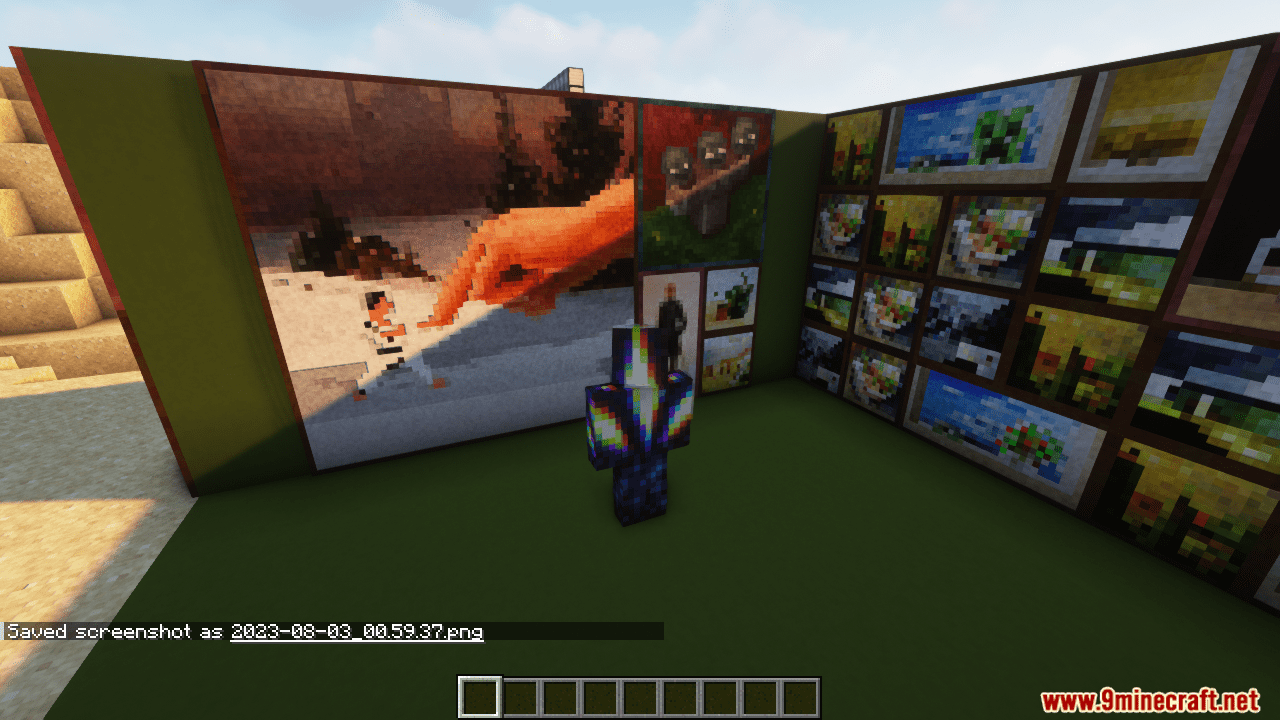
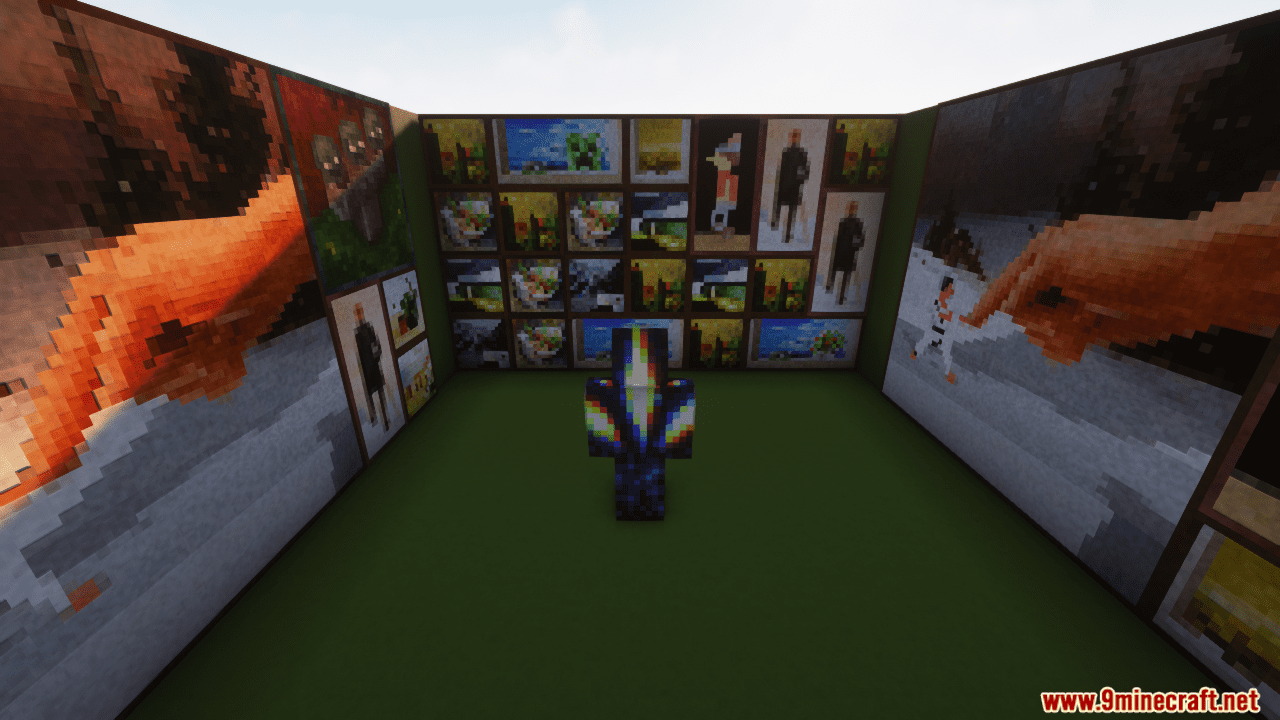
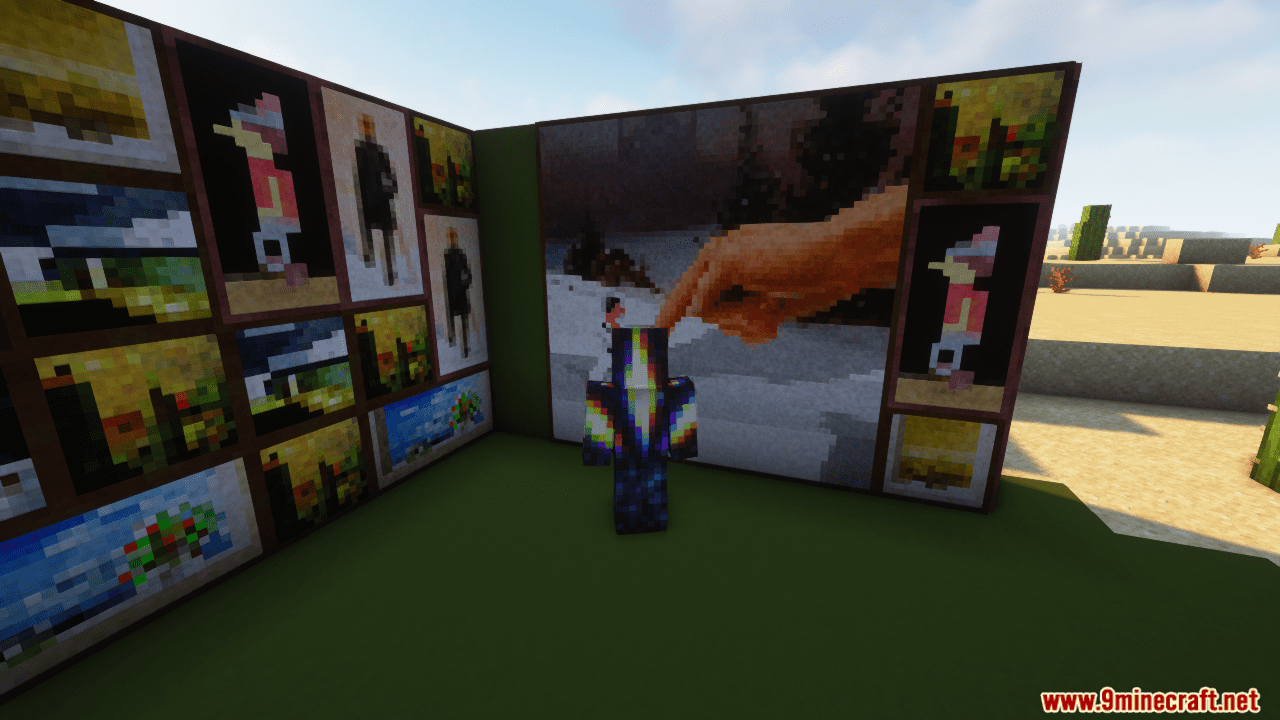
Fast Painting optimizes the rendering of paintings, which improves game performance, especially in areas with a large number of paintings. The mod reduces rendering delays, enhances the appearance of paintings, and increases the visibility range of paintings. According to the creator, the mod replaces regular paintings with simple blocks that have the same texture, offering significantly better performance. The creator doesn’t provide testing results, but if you experience performance issues in places with many paintings, you should definitely give this mod a try.
Features:
- Replaces paintings with block equivalents, significantly reducing rendering lag and improving performance.
- Allows players to customize painting models using resource packs, enabling creative designs like adding wooden frames.
- Enhances the appearance of paintings by using baked models and supporting ambient occlusion.
- Paintings update immediately when their supporting block is broken and can have particles for added effects.
- Eliminates lag associated with painting entities by converting them into blocks.
Screenshots:
Fast Paintings Mod Download Links
- Edition: Minecraft Java
- File type: .jar
- Minecraft versions listed: 1.21.11, 1.20.1
- How to install: Install the matching mod loader (Forge, Fabric or NeoForge) for your Minecraft version. → Download the .jar. → Put it in the .minecraft/mods folder and launch that loader profile.
- Where to get it: In MC Java Mods, or directly above on this page.
Install steps are the general flow for this file type — How to install Minecraft Java mods & modpacks walks through it step by step.
- Downloads as 30326.mcaddon
- Download size: 152 KB
- Download link checked 23 Sept 2026 — working
- Mirrored on our own servers — the download does not depend on the original host
These come from our own check of the pack file, not from the source page.