
RedmiCraft
This modpack contains client-side optimizations, utilities, QoL and world-generation related packages that are either required or highly suggested when…
⬇ Download on Modrinth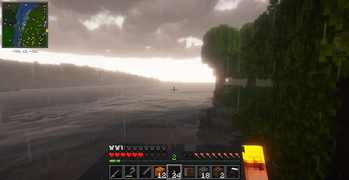
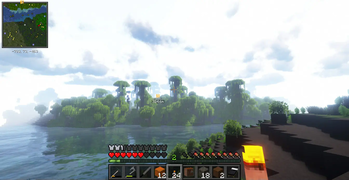
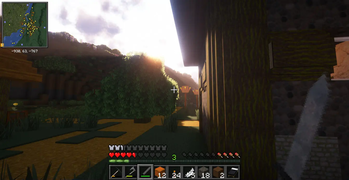

Play on redmicraft.tcsenpai.com, a Fabric server with:
- Thousands of new structures
- Overhauled world generation
- Claims, minimap, world map
- Overhauled AI
- Much more!
This modpack contains client-side optimizations, utilities, QoL and world-generation related packages that are either required or highly suggested when playing on Redmicraft server.
Note that the modpack also works for offline gaming.
Community
Join us on Discord: https://discord.gg/nvarwX2MjV
How to play on RedmiCraft
- Download https://modrinth.com/app
- Open and log in into Modrinth
- Download and install https://modrinth.com/modpack/redmicraft from the Modrinth app
- Start your Redmicraft instance
- In Multiplayer, add a new server: redmicraft.tcsenpai.com
- Join, enjoy!
IMPORTANT Check your PC performances before taking the steps below.
Shaders
This modpack does include Iris shaders. We suggest AstraLex, Complementary Unbound or BLS Shaders.
Resource Packs
We suggest using Faithful 64x, Dramatic Skys, Round Trees and Better Leaves for the best experience possible.
- Edition: Minecraft Java
- File type: .jar
- Minecraft version listed: 1.20.4
- How to install: Install the matching mod loader (Forge, Fabric or NeoForge) for your Minecraft version. → Download the .jar. → Put it in the .minecraft/mods folder and launch that loader profile.
- Where to get it: Opens on Modrinth — not every file is mirrored on our own servers.
Install steps are the general flow for this file type — How to install Minecraft Java mods & modpacks walks through it step by step.
- Downloads as Fabric Redmicraft 1.2.mrpack
- Download size: 29 KB
- Download link checked 7 Sept 2026 — working
These come from our own check of the pack file, not from the source page.