
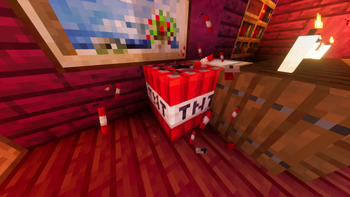
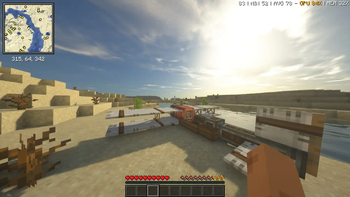
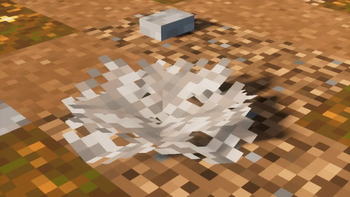
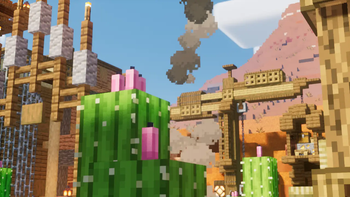
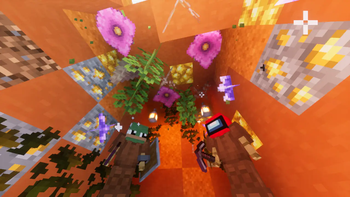
 This pack aims to improve the game and add more visual additions to it that will brighten up your gaming experience. Both the appearance and some game mechanics have been changed. Such as online play in the local world with friends and the like. Added some new structures that will not stand out from the general style of the game. Visual effects for swimming, block placement, explosions, and so on have been added. This pack allows you to play on weaker PCs, so you can rest assured that it will not cause lags on your device.
Have a good game!
This pack aims to improve the game and add more visual additions to it that will brighten up your gaming experience. Both the appearance and some game mechanics have been changed. Such as online play in the local world with friends and the like. Added some new structures that will not stand out from the general style of the game. Visual effects for swimming, block placement, explosions, and so on have been added. This pack allows you to play on weaker PCs, so you can rest assured that it will not cause lags on your device.
Have a good game!
- Edition: Minecraft Java
- File type: .jar
- Minecraft version listed: 1.20.1
- How to install: Install the matching mod loader (Forge, Fabric or NeoForge) for your Minecraft version. → Download the .jar. → Put it in the .minecraft/mods folder and launch that loader profile.
- Where to get it: Opens on Modrinth — not every file is mirrored on our own servers.
Install steps are the general flow for this file type — How to install Minecraft Java mods & modpacks walks through it step by step.
- Downloads as Better Visuality 1.1.0.mrpack
- Download size: 8.1 MB
- Download link checked 8 Sept 2026 — working
These come from our own check of the pack file, not from the source page.