
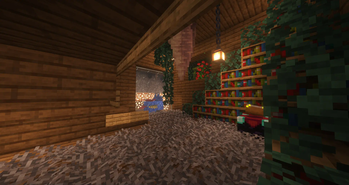
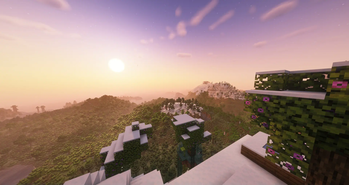
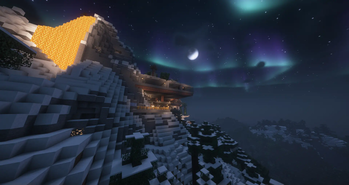
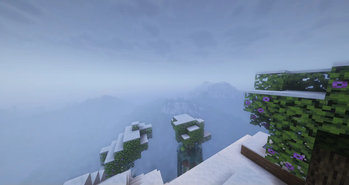
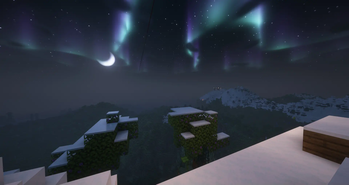
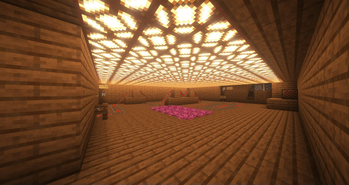
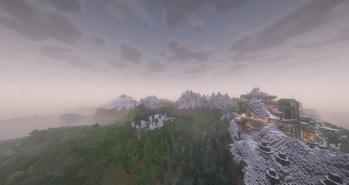
This is an updated version of my modpack.
I usually put together an update (recreate the entire pack) every couple releases of Minecraft.
Features:
Performance mods
Mods that make the Game run better and smoother, even on lower-end devices
Convinience/QoL mods
Mods that improve the general playing experience, like adding player heads and timestamps to the chat, displaying all available recipies and mouse tweaks in the inventory
Graphical improvements
Mods & Resourcepacks that make the game look better while still retaining the familiar vanilla look. This includes a configured shader, connected textures (not just for glass) and a bunch of particles
Sound improvements
Mods & Soundpacks that improve on the boring silence of vanilla. They add ambient sounds, various footstep sounds and realistic echo & sound physics. No voice chat mod is included
The modpack is configured for an average PC. If you use an older computer or a laptop, please consider lowering the graphics settings, as well as turning off the shader.
Important hotkeys (might vary slightly depending on your keyboard layout, i use qwertz):
- R - Toggle shader (please unbind this in the Controls settings if you don't have a powerful PC, it is quite easy to hit accidentally)
- N - Show Waypoints (Journeymap)
- M - Show Fullscreen map (Journeymap)
- C - Zoom (While zoomed in, scrolling changes the zoom amount)
- Alt + [1-9] - Load saved hotbar (Creative mode)
- AltGr + [1-9] - Save hotbar (Creative mode)
- F3 + A - Reload chunks (this might help if the chunks aren't loading correctly)
All screenshots were taken on a private server (vanilla) with shader and distant horizons. Full quality versions can be found here.
- Edition: Minecraft Java
- File type: .jar
- Minecraft version listed: 1.21.1
- How to install: Install the matching mod loader (Forge, Fabric or NeoForge) for your Minecraft version. → Download the .jar. → Put it in the .minecraft/mods folder and launch that loader profile.
- Where to get it: Opens on Modrinth — not every file is mirrored on our own servers.
Install steps are the general flow for this file type — How to install Minecraft Java mods & modpacks walks through it step by step.
- Downloads as baerchen201's modpack-0.1.8.mrpack
- Download size: 79 KB
- Download link checked 8 Sept 2026 — working
These come from our own check of the pack file, not from the source page.