
Exploration Additions
Java modpack listed for Minecraft 1.21. Downloads from the MC Java Mods app on Android.
⬇ Download on Modrinth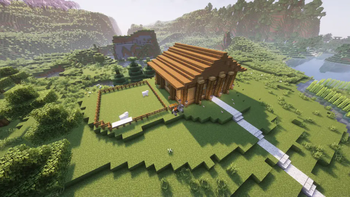

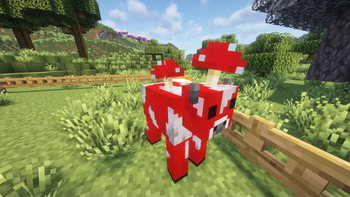
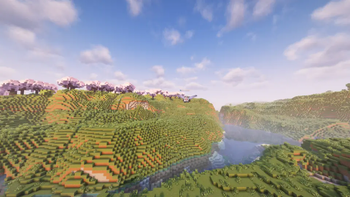
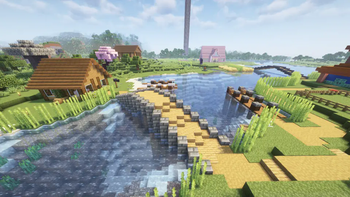

Client Side!
Most of the mods on the modpack don't add new content to the game, meaning you will be able to use the modpack on any server Some mods like Voice Chat, and Axiom either require additional software on the server or only work in singleplayer.
Lost on your exploration?
Use our map mods to find your way back! Place waypoints in your world or look at your surroundings.
Want an immersive experience with your friends?
On supported servers you can use proximity chat while you ask your friend for diamonds!
Have an unorganized chest system?
Easily type in what you are looking for and figure out what chest your emeralds are in!
Want better lighting, but still want it to look like Minecraft?
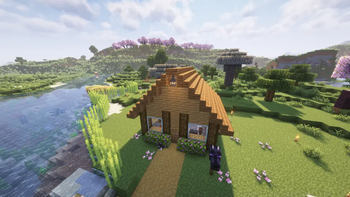
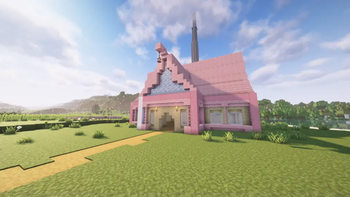
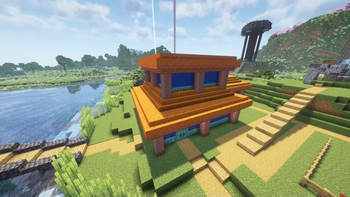
With our built in shaders you can make Minecraft look just a little bit better!
Keybinds- [C] Zoom
- [M] Map
- [Caps Lock] Fast Zoom
- [R] Reload Shaders
- [K] Toggle Shaders
- [Del] Open Litematica Menu
- [Del + R] Toggle Schematic Rendering
- [Del + 0] Toggle Easy Place for Schematics
- [Alt + Click] (In inventory) Lock Item
Shows as discord status.
NOTE: Some mods may be bannable on servers. Please ask administators or use at your own risk.
- Edition: Minecraft Java
- File type: .jar
- Minecraft version listed: 1.21.4
- How to install: Install the matching mod loader (Forge, Fabric or NeoForge) for your Minecraft version. → Download the .jar. → Put it in the .minecraft/mods folder and launch that loader profile.
- Where to get it: Opens on Modrinth — not every file is mirrored on our own servers.
Install steps are the general flow for this file type — How to install Minecraft Java mods & modpacks walks through it step by step.
- Downloads as Exploration Additions 1.2.2.mrpack
- Download size: 2.3 MB
- Download link checked 20 Oct 2026 — working
These come from our own check of the pack file, not from the source page.