

Minecraft Just Got A Lot Better.
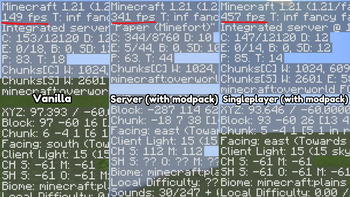
"Simply (better than) Vanilla" is a modpack that add's onto what vanilla is missing, without adding crazy things.
All mods work on servers (client side).
All MODS AND WHAT THEY DO:
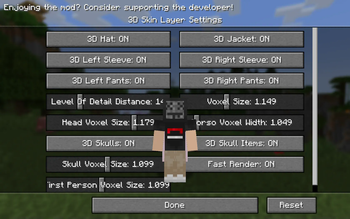
3D Skin Layers: Makes Outer Skin Layer 3D.
Ambient Environment: Adds Subtle Noises.
Better Command Block GUI: Reworks Command Block GUI.
Better Ping Display: Displays Ping In Miliseconds.
Chat Heads: Shows Head Of User Next To Their Chat Message.
Cherised Worlds: Favorite Worlds In World Selection Menu.
Chunky: Pre-Loads Chunks.
Command Books: Run Commands Through Books (Creative Only).
CME: Less Lag Well Loading Chunks.
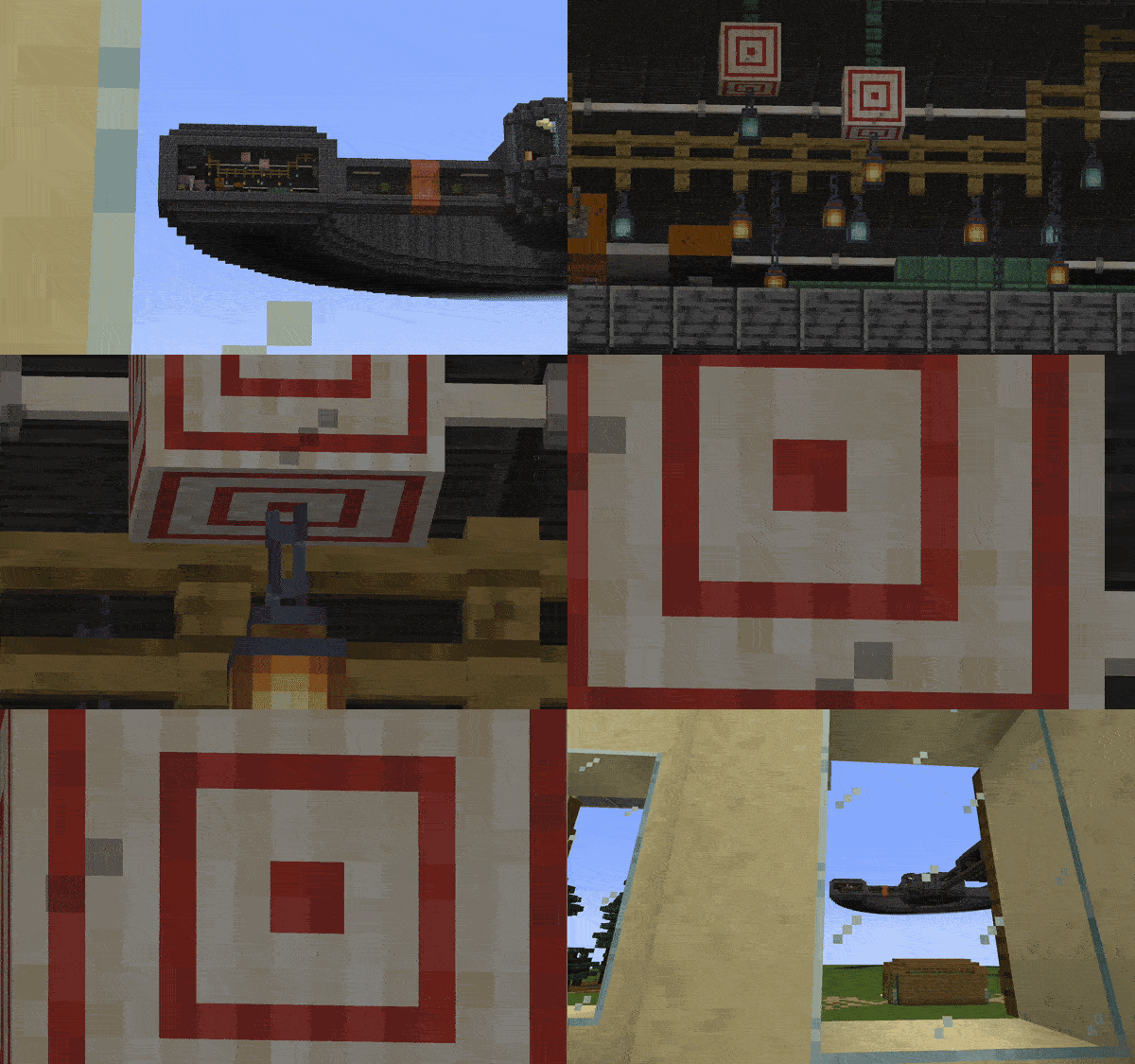
Continutity: Connected Textures.
Dynamic FPS: Reduces FPS While Minecraft Is Not Open.
Entity Culling: Hides Off Screen Mobs.
Essential Mod: QOL Features.
FPS Reducer. Reduces GPU And CPU Usage While Minecraft Is Minimized.
FabricSkyboxes: Custom Skybox Support.
Fullbright Toggle: Hotkey Toggles Fullbright.
Immediately Fast: Fast Chunk Rendering.
ImmersiveThunder: Realistic Thunder Sound Physics.
Indium: Server Preformance Booster.
Iris Shaders: Shader Support.
Lithium: Fast Rendering.
Midnight Controlls: Controller Support.
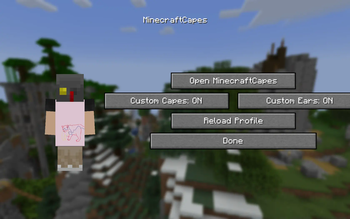
MinecraftCapes: Add Custom Made Capes.
Mod Menu: Adds A Confiable Mod Menu.
NRPW: Remove Resource Pack Warnings.
Noisium: Adds Texture Noise To Grass.
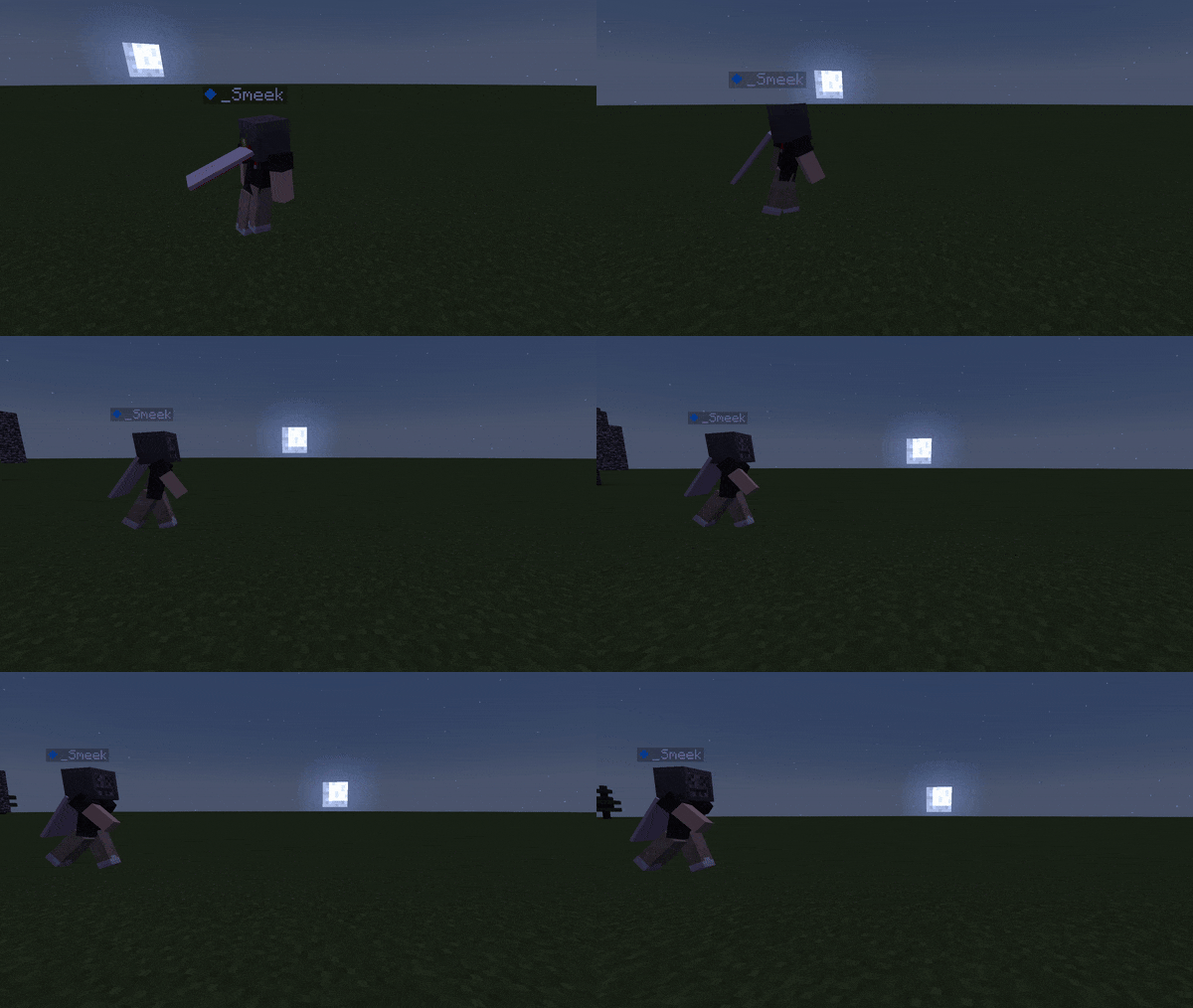
Not Enough Animations: Subtle Third Person Animations.
Replay Mod: Record And Edit Replays.
Shulker Box Tooltip: See Inside Shulkers From Inventory.
Reese's Sodium Options: Reworks Sodium Menu.
Smooth Menu: Uncaps Menu FPS Limit.
Sodium: FPS Booster.
Sounds: Adds Hotbar Sounds.
Symbol Chat: Allows For Emoji's and Fonts To Be Used In Chat.
Throughout Keybinds: Change ALL In Game Keybinds.
Vectorientation: Stretch And Squish Falling Blocks.
Wakes: Adds Water Wakes.
World Edit: Ability To Change World With Commands (Creative Only).
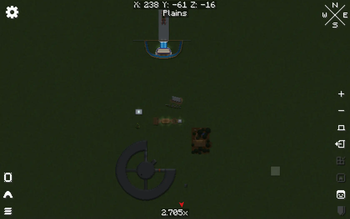
Xaero's World Map: World Map Of All Places You've Been.
Zoomify: Zoom Support.
EMF + ETF: Custom Entity Textures + Animation Support.
- Edition: Minecraft Java
- File type: .jar
- Minecraft version listed: 1.21
- How to install: Install the matching mod loader (Forge, Fabric or NeoForge) for your Minecraft version. → Download the .jar. → Put it in the .minecraft/mods folder and launch that loader profile.
- Where to get it: Opens on Modrinth — not every file is mirrored on our own servers.
Install steps are the general flow for this file type — How to install Minecraft Java mods & modpacks walks through it step by step.
- Downloads as Simply (better than) Vanilla. 1.21 .mrpack
- Download size: 1.4 MB
- Download link checked 10 Sept 2026 — working
These come from our own check of the pack file, not from the source page.