
Oh The Frames(OTF)
If you are playing Minecraft on a pc that is not good at all and are tired of getting around 20-30 fps, this is the best modpack for you, designed for…
⬇ Download on Modrinth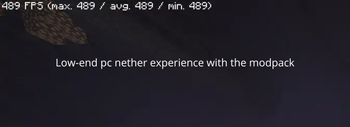
specially designed for intermediate or bad PCs that have difficulty running Minecraft correctly and only show bad fps, crashes, lag etc...
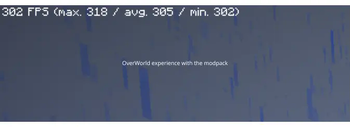
Our modpack grants you to have a 100% better experience playing Minecraft by manipulating the game to give a crazy impression of high fps along with huge optimization making your game go from 60 fps to 180-200! !NEVER CHANGE THE MODS CONFIGS, VSYNC, MAX FRAMERATE! ( I highly recommend you dont change the settings at all and play with the included shader)
- Edition: Minecraft Java
- File type: .jar
- Minecraft version listed: 1.21.4
- How to install: Install the matching mod loader (Forge, Fabric or NeoForge) for your Minecraft version. → Download the .jar. → Put it in the .minecraft/mods folder and launch that loader profile.
- Where to get it: Opens on Modrinth — not every file is mirrored on our own servers.
Install steps are the general flow for this file type — How to install Minecraft Java mods & modpacks walks through it step by step.
- Downloads as Oh The Frames(OTF) 1.0.0.mrpack
- Download size: 23 KB
- Download link checked 10 Sept 2026 — working
These come from our own check of the pack file, not from the source page.