
Windows 95 Inventory
I don't know my version or loader
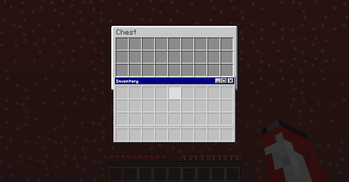
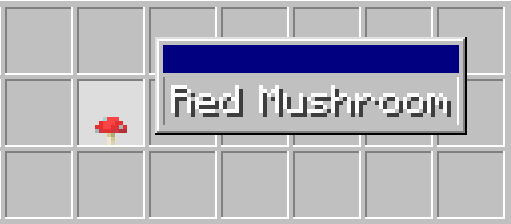
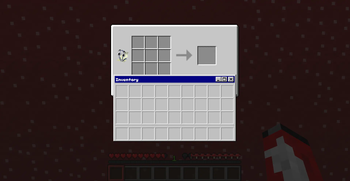
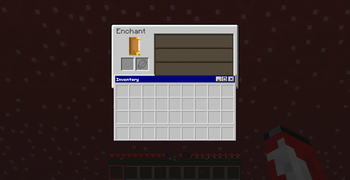
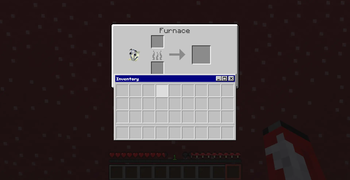
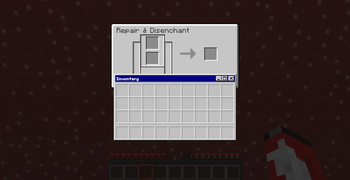
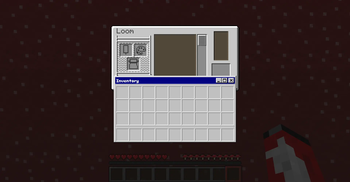
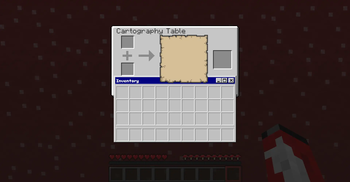
Have you ever wanted a more custom Inventory experience? well this resource pack tries to create that by emulating inaccurately the Windows 95 look. Everything from an animated clippy recipe book companion to having a windows tab represent your hotbar in all interfaces this pack will provide you with an all encompassing windows themed look for everything inventory.

note that below 1.21.4 certain elements such as your empty armour icons will still be visible
for best experience on smaller screens change GUI scale in video settings to 3x to avoid unstraight lines
- Edition: Minecraft Java
- File type: .zip (resource pack)
- Minecraft versions listed: 1.21.9, 1.21.10, 1.21.11
- How to install: Download the .zip resource pack — do not unzip it. → Put it in .minecraft/resourcepacks. → Enable it in Options → Resource Packs.
- Where to get it: Opens on Modrinth — not every file is mirrored on our own servers.
Install steps are the general flow for this file type — How to install Minecraft Java resource packs walks through it step by step.
- Downloads as windows_inventory.zip
- Download size: 202 KB
- Download link checked 31 Aug 2026 — working
These come from our own check of the pack file, not from the source page.