
Reshaped Vanilla
Java resource pack listed for Minecraft 1.14–26.x. Downloads from the MC Java Mods app on Android.
⬇ Download on Modrinth


What does this pack do?
This resource pack aims to change some of the vanilla textures, but still have the vanilla look. I also add New mobs and 3d models.


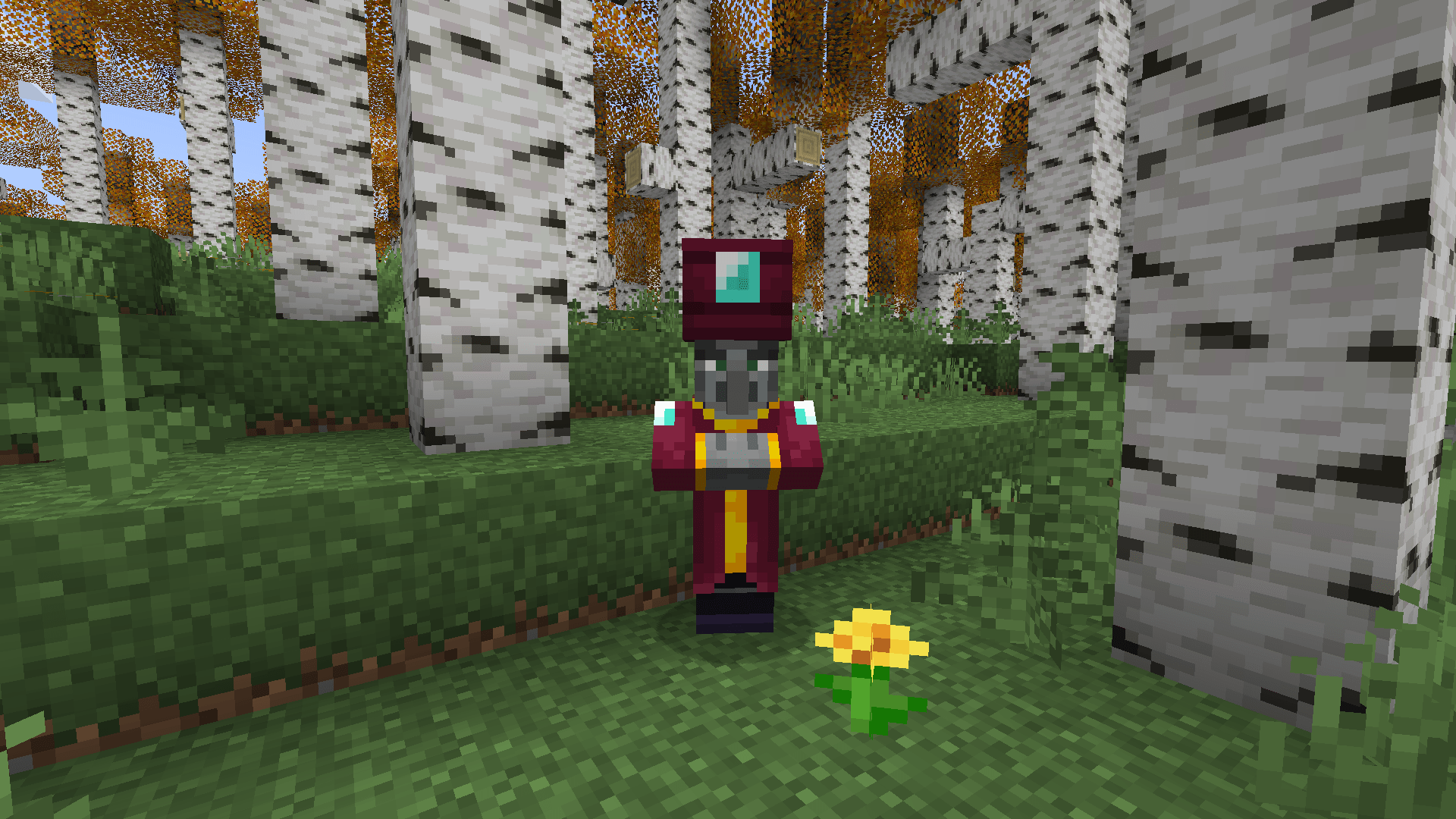
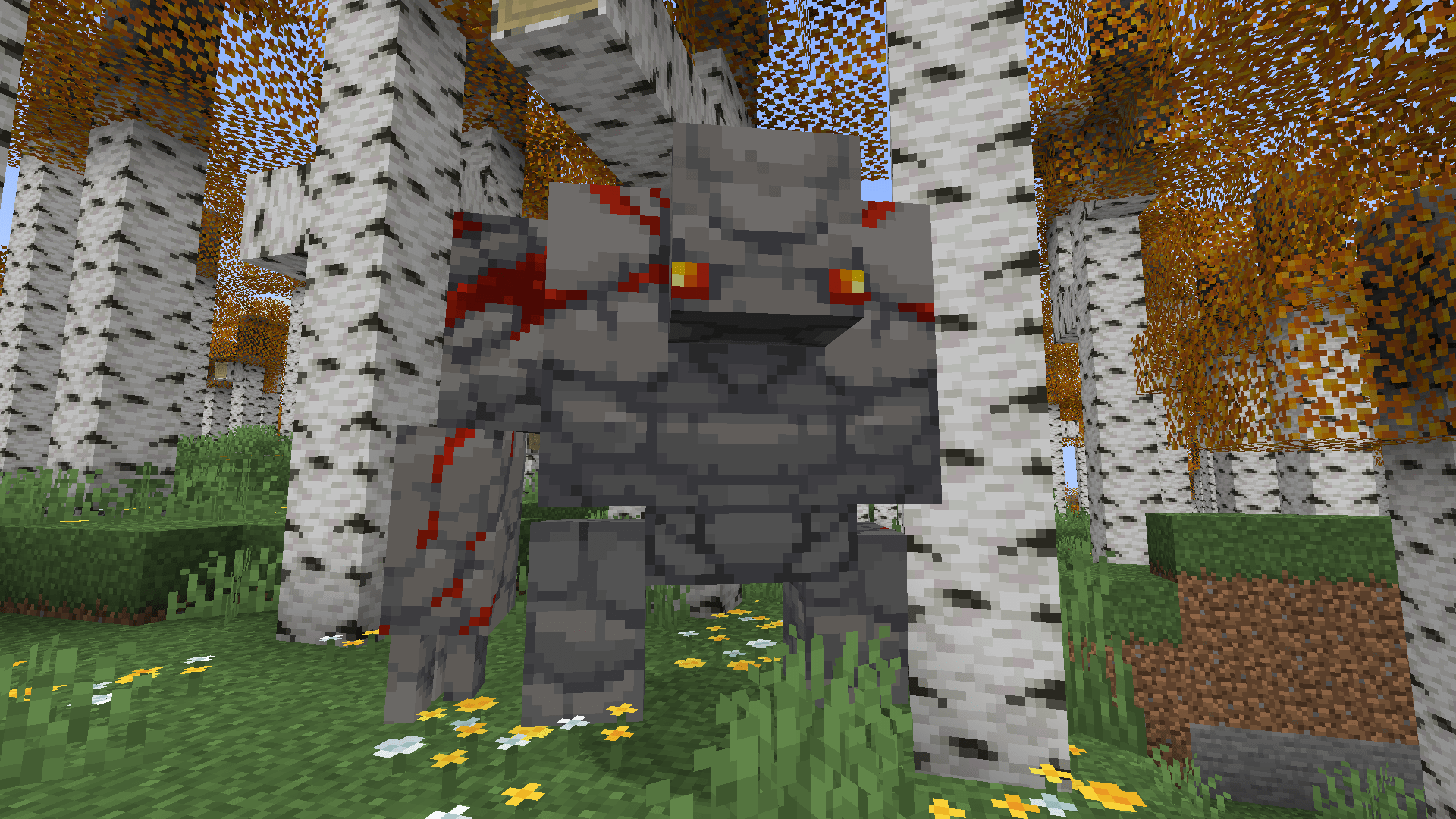
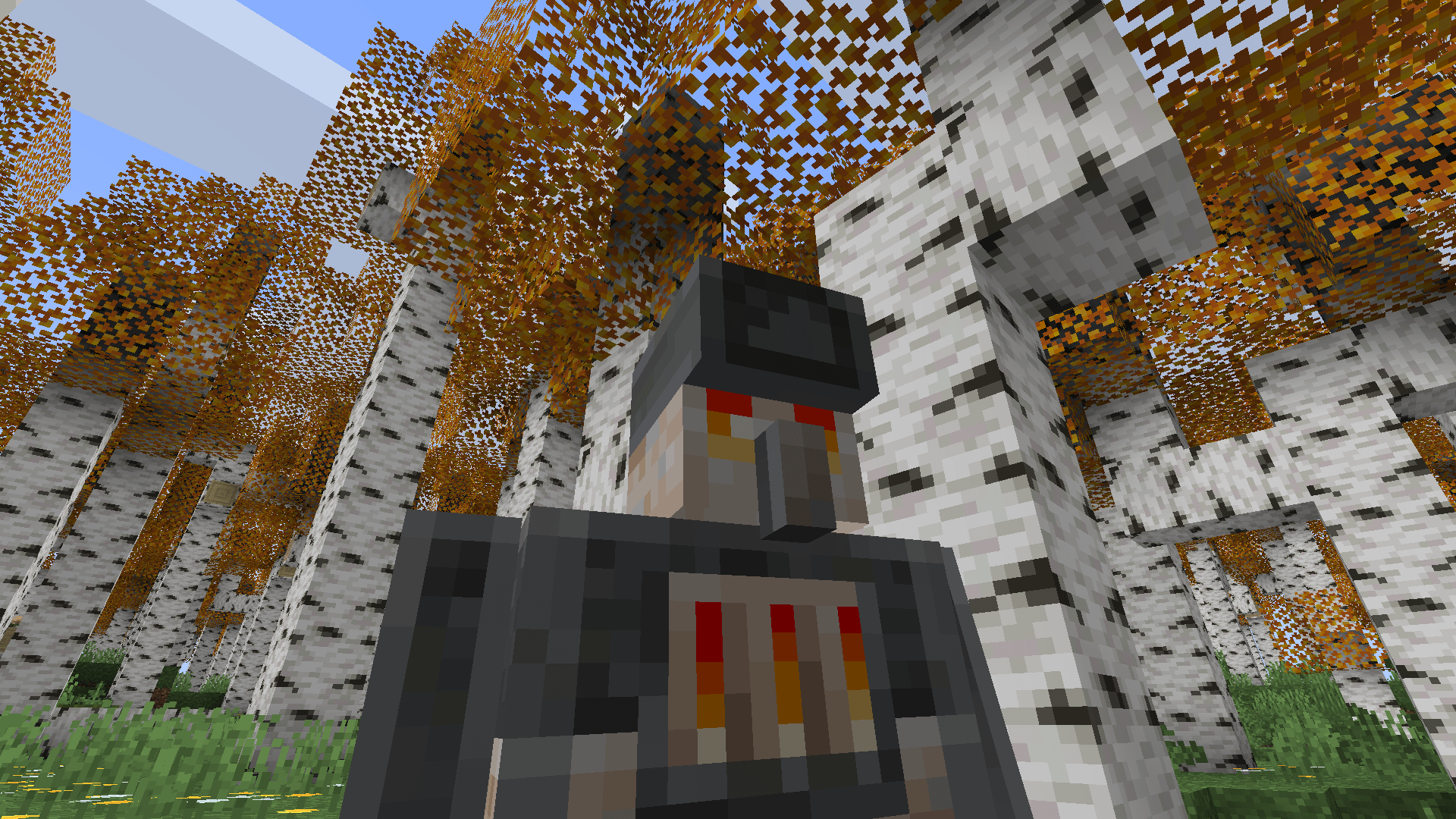 Furnace Golem (iron golem 3d model.
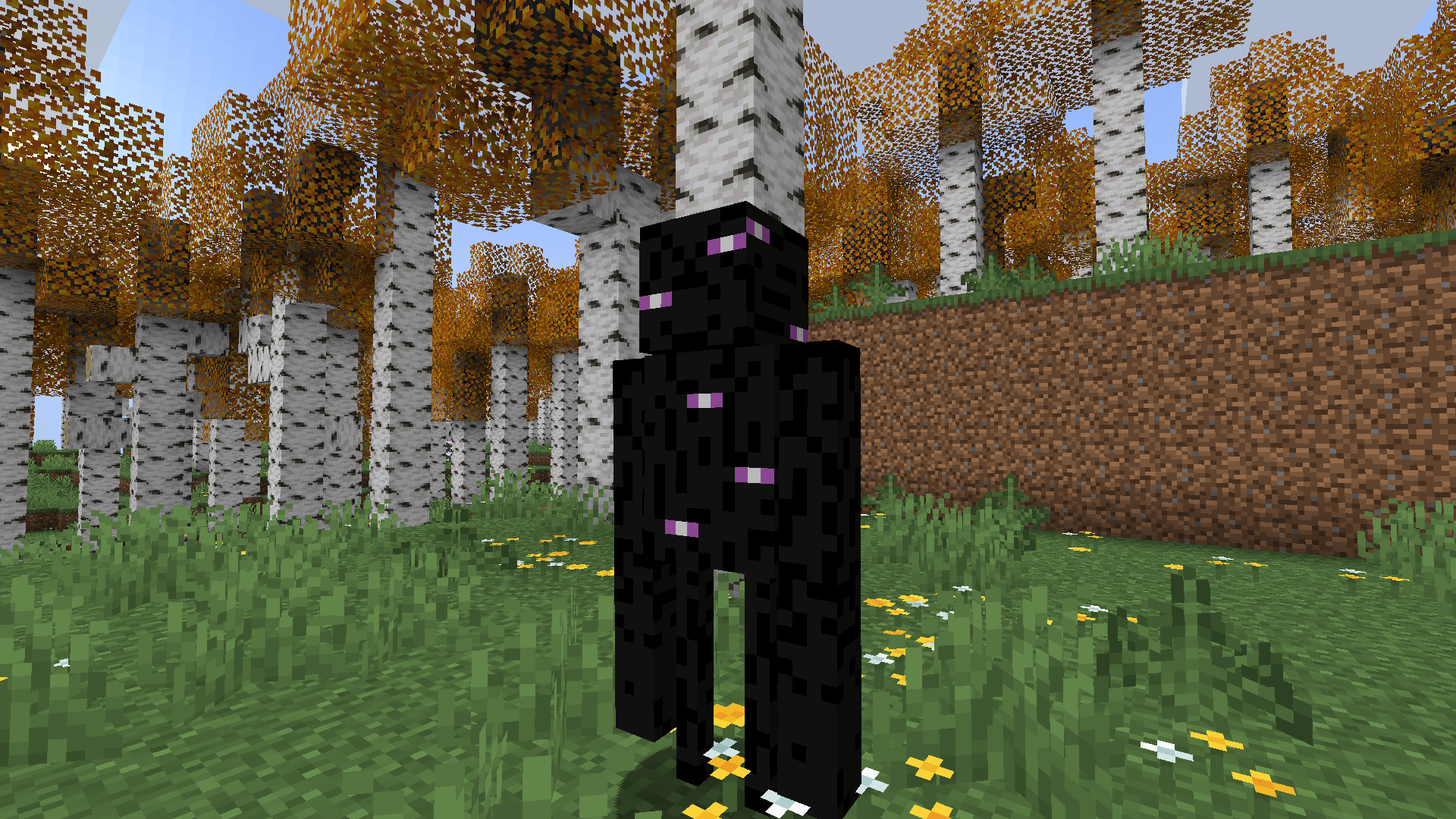
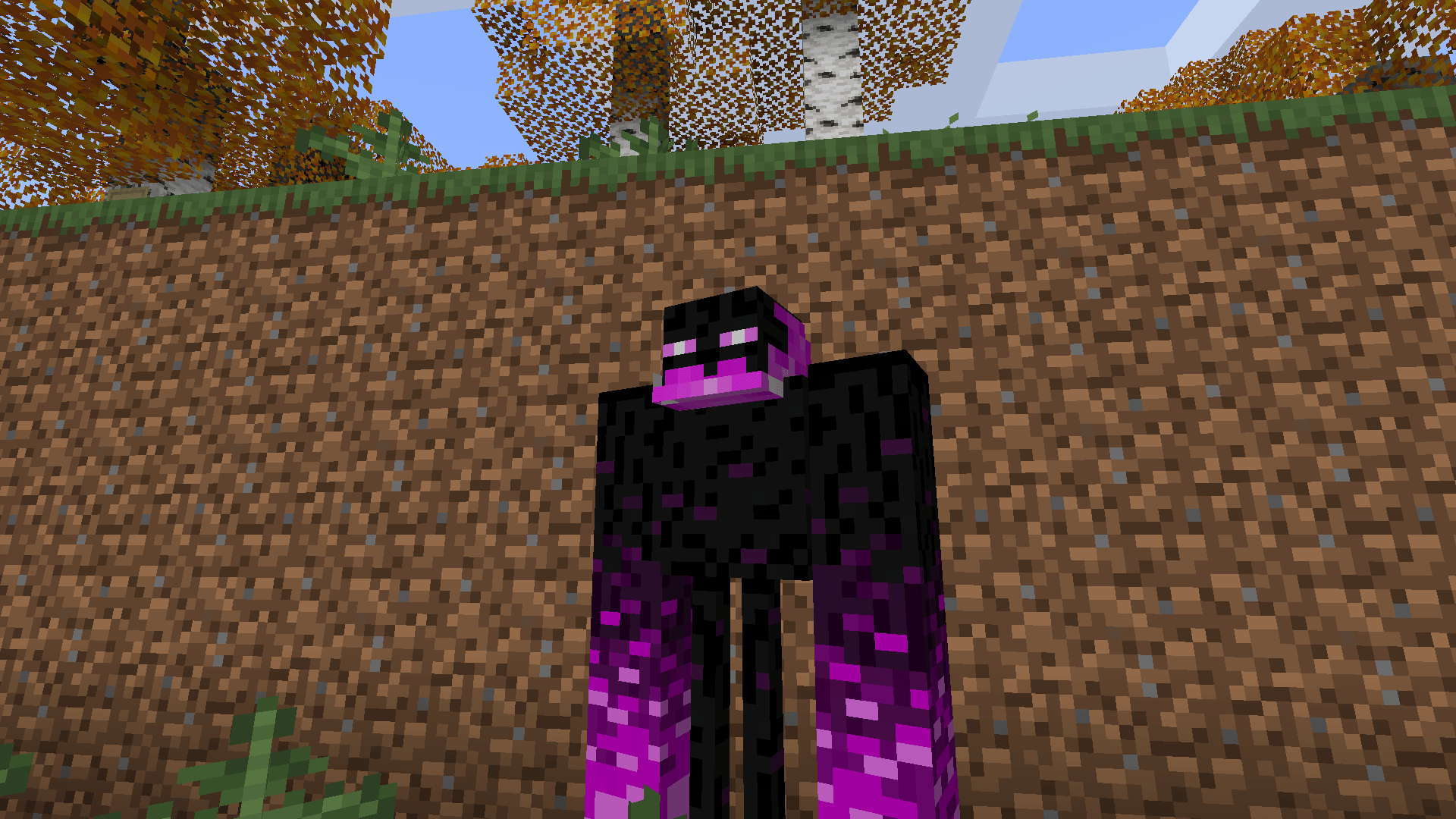
Reshaped 1.3 and 1.3.1 update
1.3/1.3.1 Reshaped Vanilla update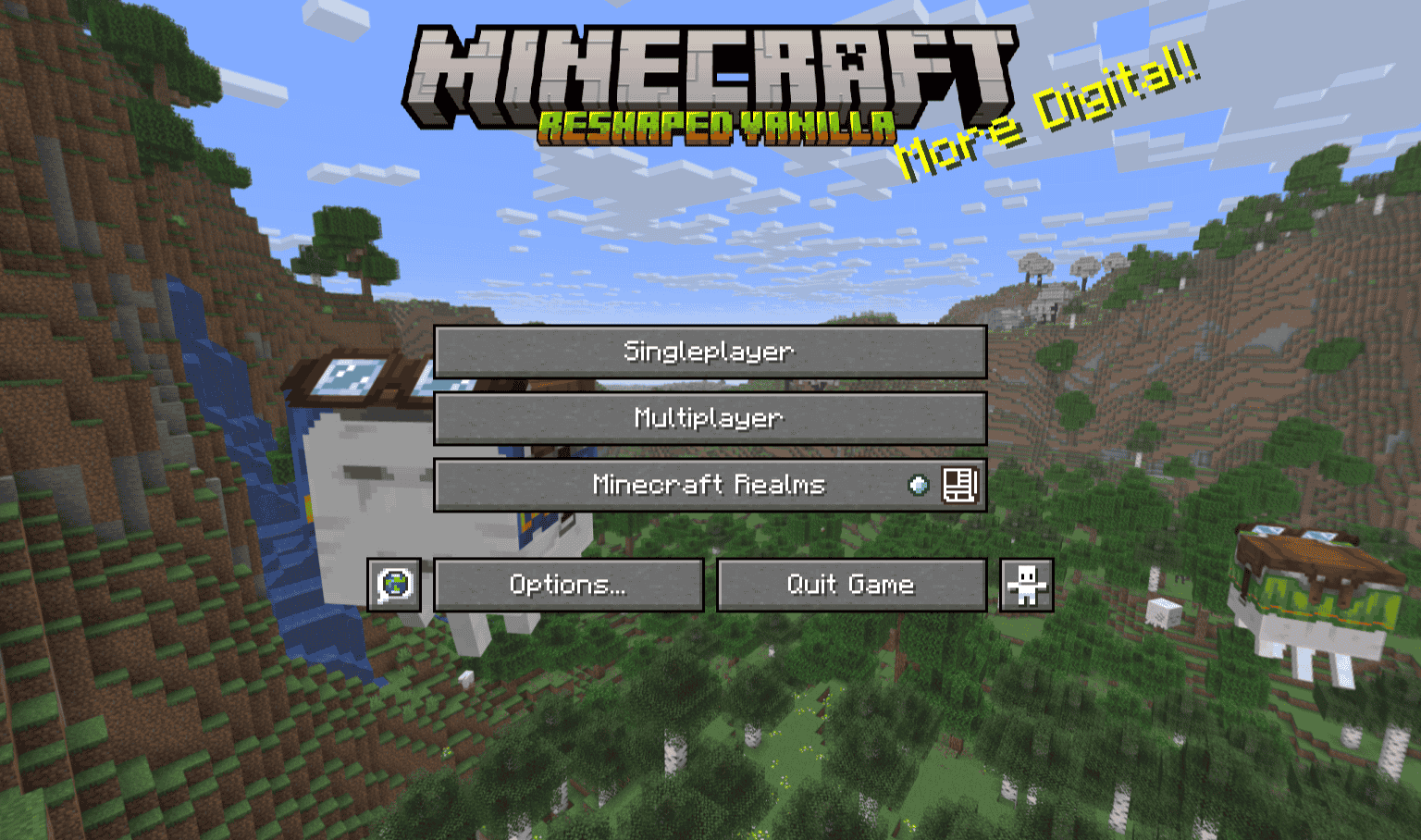
The title has a new Logo
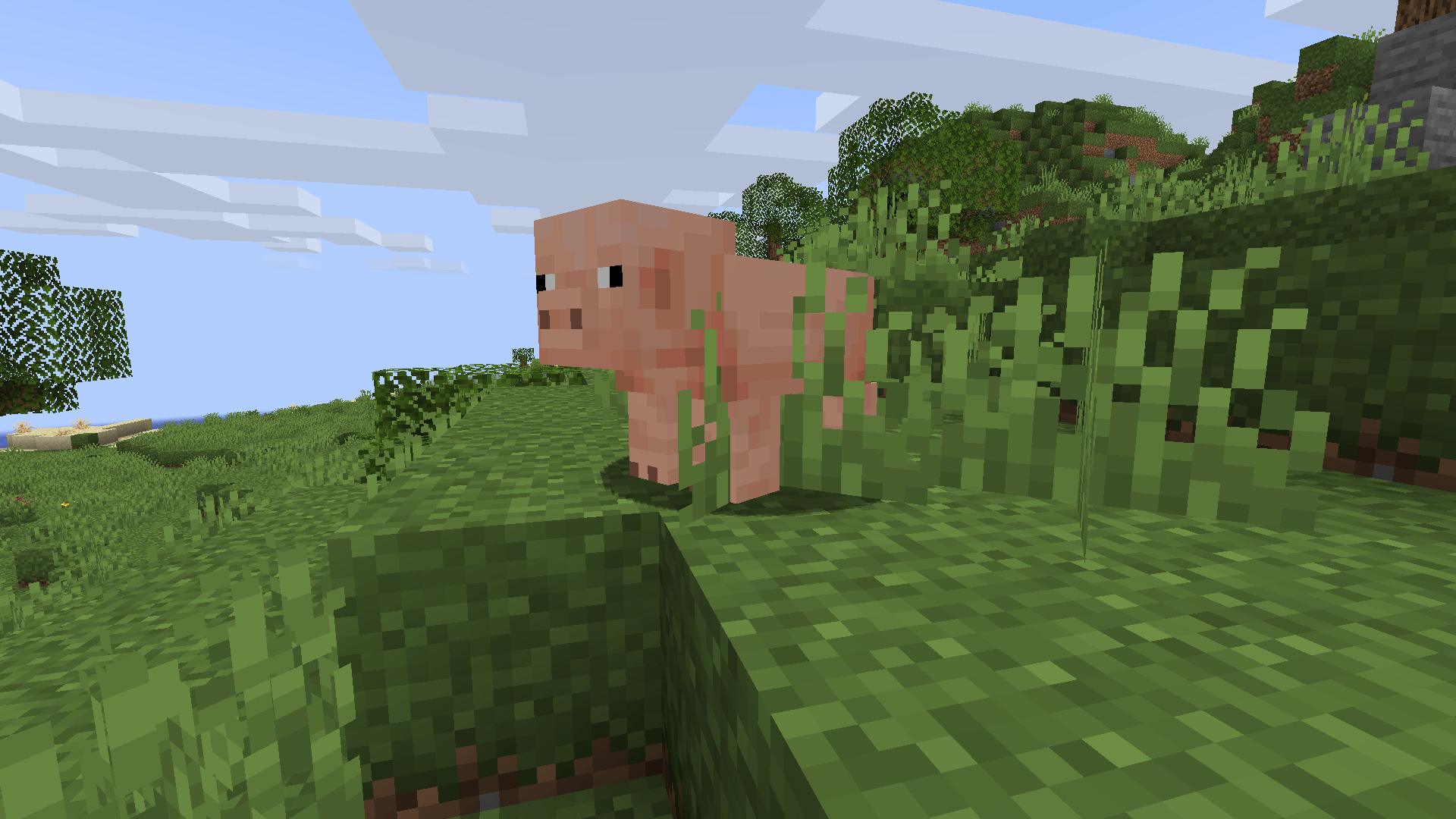
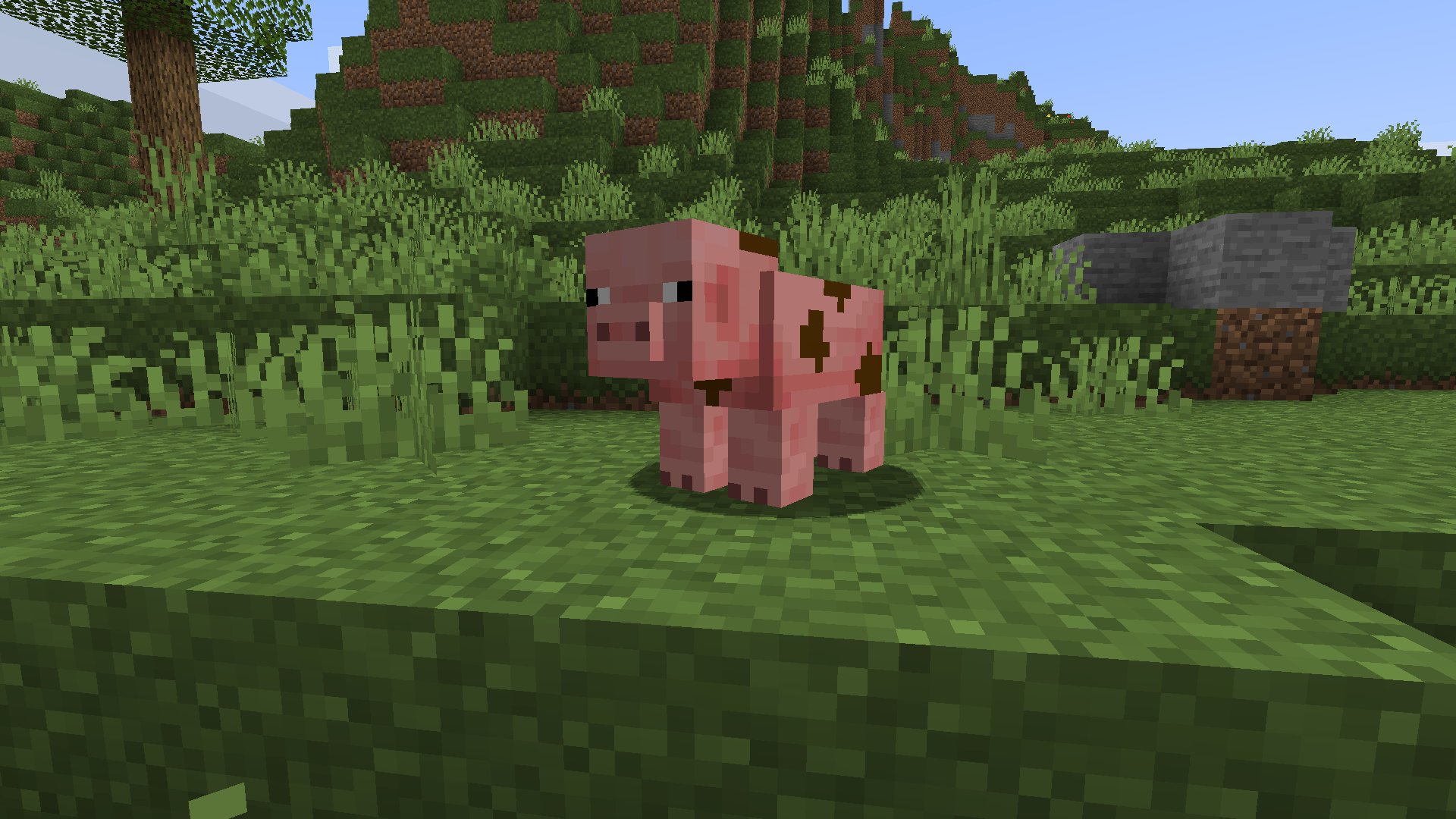
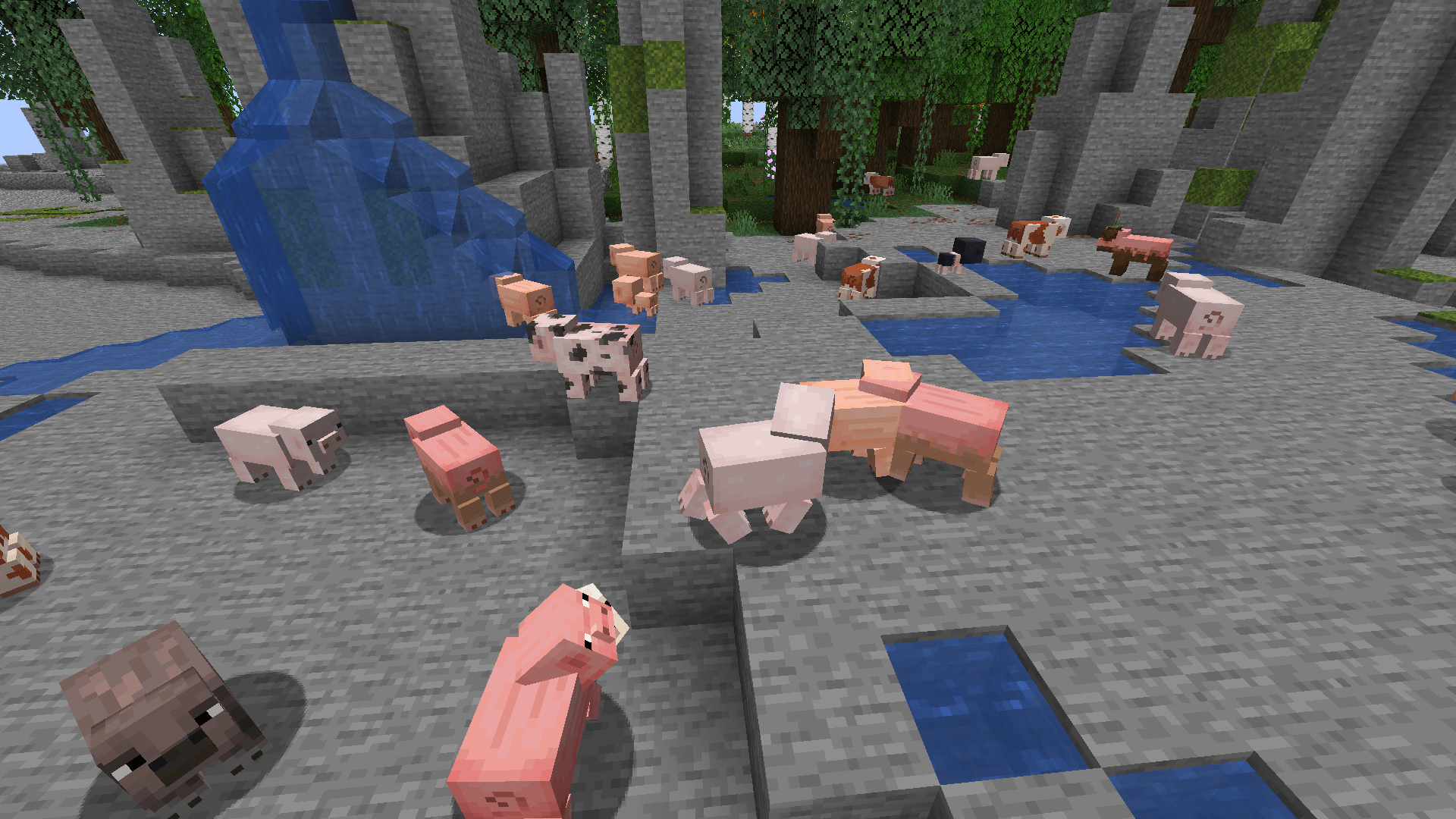 Pigs
Pigs
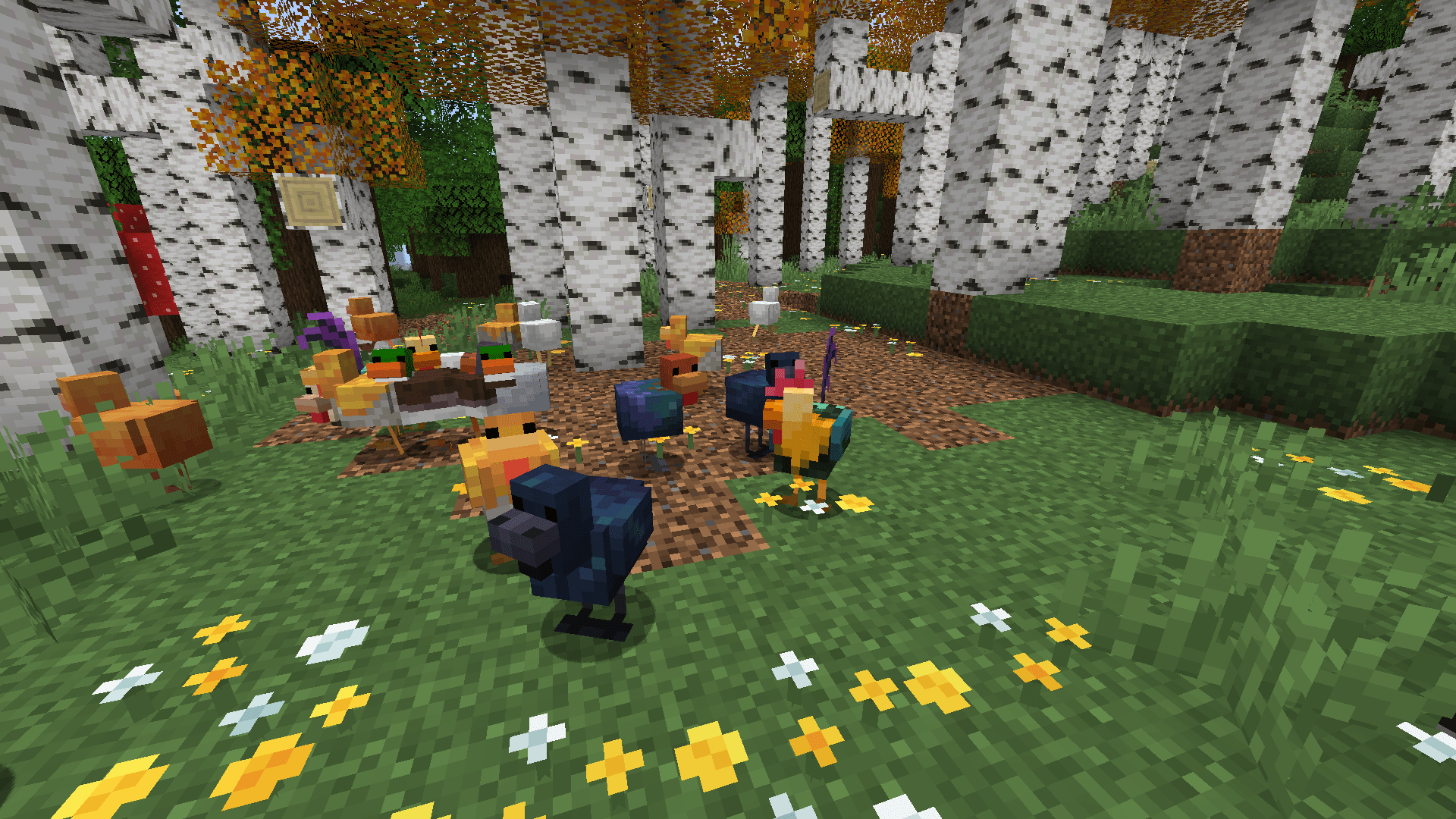 Chickens
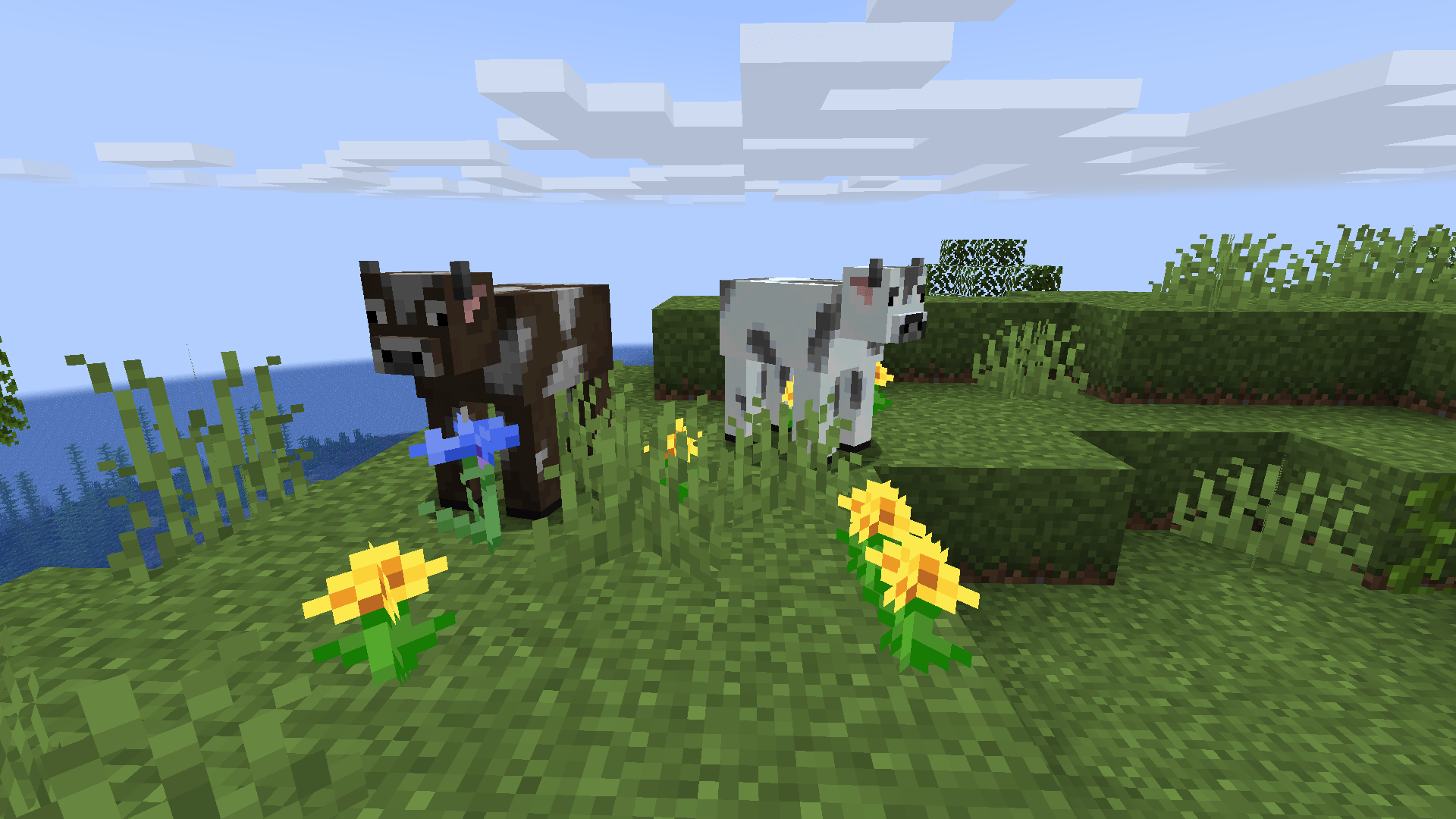
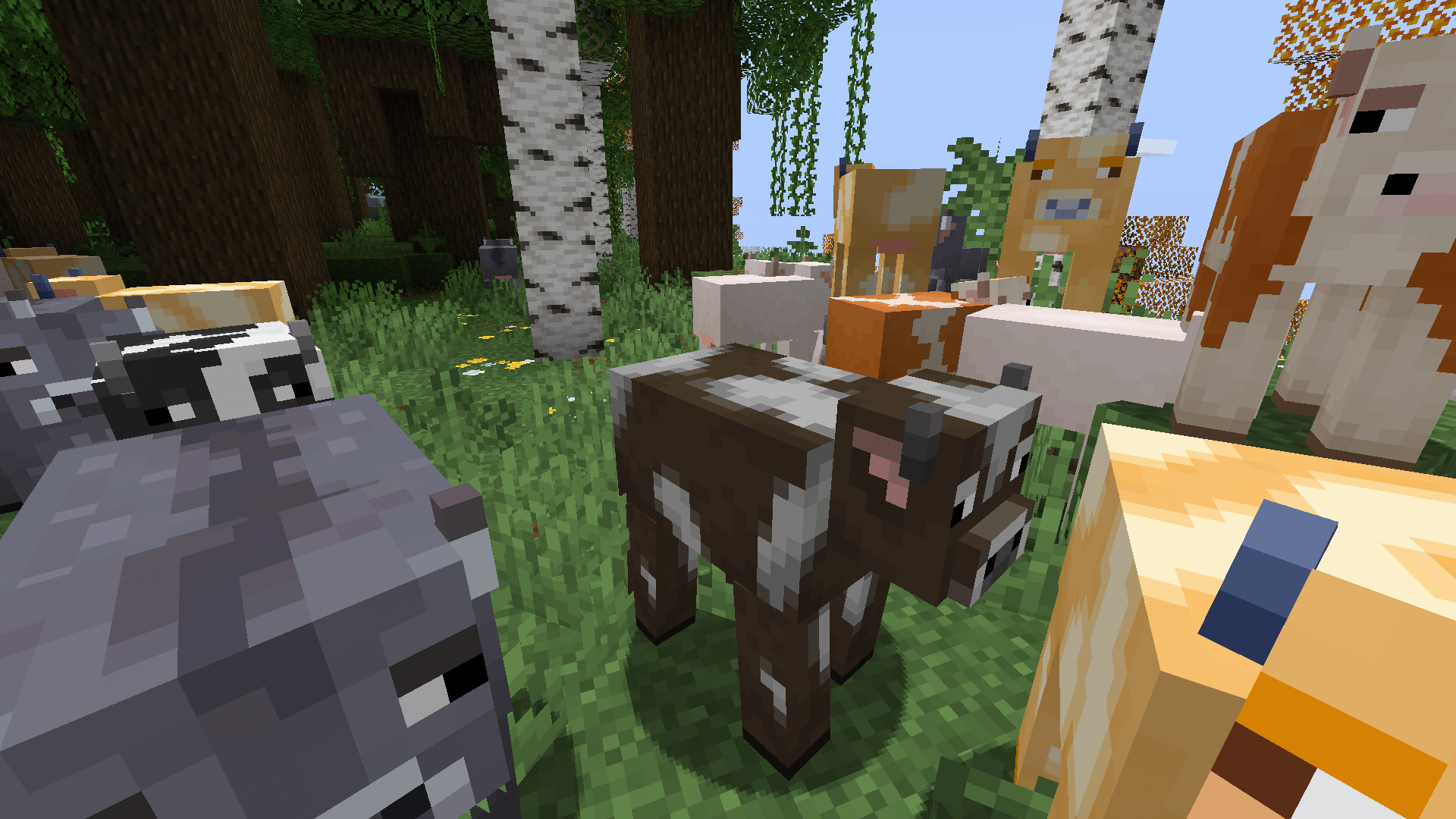 Cows
Cows
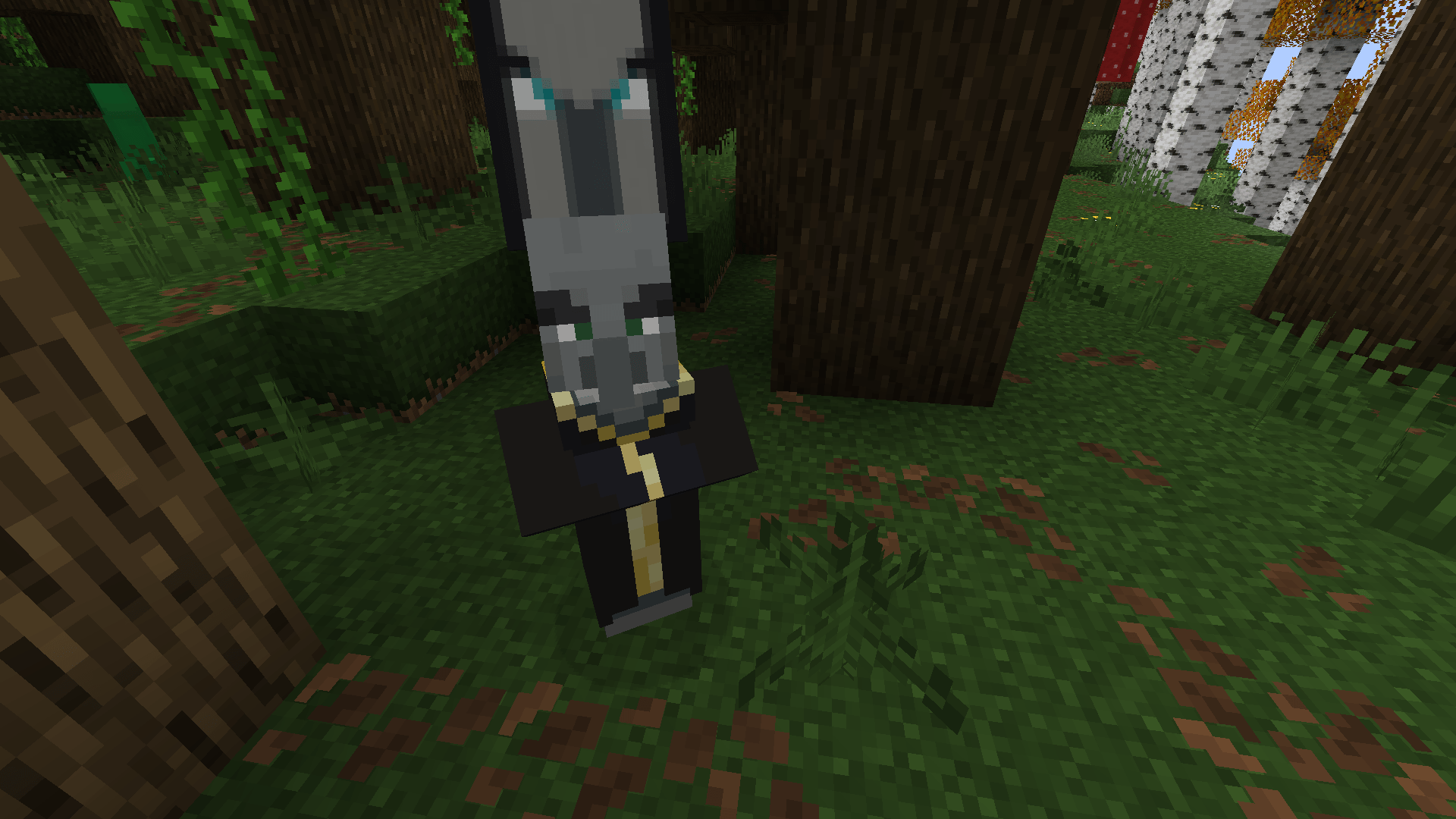 Evoker
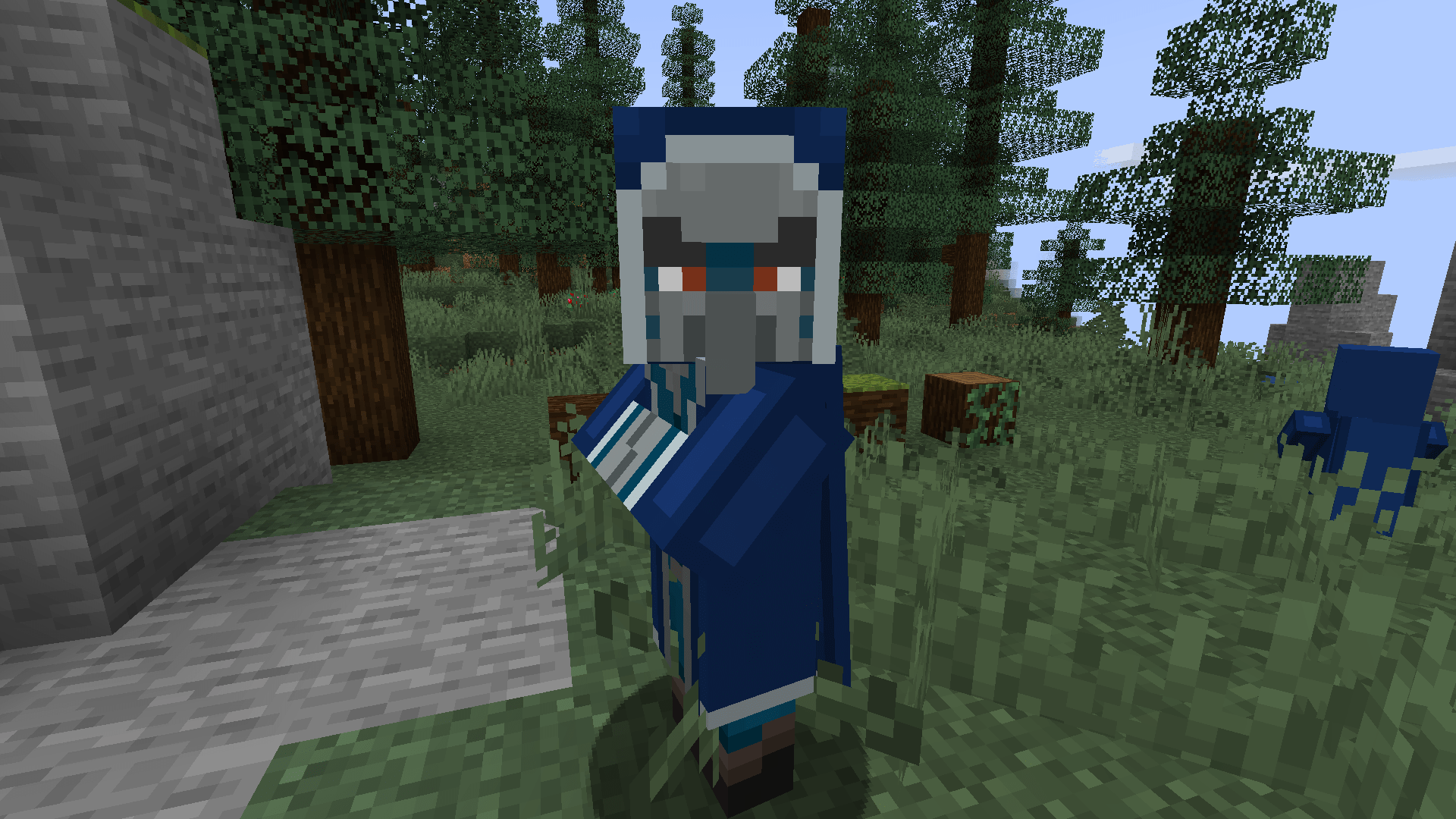 The iceologer is an evoker that only spawns in cold biomes.
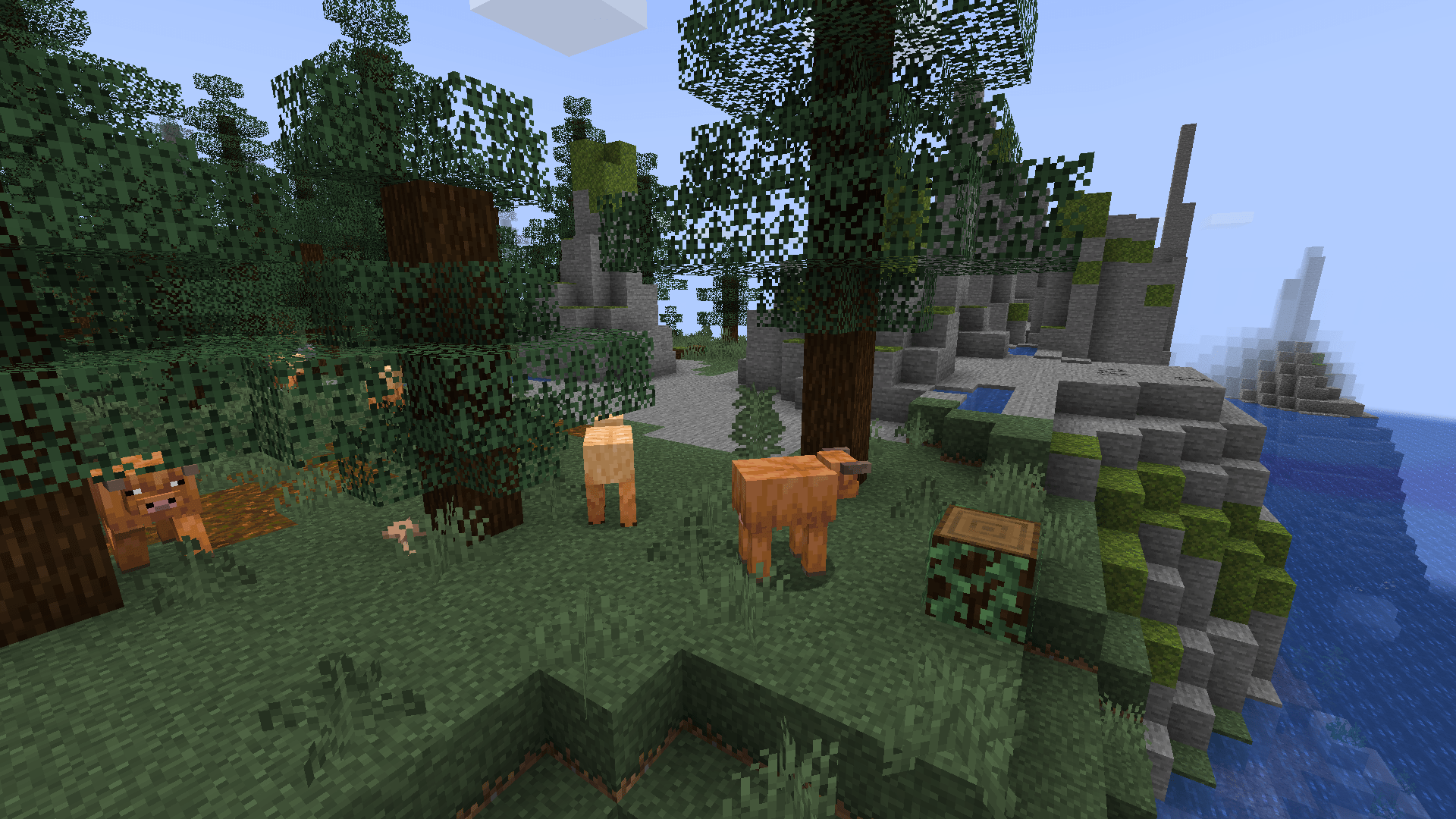 Cold Cows
(In the 1.3.1 update I fixed the chickens)
1.2.1 Reshaped Vanilla Update / 1.2.2 Update
1.2.1 Reshaped Vanilla update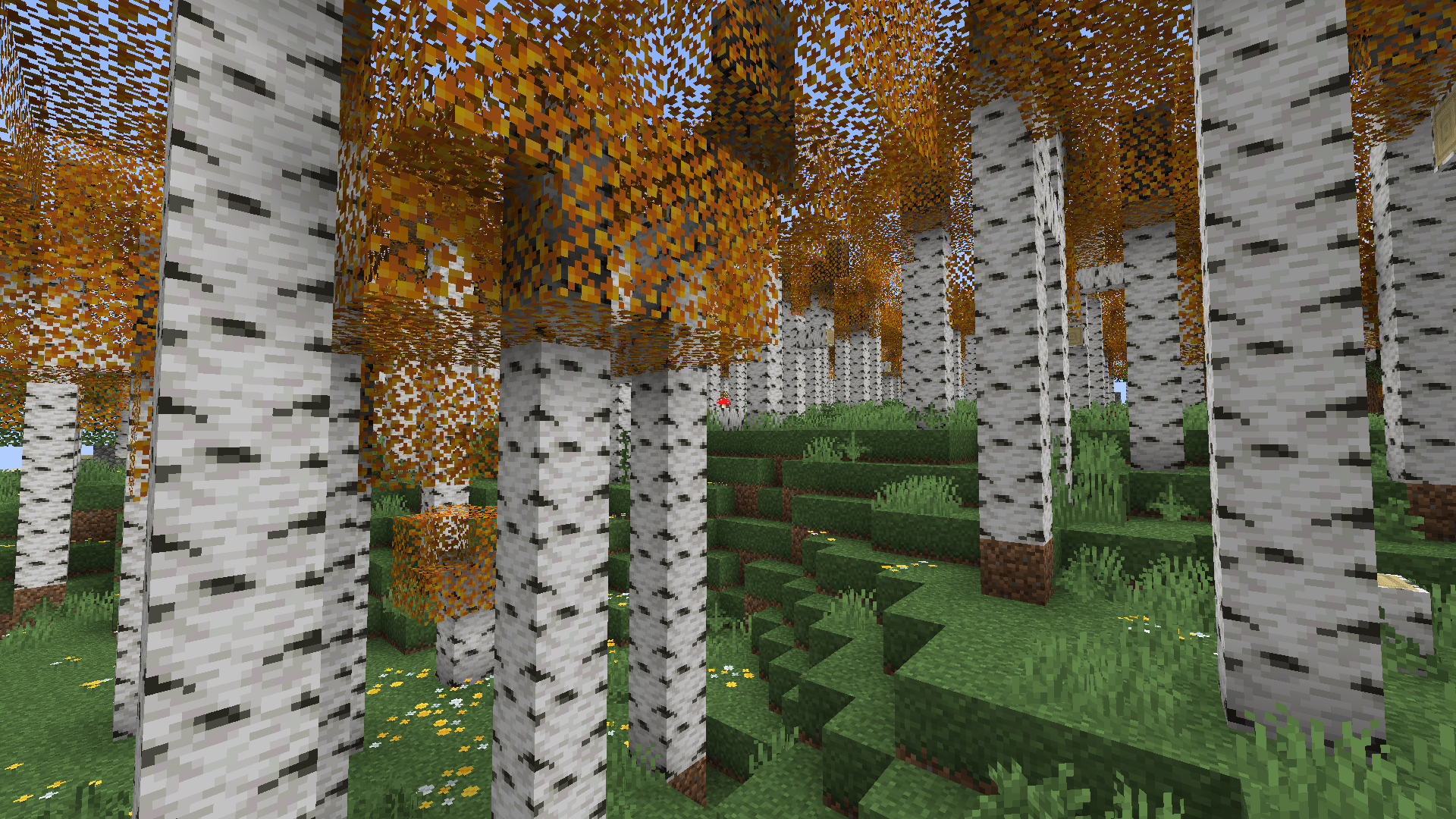 The birch leaves model and texture are improved.
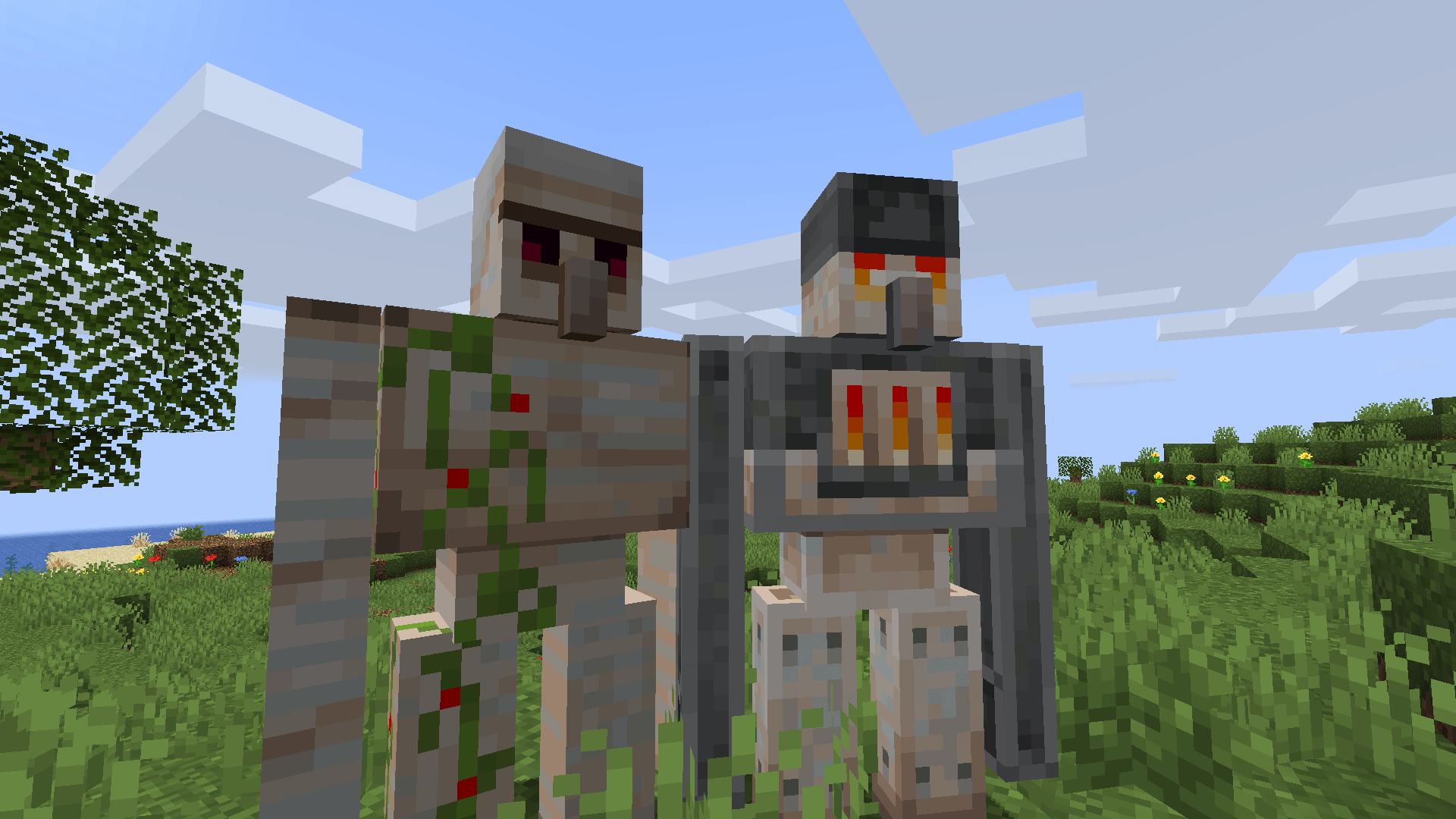 There are two iron golems. Randomly a furnace golem might spawn in place of a iron golem.
The furnace golem furnace and eyes are emissive.
There are two iron golems. Randomly a furnace golem might spawn in place of a iron golem.
The furnace golem furnace and eyes are emissive.

 !
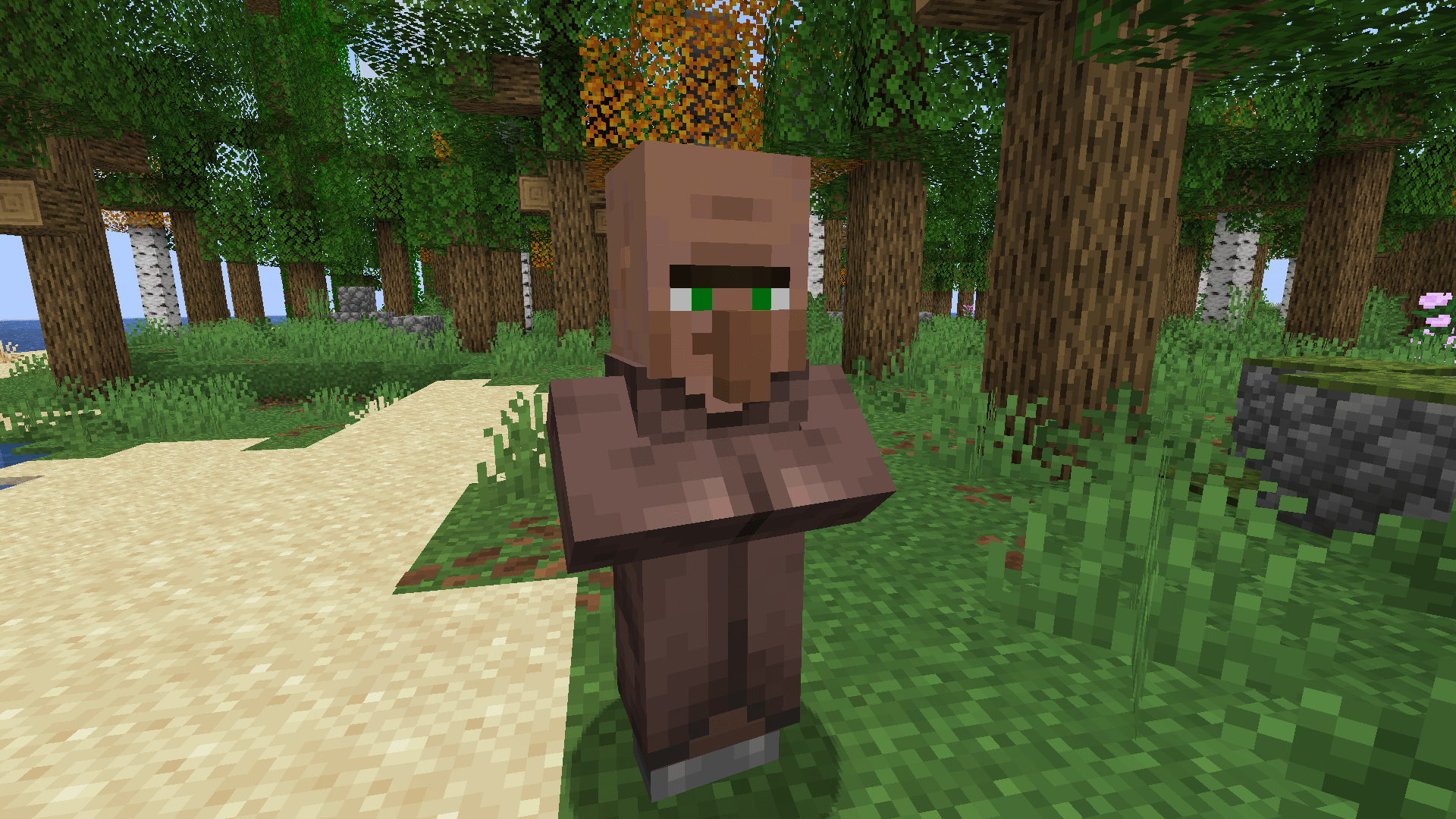
In the mushroom fields biome Villagers spawn with mushrooms.
Pale Garden!
The Pale garden villager has yellow glowing eyes just like the creaking.
Cherry
First Cherry Variant of villager.
!
In the mushroom fields biome Villagers spawn with mushrooms.
Pale Garden!
The Pale garden villager has yellow glowing eyes just like the creaking.
Cherry
First Cherry Variant of villager.
 Second Cherry Variant of villager.
 The end villager has emissive eyes.


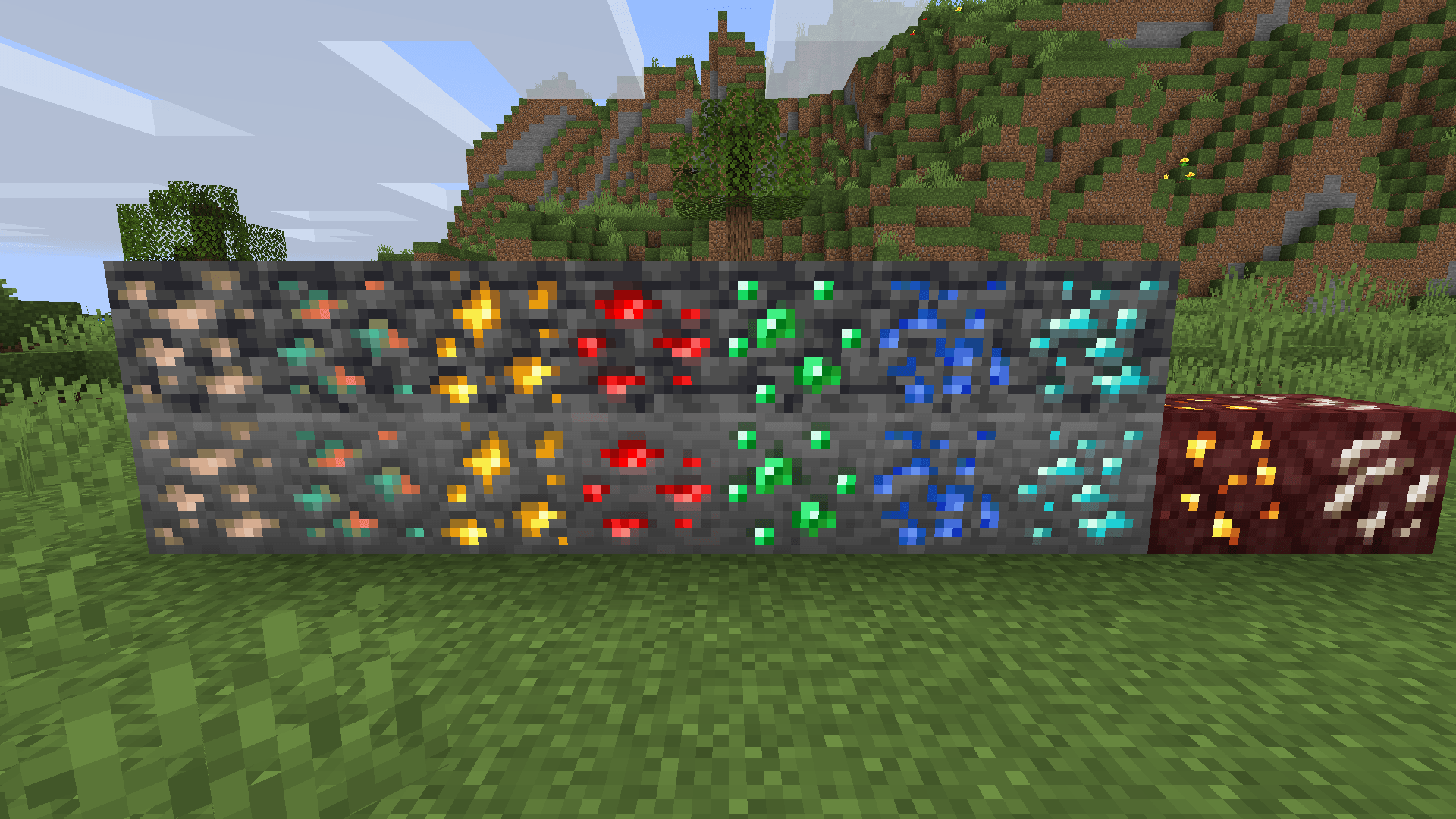 Ores are emissive.
These are all of the images.
1.2 Reshaped Vanilla update
1.2This update changed the creepers to be the ones from the enhanced creeper pack that will be posted soon.
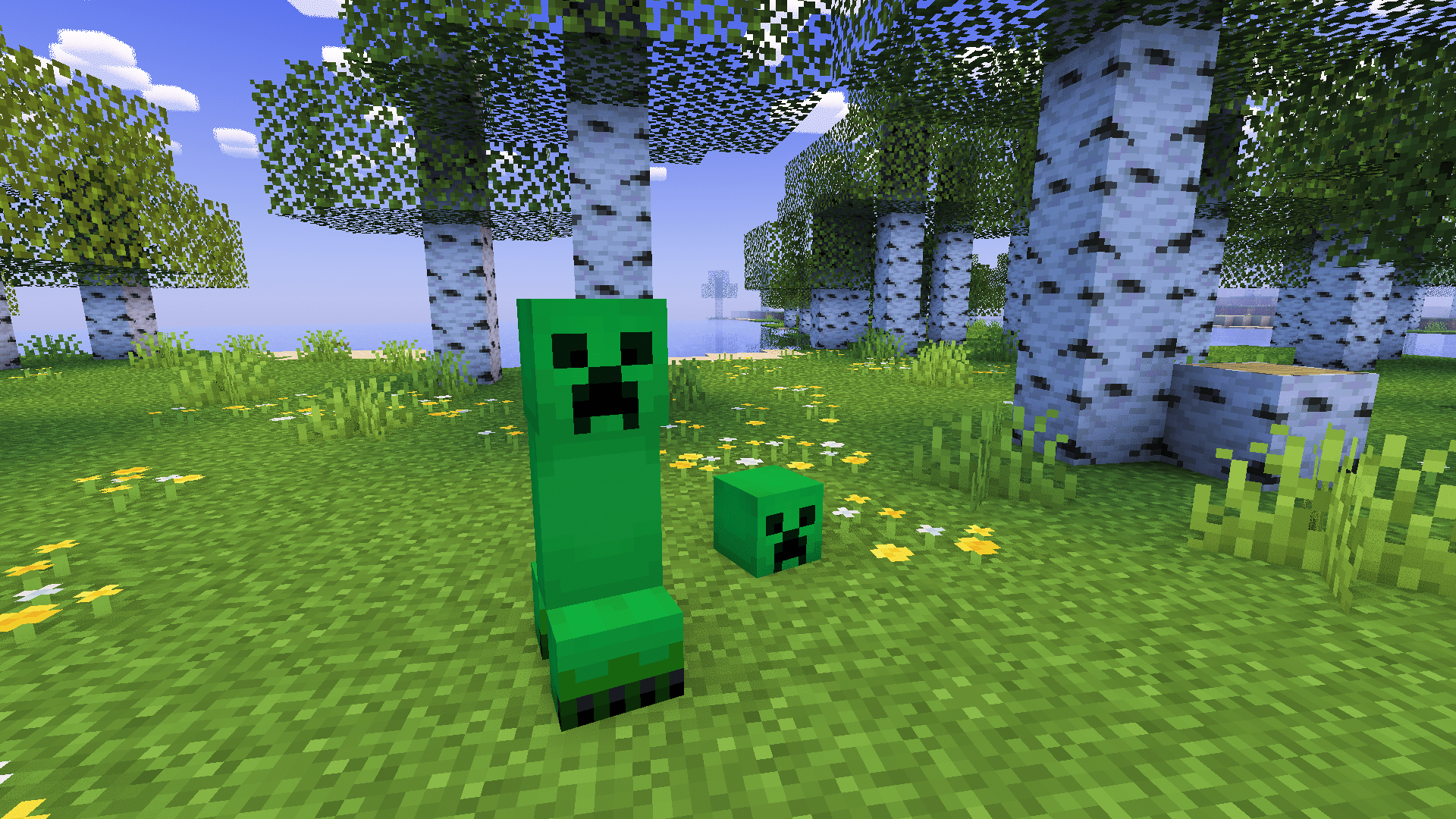
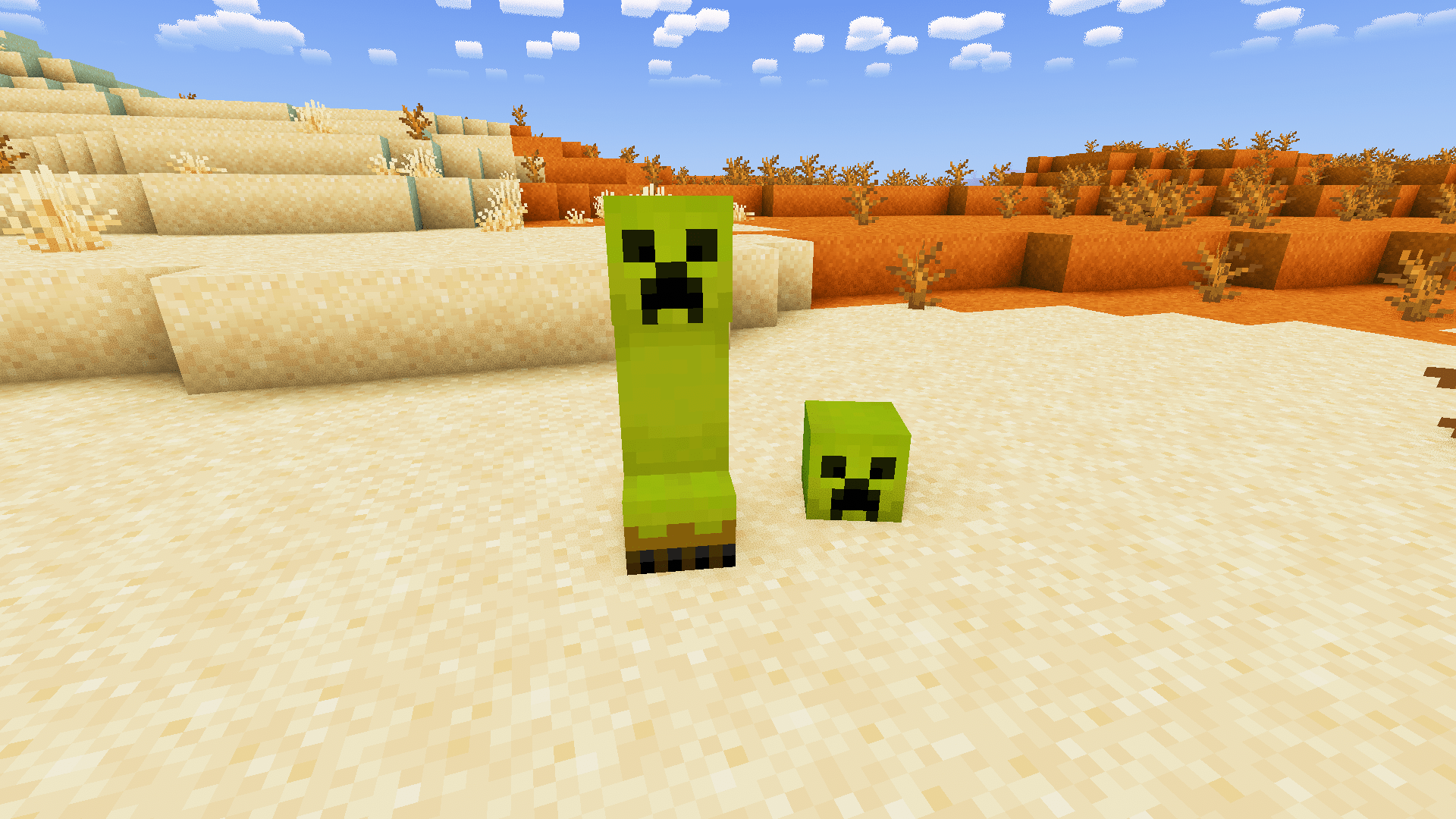
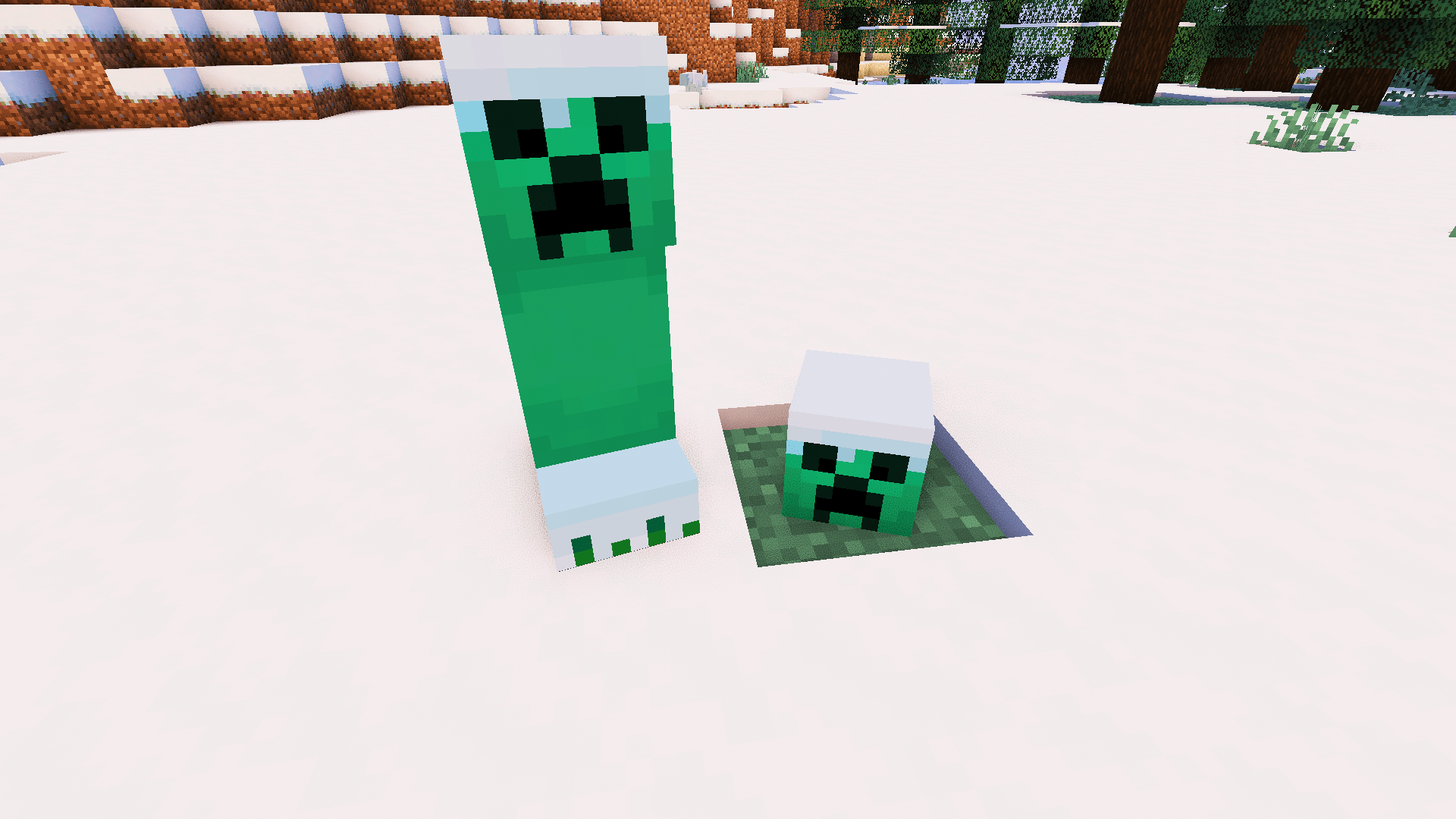
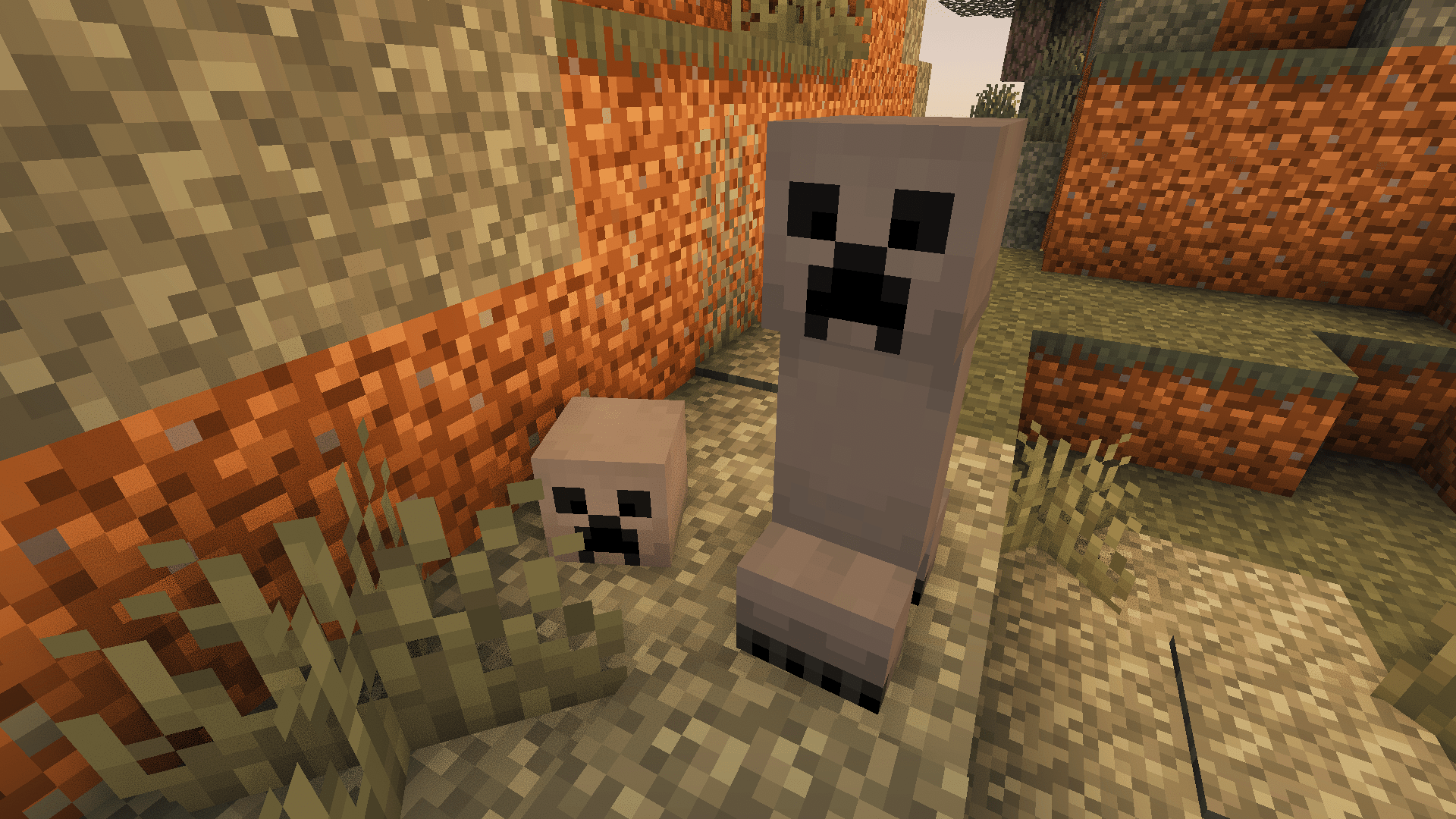
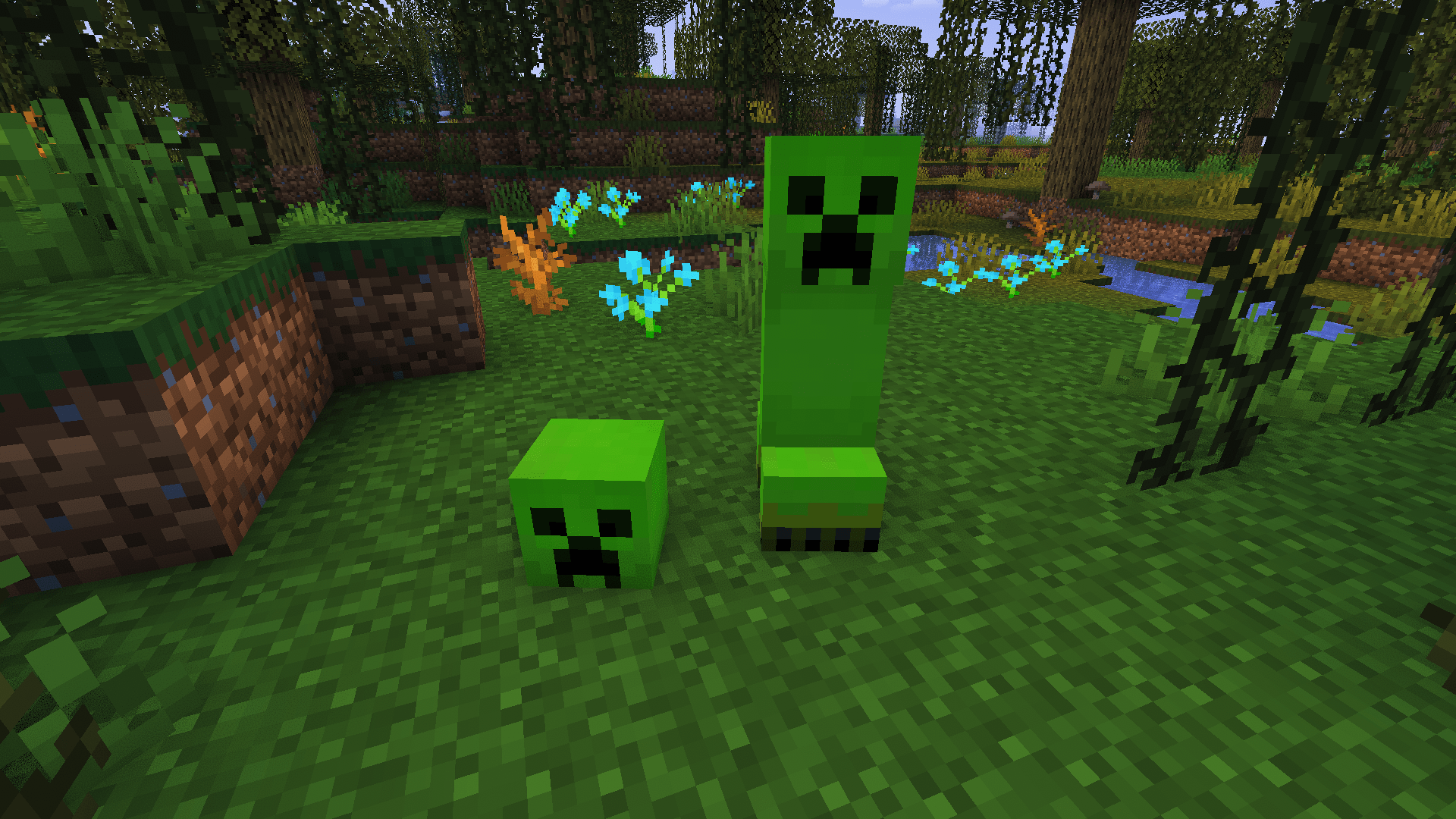
And many more!
1.1.3 Reshaped Vanilla update
1.1.3
Regions explored planks
1.1.2 Reshaped Vanilla update
1.1.2
Biomes o' plenty planks.
1.1.1 Reshaped Vanilla update
1.1.1 update Made these blocks more similar to the top versions

1.1 Reshaped Vanilla update
1.1 update mob variants1.1 Reshaped Vanilla update There are now new mob variants! Requires etf and emf. For resource pack version 1.1.


Shader Credit:
Amethyst Shaders: https://modrinth.com/shader/amethyst-shaders
Complementary Unbound:
[https://modrinth.com/shader/complementary-unbound]
YoFPS Shaders: https://modrinth.com/shader/yofps
Installation Guide:
Windows:
- Go to your files to %appdata% and then go to the /.minecraft/ folder.
- Go to /.minecraft/resourcepacks.
- Put the resourcepack in the folder.
Linux:
- Go to your files to your /.minecraft/ folder.
- Then go to /resourcepacks/.
- Put the resourcepack in the same folder.
MacOS
- Go to ~/.minecraft/resourcepacks/ in your file manager.
- Put the pack inside that folder.
Thanks For Downloading!
- Edition: Minecraft Java
- File type: .zip (resource pack)
- Minecraft versions listed: 1.14, 1.14.1, 1.14.2
- How to install: Download the .zip resource pack — do not unzip it. → Put it in .minecraft/resourcepacks. → Enable it in Options → Resource Packs.
- Where to get it: Opens on Modrinth — not every file is mirrored on our own servers.
Install steps are the general flow for this file type — How to install Minecraft Java resource packs walks through it step by step.
- Downloads as Reshaped-Vanilla-1.4.zip
- Download size: 1.1 MB
- Download link checked 11 Oct 2026 — working
These come from our own check of the pack file, not from the source page.