
Mintcraft
I don't know my version or loader
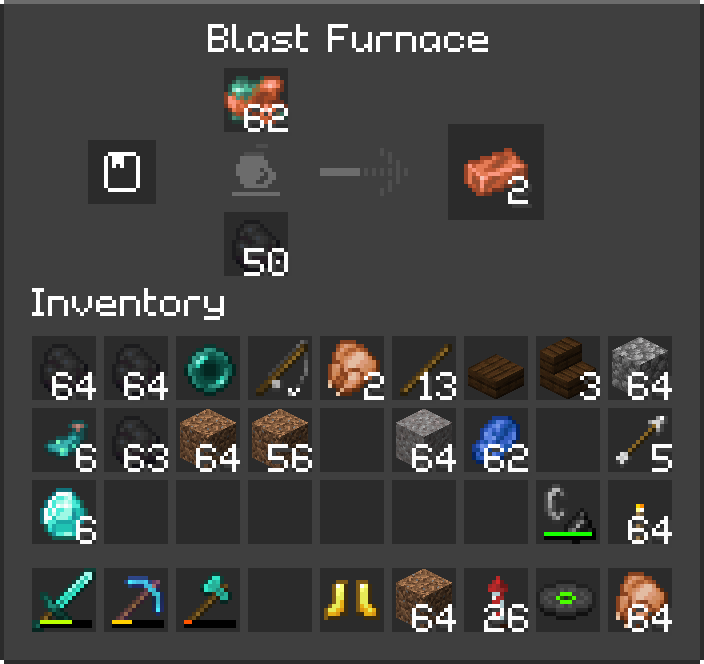
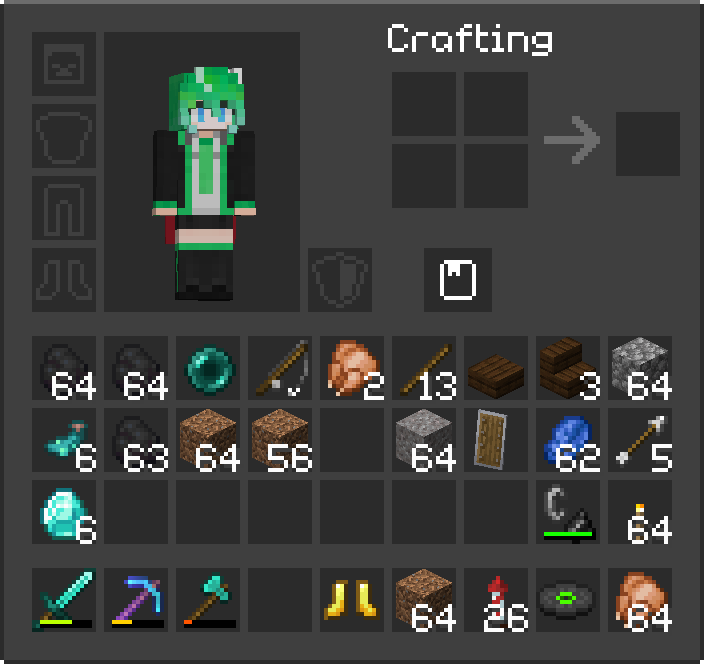
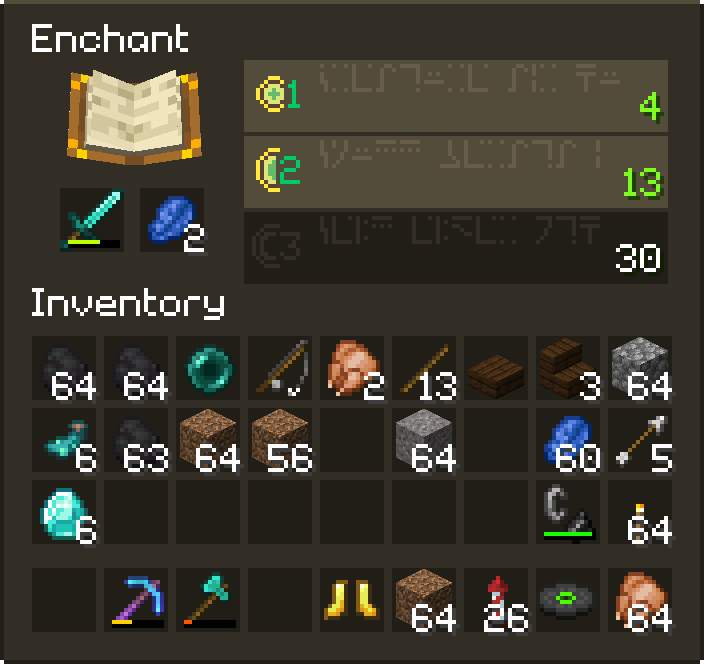
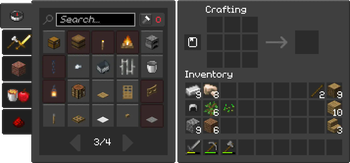
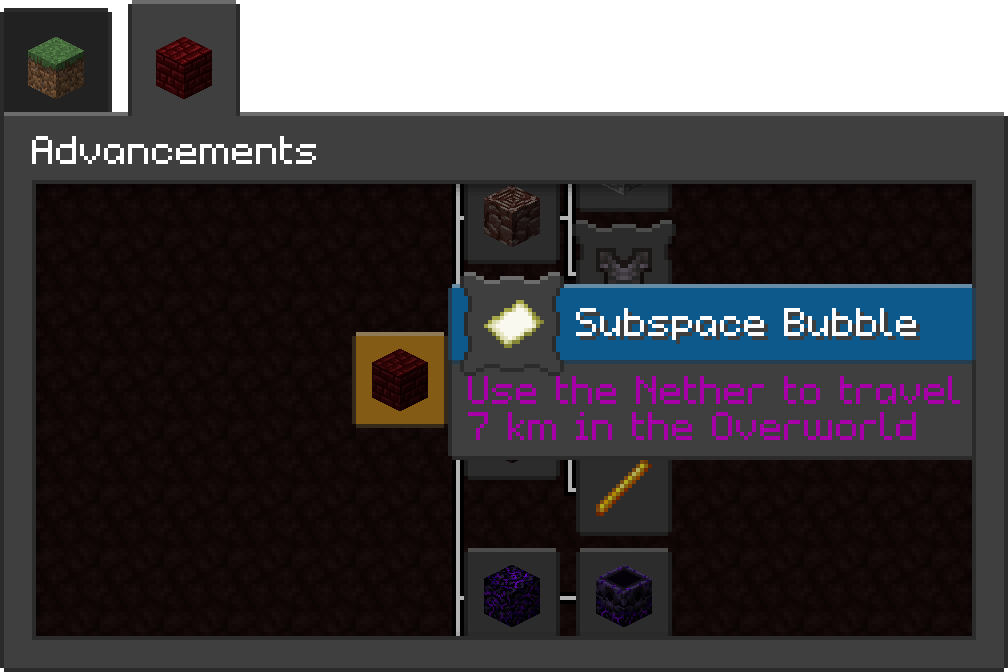
The default light-grey backgrounds used for containers along with the irregular rounded corners never really spoke to me.
So I fixed that.
Mintcraft is a resource pack I made mostly to fit my own needs and tastes, but has proven to be liked by at least 3 other beings of human nature within this galaxy.
Taking some inspiration from the Minecraft Launcher's giant PLAY button, Mintcraft aims to provide a consistent dark mode and slightly refreshed look to the Minecraft UI.
Stress being on UI: This pack mainly affects the solid backgrounds of the options and world/server selection screens, as well as various buttons and containers in-game. If you'd like, you can also apply my take at the Minecraft Seven font, Mintbit, and a new button click sound via add-ons. Or download the Complete version to get all of that in one handy ZIP.
- Edition: Minecraft Java
- File type: .zip (resource pack)
- Minecraft versions listed: 1.20, 1.20.1
- How to install: Download the .zip resource pack — do not unzip it. → Put it in .minecraft/resourcepacks. → Enable it in Options → Resource Packs.
- Where to get it: Opens on Modrinth — not every file is mirrored on our own servers.
Install steps are the general flow for this file type — How to install Minecraft Java resource packs walks through it step by step.
- Downloads as Mintcraft_Complete_1.7_MC1.20.zip
- Download size: 18.2 MB
- Download link checked 31 Aug 2026 — working
These come from our own check of the pack file, not from the source page.