
Rubies Restored
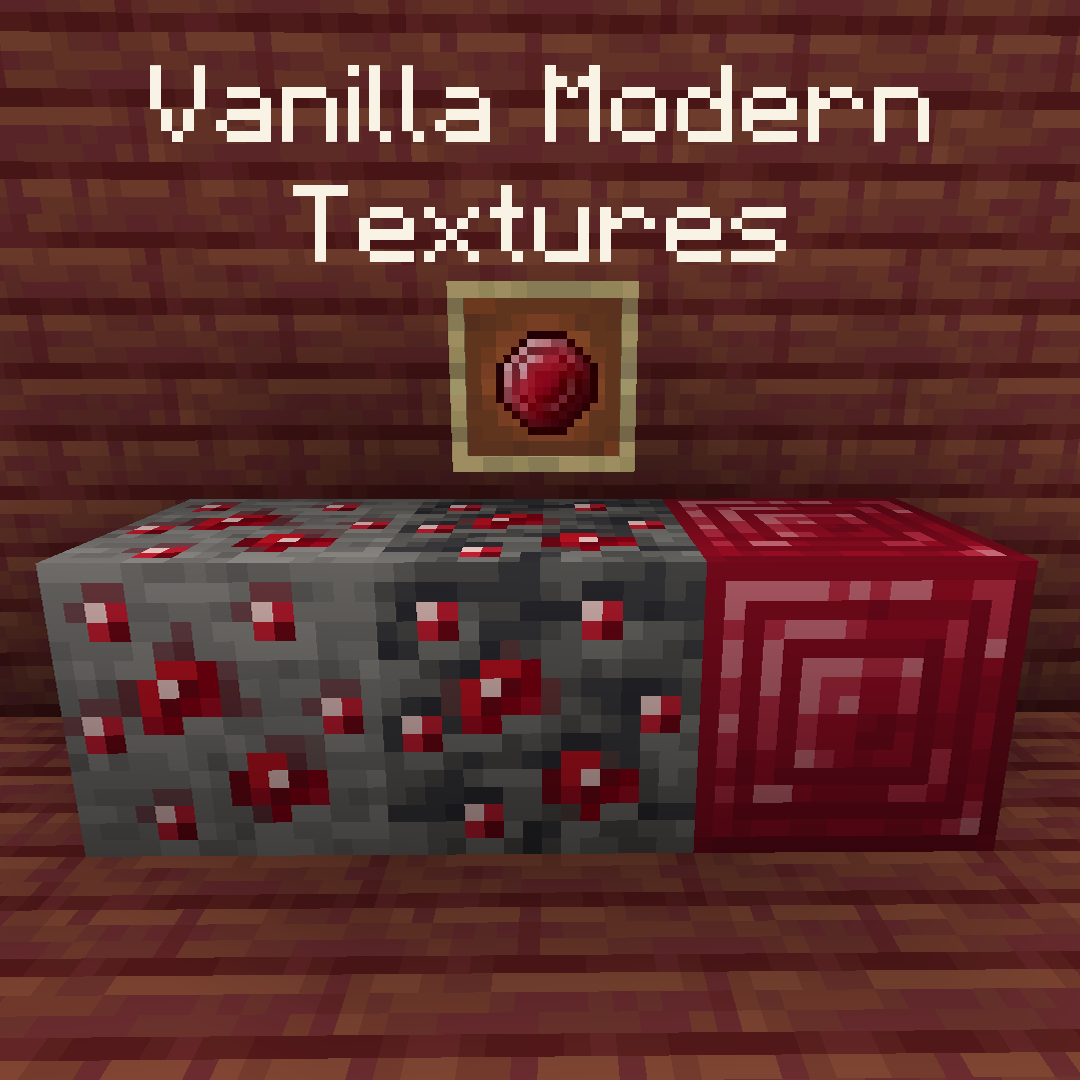
This is a texture pack that aims to do one simple thing, change Emeralds back into Rubies, leaving no details forgotten! You might be asking why? Well it's simple, Rubies were the original planned currency for the Villagers before it was changed to Emeralds at the last minute, so last minute that the Emerald Ore texture was still red in the snapshot it was added, and the Ruby item texture was still in the files (Which are both used here). I hope you enjoy this resource pack!
Features
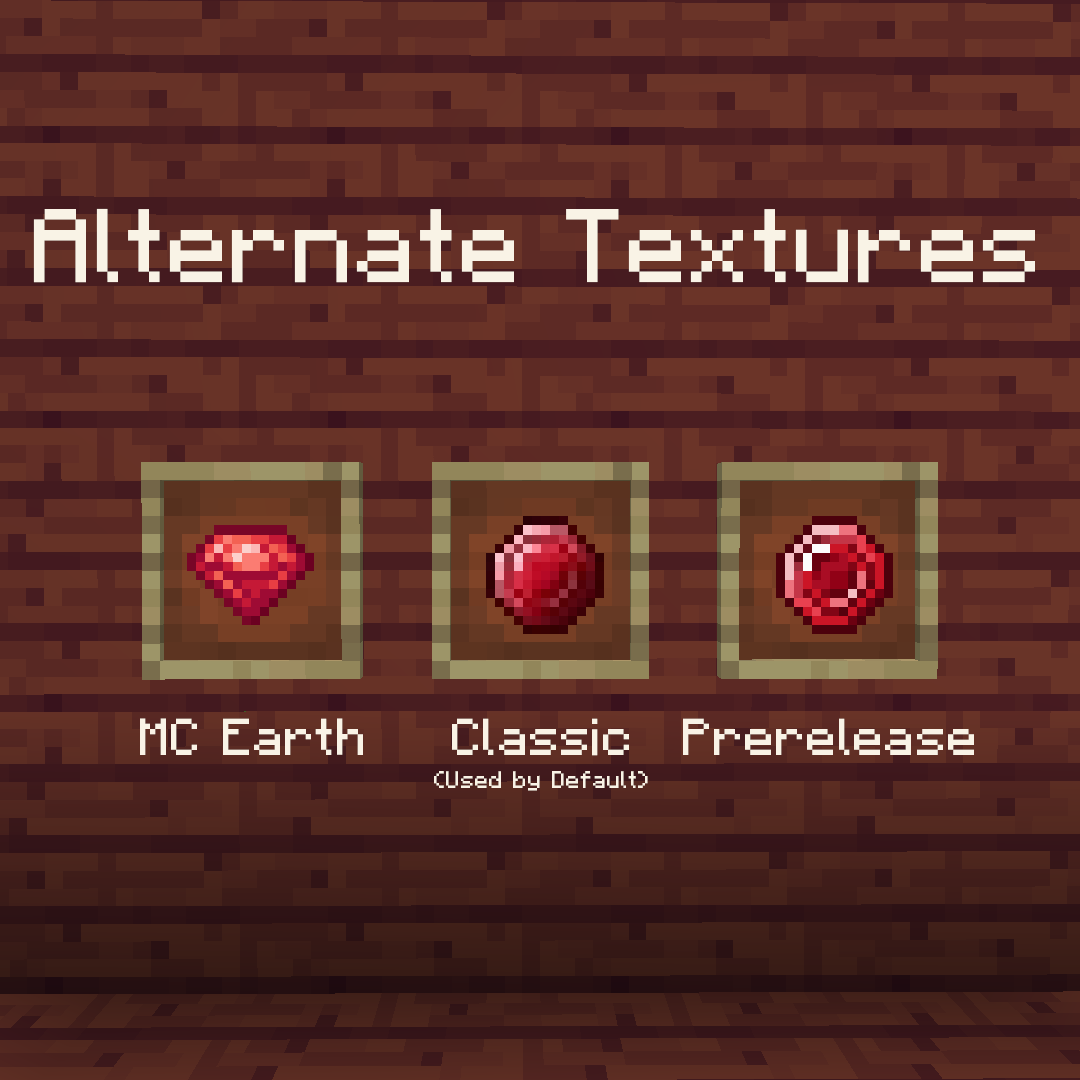
- Changes the Emerald Item into a Ruby, with 3 alternate textures which are listed below
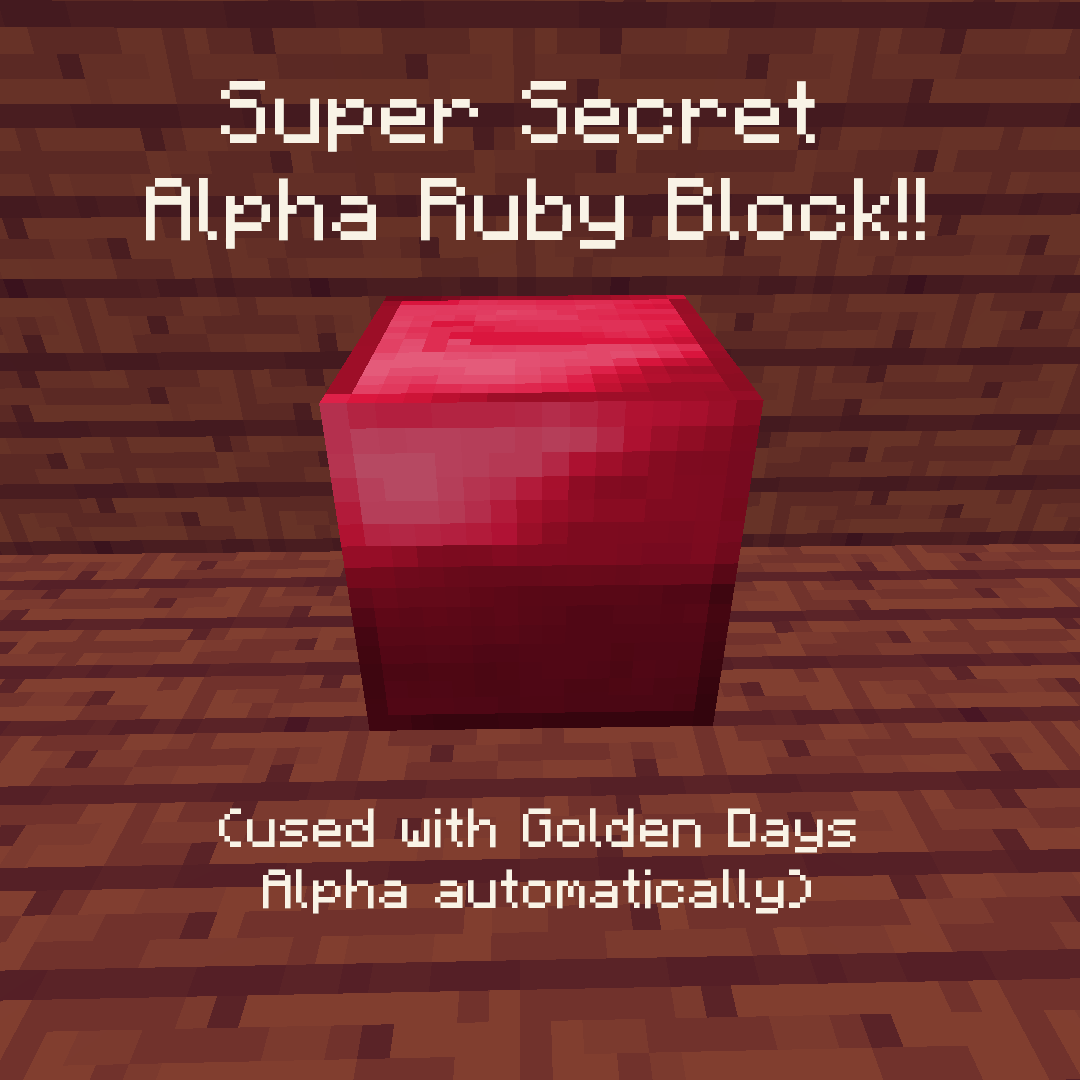
- Changes Emerald Ore and Blocks of Emerald into Ruby Ore and Blocks of Ruby
- Makes Villagers eyes Red, along with the Totem of Undying
- Changes the Emerald on the Witch's hat into a Ruby
- Makes the Beacon GUI have Ruby blocks instead of Emerald blocks
- Two versions of the pack, one for use with base Minecraft, and one for use wit PoeticRainbow's Golden Days resource pack for a more classic vibe! Go check it out!
- Alternate textures, including programmer art variants of the block textures and different version of the Ruby item!
When using the golden days version, Rubies Restored should always be above Golden Days, the order should look like this:
- Rubies Restored Golden Days
- Golden Days Alpha (Optional)
- Golden Days Base
- Programmer Art
Ruby textures
- Classic, the one used by default in both packs. This is the one that was left unusedin the files!
- Prerelease, the texture shown off in a prerelease screenshot by Jeb on twitter!
- MC Earth, the Ruby texture used in the discontinued Mobile game, Minecraft Earth.
To use the alternate textures, simply unzip the resource pack file, go into the textures folder, then go to any of the folders in there. You'll see the used textures for the resource pack and any alternates that you can use (labelled with _alt), to use them simply rename the default one then remove the _alt and the name after it of the one you want to use.
Credits
- Mojang for the original textures.
- PoeticRainbow for making Golden Days, the resource pack I originally made this to use with.
- Edition: Minecraft Java
- File type: .zip (resource pack)
- Minecraft versions listed: 1.14, 1.14.1, 1.14.2
- How to install: Download the .zip resource pack — do not unzip it. → Put it in .minecraft/resourcepacks. → Enable it in Options → Resource Packs.
- Where to get it: Opens on Modrinth — not every file is mirrored on our own servers.
Install steps are the general flow for this file type — How to install Minecraft Java resource packs walks through it step by step.
- Downloads as rubies_restored_golden_days.zip
- Download size: 105 KB
- Download link checked 31 Aug 2026 — working
These come from our own check of the pack file, not from the source page.