
ResourcepacksJava
Vanilla Imagined
I don't know my version or loader
Open the Minecraft launcher and look at the profile you play on — it names both, like fabric-loader-1.21.4. The version also shows in the bottom-right corner of the game's main menu.
No loader in the profile name? Then it's plain Minecraft, and these mods won't run — you need Fabric or NeoForge installed first.
Futures
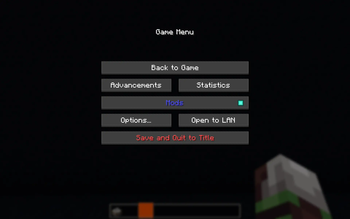
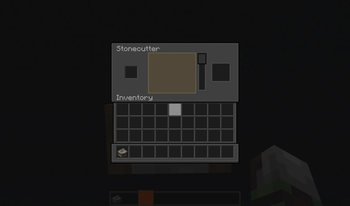
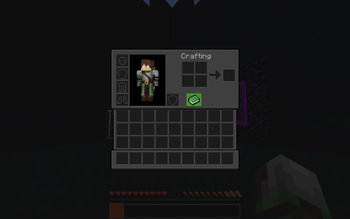
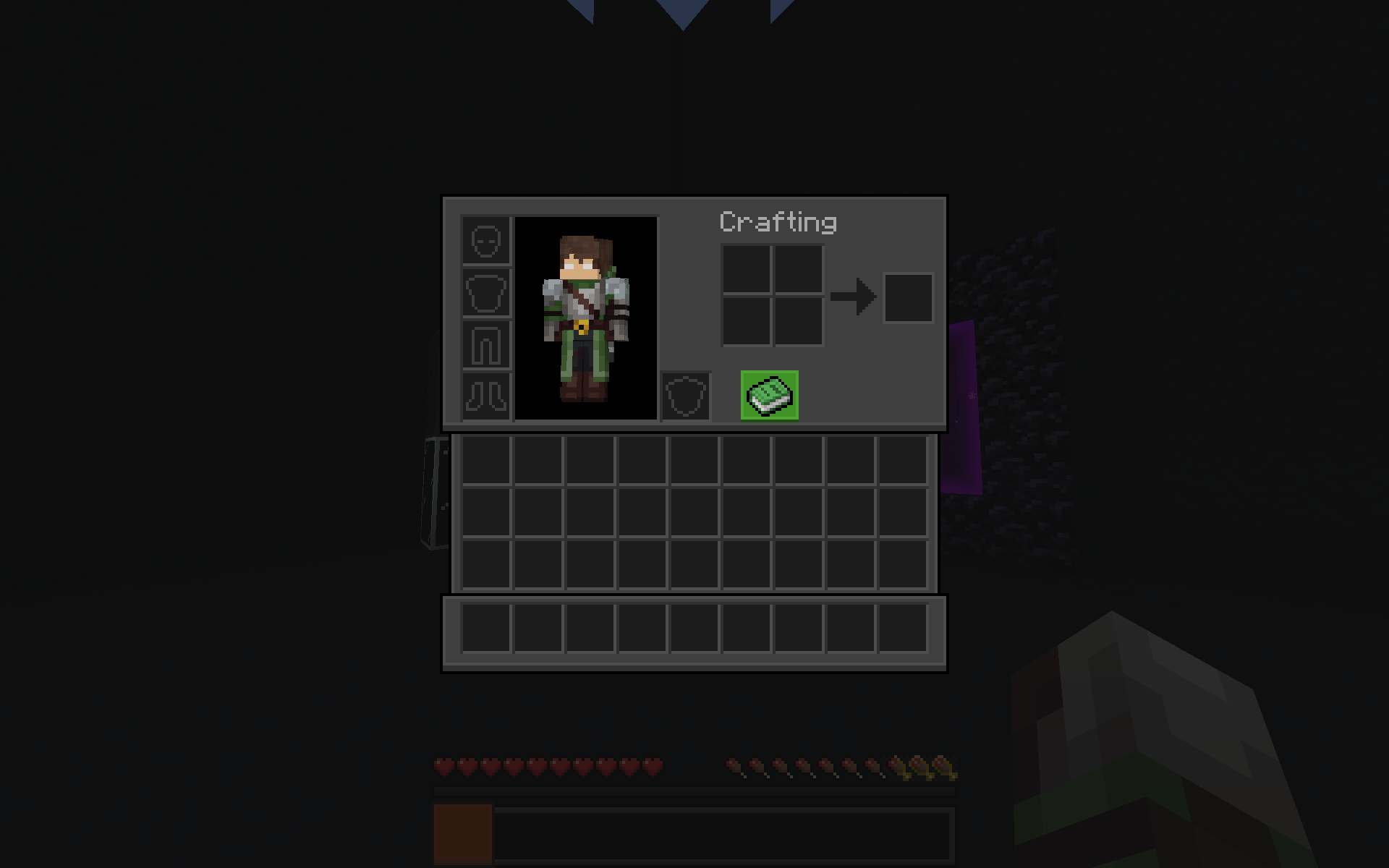
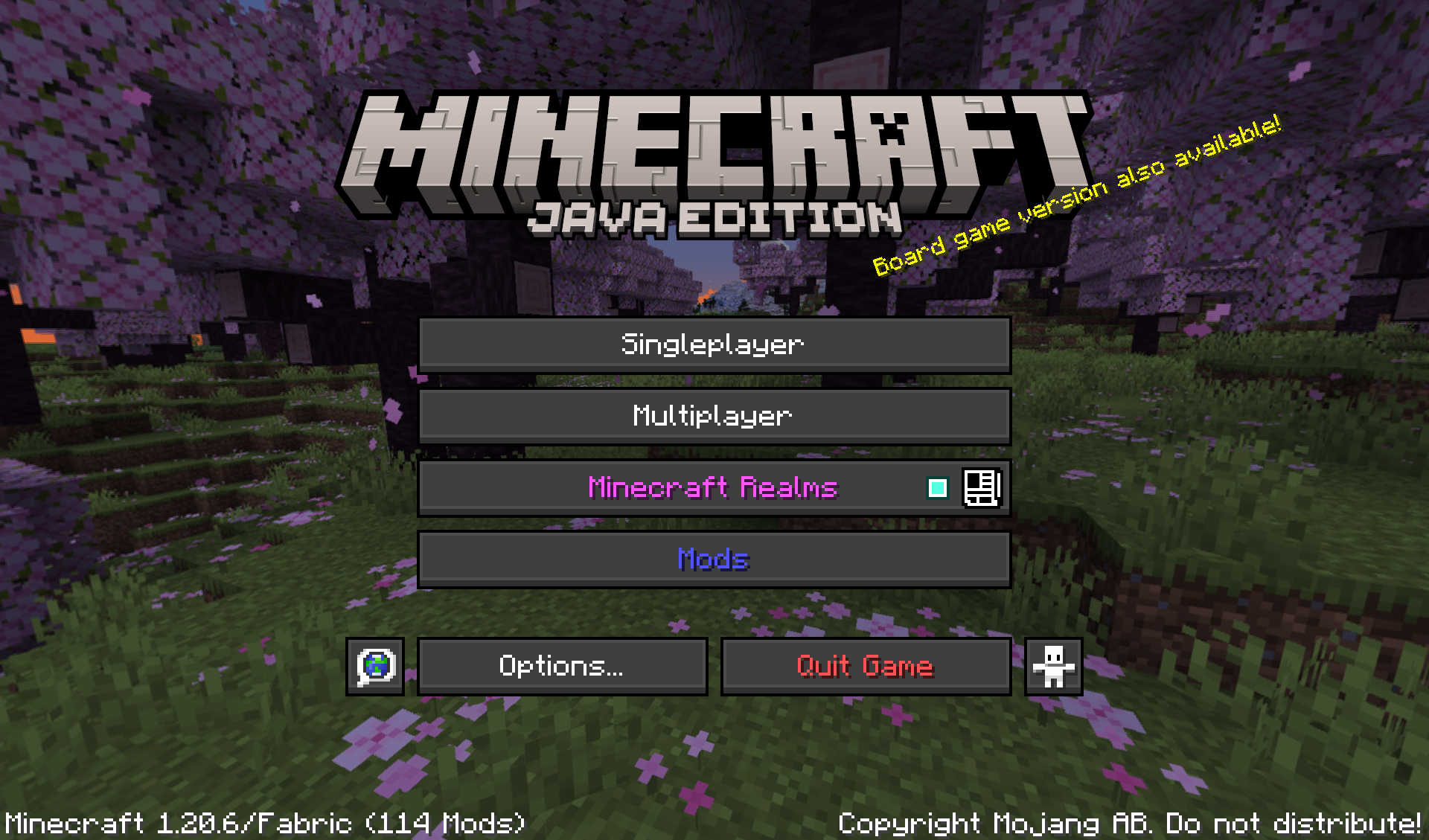
- Simplistic menu and GUI design
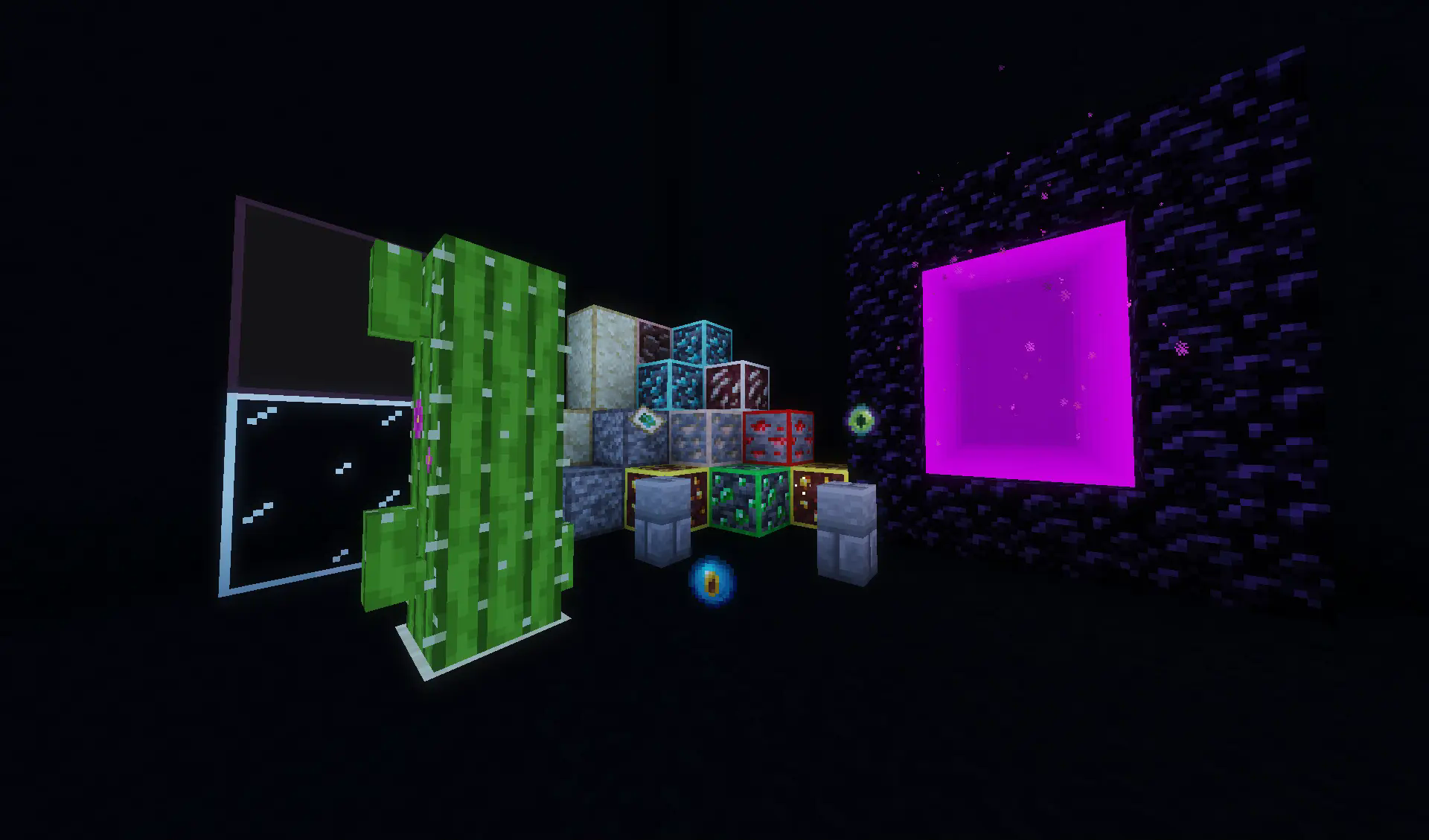
- Ore Outlines
- Blinking ender eyes
- Better nether portals*
- Connected glass*
- Connected Suspicious Blocks*
- Support for mods
- Brewing Guide
- and more
*Nether Portal and all connected texture blocks require Continuity to work.
More Texture Packs

Addons
COMING SOON
Compatible mods**
- Mod Menu
- Iris Shaders
- Xaero's World Map
- Xaero's Minimap
- [ETF] Entity Texture Features
- [EMF] Entity Model Features
- Fast Trading
- Better Statistics Screen
- ItemSwapper
- End Remastered
- Create
support for some mods will return in the future
Prewiev
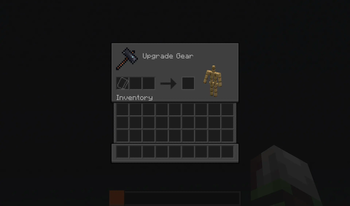
Inventory
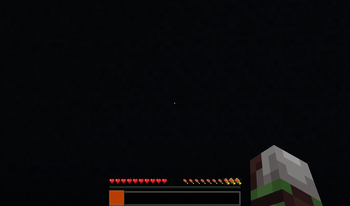
 Items and Blocks
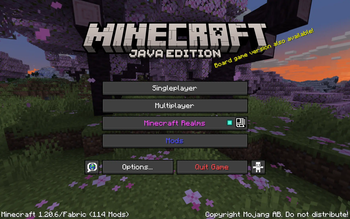
 Title Menu
**Newest versions only
Quick facts
- Edition: Minecraft Java
- File type: .zip (resource pack)
- Minecraft versions listed: 1.21, 1.21.1, 24w33a
- How to install: Download the .zip resource pack — do not unzip it. → Put it in .minecraft/resourcepacks. → Enable it in Options → Resource Packs.
- Where to get it: Opens on Modrinth — not every file is mirrored on our own servers.
Install steps are the general flow for this file type — How to install Minecraft Java resource packs walks through it step by step.
Verified by MCModsHub
- Downloads as Vanilla Imagined 1.10.zip
- Download size: 5.6 MB
- Download link checked 31 Aug 2026 — working
These come from our own check of the pack file, not from the source page.