
PDB3D's Blocky Armor Stands
Java resource pack listed for Minecraft 1.13–26.x. Downloads from the MC Java Mods app on Android.
⬇ Download on Modrinth
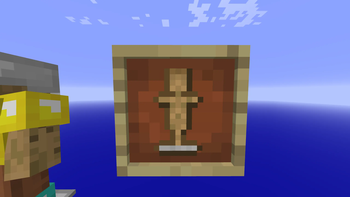
Blocky Armor Stands
Replaces the armor stand model and item texture with a blockier version.
Requires Optifine or EntityModelFeatures !
Arms version: https://modrinth.com/resourcepack/blocky-armor-stands
NOTE! Versions
There are 2 Versions of this resource pack. Default version and Arms version!.
Default versions shows arms with showarms nbt data. Without it it has just stubs.
Arms version shows the arms without the showarms nbt data.
if you have a mod that enables arms on armor stands, or a map that uses them or prefer no arms at all: Use default version! if you want armor stands with arms in situations where they normally have no arms, like vanilla survival, use the arms version (arms are then just visual and will not hold items)
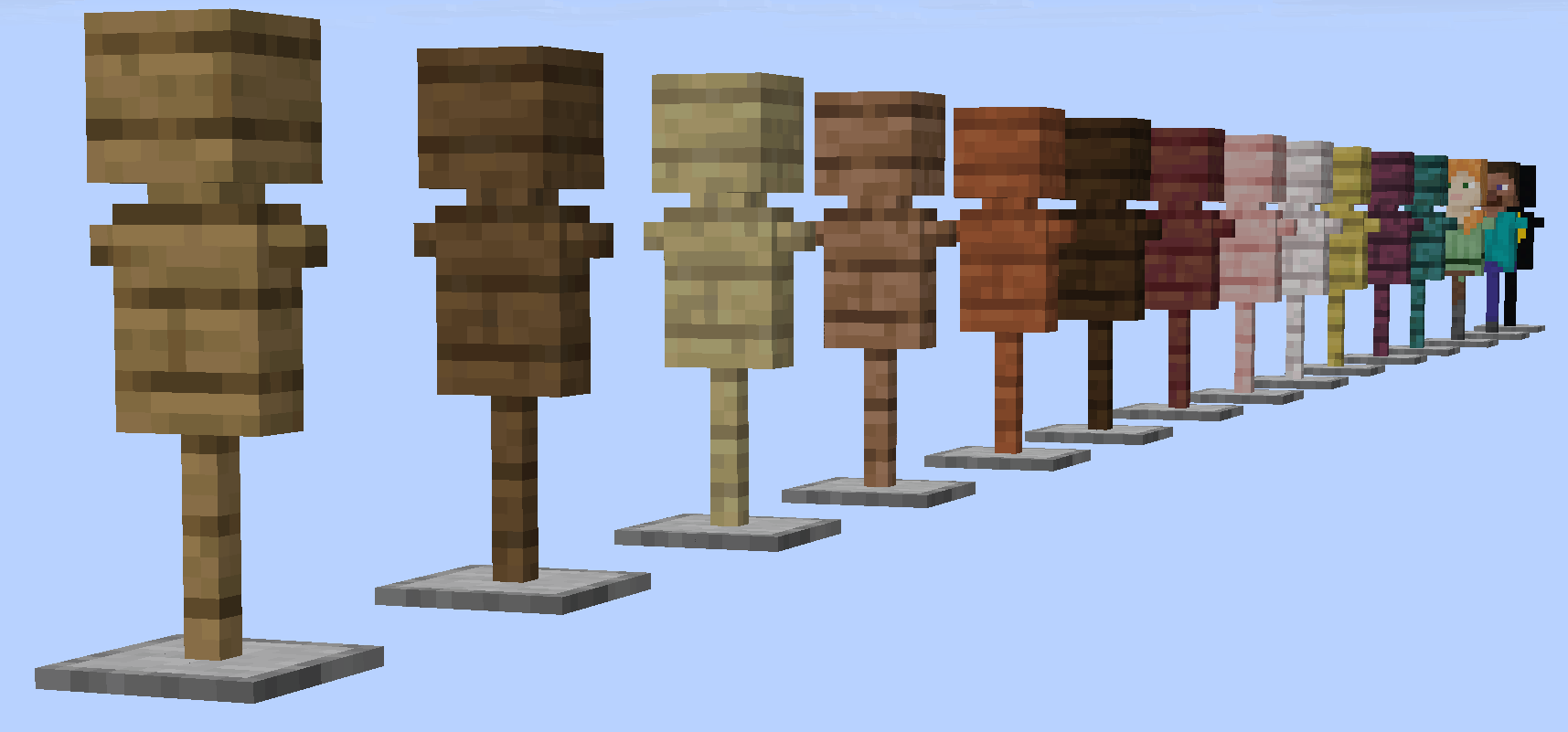
You have the ability to rename the armor stand for different skins armorstand15.png can be replaced with a player skin, this skin will then show up on an armor stand named "Player"
Current names for skins are: Player Steve Alex Oak_Planks Spruce_Planks Birch_Planks Jungle_Planks Acacia_Planks Dark_Oak_Planks Mangrove_Planks Cherry_Planks Pale_Oak_Planks Bamboo_Planks Crimson_Planks Warped_Planks
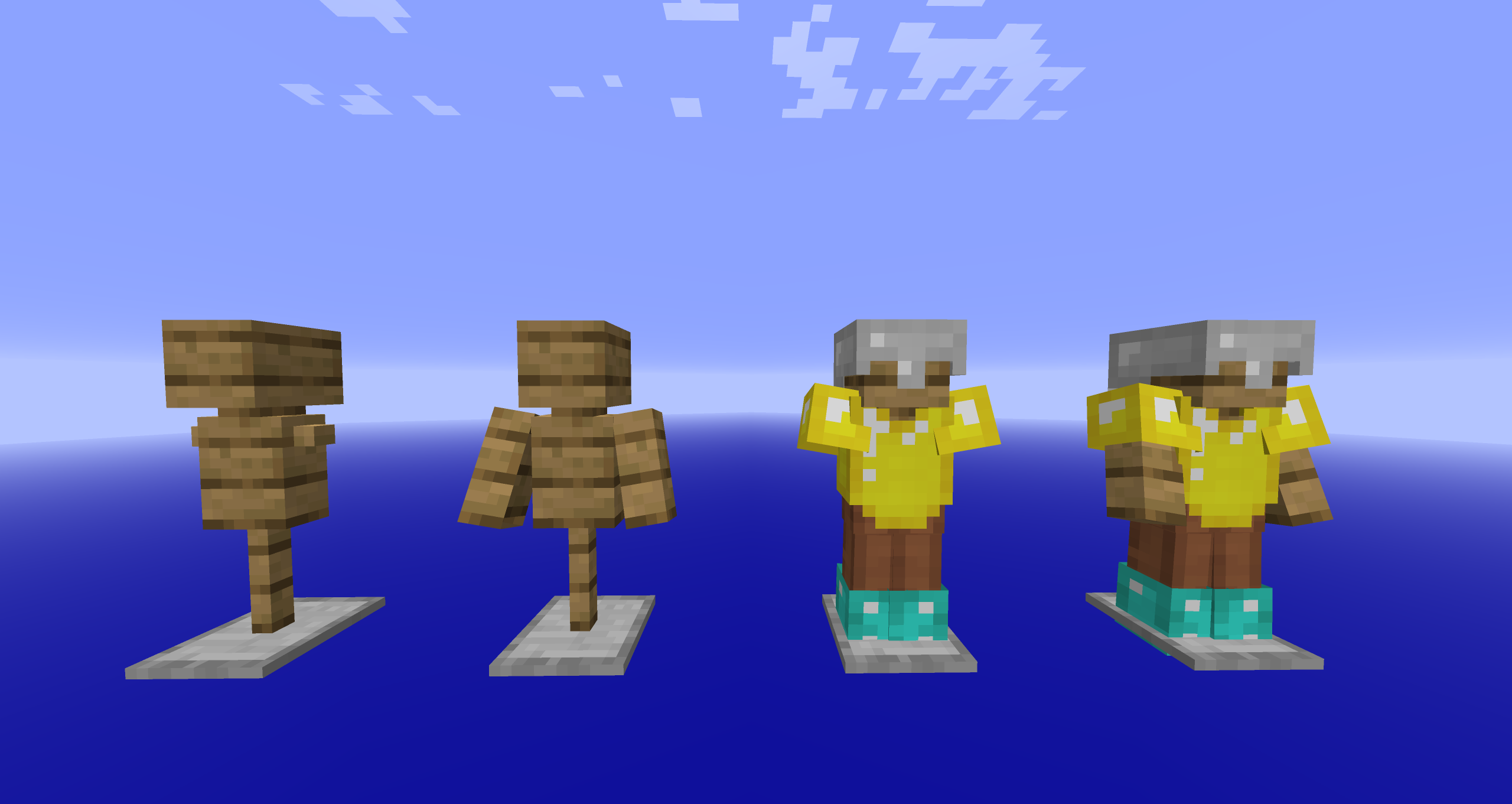
Compatibility: Works great together with the Armor Stands Mod, to let you show and pose the arms in survival
- Edition: Minecraft Java
- File type: .zip (resource pack)
- Minecraft versions listed: 1.13, 1.13.1, 1.13.2
- How to install: Download the .zip resource pack — do not unzip it. → Put it in .minecraft/resourcepacks. → Enable it in Options → Resource Packs.
- Where to get it: Opens on Modrinth — not every file is mirrored on our own servers.
Install steps are the general flow for this file type — How to install Minecraft Java resource packs walks through it step by step.
- Downloads as PDB3D's Blocky Armor Stands.zip
- Download size: 41 KB
- Download link checked 11 Oct 2026 — working
These come from our own check of the pack file, not from the source page.