
GUItem
I don't know my version or loader
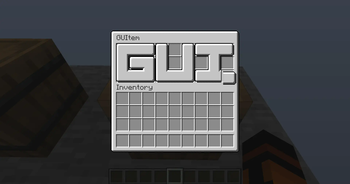
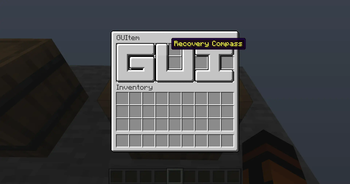
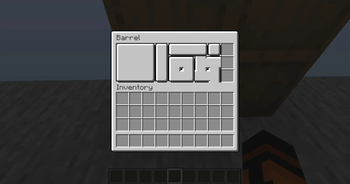
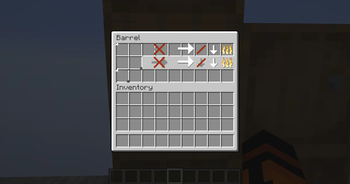
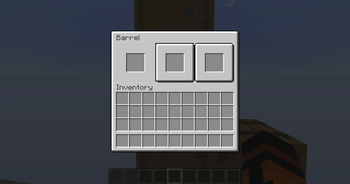
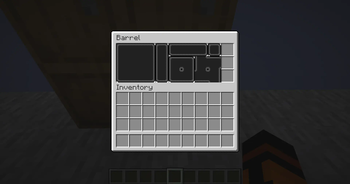
What is this?
- Does not replace existing textures or models of the vanilla game.
- Use custom item models to decorate the container GUI instead of Glass Panes and Heads.
- Stack layers of models, then use custom model data to control.
- Template models for easily creating layer models from textures.
- An item model definition as an example or direct use.
GUItem
The goal is to imitate the container GUI by covering inventory slots with pieces of the GUI elements.
Models can be created from template models by simply providing textures to the specified texture variable.
The templates and models are categorized from GUI elements, layered from bottom to top:
- Background
- The bottom layer that can be displayed.
- Ignorable or unimportant information that does not affect the reading.
- Field
- To declare sections or primary color fill.
- Pattern
- Visually interact with.
- Implicit or direct informing of something.
- Slot
- Can insert, take, or preview items.
- Button
- Something will happen when interacting with.
- Must have a placeholder state if the action cannot be available.
- Icon
- Expression of condensed information.
- Symbols or graphics representing.
- Foreground
- The top layer that can be displayed.
- Any information that must be shown, even if the items can be covered.
Models can then be composed into the item model definition, and can also be controlled by custom model data by adding some tricks.
Here is an example /give command to get a "check mark button" by using the provided item model definition: /give @s minecraft:recovery_compass[minecraft:item_model='guitem:gui_stack',minecraft:custom_model_data={"strings":["","","","","button","check_mark",""]}]
GUI Pieces
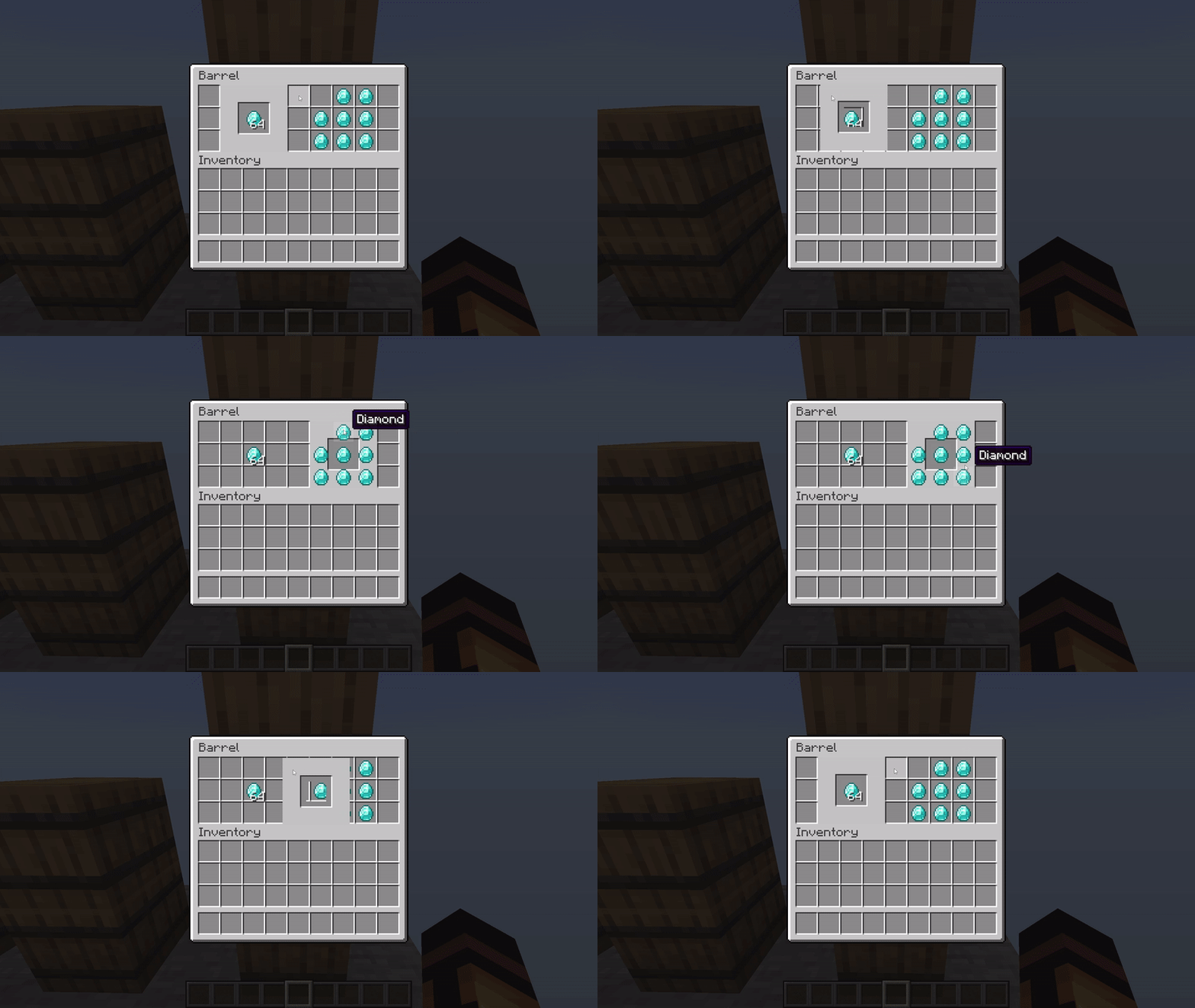
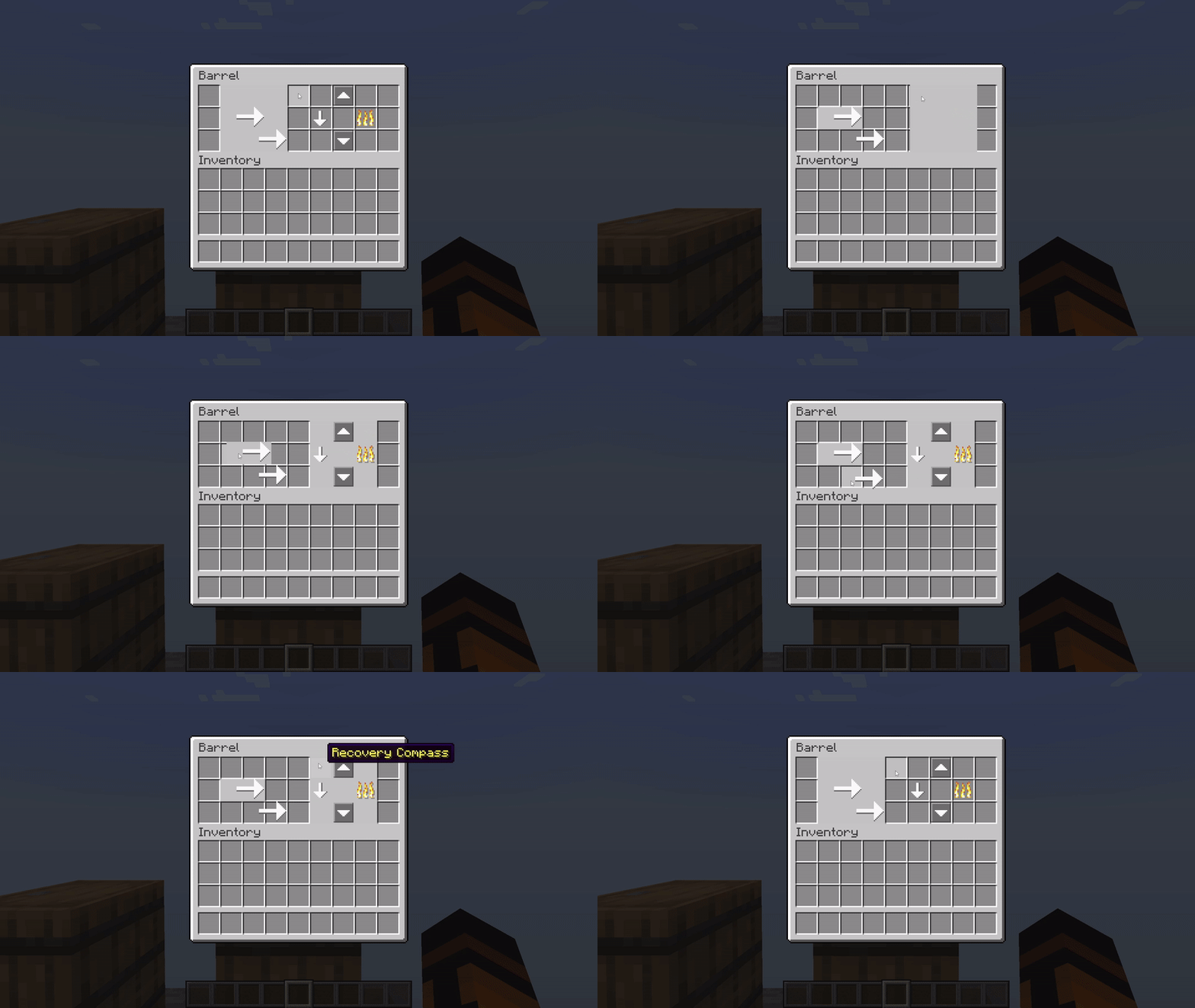
Most pieces are designed to fit a whole slot size: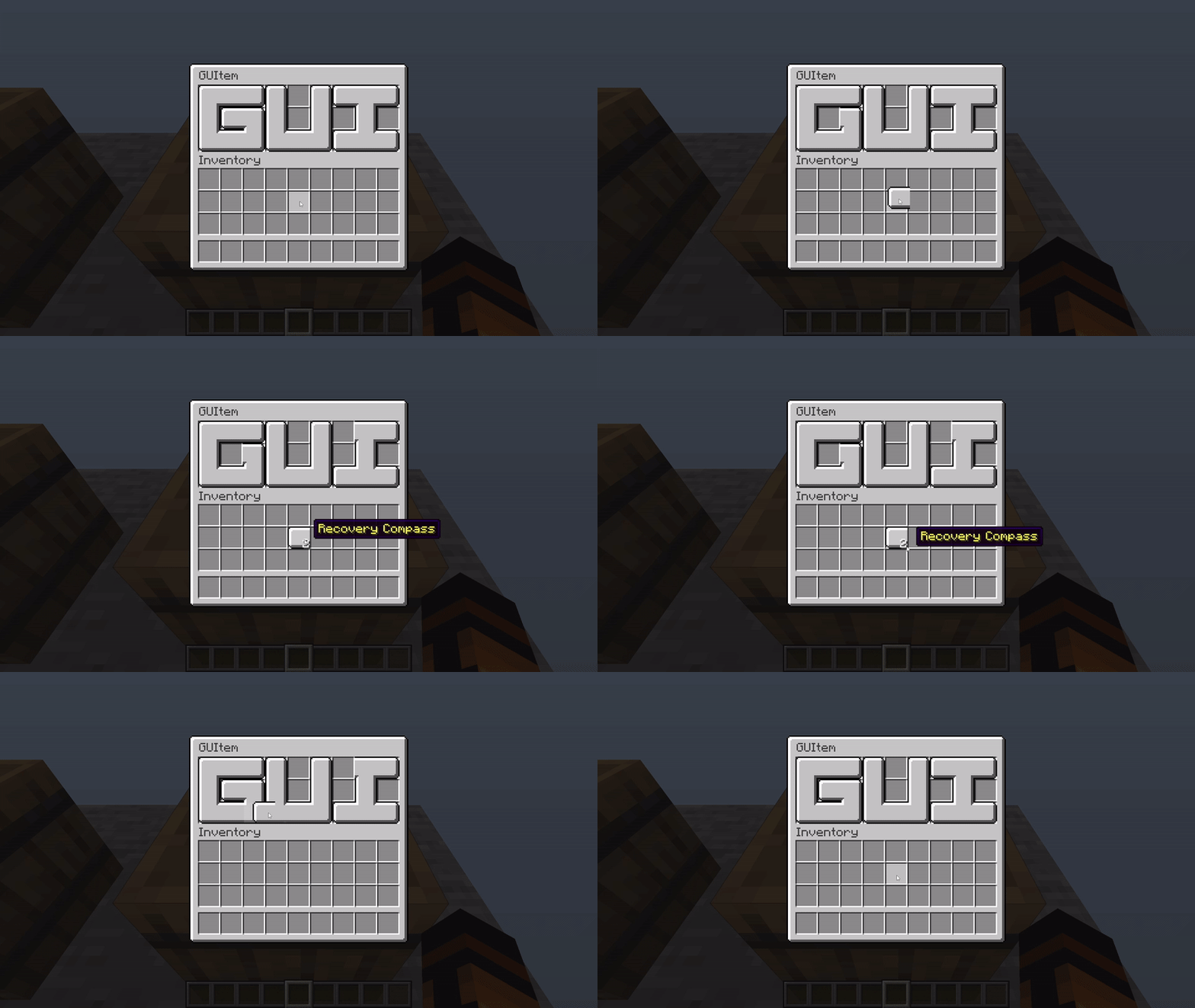
Some pieces have a greater cover area that extends to other slots, representing a complete element or being a foreground/background to the others: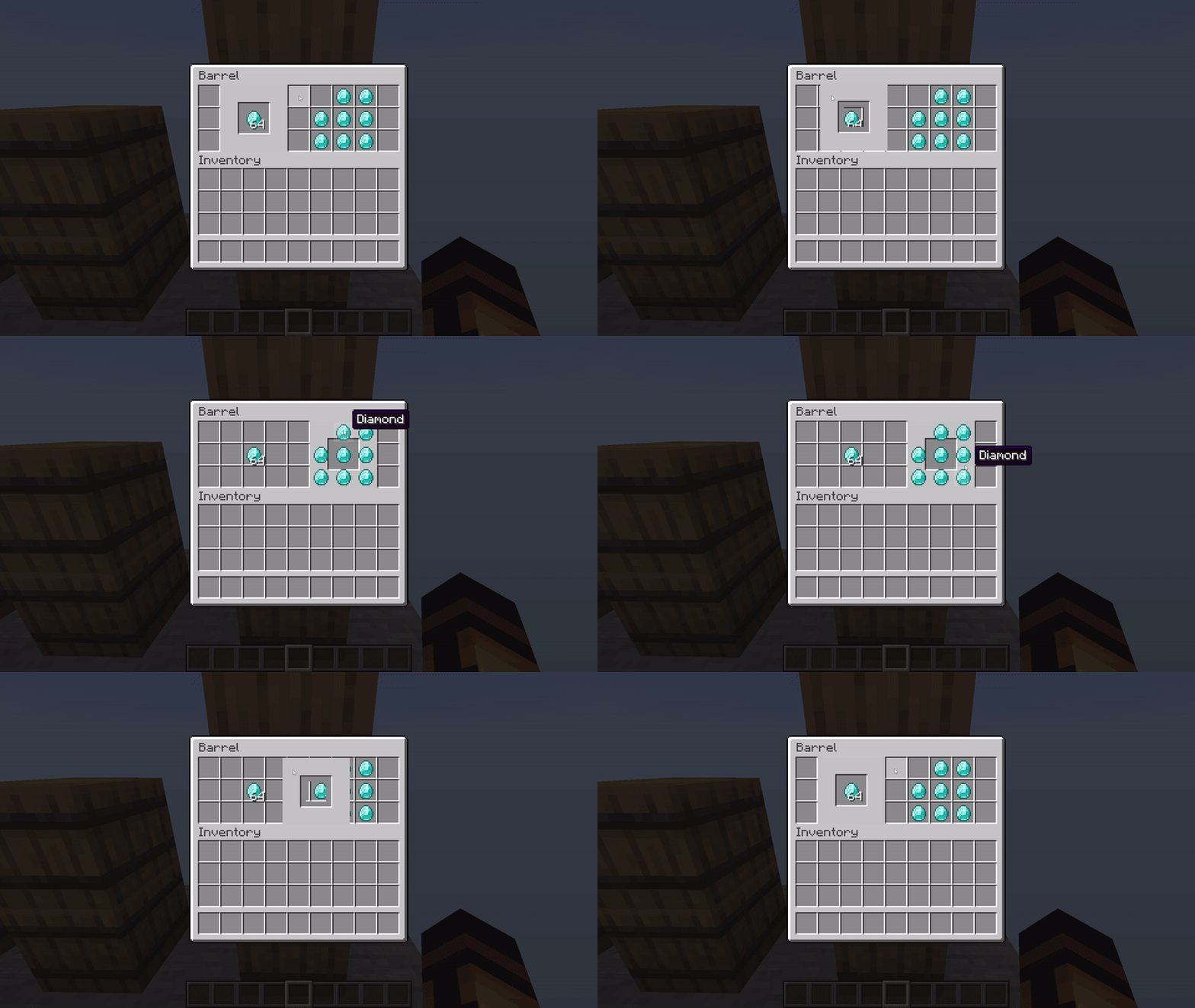
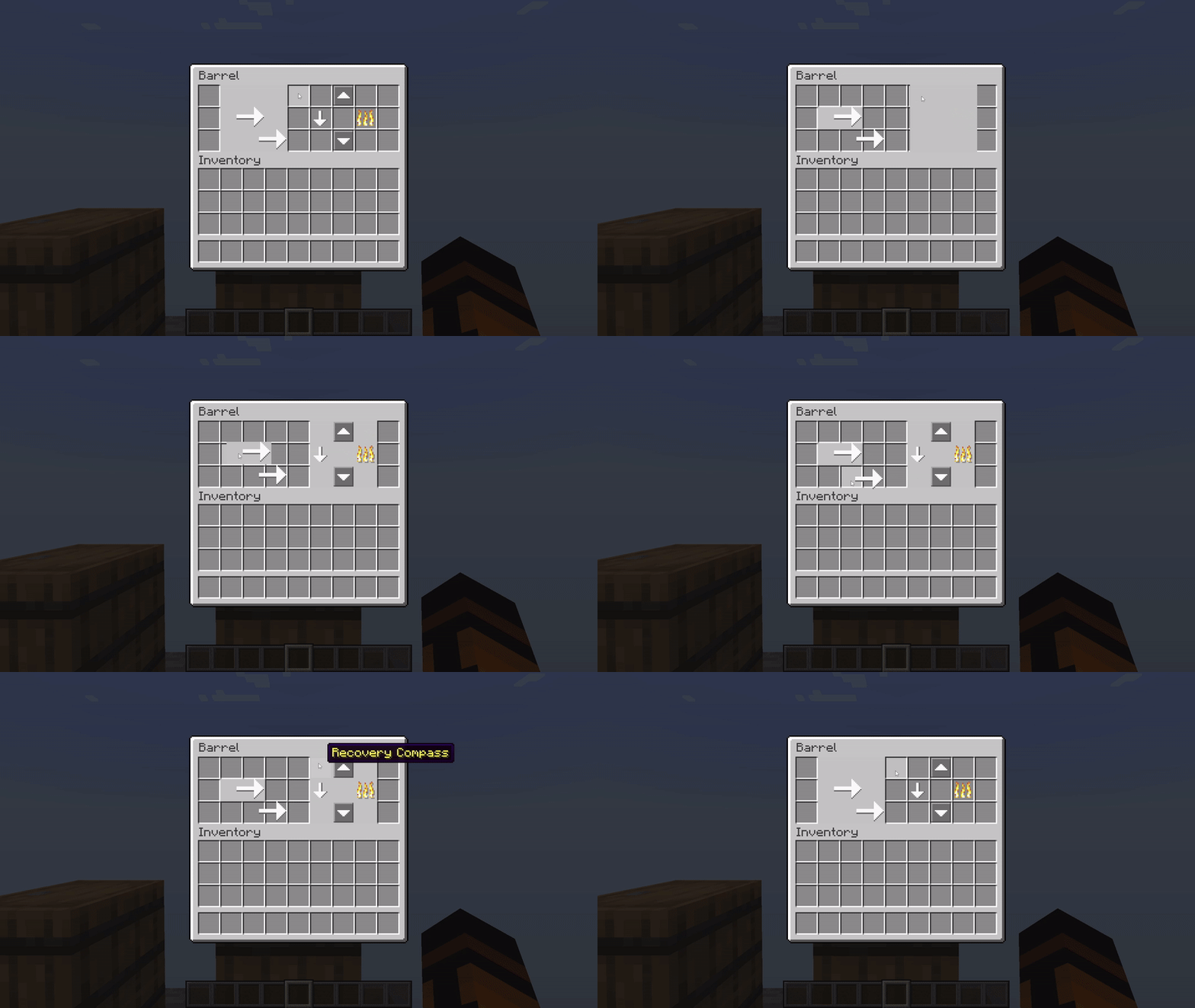
Playing with oversized items with caution! They may have their own rules for covering items: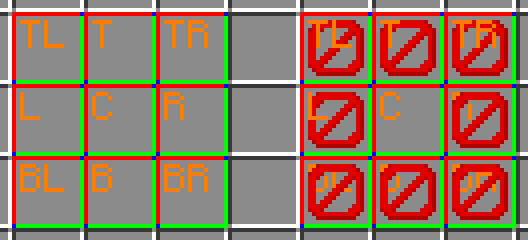
Reminder
- The item model definition, after Minecraft 1.21.6, added
oversized_in_guito control whether the model can exceed a slot (true) or be trimmed to slot size (false, default). - Try combining with the custom fonts as well. Although the container name cannot be changed without reopening the UI, it's still a great option for drawing static content; on the other hand, modeled items handle dynamic content.
Known Issues
- Item models are rendered slightly dim.
- It seems like this upstream issue is fixed along with the lightmap algorithm changes made in Minecraft 26.1 snapshot 1.
- Oversized models sometimes have a smaller UV area, resulting in the wrong scaling of the texture.
- Some oversized models are missing their top row of pixels(GUI scaled).
Compatibility Info
- namespace:
guitem - atlases directory:
gui_item
- Edition: Minecraft Java
- File type: .zip (resource pack)
- Minecraft versions listed: 1.21.4, 1.21.5, 1.21.6
- How to install: Download the .zip resource pack — do not unzip it. → Put it in .minecraft/resourcepacks. → Enable it in Options → Resource Packs.
- Where to get it: Opens on Modrinth — not every file is mirrored on our own servers.
Install steps are the general flow for this file type — How to install Minecraft Java resource packs walks through it step by step.
- Downloads as GUItem.zip
- Download size: 143 KB
- Download link checked 31 Aug 2026 — working
These come from our own check of the pack file, not from the source page.