ResourcepacksJava
Selected
Java resource pack listed for Minecraft 1.14–1.19. Downloads from the MC Java Mods app on Android.
⬇ Download on ModrinthA greener solution for Minecraft button selection
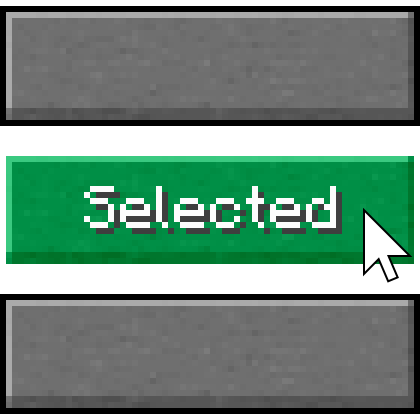
Selected is a resource pack that enhances the way you see what is selected, adding more color and fixing Minecraft selection inconsistencies
Forget the times of the little white line around the button that if you got distracted you might not even realize what was selected!

Select all you want
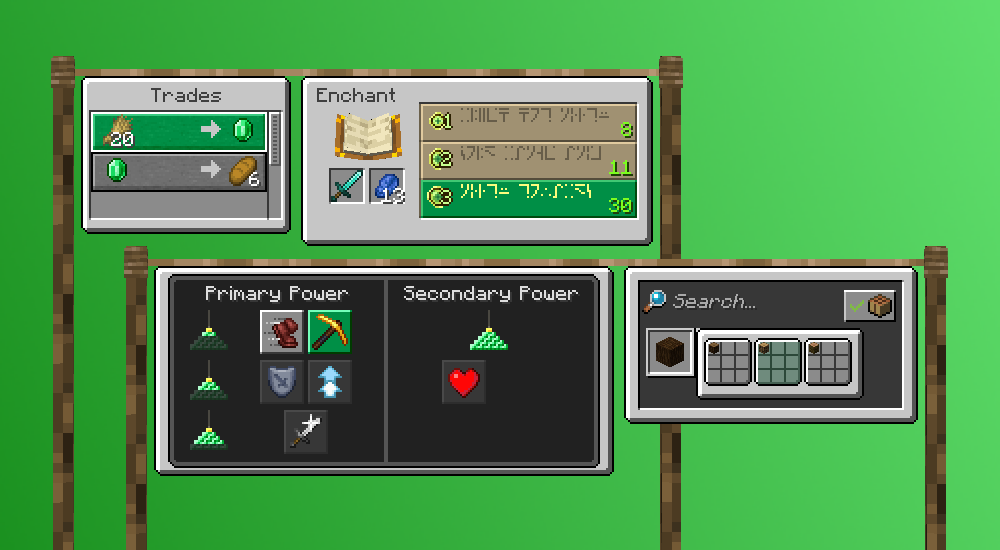
The selection of all buttons is changed, not only the menu

Quick facts
- Edition: Minecraft Java
- File type: .zip (resource pack)
- Minecraft versions listed: 1.14, 1.14.1, 1.14.2
- How to install: Download the .zip resource pack — do not unzip it. → Put it in .minecraft/resourcepacks. → Enable it in Options → Resource Packs.
- Where to get it: Opens on Modrinth — not every file is mirrored on our own servers.
Install steps are the general flow for this file type — How to install Minecraft Java resource packs walks through it step by step.
File checked by MCModsHub
- Downloads as Selected-[V1.0].zip
- Download size: 45 KB
- Download link checked 22 Nov 2026 — working
These come from our own check of the pack file, not from the source page.