
Igor's 3D Grass Blocks
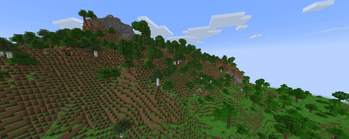
Modifies the grass block to use a custom model that extends the grass block sides outwards. Compatible with most texture packs.
⬇ Download on Modrinth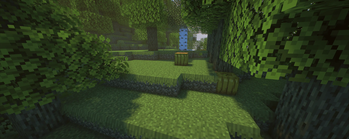
About
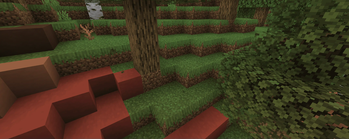
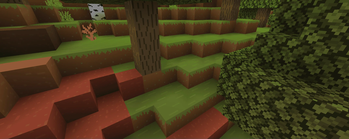
This pack sets the grass block to have the grass parts of the sides extend outwards instead of being flat on the sides. They use the default textures making it compatible with texture packs that override grass block textures.
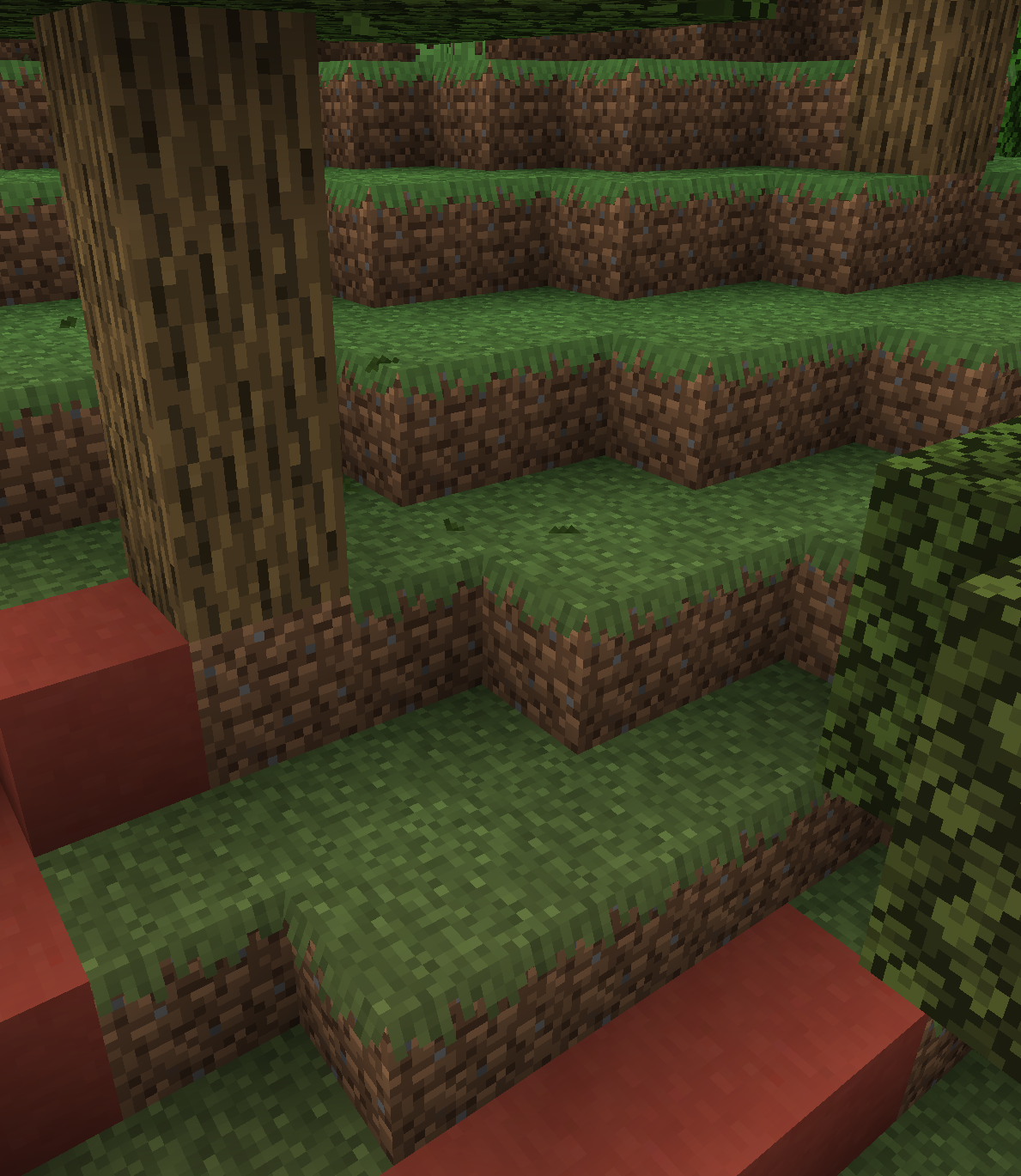
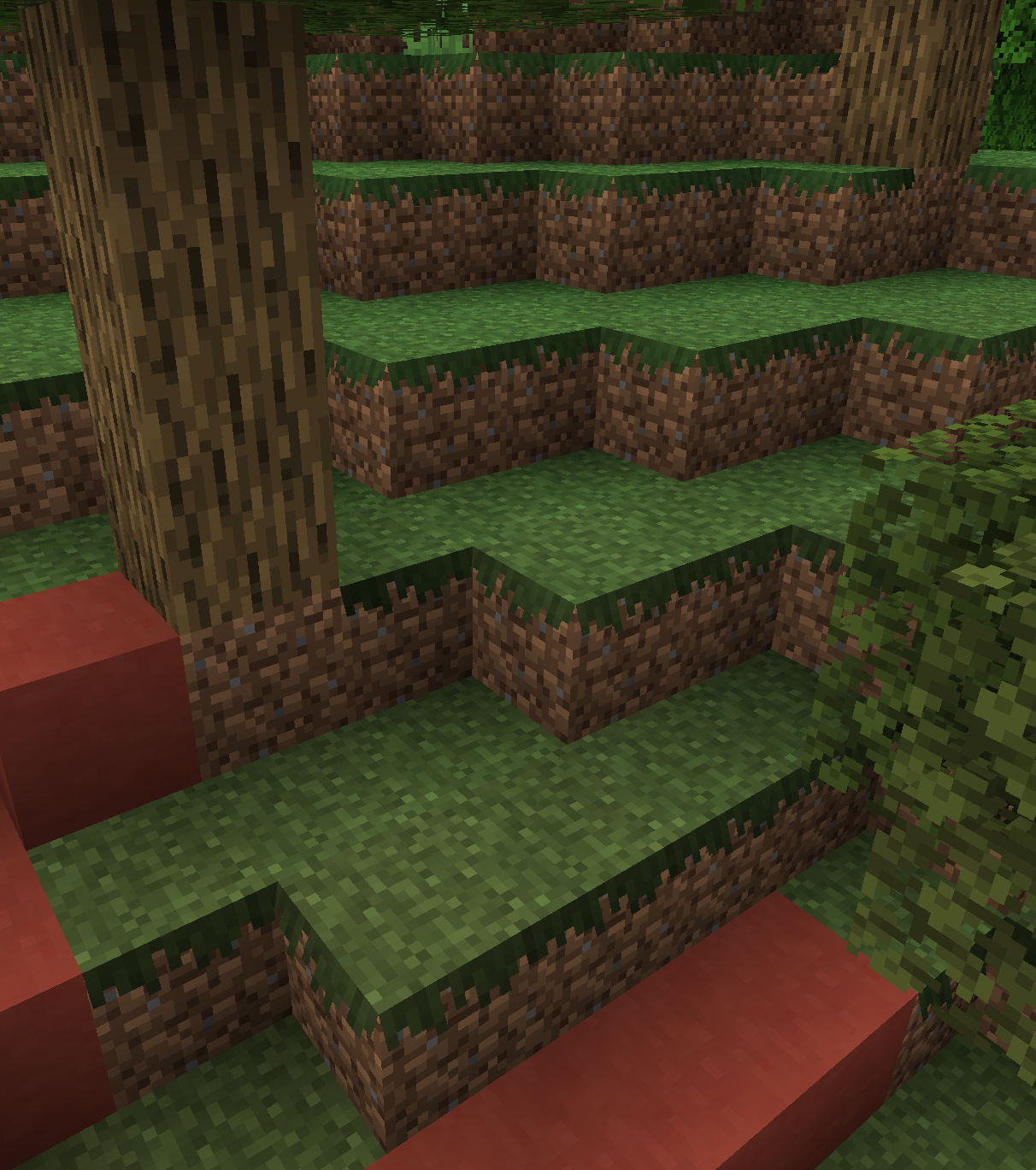
Note that this pack requires the fabric mod Sodium, as it uses a different rendering system that stops the custom model from being shaded incorrectly.
Comparison images between Sodium and vanillaThe below image is the pack with Sodium installed:
The below image is the pack without Sodium installed:
 Note that falling leaves are not included in the pack :)
How do I use this with other packs?
You will want to apply this above any texture pack that modifies grass blocks. I cannot guarantee that every pack will work with mine, but it does support a UV spread across the length of a full block on each side incase the grass side texture goes further down than the vanilla one.
Order of Texture Packs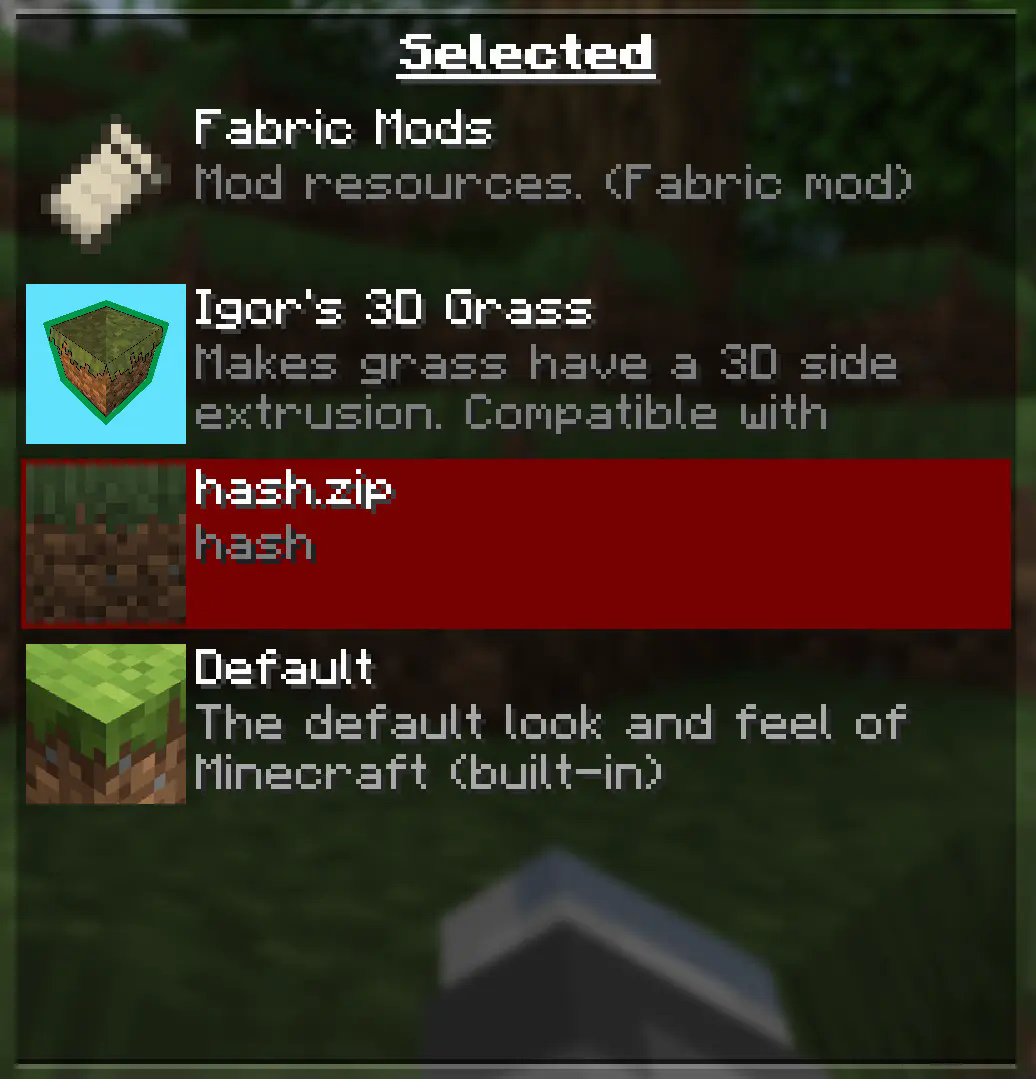
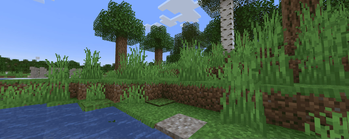
Texture Packs and Shaders used in gallery
+4 pixels to the grass Texture Packhttps://modrinth.com/resourcepack/four_pixels_to_the_grass
Barebones Texture Packhttps://modrinth.com/resourcepack/bare-bones
Super Duper Vanilla Shader Vanilla Plus Shader- Edition: Minecraft Java
- File type: .zip (resource pack)
- Minecraft versions listed: 1.21.3, 1.21.4
- How to install: Download the .zip resource pack — do not unzip it. → Put it in .minecraft/resourcepacks. → Enable it in Options → Resource Packs.
- Where to get it: Opens on Modrinth — not every file is mirrored on our own servers.
Install steps are the general flow for this file type — How to install Minecraft Java resource packs walks through it step by step.
- Downloads as Igor's 3D Grass V1.1.zip
- Download size: 83 KB
- Download link checked 31 Aug 2026 — working
These come from our own check of the pack file, not from the source page.