
ResourcepacksJava
Road: Markings
I don't know my version or loader
Open the Minecraft launcher and look at the profile you play on — it names both, like fabric-loader-1.21.4. The version also shows in the bottom-right corner of the game's main menu.
No loader in the profile name? Then it's plain Minecraft, and these mods won't run — you need Fabric or NeoForge installed first.
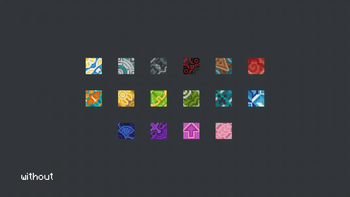
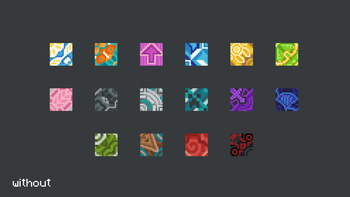

Ever wanted to build roads in Minecraft but didn’t have the right blocks? Still using gray concrete and smooth quartz stairs for road lines? Then this resource pack is perfect for you!
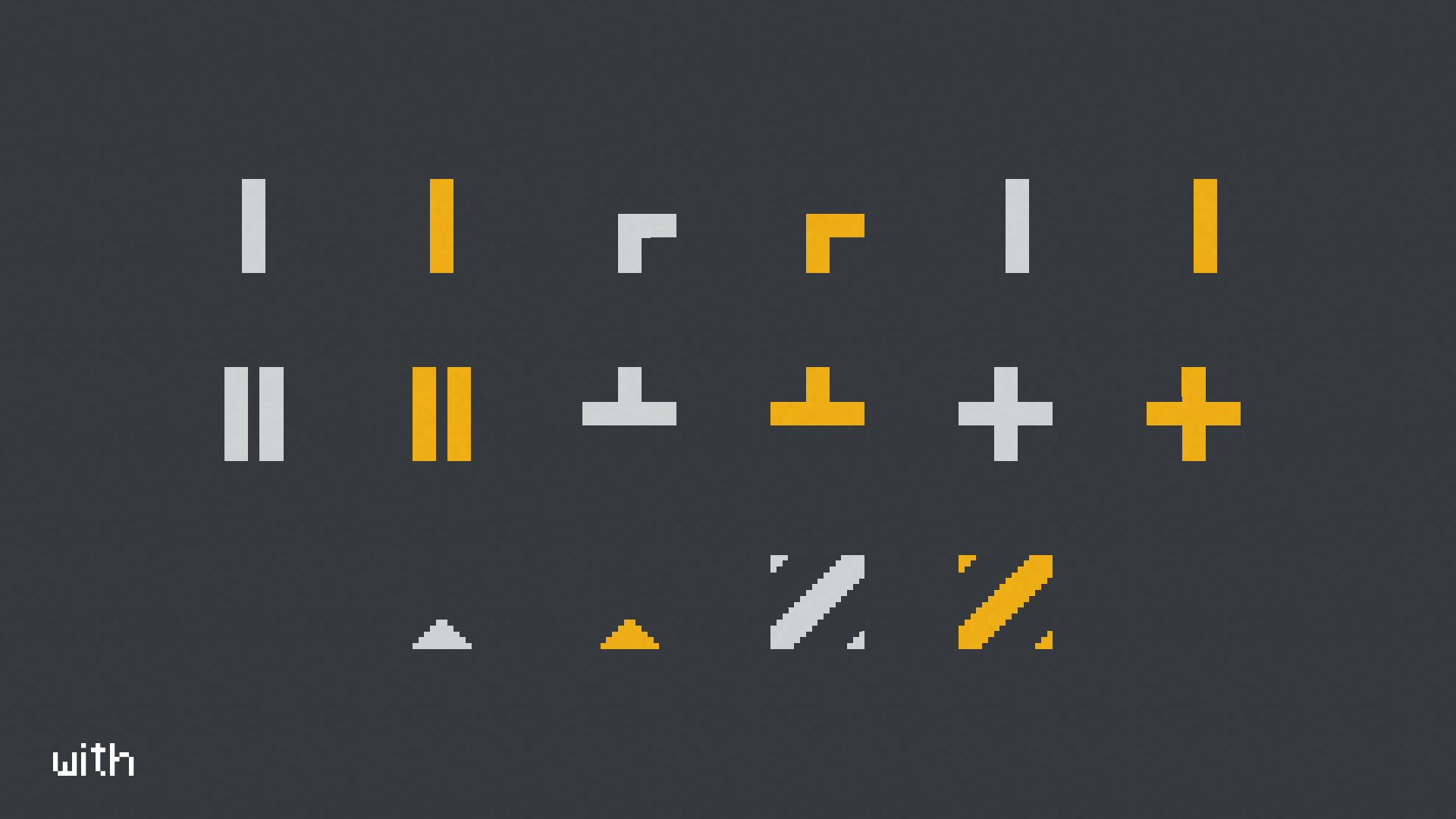
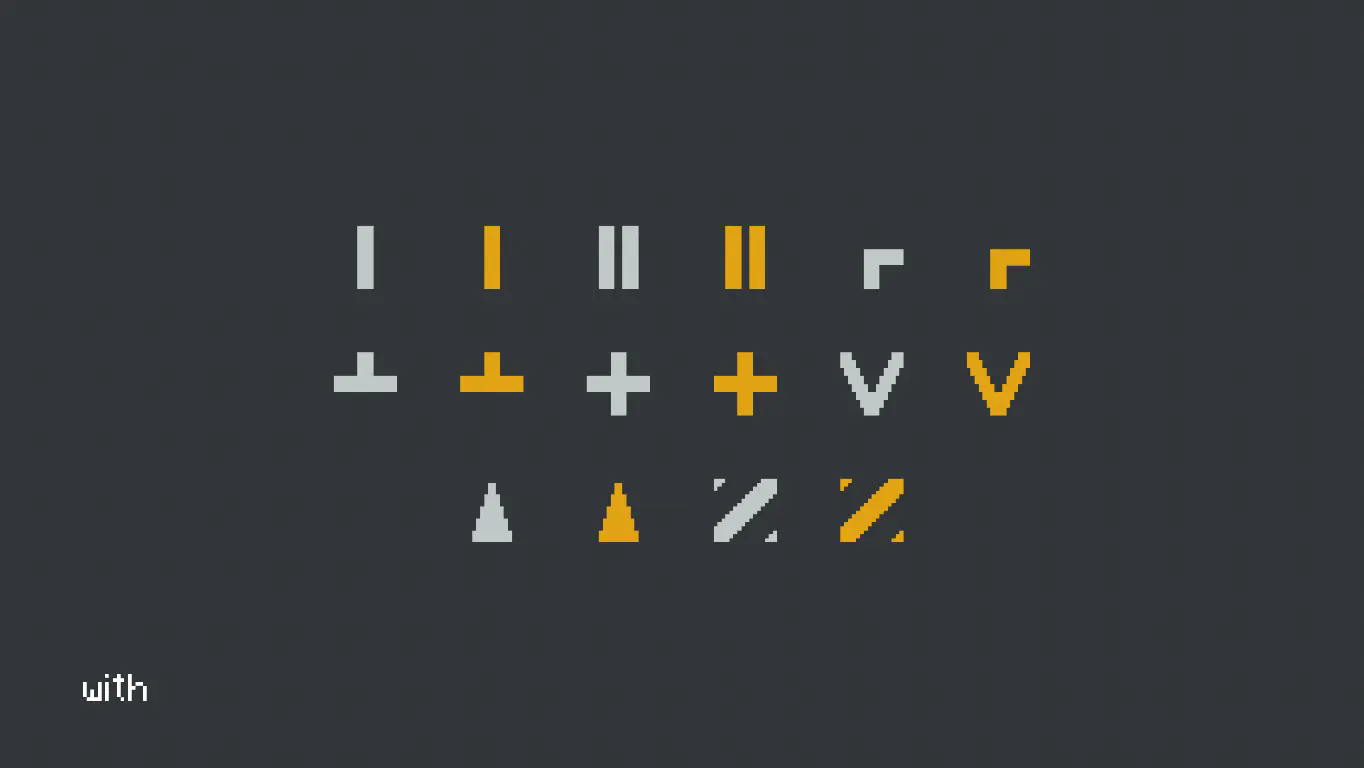
This pack replaces all glazed terracotta blocks with road markings to suit your needs — from single lines, double lines, arrows, and more!
Currently, the pack includes two marking colors: white and yellow.
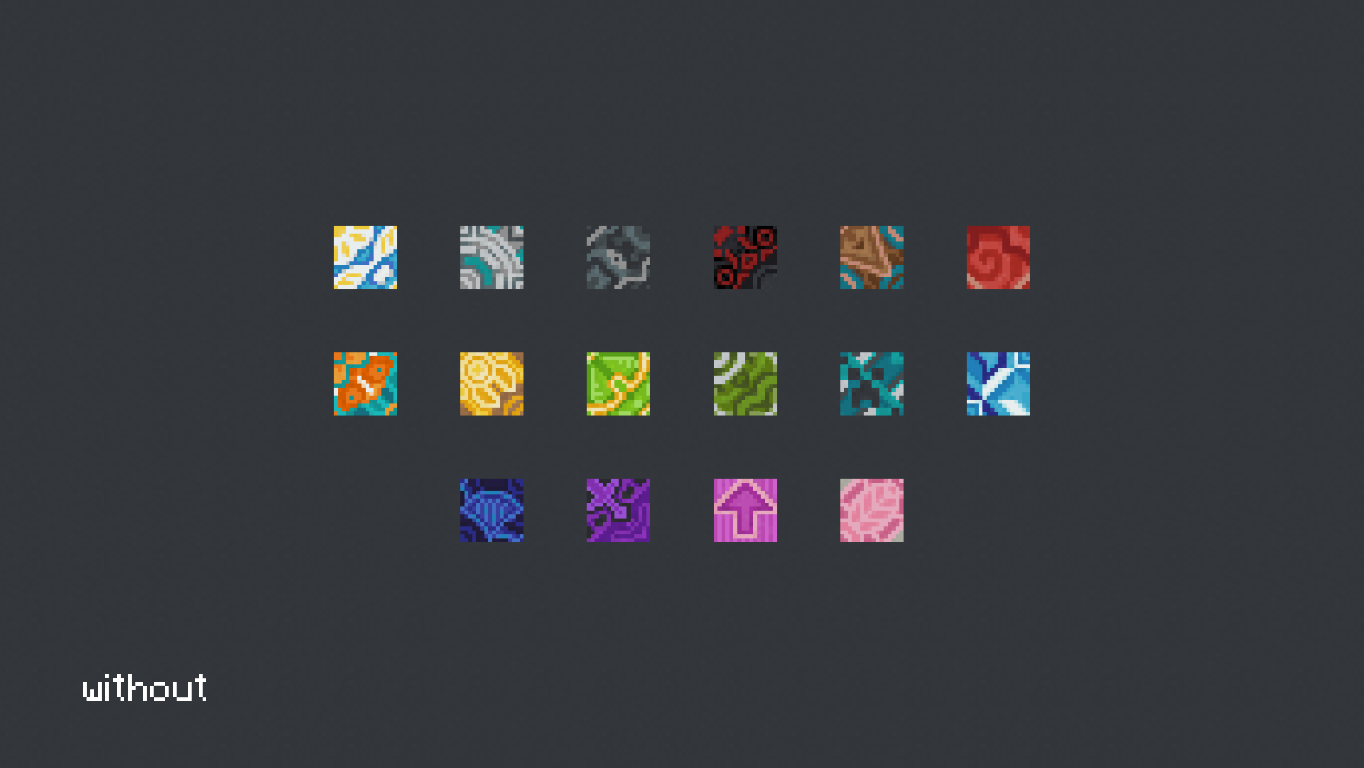
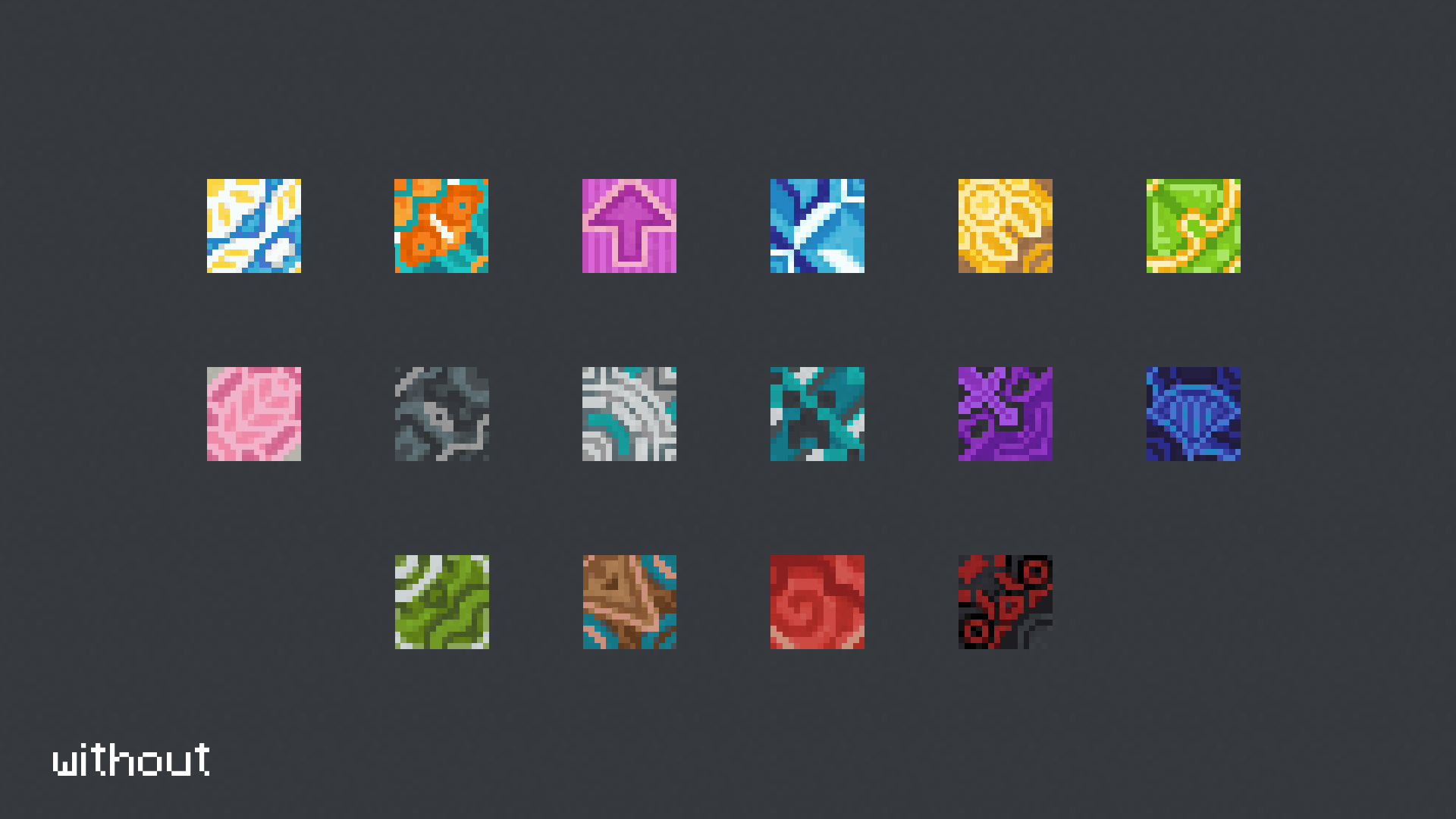
Quick facts
- Edition: Minecraft Java
- File type: .zip (resource pack)
- Minecraft versions listed: 1.20, 1.20.1, 1.20.2
- How to install: Download the .zip resource pack — do not unzip it. → Put it in .minecraft/resourcepacks. → Enable it in Options → Resource Packs.
- Where to get it: Opens on Modrinth — not every file is mirrored on our own servers.
Install steps are the general flow for this file type — How to install Minecraft Java resource packs walks through it step by step.
Verified by MCModsHub
- Downloads as Road Markings 1.20+.zip
- Download size: 21 KB
- Download link checked 31 Aug 2026 — working
These come from our own check of the pack file, not from the source page.