
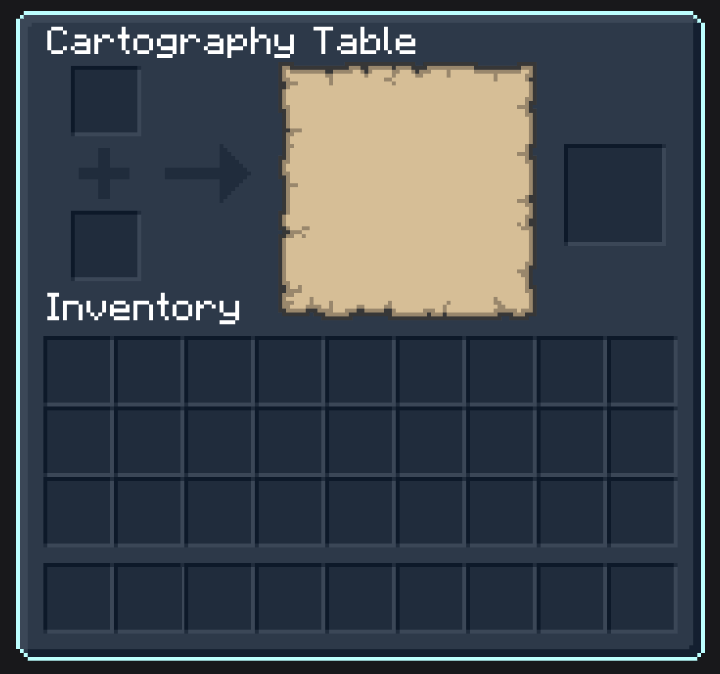
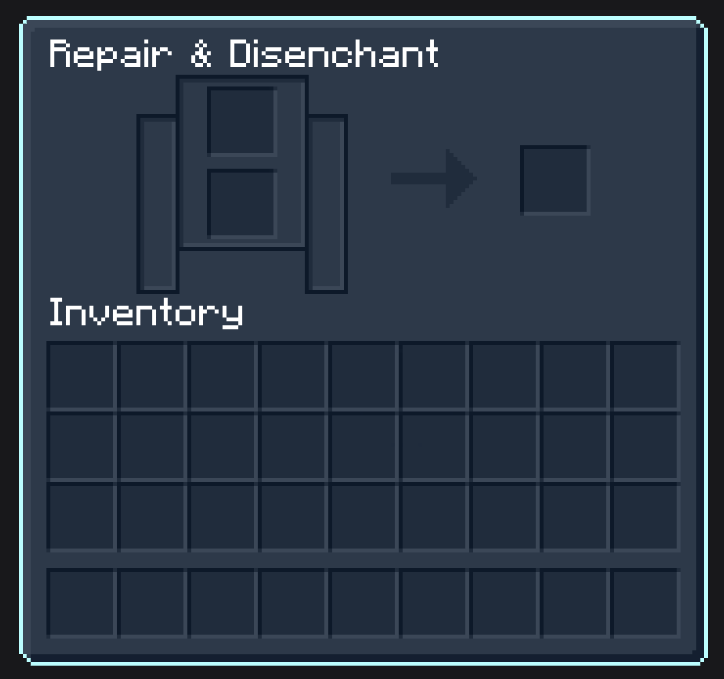
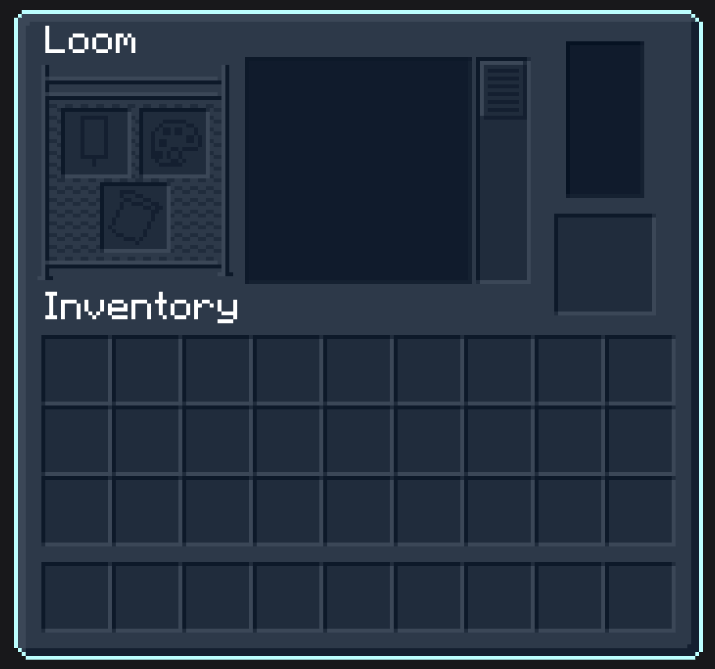
Dark Blue GUI Resourcepack for Minecraft
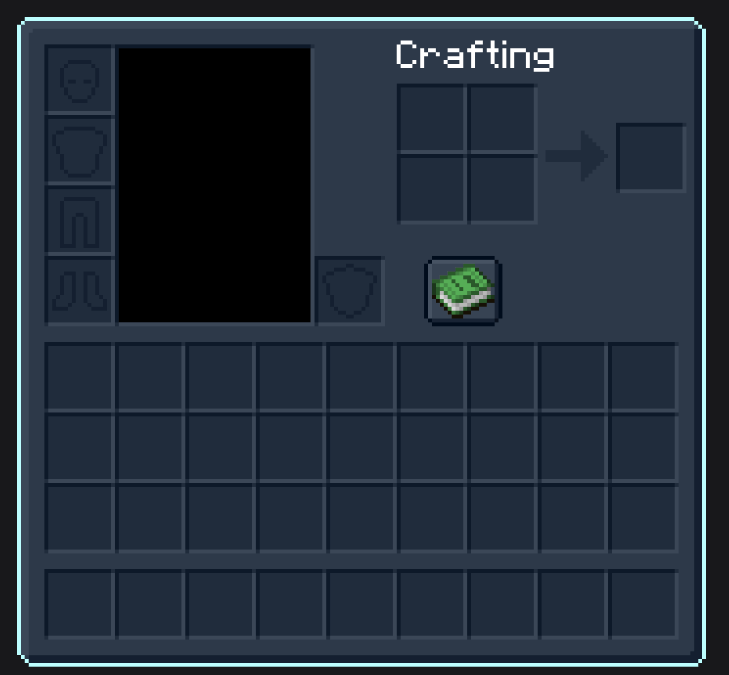
Elevate your Minecraft experience with a sleek, dark blue interface that transforms your in-game menus. This resourcepack reimagines your inventory, crafting, and UI elements with a modern, stylish design that's both functional and visually striking.
Key Features
- Elegant Dark Blue Theme: Enjoy a sophisticated color palette that enhances clarity and immersion.
- Enhanced UI Elements: Redesigned inventory screens and menus for a seamless gaming experience.
- Easy Installation: Simply drop the resourcepack into your Minecraft resourcepack folder and dive into a refreshed gameplay look.
Preview
Support the Project
If you love this resourcepack, consider supporting its ongoing development on Ko-fi:
Quick facts
- Edition: Minecraft Java
- File type: .zip (resource pack)
- Minecraft version listed: 1.20.2
- How to install: Download the .zip resource pack — do not unzip it. → Put it in .minecraft/resourcepacks. → Enable it in Options → Resource Packs.
- Where to get it: Opens on Modrinth — not every file is mirrored on our own servers.
Install steps are the general flow for this file type — How to install Minecraft Java resource packs walks through it step by step.
Verified by MCModsHub
- Downloads as dark blue.zip
- Download size: 732 KB
- Download link checked 21 Sept 2026 — working
These come from our own check of the pack file, not from the source page.