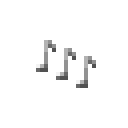
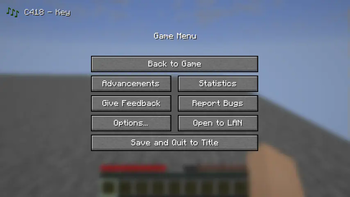
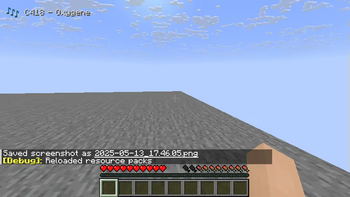
Changes the newly added music toasts as follows:
- Removes the toast background
- The notes icon will not animate (move)
Does not change the following:
- The text will still animate in when the song changes
- The notes icon will change color automatically
- The notes icon will use the texture of your resource pack
How to use:
- Run Minecraft 1.21.6 or later
- Options... -> Music & Sounds... -> set Show Music Toast to ON
- Done -> Resource Packs... -> enable Undistract music toast -> Done
- You may already see the effect, otherwise join any world to see it
Quick facts
- Edition: Minecraft Java
- File type: .zip (resource pack)
- Minecraft versions listed: 1.21.6, 1.21.7, 1.21.8
- How to install: Download the .zip resource pack — do not unzip it. → Put it in .minecraft/resourcepacks. → Enable it in Options → Resource Packs.
- Where to get it: Opens on Modrinth — not every file is mirrored on our own servers.
Install steps are the general flow for this file type — How to install Minecraft Java resource packs walks through it step by step.
Verified by MCModsHub
- Downloads as Undistract music toast.zip
- Download size: 3 KB
- Download link checked 31 Aug 2026 — working
These come from our own check of the pack file, not from the source page.