
Breath of the Wild (BOTW) Cosmetics
I don't know my version or loader
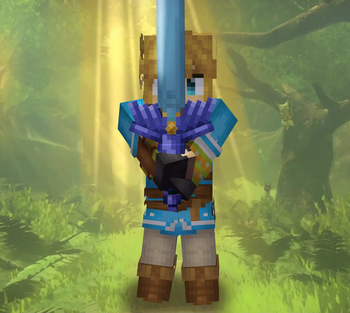
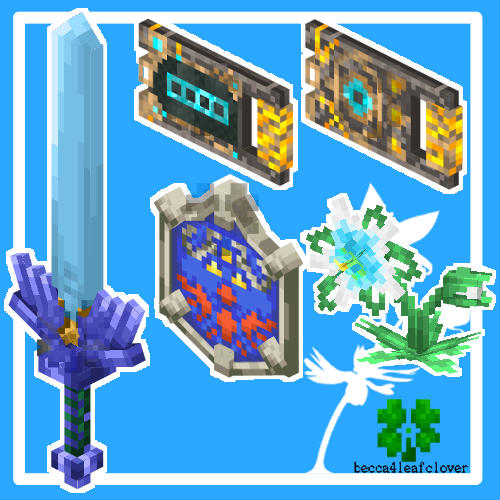
BOTW custom items! Relive Link's journey in the open world of Hyrule Minecraft!
Check the gallery for the models!
Version 1.0 was made for vanilla custom models, and should work for 1.14-1.21.1. However, it is NOT survival friendly, the items must be accessed through commands (below). Version 1.1 was made with the item components system, and will work for 1.21.2+. It still may need commands to access the custom items (below x2). It is only survival friendly for 1.21.5, due to the code only being added in this version. It is unknown if this will work for mods such as Optifine or CIT Resewn, I did not make these with those mods in mind.
1.14-1.21.1 Item Model Format: Item (#) - Model
/give @p item[custom_model_data:#)
- netherite sword (1) - Master Sword
- shield (1) - Hylian Shield
- obsidian (1) - Shiekah Slate
- Silent Princess and individual Shiekah Slate models not present
1.21.5 Survival-Friendly Renaming Rename the LISTED ITEM(S) to the specified name!
any sword: The Master Sword
shield: Hylian Shield
blue orchid: Silent Princess
light blue bundle: Shiekah Slate (filling the bundle will change the model!)
nether brick: ANY of the following options
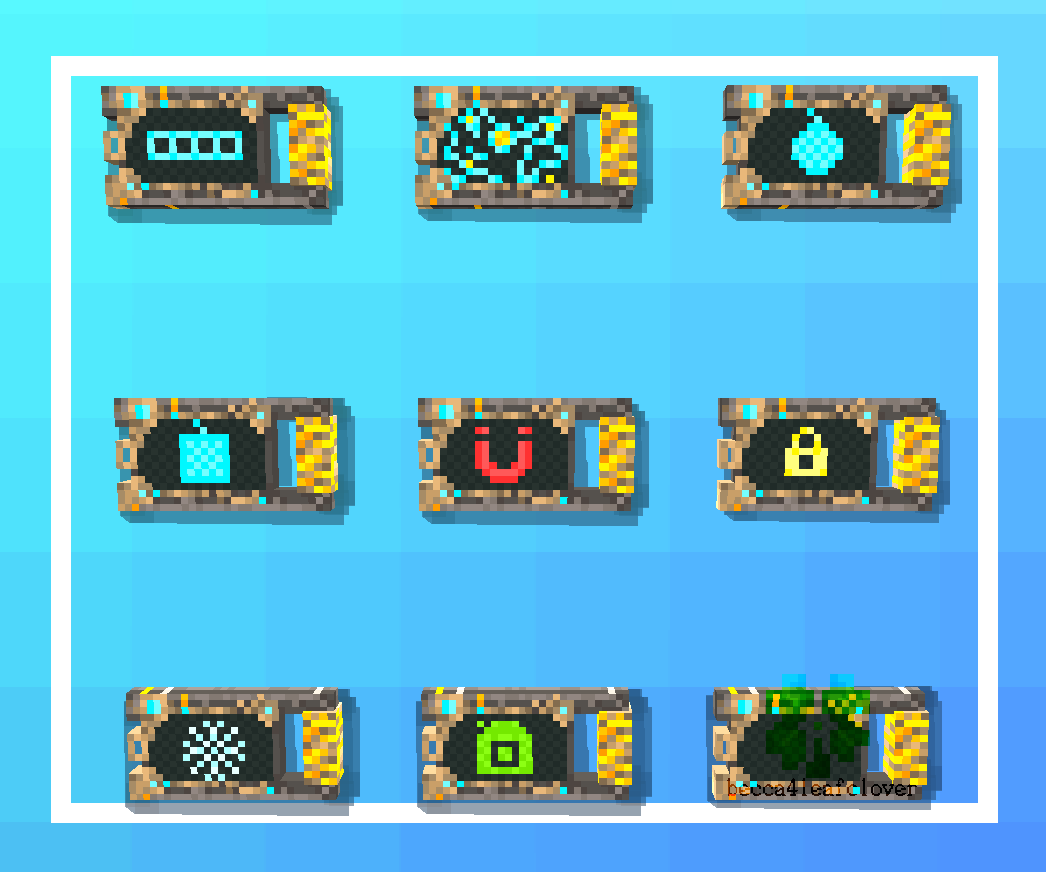
Shiekah Slate (will be all the rotating screens)
Shiekah Slate Blank
Shiekah Slate Inventory
Shiekah Slate Map
Shiekah Slate Circle Bomb
Shiekah Slate Square Bomb
Shiekah Slate Magnesis
Shiekah Slate Stasis
Shiekah Slate Cryonosis
Shiekah Slate Camera
1.21.2+ Item Components: /give @p ANY_ITEM_YOU_WANT[item_model:"becca:json_filename"]
- botw_hylianshield
- botw_mastersword
- botw_silent_princess
- botw_shiekahslate
- botw_shiekahslate_blank
- botw_shiekahslate_inventory
- botw_shiekahslate_map
- botw_shiekahslate_circlebomb
- botw_shiekahslate_squarebomb
- botw_shiekahslate_magnesis
- botw_shiekahslate_stasis
- botw_shiekahslate_cryo
- botw_shiekahslate_camera
- Edition: Minecraft Java
- File type: .zip (resource pack)
- Minecraft versions listed: 1.21.2, 1.21.3, 1.21.4
- How to install: Download the .zip resource pack — do not unzip it. → Put it in .minecraft/resourcepacks. → Enable it in Options → Resource Packs.
- Where to get it: Opens on Modrinth — not every file is mirrored on our own servers.
Install steps are the general flow for this file type — How to install Minecraft Java resource packs walks through it step by step.
- Downloads as Beccas_BOTW_Pack_2.0.zip
- Download size: 84 KB
- Download link checked 31 Aug 2026 — working
These come from our own check of the pack file, not from the source page.