

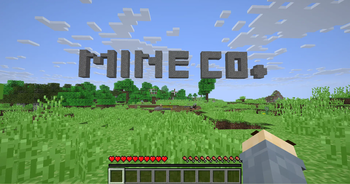
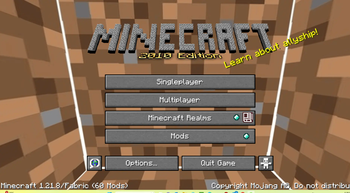
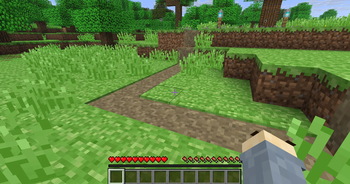
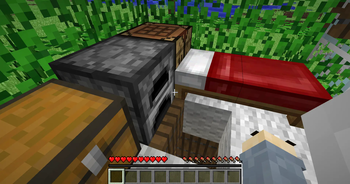
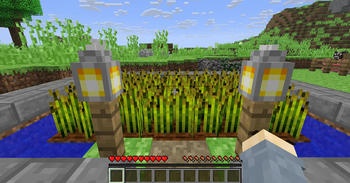
 Step back in time and relive the classic Minecraft experience with PixelPaw’s Back To Nostalgia! This resource pack brings back the charming simplicity of the early days of Minecraft, combining pixel-perfect textures with a cozy, retro vibe. Perfect for players who miss the nostalgic feel of vanilla Minecraft or want to experience a “classic” world in modern versions.
With PixelPaw’s Back To Nostalgia, you’ll enjoy:
- Classic, programmer-style textures that feel just like the old Minecraft days.
- Vibrant and simple blocks, items, and mobs reminiscent of early Minecraft.
- A soothing, retro atmosphere that makes every world feel familiar yet fresh.
Requirements ⚙️
- Programmer Art Resource Pack – Must be pre-installed.
- Classic Lightning Resource Pack – Any version will work.
- Optifine/Polytone – Optional but recommended if you don’t want swamp biomes to look strange.
- Smooth Lighting – Optional but recommended to be turned off for the default alpha version.
- Biome Blend – Optional but recommended to be turned off for the default alpha version.


Features 🌟
- Blocks & Items: Every block and item has been carefully retextured to capture the essence of early Minecraft while keeping it playable in modern versions.
- Mobs: Classic, simplified mob textures make creatures look exactly how you remember them from your first adventures.
- Environment: Old-school colors and minimalistic shading bring back the feeling of exploration in a simpler world.
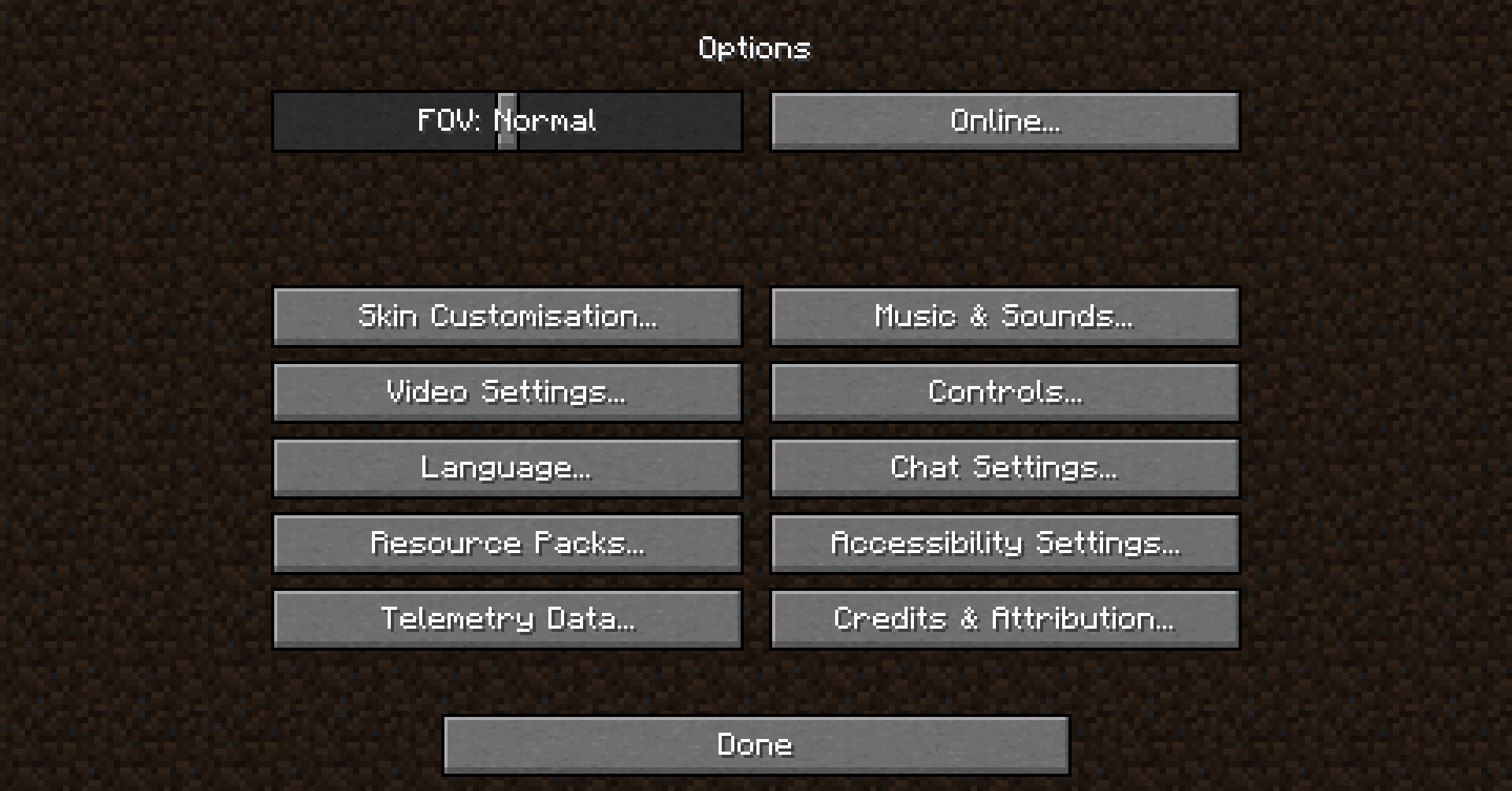
- UI & Fonts: Subtle touches to menus and fonts complete the nostalgic vibe. Everything looks and feels like the Minecraft you loved.
- Compatibility: Works seamlessly with most mods and resource packs that don’t alter textures drastically.
Recommended Settings 🛠️
For the best nostalgic experience, try the following: Smooth Lighting: Off Biome Blend: Off Use Optifine/Polytone: Recommended to avoid strange swamp colors and lighting issues Preload Programmer Art: Required for authentic retro textures
Why Choose PixelPaw’s Back To Nostalgia? 🎮
Whether you’re returning to Minecraft after years away or simply love the charm of the early versions, this pack makes your world feel cozy, simple, and timeless. It’s the perfect combination of nostalgia and modern functionality, giving players a chance to **revisit the classics without losing compatibility with today’s features. ** Bring the past back to life—explore, build, and survive in a world that feels like Minecraft used to be.
- Edition: Minecraft Java
- File type: .zip (resource pack)
- Minecraft versions listed: 1.21, 1.21.1, 1.21.2
- How to install: Download the .zip resource pack — do not unzip it. → Put it in .minecraft/resourcepacks. → Enable it in Options → Resource Packs.
- Where to get it: Opens on Modrinth — not every file is mirrored on our own servers.
Install steps are the general flow for this file type — How to install Minecraft Java resource packs walks through it step by step.
- Downloads as pixelpaw_s_back_to_nostalgia (2).zip
- Download size: 18.5 MB
- Download link checked 31 Aug 2026 — working
These come from our own check of the pack file, not from the source page.