
Durability Warnings (All Tools)
Java resource pack listed for Minecraft 26.x. Downloads from the MC Java Mods app on Android.
I don't know my version or loader


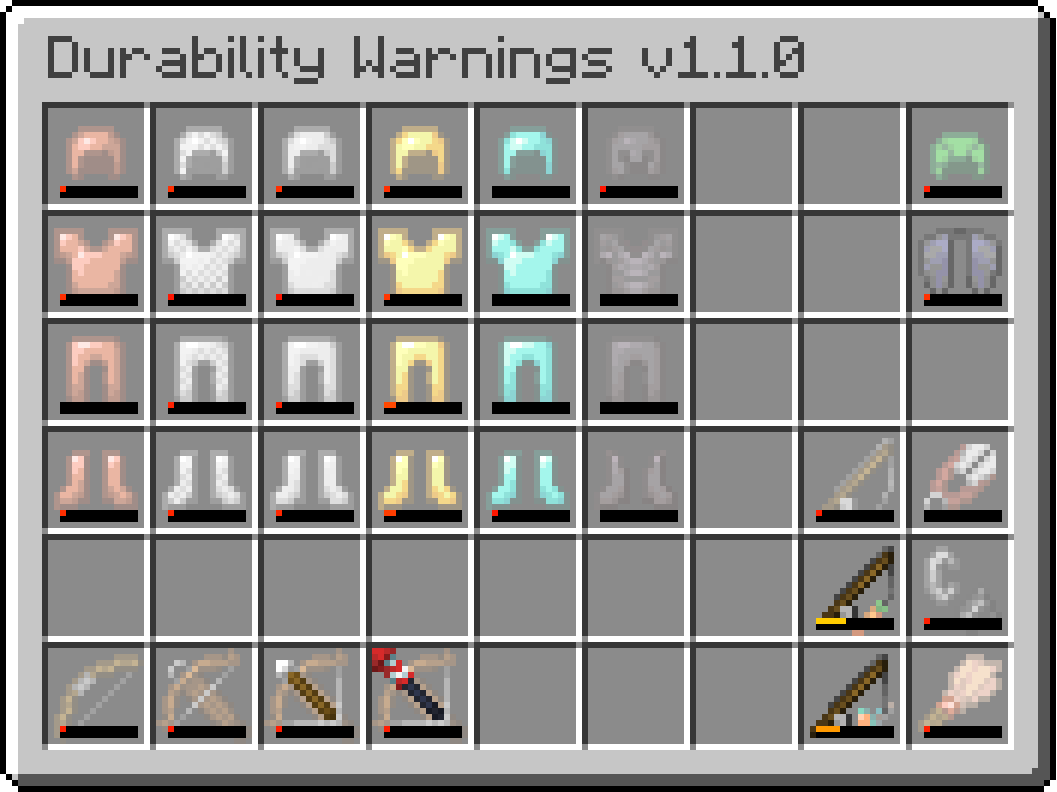
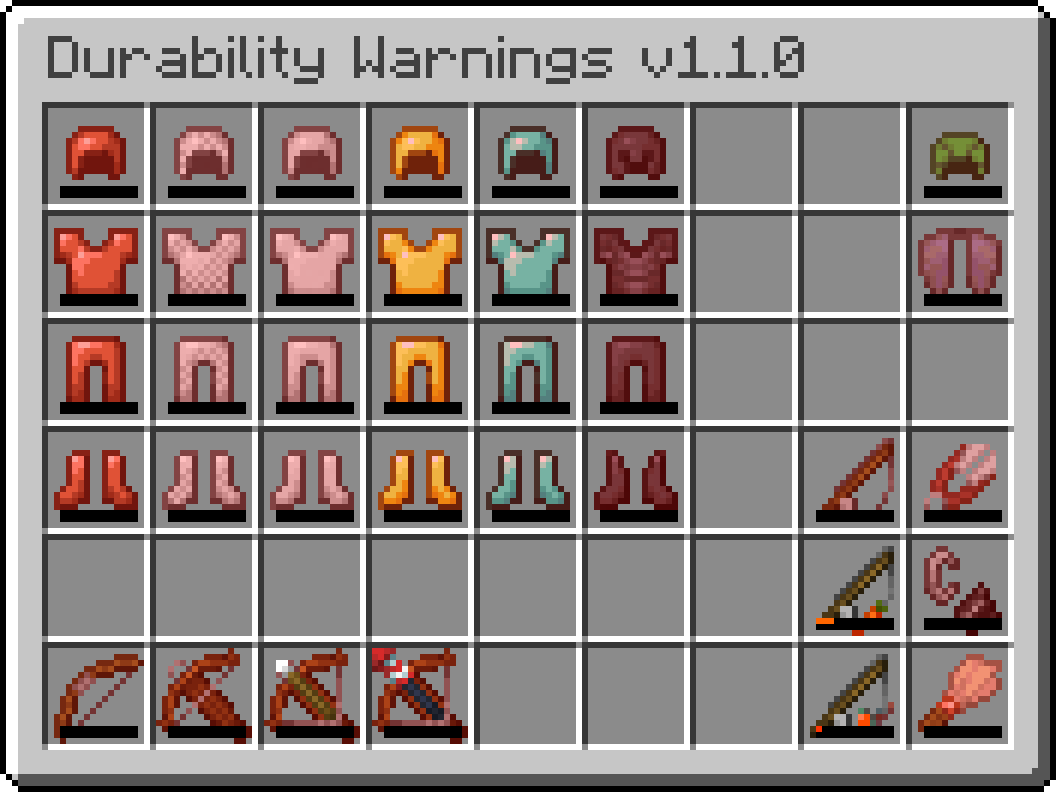

Durability Warnings
Durability Warnings adds a clear visual warning when your tools are close to breaking. When a tool reaches 90% damage, it begins to flash white, making it easy to notice even in the middle of combat or mining. At 95–98% damage, the flashing becomes faster and turns red, signaling that the tool is on the verge of breaking and should be repaired or replaced soon.

Supported armor, tools and weapons (as of the version 1.1.0):
- Swords
- Pickaxes
- Axes
- Shovels
- Hoes
- Spears
- Trident (inventory-only — does not flash while held or thrown)
- Mace
- Armor (all types except leather) (inventory-only — does not flash when equipped)
- Turtle helmet (inventory-only — does not flash when equipped)
- Elytra (inventory-only — does not flash when equipped)
- Bow
- Crossbow
- Fishing rod
- Shears
- Flint and steel
- Brush
- Carrot on a stick
- Warped fungus on a stick

Durability Warnings (Best Tools) Resource pack
If you don’t need warnings for every tool, you can download the lite version of the resource pack.
Durability Warnings (Best Tools) includes visual alerts only for the best gear in the game — Diamond and Netherite tools, as well as the Trident, Mace, and other top-tier equipment.
- Edition: Minecraft Java
- File type: .zip (resource pack)
- Minecraft versions listed: 26.1, 26.1.1, 26.1.2
- How to install: Download the .zip resource pack — do not unzip it. → Put it in .minecraft/resourcepacks. → Enable it in Options → Resource Packs.
- Where to get it: Opens on Modrinth — not every file is mirrored on our own servers.
Install steps are the general flow for this file type — How to install Minecraft Java resource packs walks through it step by step.
- Downloads as Durability Warnings All Tools v1.1.0.zip
- Download size: 580 KB
- Download link checked 12 Oct 2026 — working
These come from our own check of the pack file, not from the source page.