
Quap Gapple Counter
Java resource pack listed for Minecraft 1.21–26.x. Downloads from the MC Java Mods app on Android.
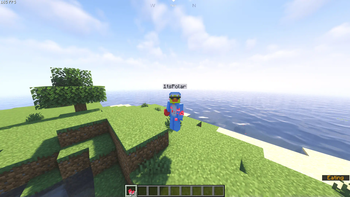
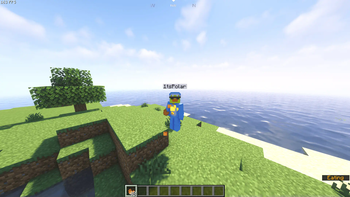
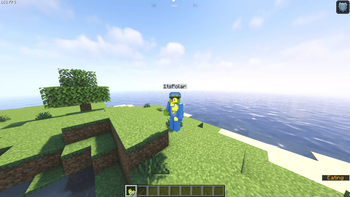
Track golden apples by transforming them into ducks changing color based on quantity, letting you spot how many apples other players are carrying in a fun…
I don't know my version or loader

⚠️ OPTIFINE OR CIT-RESEWN IS NEEDED FOR VERSIONS 1.21.3 AND BELOW⚠️
For versions 1.21.4 and beyond, you can run this pack in vanilla minecraft.
No messy numbers here, just a clean and simple duck :)
🦆 Quap Gap Counter
The Duck Gap Counter is a custom Minecraft texture pack designed to provide a clean, intuitive, and fun way to track the number of golden apples in your inventory and on other players by transforming them into uniquely colored ducks.
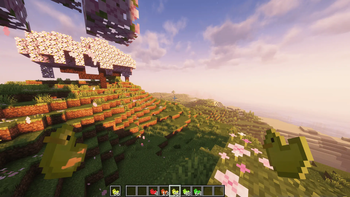
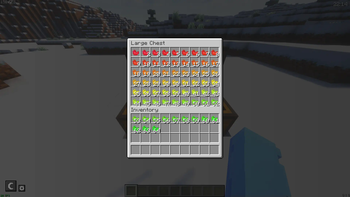
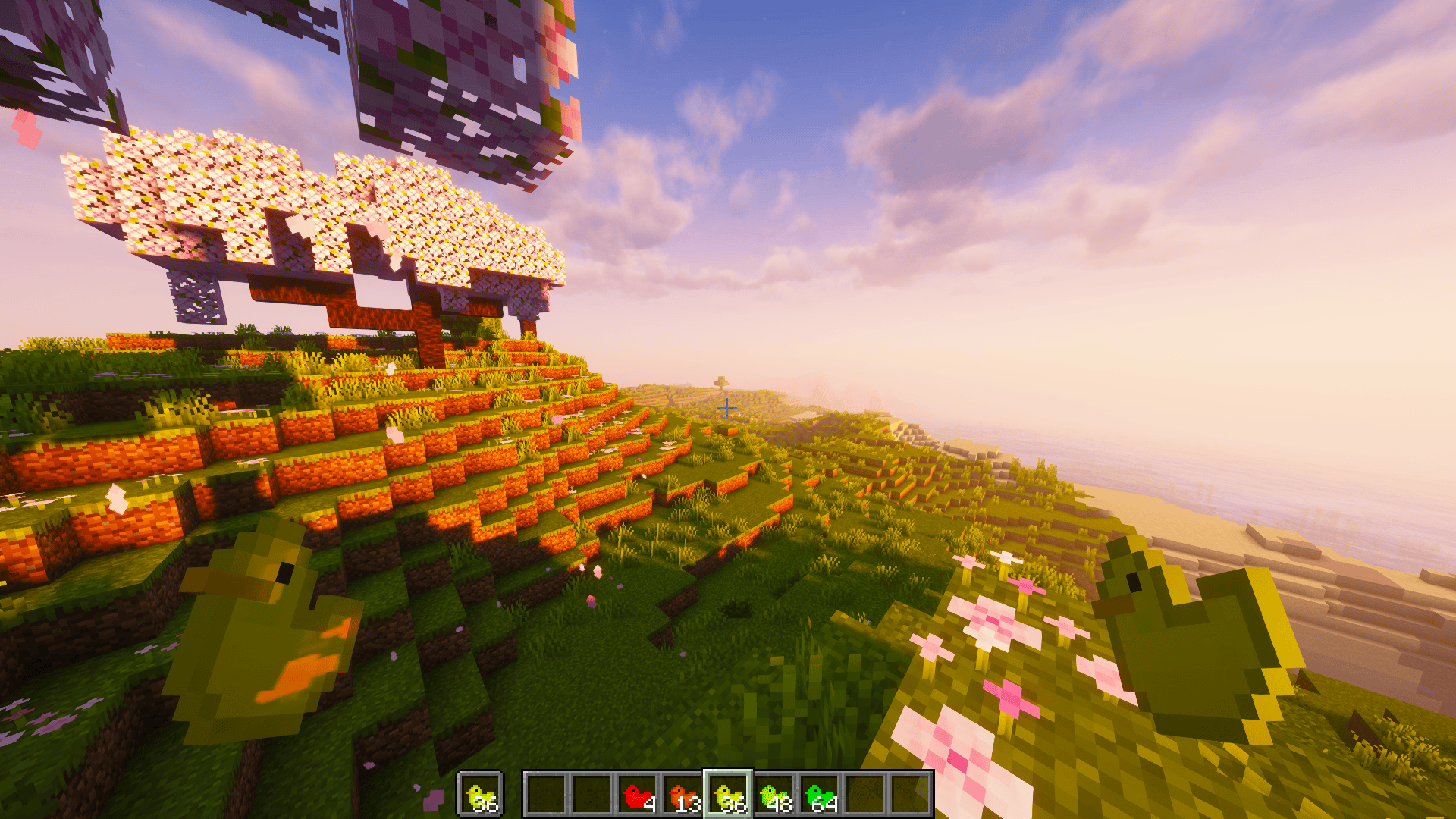
Each duck color corresponds to a specific range of golden apple counts, offering a clear and immediate visual cue without the need to constantly check numbers. Whether you are in the heat of a PvP battle or exploring deep into survival mode, this pack adds both functionality and charm to your gameplay. The more golden apples you have, the greener the duck becomes. The fewer golden apples you have, the redder the duck becomes.
✨ Features
- 🦆 Golden apples retextured into ducks, varying in color based on quantity.
- 🎨 Color-coded tiers help you recognize how many gaps you have at a glance.
- 🧩 Minimalistic and modern design, tailored for competitive and casual players alike.
- 🌐 Works seamlessly in both singleplayer and multiplayer environments.
- 🚫 No messy or intrusive numbers, everything is visual, clean, and intuitive
- 🔄 If you want the reversed order, red -> many gaps, download version 1.0
Perfect for players who enjoy a lightweight visual HUD replacement, the Quap Gap Counter enhances your Minecraft experience with a touch of humor and clarity, without compromising your focus.
For further questions dm polar882 on discord
For versions 1.21.3 and below, you will need either CIT Resewn or Optifine. For versions 1.21.4 and beyond, you can run this pack in vanilla minecraft.
Credit:
Lulu, MrOrdenador
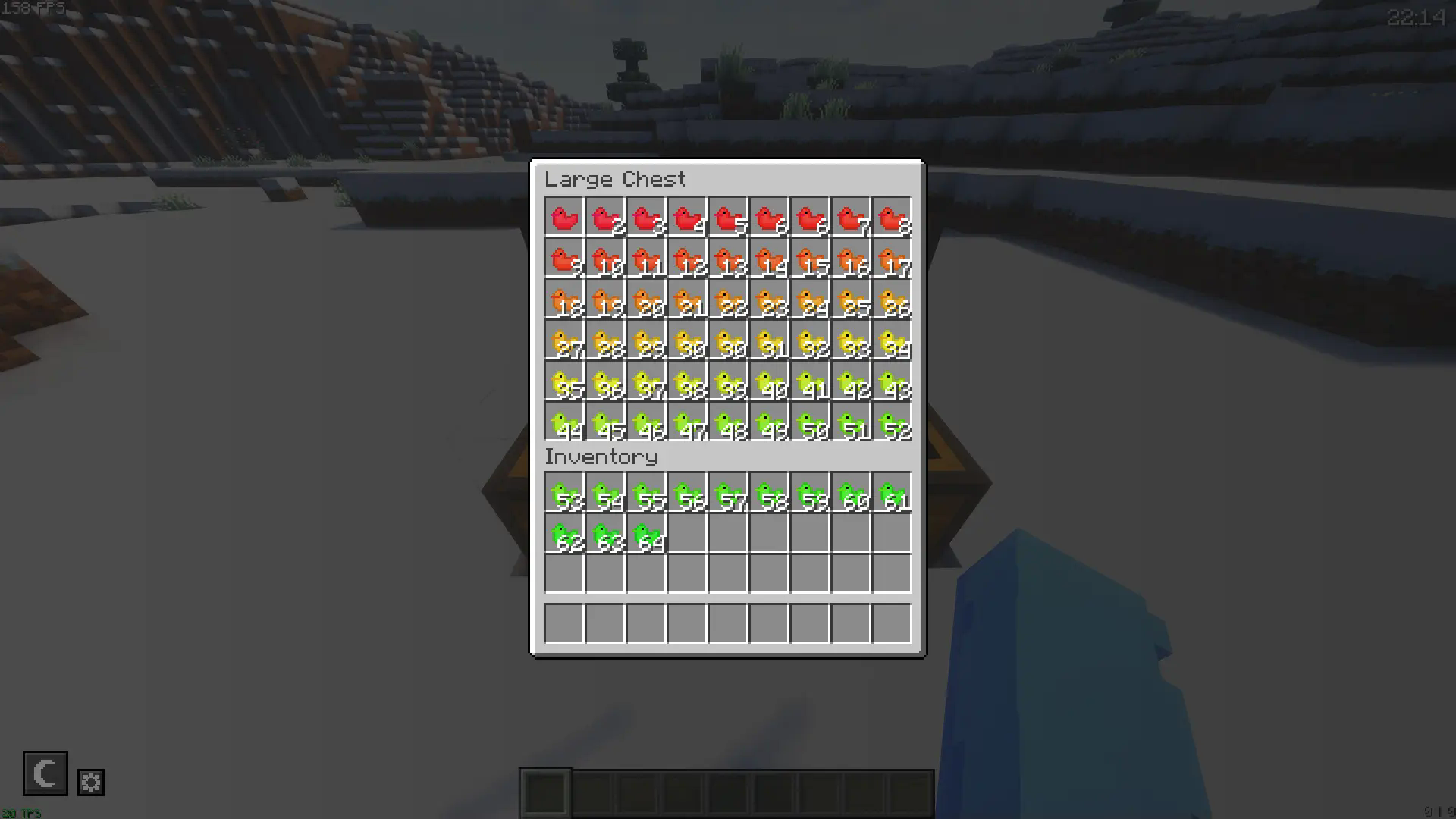

 As you can see in the image above, the item is oriented in such a way that it's a lot easier to see the color of it.
- Edition: Minecraft Java
- File type: .zip (resource pack)
- Minecraft versions listed: 1.21, 1.21.1, 1.21.2
- How to install: Download the .zip resource pack — do not unzip it. → Put it in .minecraft/resourcepacks. → Enable it in Options → Resource Packs.
- Where to get it: Opens on Modrinth — not every file is mirrored on our own servers.
Install steps are the general flow for this file type — How to install Minecraft Java resource packs walks through it step by step.
- Downloads as §b§lQuap ᴠ₁.₅.zip
- Download size: 194 KB
- Download link checked 12 Oct 2026 — working
These come from our own check of the pack file, not from the source page.