
ResourcepacksJava
Capybara Resource
I don't know my version or loader
Open the Minecraft launcher and look at the profile you play on — it names both, like fabric-loader-1.21.4. The version also shows in the bottom-right corner of the game's main menu.
No loader in the profile name? Then it's plain Minecraft, and these mods won't run — you need Fabric or NeoForge installed first.
Capybara Resource
Dive into the world of Minecraft with a capybara twist! This Capybara Resource brings unique and fun changes to enhance your gameplay experience.
What's New?
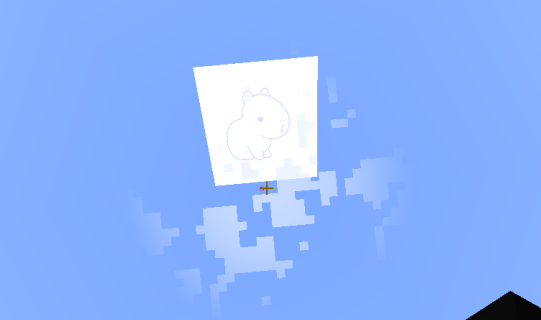
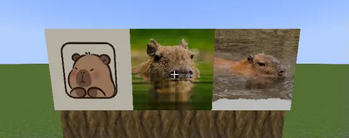
- Retextured Paintings: Several paintings have been given a fresh new look, with more retextures coming soon.
- Wolf becomes Capybara: All wolves are now transformed into capybaras.
- New Sounds: All wolf sounds have been replaced with capybara sounds.
- Retextured and Animated Wolf: The wolf has not only been retextured but is now also animated!
- Added Variants: Discover different capybara variants in your world.
Important:
- This resource pack requires CEM + ETF (or Optifine) to work properly.
- This is an early release, so some things may still be broken—but fixes are on the way!
Experience Minecraft like never before with the Capybara Resource Pack and let capybaras take over your adventures!
Quick facts
- Edition: Minecraft Java
- File type: .zip (resource pack)
- Minecraft versions listed: 1.18, 1.18.1, 1.18.2
- How to install: Download the .zip resource pack — do not unzip it. → Put it in .minecraft/resourcepacks. → Enable it in Options → Resource Packs.
- Where to get it: Opens on Modrinth — not every file is mirrored on our own servers.
Install steps are the general flow for this file type — How to install Minecraft Java resource packs walks through it step by step.
Verified by MCModsHub
- Downloads as capybara_beta3.zip
- Download size: 24.2 MB
- Download link checked 31 Aug 2026 — working
These come from our own check of the pack file, not from the source page.