
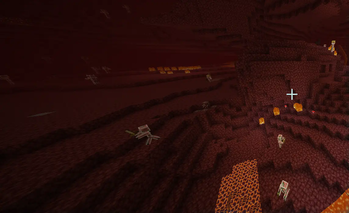
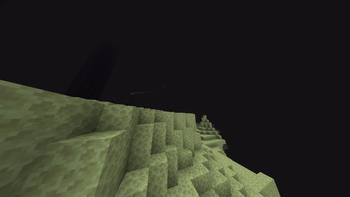
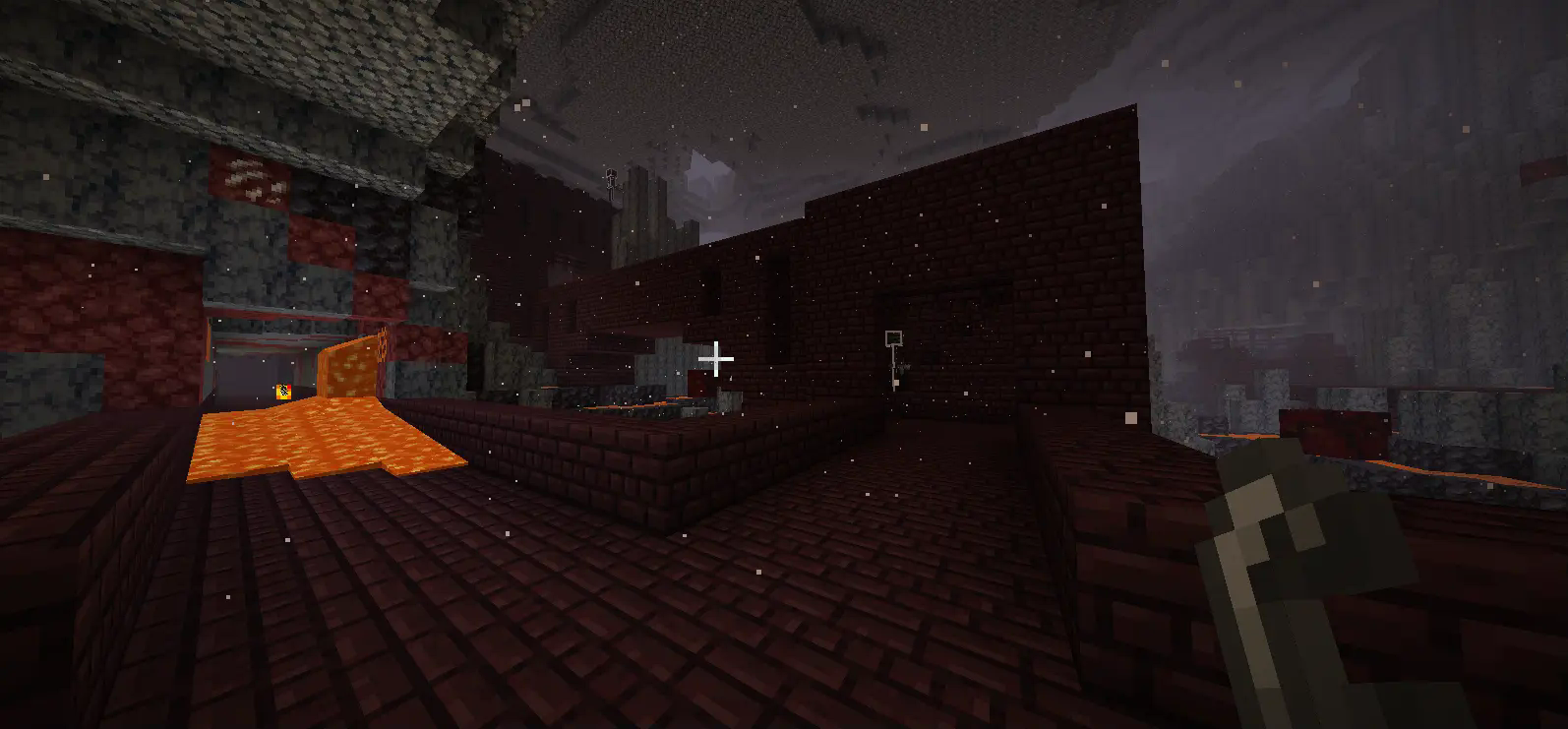
Mob Outlines is a texture pack that adds outlines to mobs to make them more visible. In the Overworld mobs have red outlines, but in the Nether mobs have white outlines.
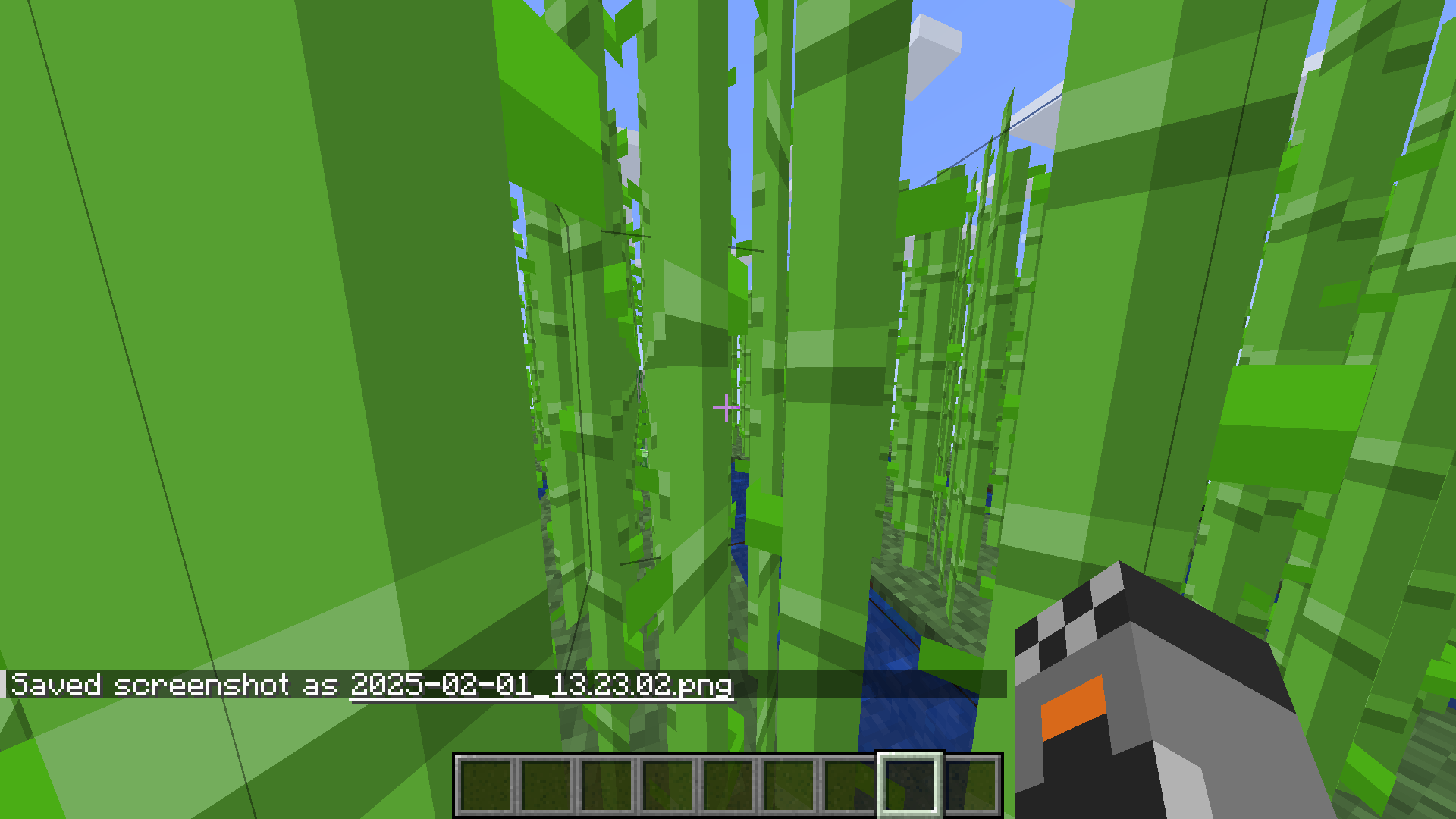
In this image there's a creeper hidden in the sugar cane. Can you spot it?
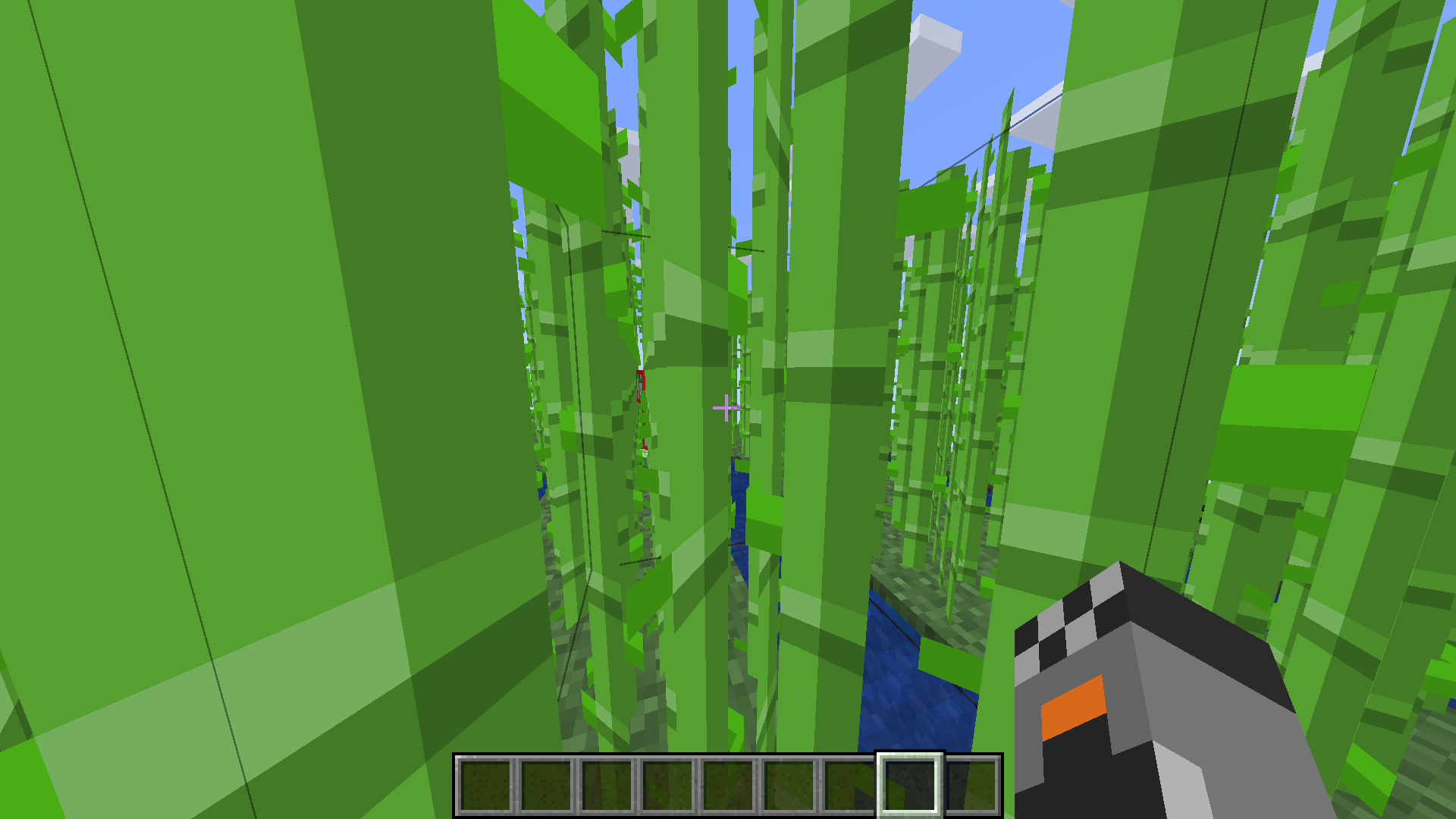
Now this is the same image, but with the texture pack.
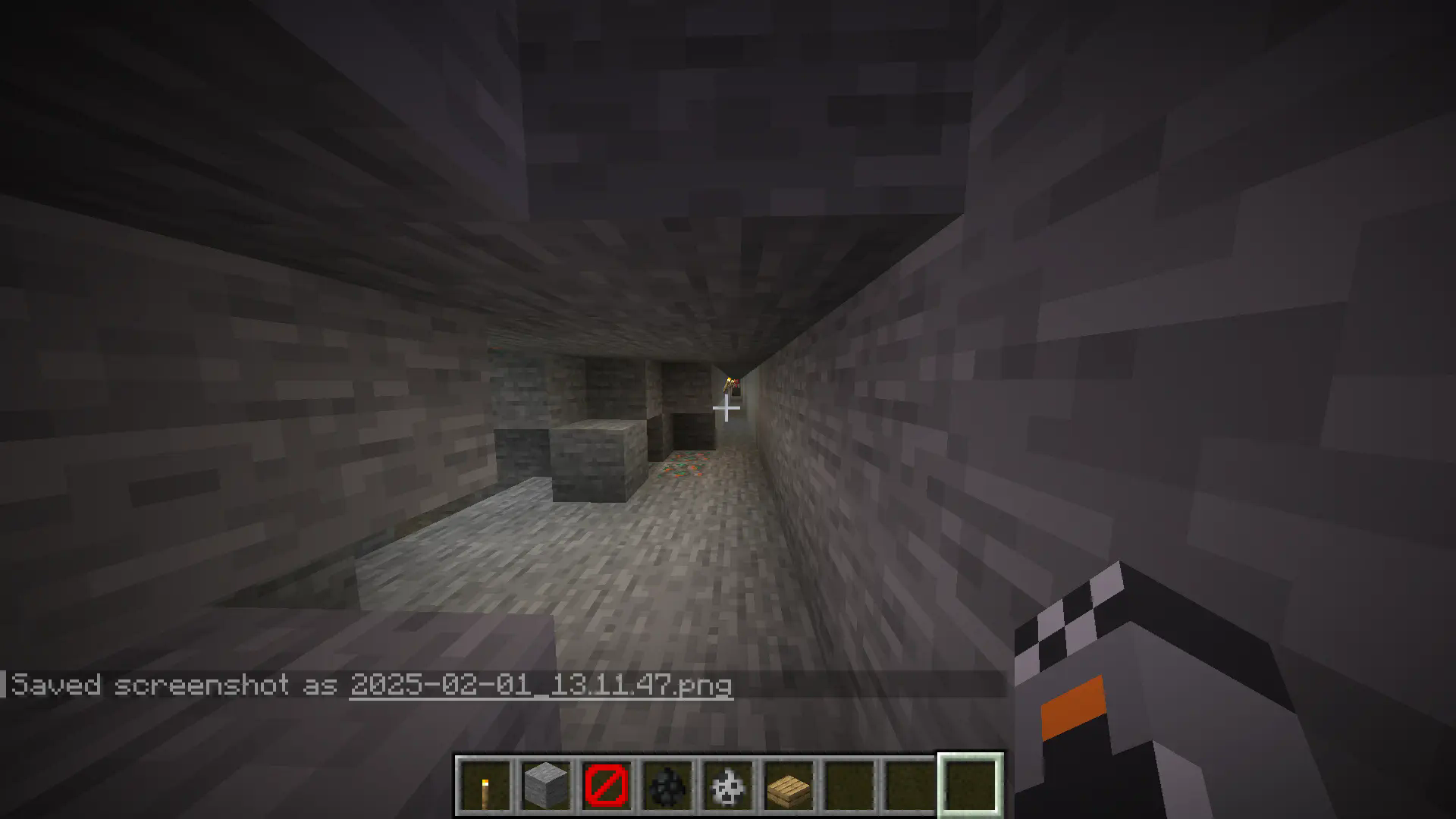
In this image there's a skeleton. Can you spot it?
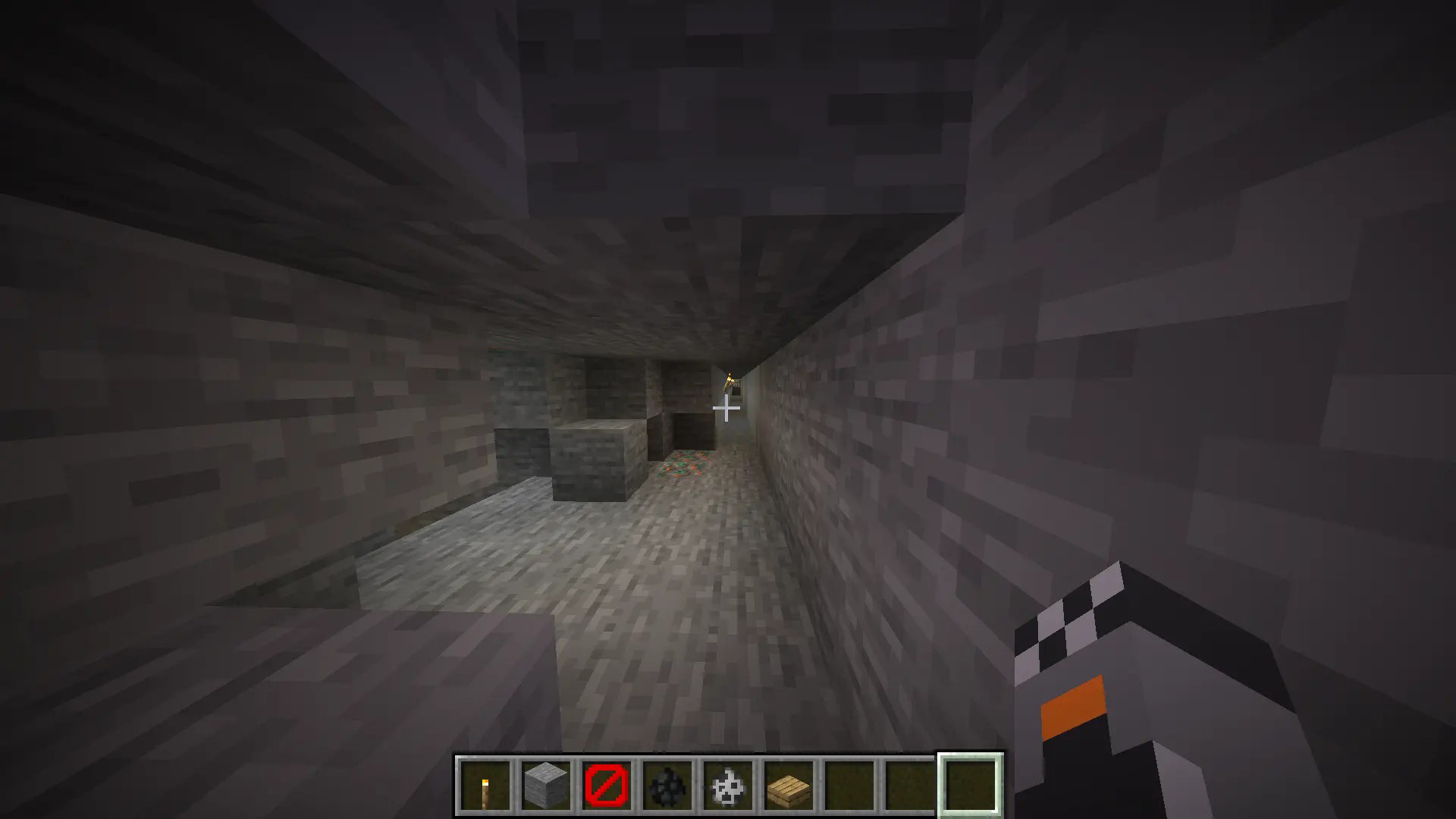
Again this is the same image but with the texture pack.
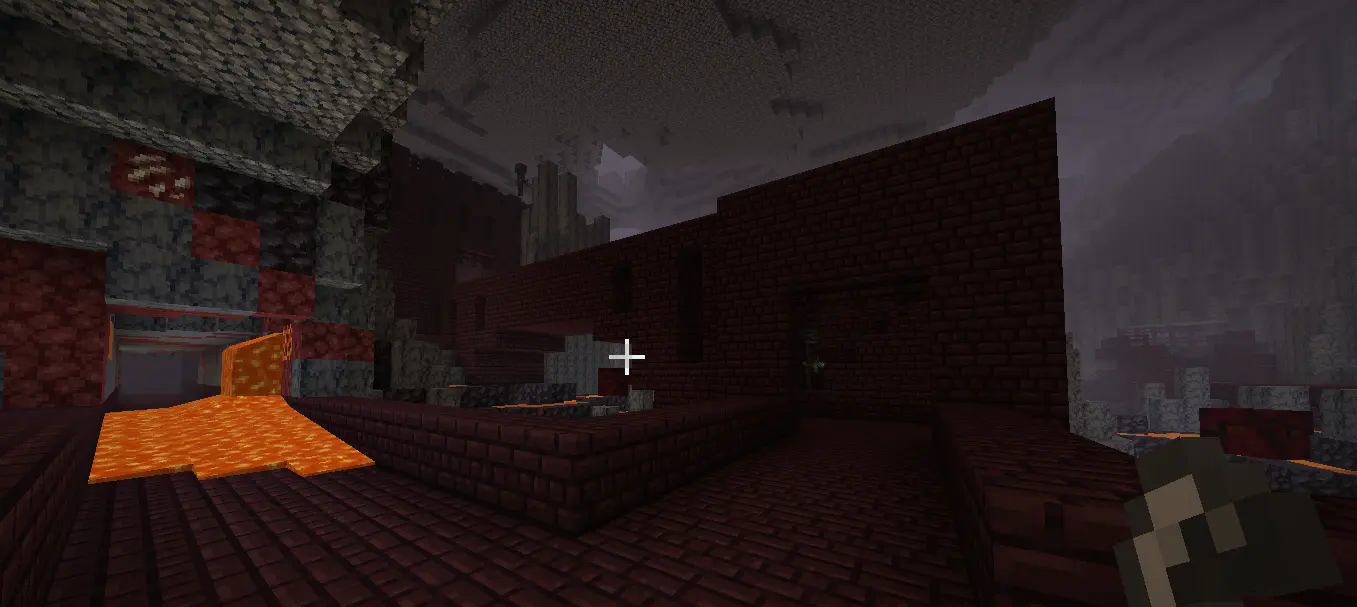
This is a fortress in the Nether and it has wither skeletons.
The image but with the texture pack. Now the wither skeletons are much easier to see.
This is an image in the Nether with the texture pack.
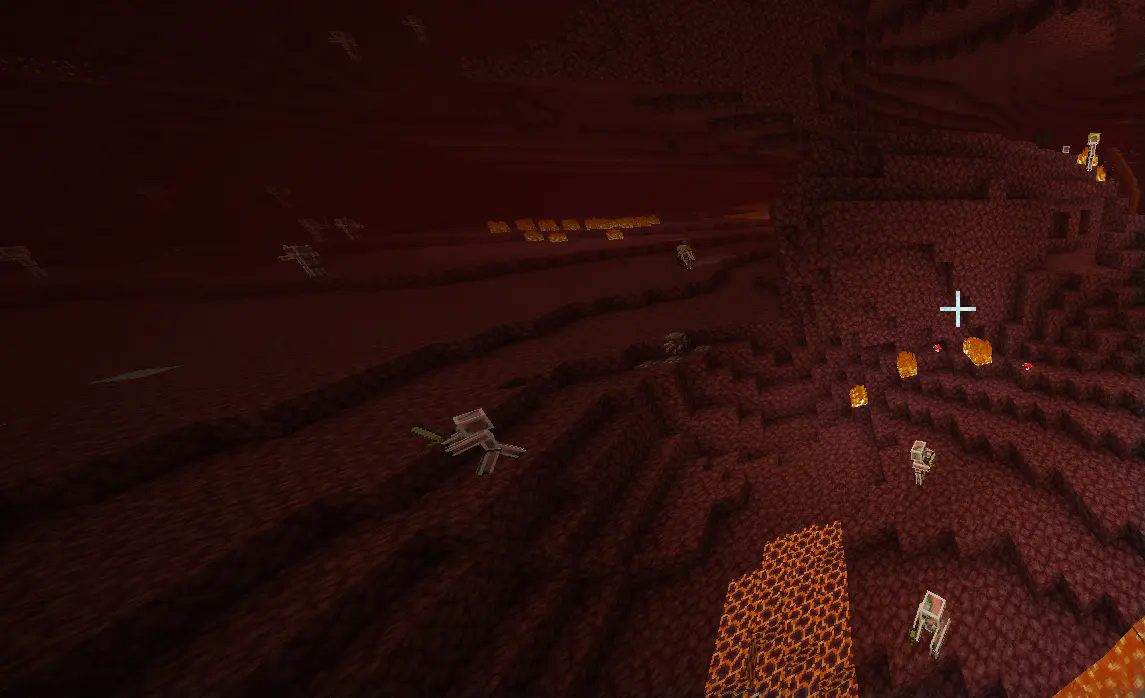
But why don't I just use show hitboxes? The show hitboxes function shows the hitboxes of ALL entities. This includes chests, boats, items and others. Because of this, the show hitboxes function can get very messy when there are a lot of items on the ground. It also shows mobs that aren't hard to see. Mob Outlines is a lot more aesthetically pleasing option and also has thicker lines than show hitboxes.
As you can see, Mob Outlines makes spotting mobs far easier and can even save your life or prevent a big mess. Keep in mind that mobs that are impossible to not see, like parrots or sheep don't have outlines.
- Edition: Minecraft Java
- File type: .zip (resource pack)
- Minecraft version listed: 1.21.4
- How to install: Download the .zip resource pack — do not unzip it. → Put it in .minecraft/resourcepacks. → Enable it in Options → Resource Packs.
- Where to get it: Opens on Modrinth — not every file is mirrored on our own servers.
Install steps are the general flow for this file type — see the MC Java Mods guides for the full walkthrough.
- Downloads as Mob Outlines.zip
- Download size: 1.3 MB
- Download link checked 31 Aug 2026 — working
These come from our own check of the pack file, not from the source page.