
ResourcepacksJava
ModernityUI
I don't know my version or loader
Open the Minecraft launcher and look at the profile you play on — it names both, like fabric-loader-1.21.4. The version also shows in the bottom-right corner of the game's main menu.
No loader in the profile name? Then it's plain Minecraft, and these mods won't run — you need Fabric or NeoForge installed first.
ABOUT
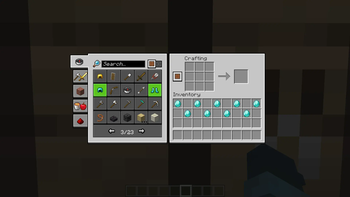
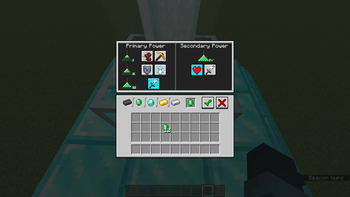
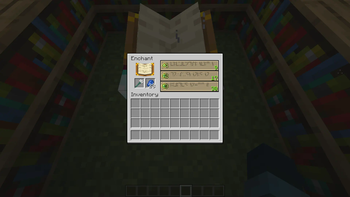
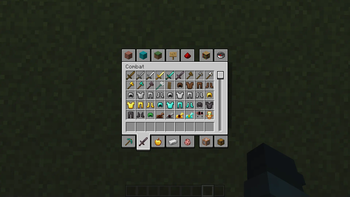
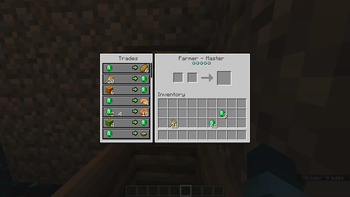
A small GUI pack for 1.20 containing small tweaks and changes to the game's interface that aims to offer a refreshed and unified look that brings a consistent, modernistic style to the game.
This thing started out as a pack for personal use, as I really disliked the rounded corners of the containers for some reason. I also liked the green button highlights seen in the bedrock edition of the game so I decided to make a Bedrock Edition-esque GUI pack.
PS.
*Will probably make a dark mode version and a PVP version of this pack later on.
PREVIEW
TITLE SCREEN
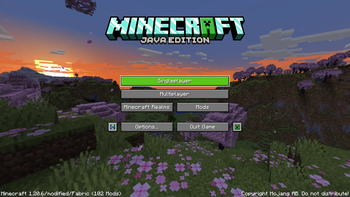
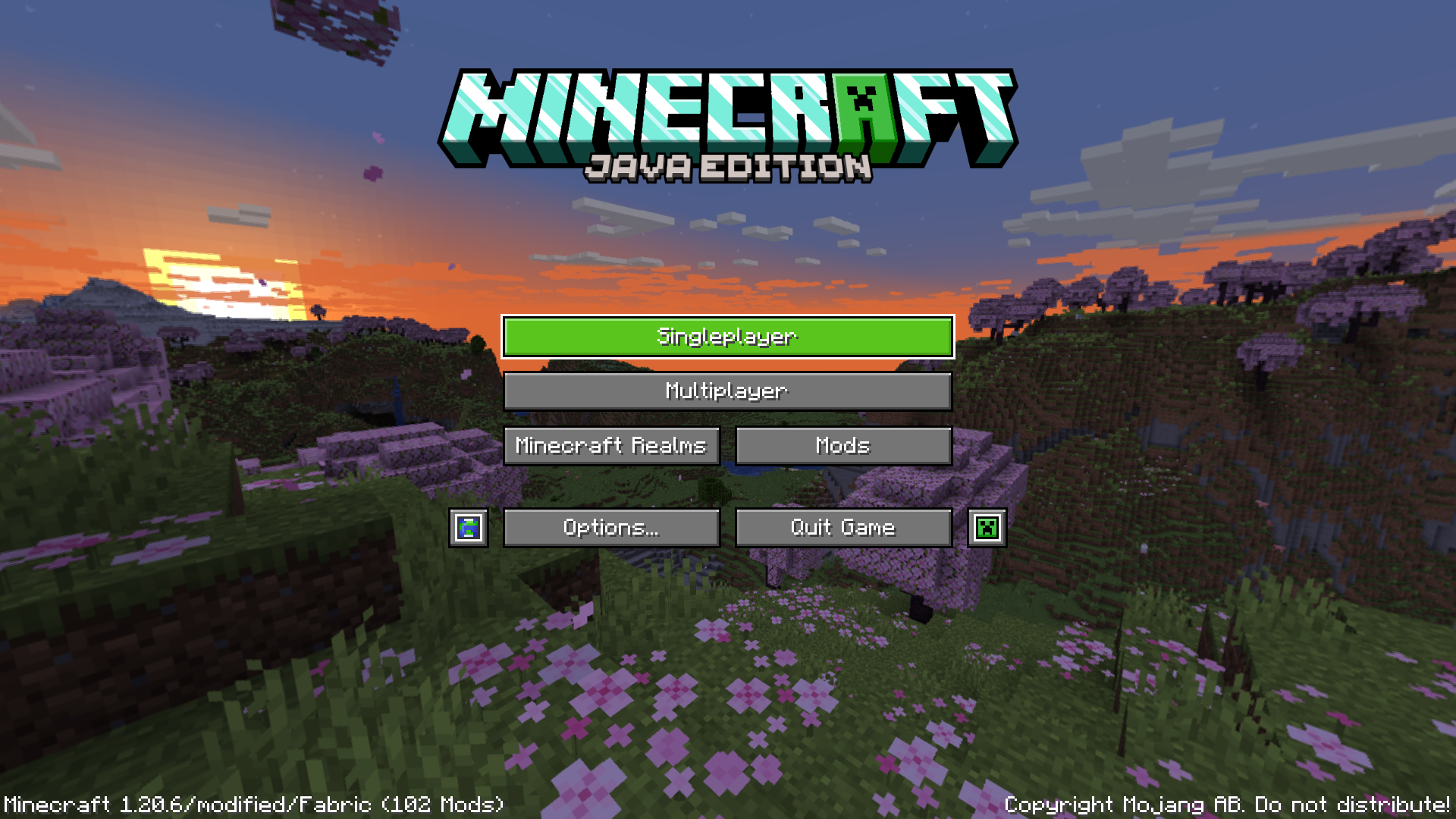
- Changed the logo of the game, removed the stone texture for most of the buttons and changed the mouse hover highlight
- Changed the icons for the language and accessibility buttons
INVENTORY
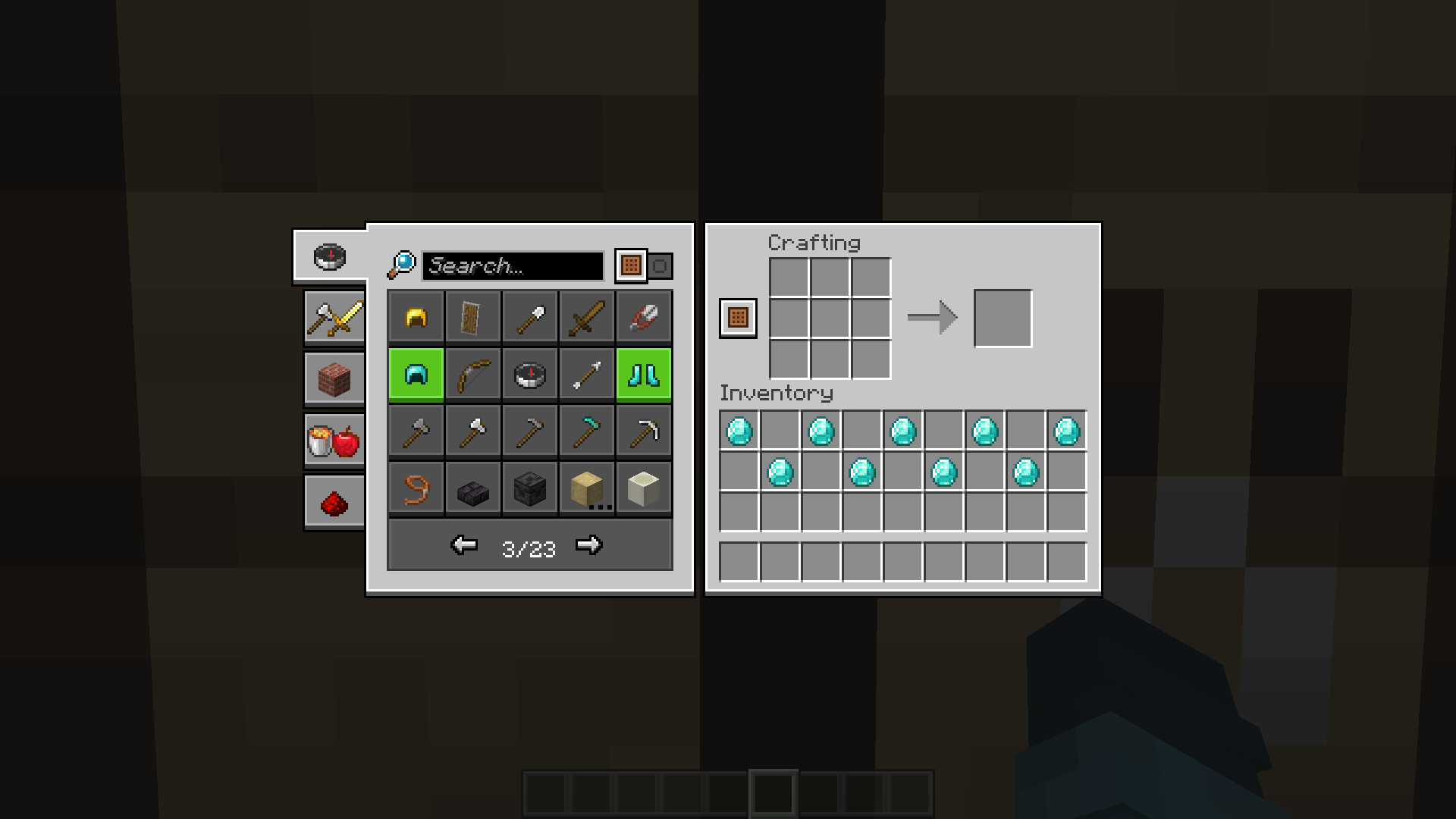
- Changed the recipe book and removed most of the containers' rounded corners
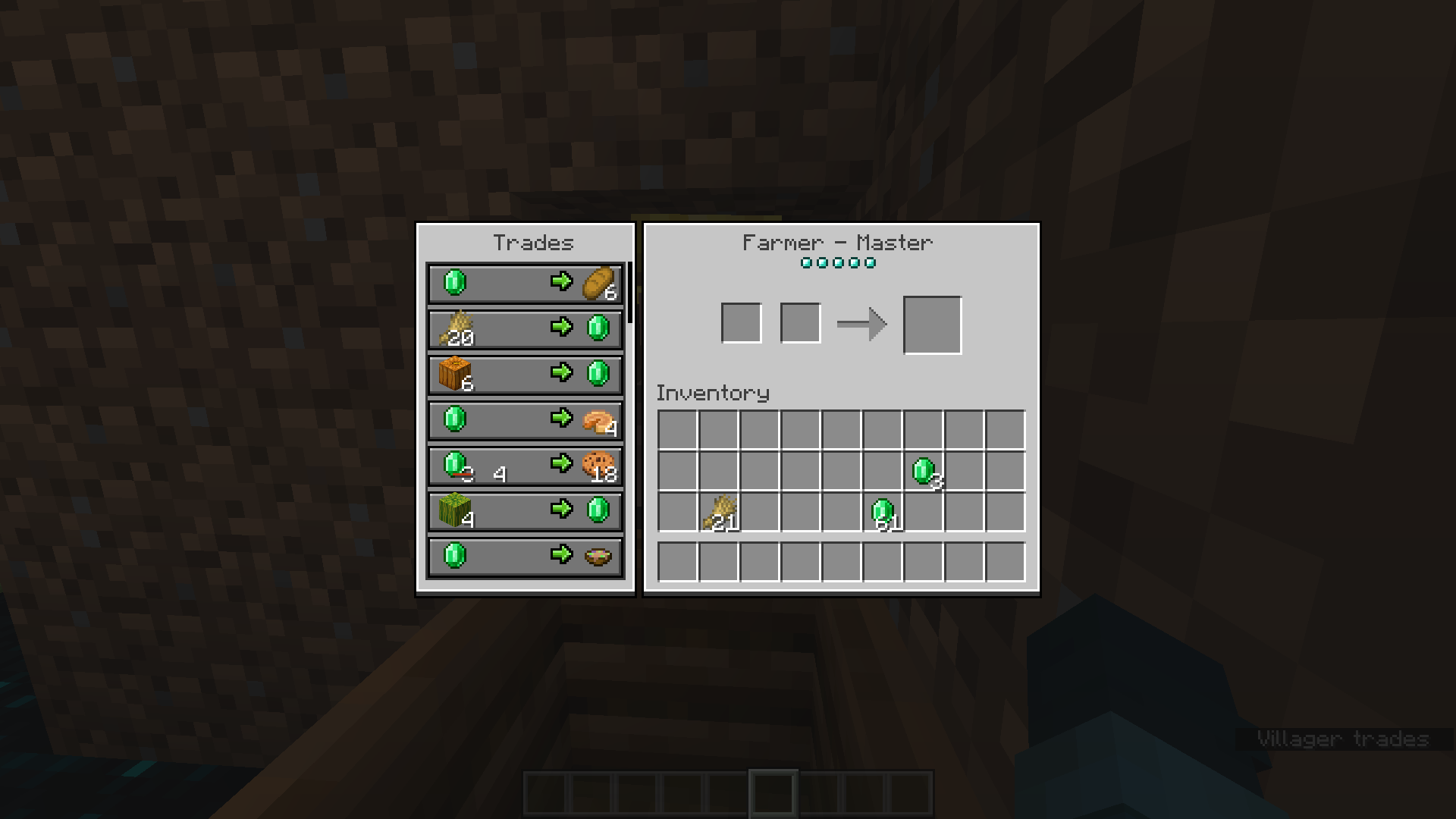
VILLAGER TRADING UI
- Changed it so it doesn't look too bulky
Quick facts
- Edition: Minecraft Java
- File type: .zip (resource pack)
- Minecraft versions listed: 1.20.4, 1.21
- How to install: Download the .zip resource pack — do not unzip it. → Put it in .minecraft/resourcepacks. → Enable it in Options → Resource Packs.
- Where to get it: Opens on Modrinth — not every file is mirrored on our own servers.
Install steps are the general flow for this file type — How to install Minecraft Java resource packs walks through it step by step.
Verified by MCModsHub
- Downloads as ModernityUIv1.2.0.zip
- Download size: 2.2 MB
- Download link checked 31 Aug 2026 — working
These come from our own check of the pack file, not from the source page.