
Simplicity
I don't know my version or loader
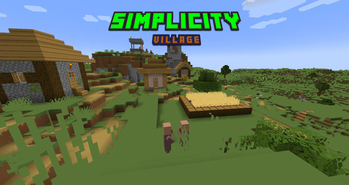
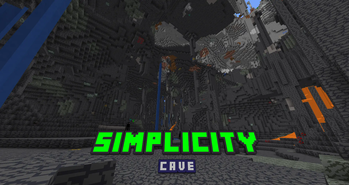
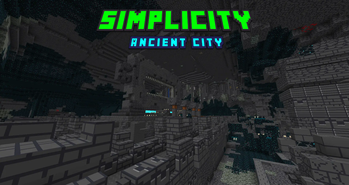
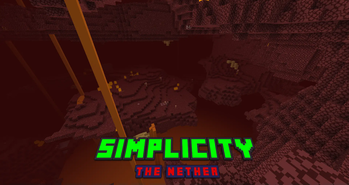
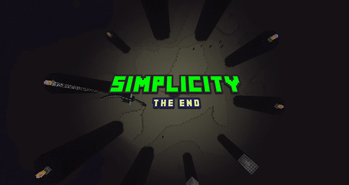
woah! thank you guys so much for 500+ downloads! :D
💚 Welcome
Ever thought that Minecraft was a bit too complicated? Maybe the Textures had too many Colors? Or just too much going on while You try to focus?
Meet SIMPLICITY!
The aim of this Resource Pack is to make Minecraft be as Simple as it can be! Go on! Simplify Your World!
⚡️ Compatibility
Simplicity makes Your World Simple. But what's simpler than installing Mods with a designed-for-it Client??... What? Breathing?... Uhh... Compatibility Packs!
🧩 Tutorial
Press The Windows Key + R keys, Type in "%appdata%", Go to the .minecraft folder, Go into the resourcepacks folder, Drag in the .zip file into the resourcepacks folder, and You are good to go!
- Edition: Minecraft Java
- File type: .zip (resource pack)
- Minecraft versions listed: 1.21, 1.21.1, 1.21.2
- How to install: Download the .zip resource pack — do not unzip it. → Put it in .minecraft/resourcepacks. → Enable it in Options → Resource Packs.
- Where to get it: Opens on Modrinth — not every file is mirrored on our own servers.
Install steps are the general flow for this file type — How to install Minecraft Java resource packs walks through it step by step.
- Downloads as Simplicity 1.21.zip
- Download size: 2.5 MB
- Download link checked 31 Aug 2026 — working
These come from our own check of the pack file, not from the source page.