
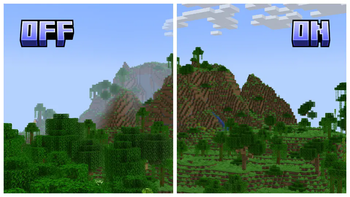
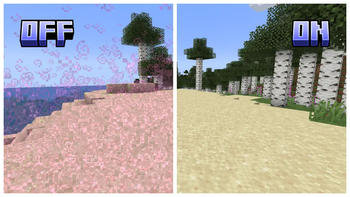
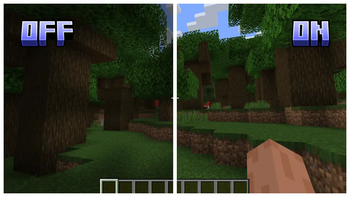
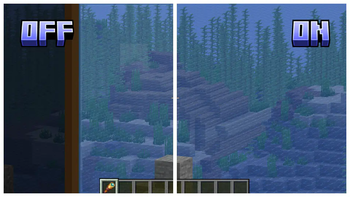
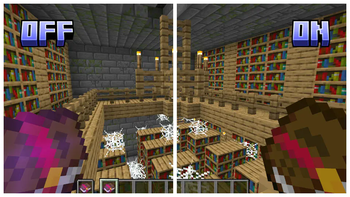
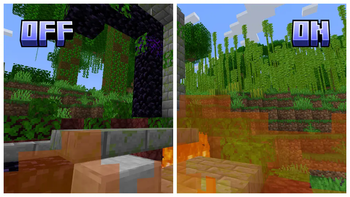



Clearview Add-Ons offer modular customization to further modify your Clearview experience. These add-ons remove or modify visual effects, allowing you to adjust the game to your personal preference for clearer gameplay.

To install Clearview Add-Ons, simply download the appropriate version for your game. All add-ons are included in the zip folder. Open the zip folder, extract the add-ons you want to use, and place them in your resource pack folder. Make sure to set the add-ons above Clearview in your resource packs list to ensure all modifications are applied.

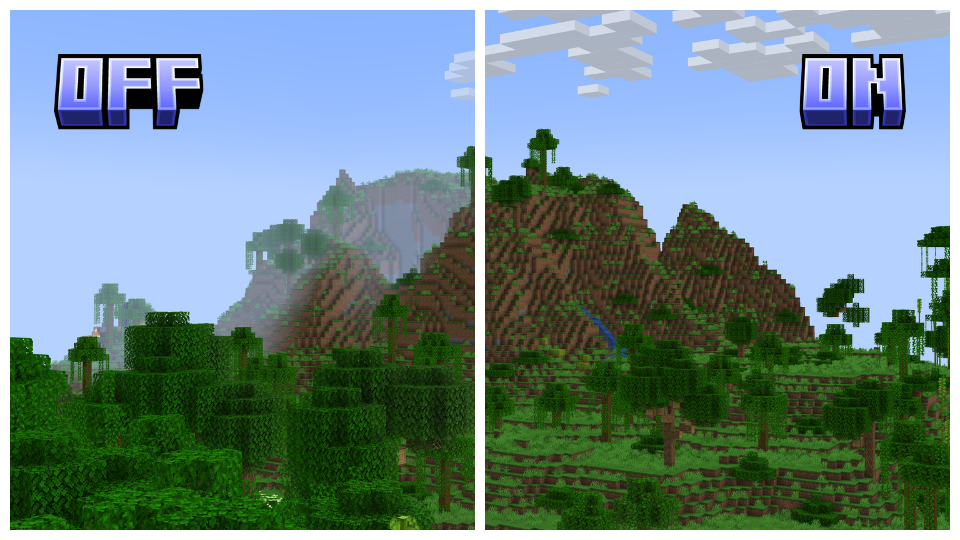
Dehumidifier: Removes all fog, both above and underwater, to enhance distant view and underwater exploration. This add-on requires Clearview and does not support Sodium or Optifine.
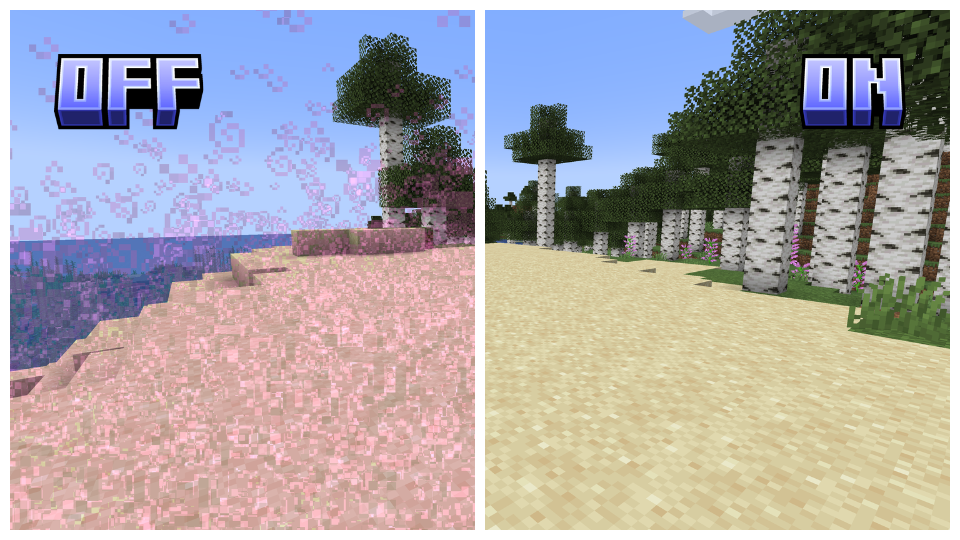
Particle Purge: Removes all particles, improving visibility in otherwise particle-dense areas. This add-on can be used standalone and supports all versions.
Jack-O-Gone: Removes the pumpkin head overlay, enhancing visibility. This add-on can be used standalone and supports all versions.
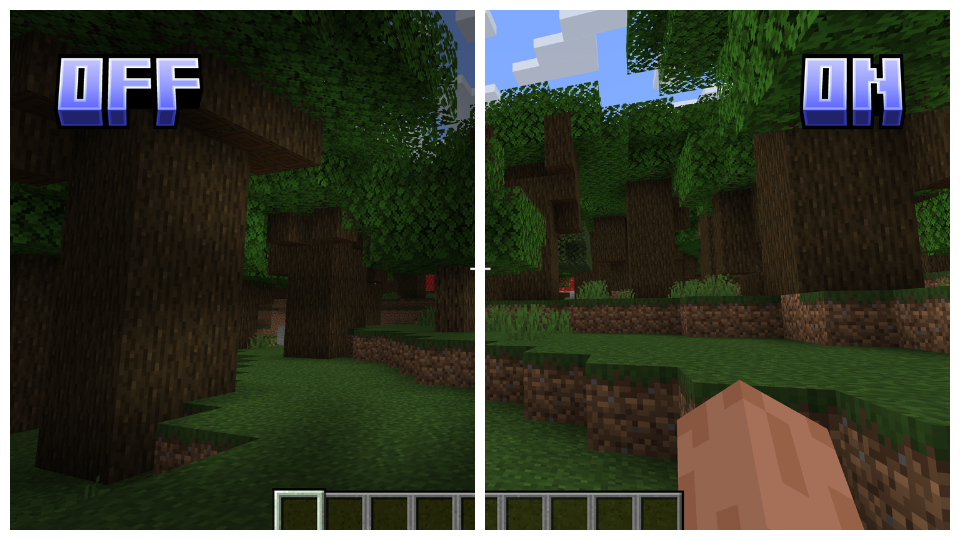
No Scope: Removes the spyglass overlay, enhancing visibility. This add-on can be used standalone and supports all versions.
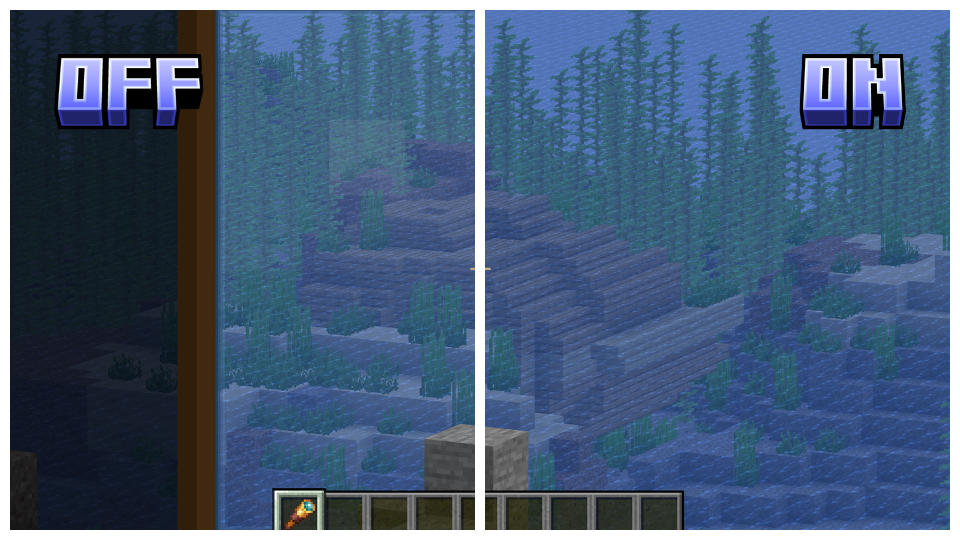
Glintless: Removes the enchantment glint, eliminating its distracting effect. This add-on can be used standalone and supports all versions.
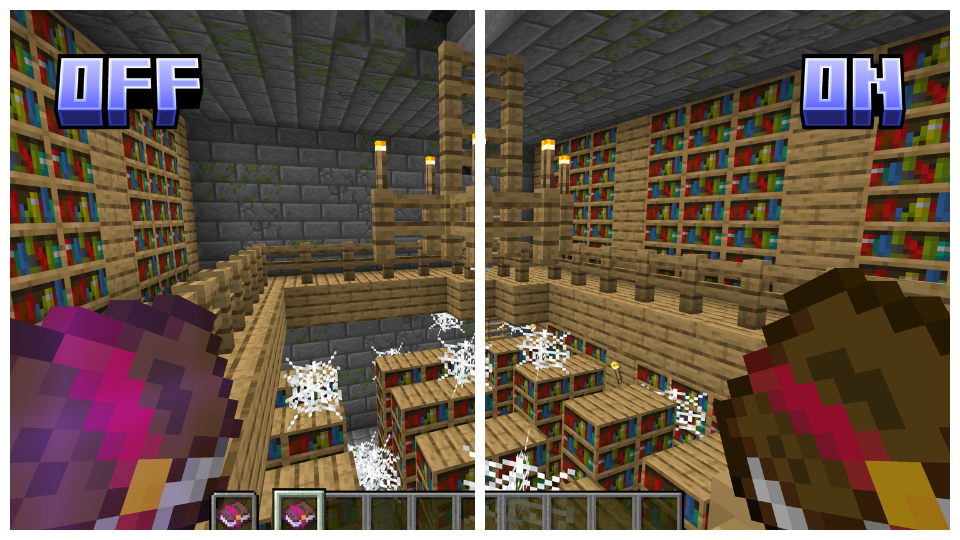
Blazing Flames: Adjusts screen fire height to the original while maintaining transparency, preserving the authentic effect. This add-on requires Clearview and supports all versions.
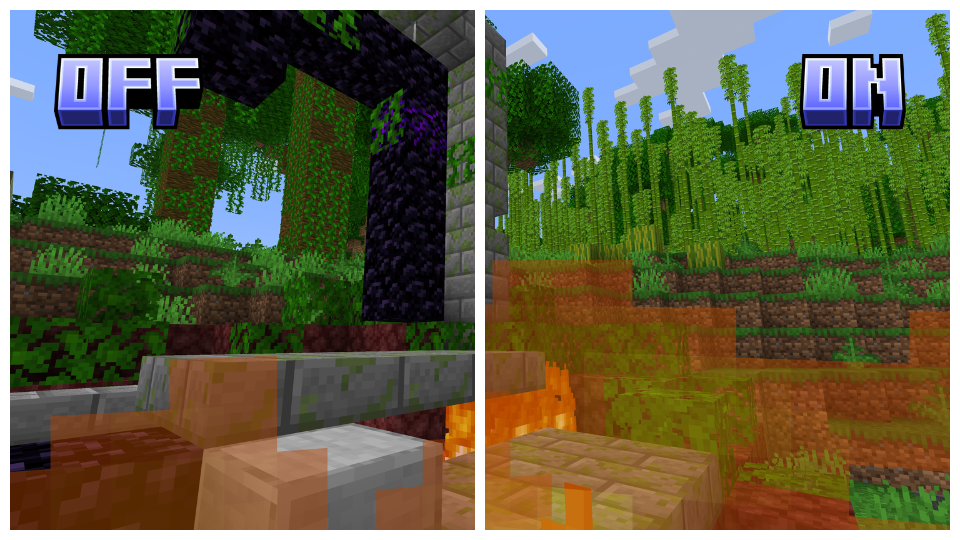

Clearview Add-Ons supports all versions of Vanilla, Optifine, and Sodium starting from 1.17, ensuring a seamless experience across various versions. Please note that the "Dehumidifier" Add-On does not support Sodium or Optifine versions.



- Edition: Minecraft Java
- File type: .zip (resource pack)
- Minecraft version listed: 1.21
- How to install: Download the .zip resource pack — do not unzip it. → Put it in .minecraft/resourcepacks. → Enable it in Options → Resource Packs.
- Where to get it: Opens on Modrinth — not every file is mirrored on our own servers.
Install steps are the general flow for this file type — How to install Minecraft Java resource packs walks through it step by step.
- Downloads as Clearview Add-Ons 1.21.zip
- Download size: 254 KB
- Download link checked 31 Aug 2026 — working
These come from our own check of the pack file, not from the source page.