
Animal Cosmetics
I don't know my version or loader
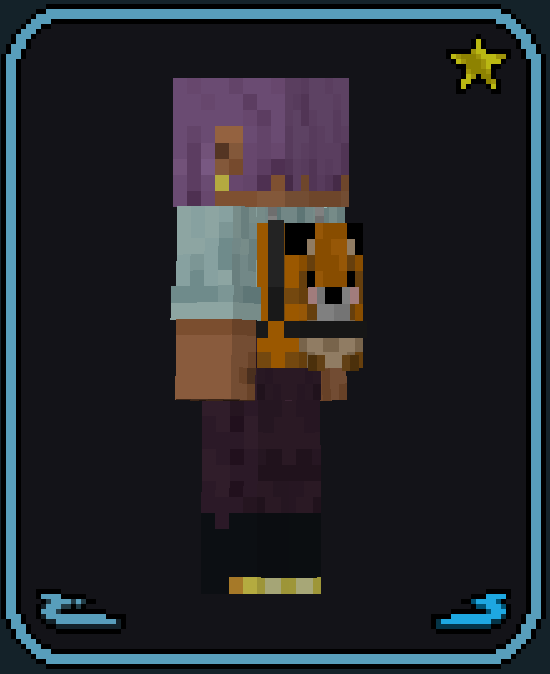
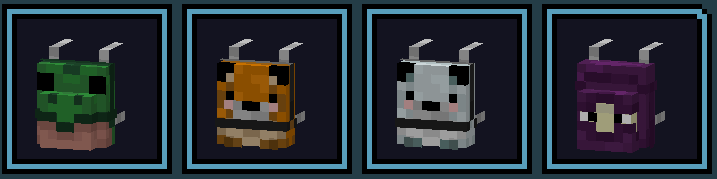
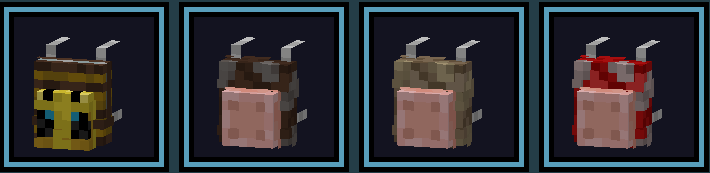
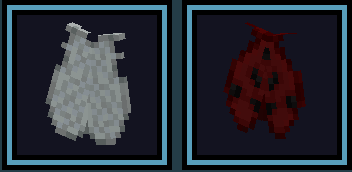
Animal Cosmetics
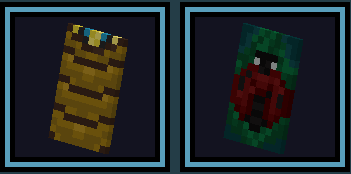
This resourcepack currently adds 8 adorable animal themed backpacks, and a couple Capes/Elytras to Custom Cosmetics!
Included inside is the configdata file you need to copy into your server-config file
located at gamedir/core/cosmetics!
What To Expect
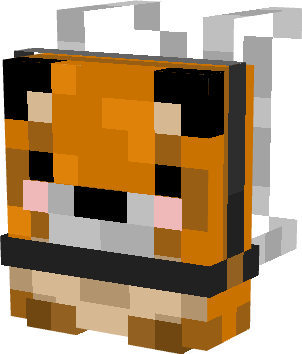
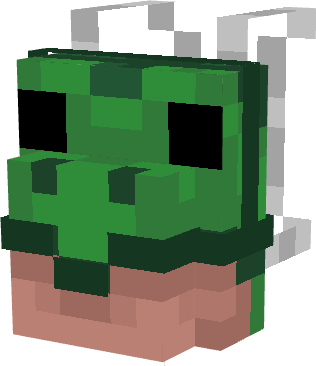
Check out the Gallery for all currently added cosmetics!
How To Use
Server owners/Modpack Devs/Single-Player Enjoyers please run the /cosmeticsadmin inject all command to automatically inject the configdata into your server-config file!
Ensure you use the correct resourcepack for the mod version
More To Come
This resourcepack will continue to get updated to add various other animals to more than just the backpacks model!
- Edition: Minecraft Java
- File type: .zip (resource pack)
- Minecraft versions listed: 1.21, 1.21.1
- How to install: Download the .zip resource pack — do not unzip it. → Put it in .minecraft/resourcepacks. → Enable it in Options → Resource Packs.
- Where to get it: Opens on Modrinth — not every file is mirrored on our own servers.
Install steps are the general flow for this file type — How to install Minecraft Java resource packs walks through it step by step.
- Downloads as AnimalCosmetics-1.21.1-1.zip
- Download size: 64 KB
- Download link checked 31 Aug 2026 — working
These come from our own check of the pack file, not from the source page.