
Gloom Gear
A GUI resource pack that redefines your Minecraft interface with deep hues, intricate machinery, gears, conduits, and ethereal glows.This resource pack…
I don't know my version or loader
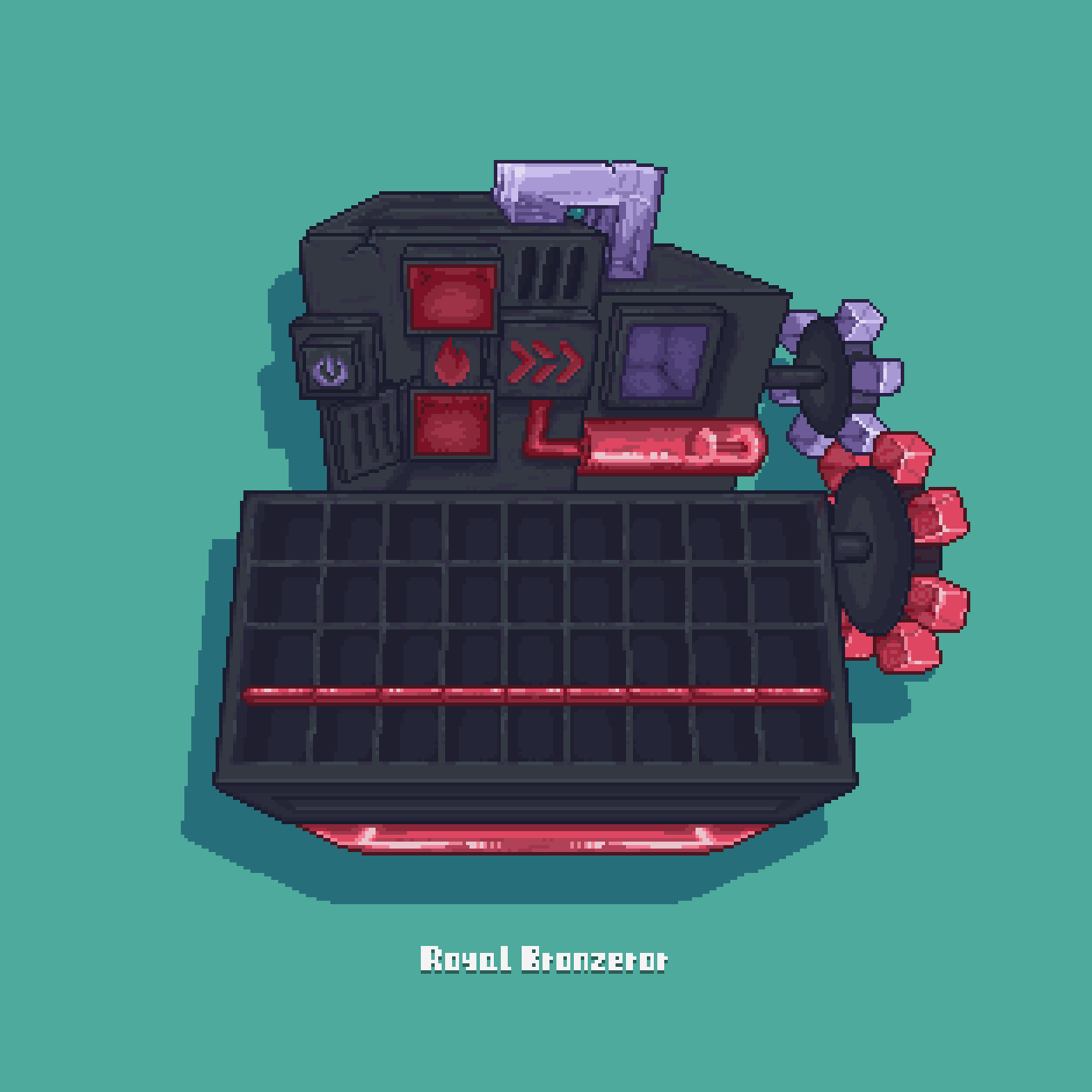


Gloom Gear
——The Precision Soul pulsating in the Shadows.
Step into a world where gears whisper and steel breathes. The GloomGear resource pack completely overhauls Minecraft's UI, merging a gothic gloom aesthetic with the hardcore functionalism of industrial machinery. Every pixel is meticulously crafted to make you feel like you're not just clicking menus, but operating a vast, complex, and ancient machine brimming with latent power.
Installation & Feedback:
- Download the GloomGear resource pack file.
- Place it into your Minecraft game's resourcepacks folder.
- Activate it in-game via "Options" -> "Resource Packs".
- Immerse yourself in the world of gloom and gears!
Just keep in mind:
- Make sure to credit, and don't claim Gloom Gear as your own creation.
- You may create or edit assets in the pack for compatibility with other mod's UIs.
- Gloom Gear GUI updates slowly. If you want to download the latest version, please click here. You can also report issues here.
- Edition: Minecraft Java
- File type: .zip (resource pack)
- Minecraft versions listed: 1.21, 1.21.1
- How to install: Download the .zip resource pack — do not unzip it. → Put it in .minecraft/resourcepacks. → Enable it in Options → Resource Packs.
- Where to get it: Opens on Modrinth — not every file is mirrored on our own servers.
Install steps are the general flow for this file type — How to install Minecraft Java resource packs walks through it step by step.
- Downloads as §lGloomGear-1.21.x-v0.1.1.zip
- Download size: 291 KB
- Download link checked 1 Sept 2026 — working
These come from our own check of the pack file, not from the source page.