
Plunzi's Midnight GUI
I don't know my version or loader

Plunzi's Midnight GUI
Give your eyes a break from too bright LEDs and relax a little with my dark-themed Minecraft GUI resource pack. It’s less bright and themed modern, making it easier on the eyes and a bit more stylish too!
Resource pack preview:
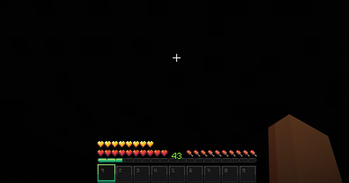
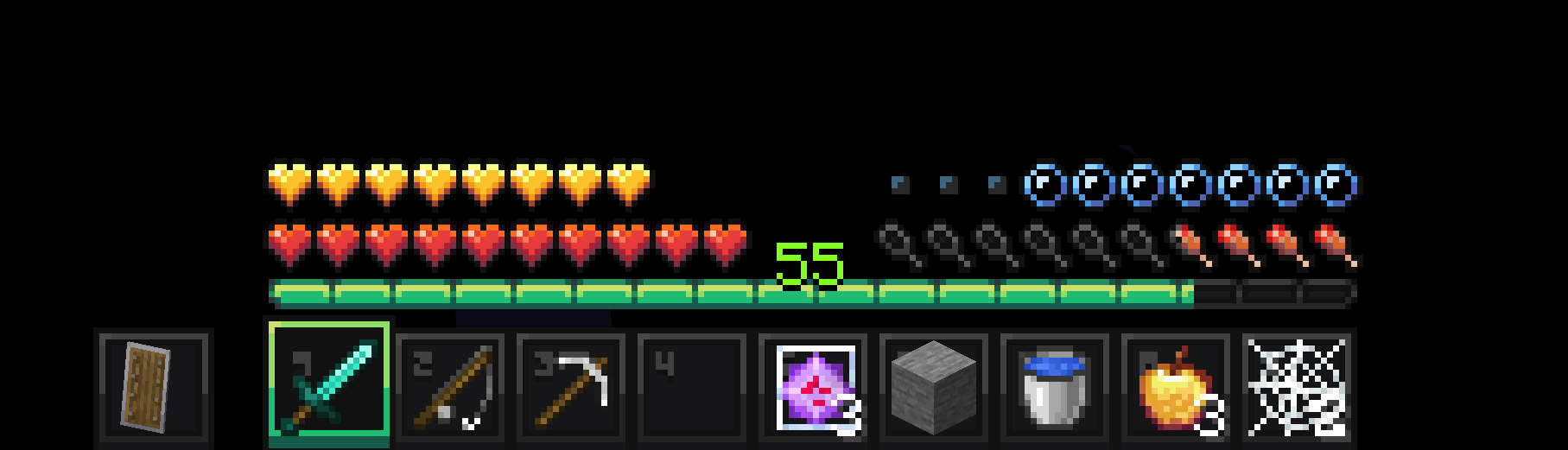
Survival Hotbar
This resource pack improves the vanilla hotbar by increasing its clarity, contrast, and clearly separating different HUD elements. Whilst getting rid of the overwhelmingly bright white LEDs.
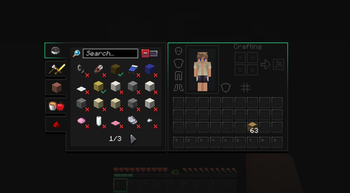
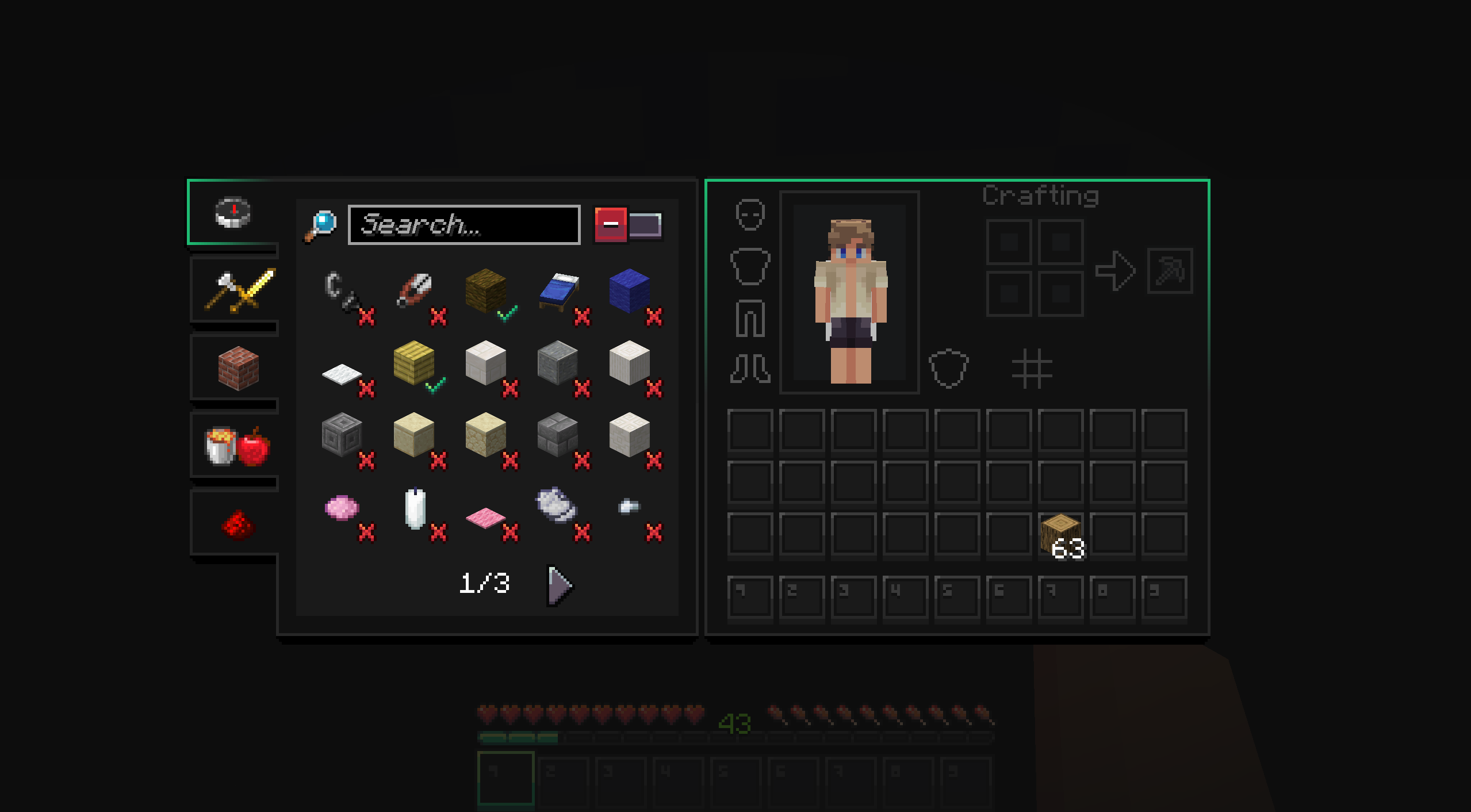
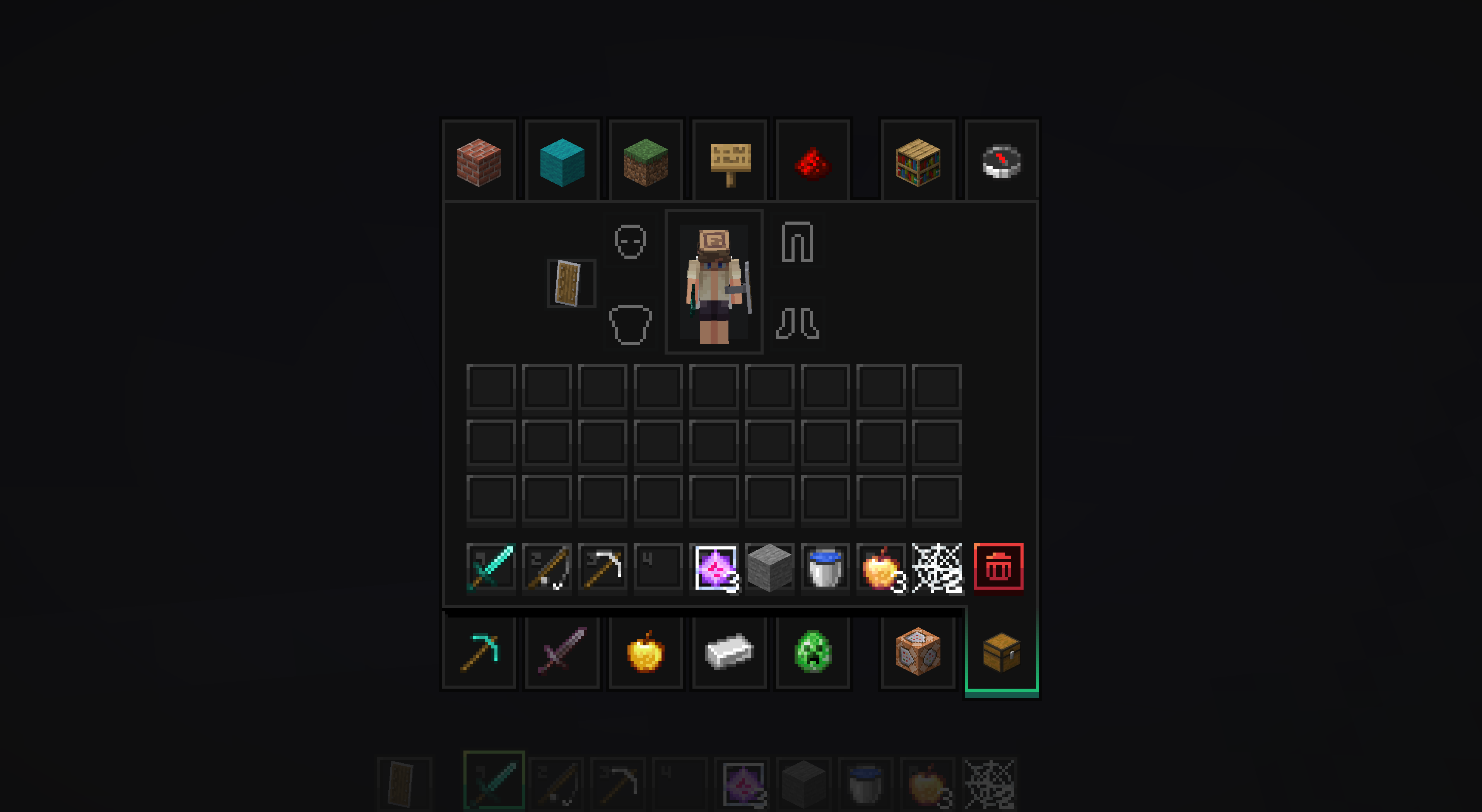
Survival Inventory
The inventory was mainly decluttered and reduced to the very essentials. A good UI should not fight for your attention and should be immediately clear. Actions are now indicated with colors. An example would be the red trash button in the creative inventory.
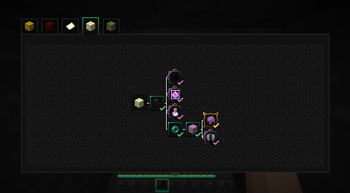
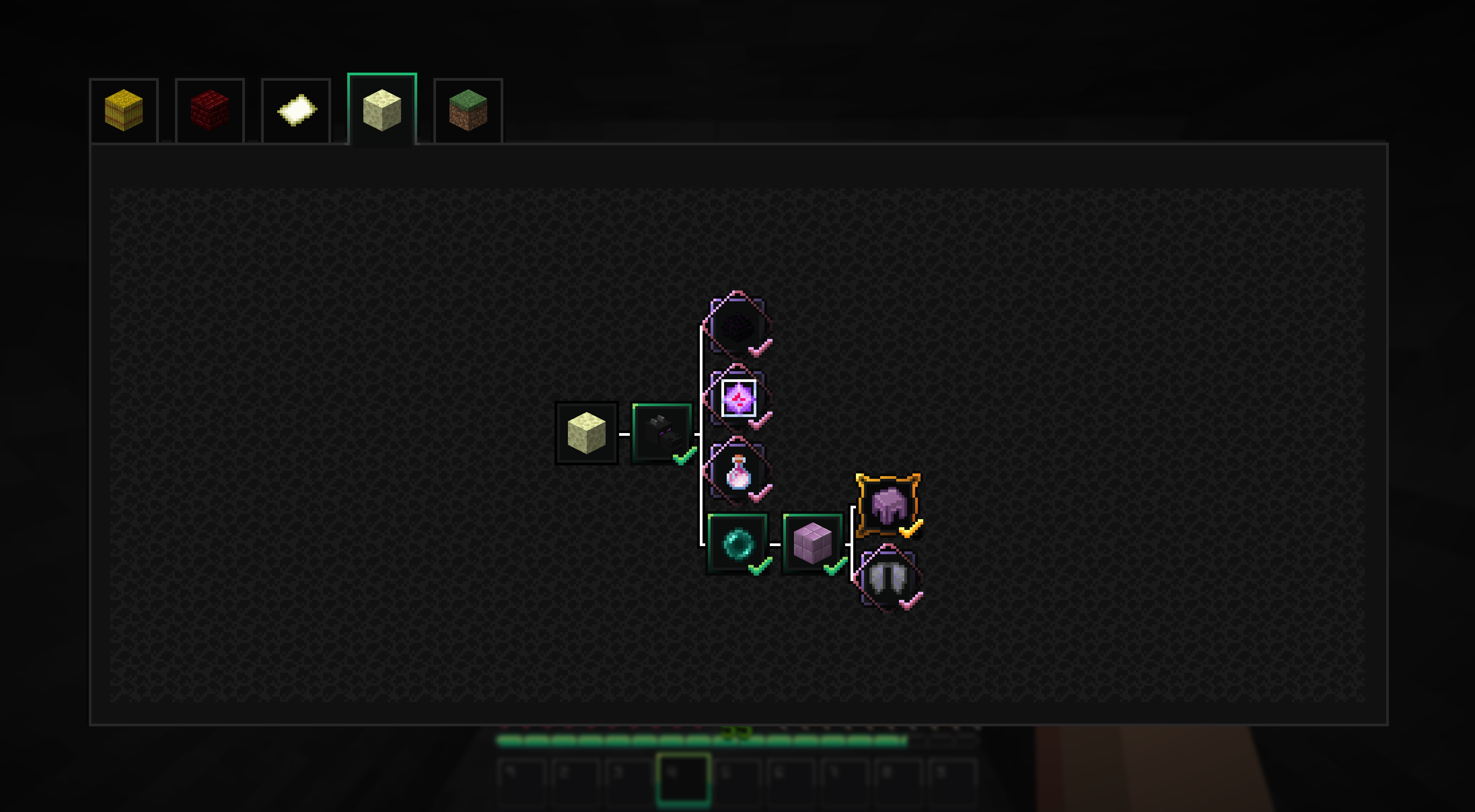
Advancements
All advancement types now have their own distinctive look, making it easier to distinguish easy, medium, and hard achievements from each other. The background was also adjusted to be less draining on the eyes while preserving the biome's block textures.
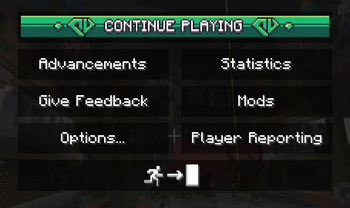
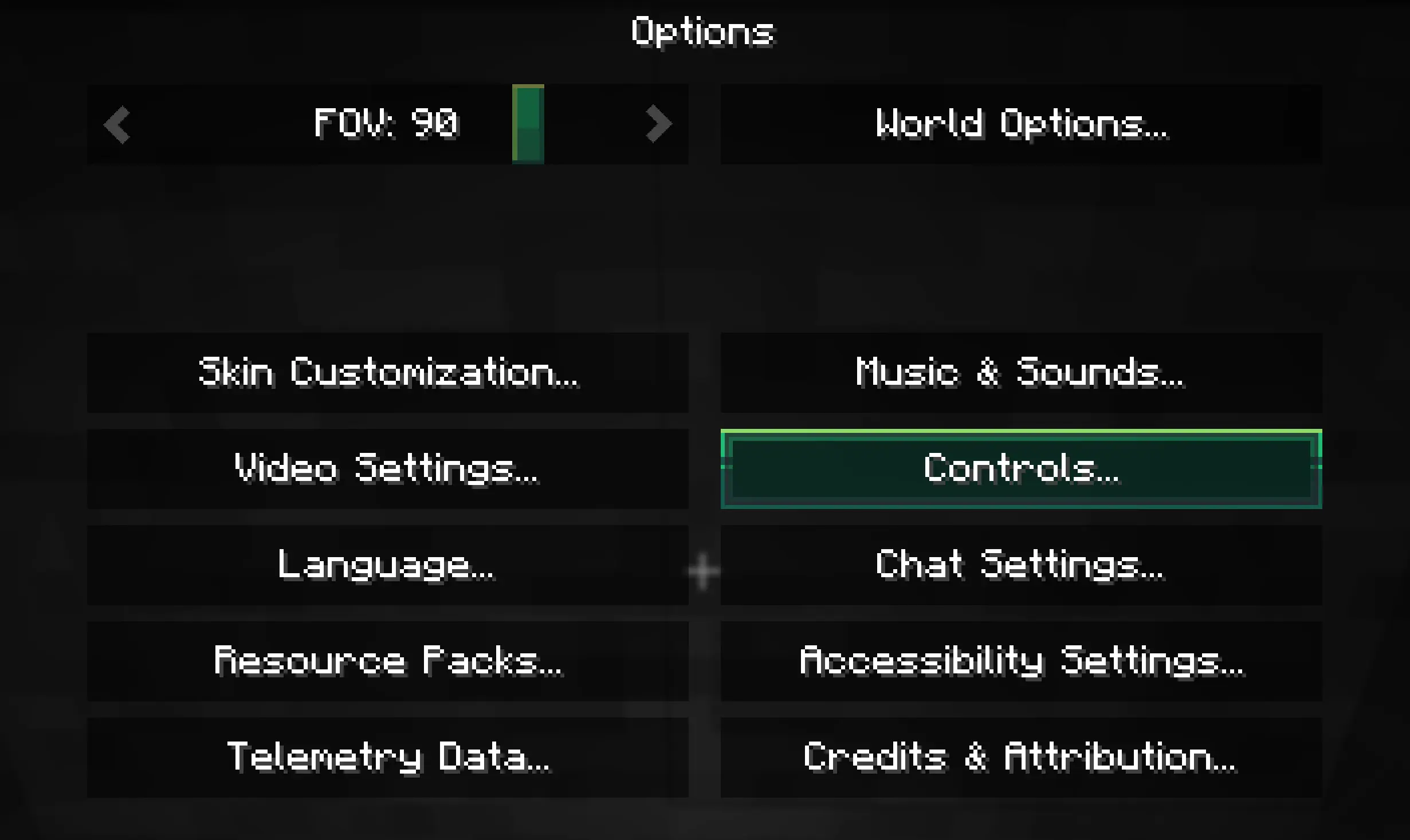
Options
All generic UI components are now dark themed and slightly improved. One nice addition are arrows on the left and right of sliders.
- Edition: Minecraft Java
- File type: .zip (resource pack)
- Minecraft versions listed: 1.20, 1.20.1, 23w31a
- How to install: Download the .zip resource pack — do not unzip it. → Put it in .minecraft/resourcepacks. → Enable it in Options → Resource Packs.
- Where to get it: Opens on Modrinth — not every file is mirrored on our own servers.
Install steps are the general flow for this file type — How to install Minecraft Java resource packs walks through it step by step.
- Downloads as Plunzi§7's §aMidnight GUI §8v2.1.1.zip
- Download size: 1.2 MB
- Download link checked 1 Sept 2026 — working
These come from our own check of the pack file, not from the source page.