![Inventory Flat Pack [Addon]](https://cdn.modrinth.com/data/Aq7MLVGe/7485162f058333dcd55d90d6ddae7648b7f54711.png)
![Inventory Flat Pack [Addon] — screenshot 1](https://cdn.modrinth.com/data/Aq7MLVGe/images/f848c022f421f40a9b9e1cae01bec5acfbb03d46_350.webp)
![Inventory Flat Pack [Addon] — screenshot 2](https://cdn.modrinth.com/data/Aq7MLVGe/images/46a256d47e905af37b0408716814720e419c0a0c_350.webp)
![Inventory Flat Pack [Addon] — screenshot 3](https://cdn.modrinth.com/data/Aq7MLVGe/images/48b585fc00e548ab311505210d244b22ec09b352_350.webp)
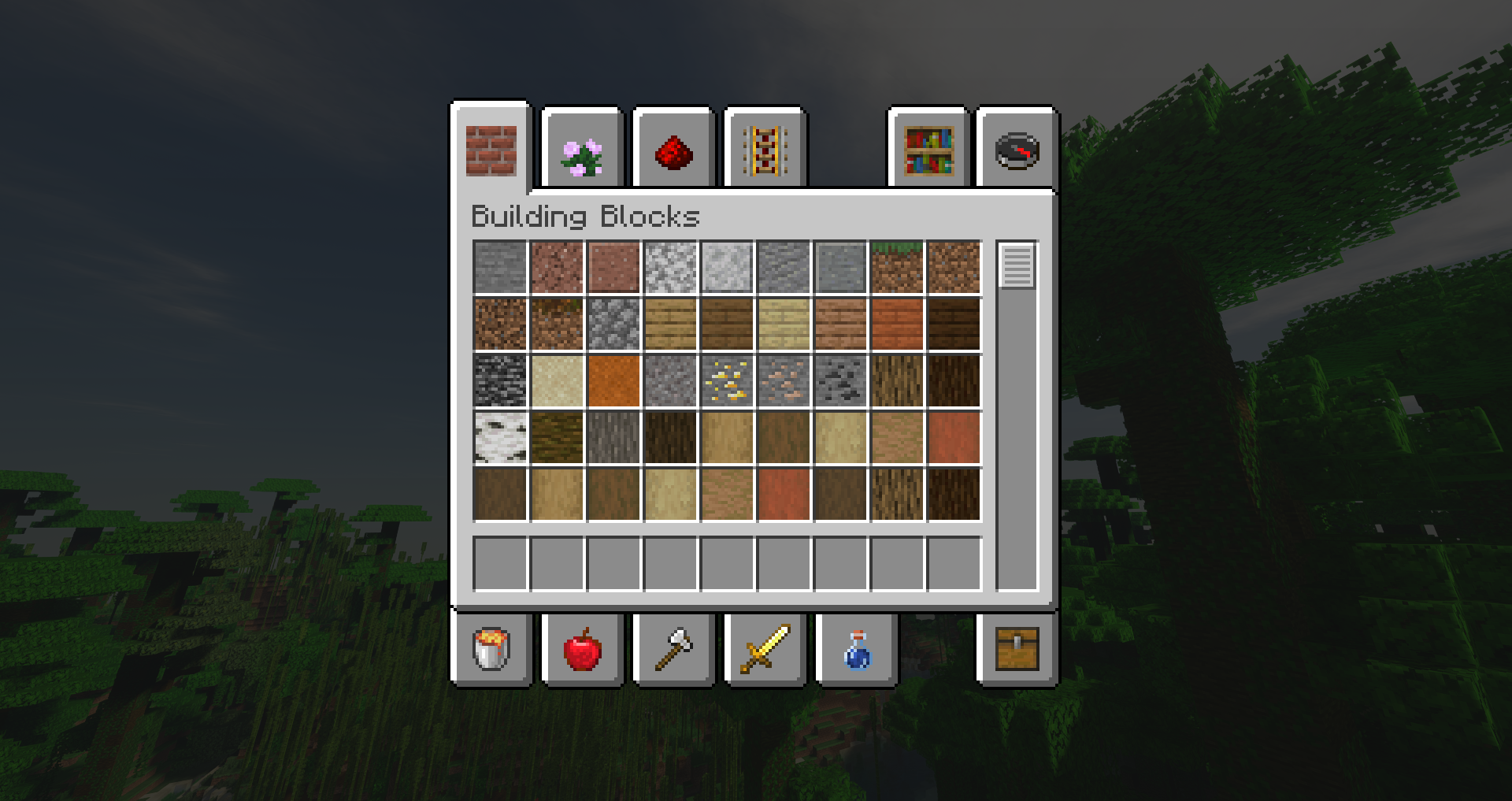
Inventory Flat Pack!
This pack should be compatible with most existing resource packs:
- Download this pack
- Put it in your resourcepacks folder
- Enable it, leaving it above your other packs
- Enjoy!
Quick facts
- Edition: Minecraft Java
- File type: .zip (resource pack)
- Minecraft versions listed: 1.15, 1.16, 1.17
- How to install: Download the .zip resource pack — do not unzip it. → Put it in .minecraft/resourcepacks. → Enable it in Options → Resource Packs.
- Where to get it: Opens on Modrinth — not every file is mirrored on our own servers.
Install steps are the general flow for this file type — How to install Minecraft Java resource packs walks through it step by step.
Verified by MCModsHub
- Downloads as Inventory Flat Pack.zip
- Download size: 25 KB
- Download link checked 1 Sept 2026 — working
These come from our own check of the pack file, not from the source page.