SKN's Topsy Fixes
I don't know my version or loader
Summary
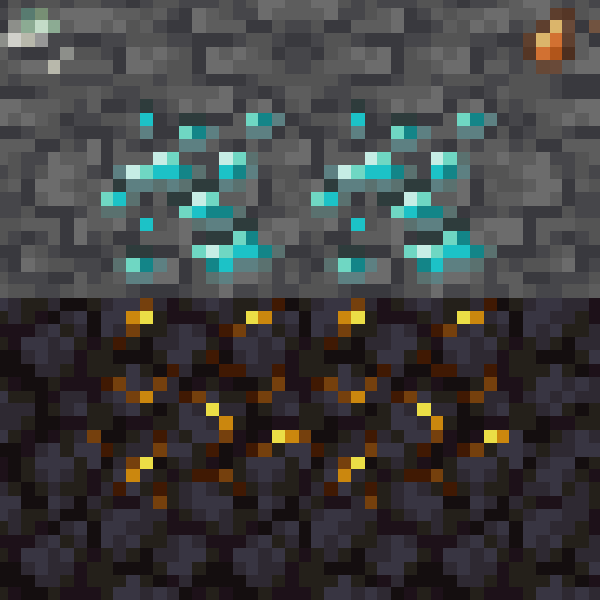
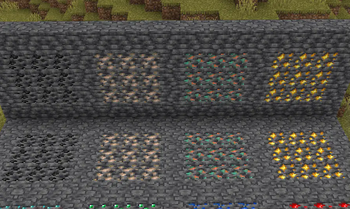
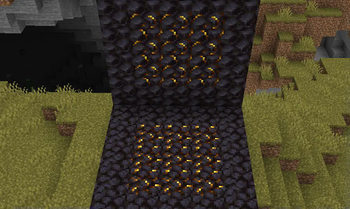
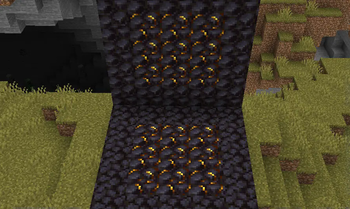
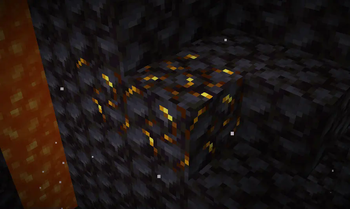
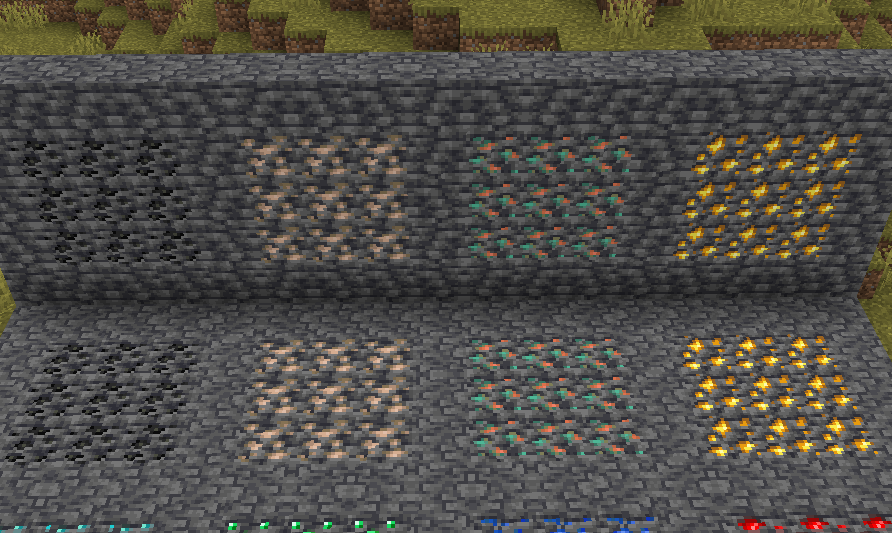
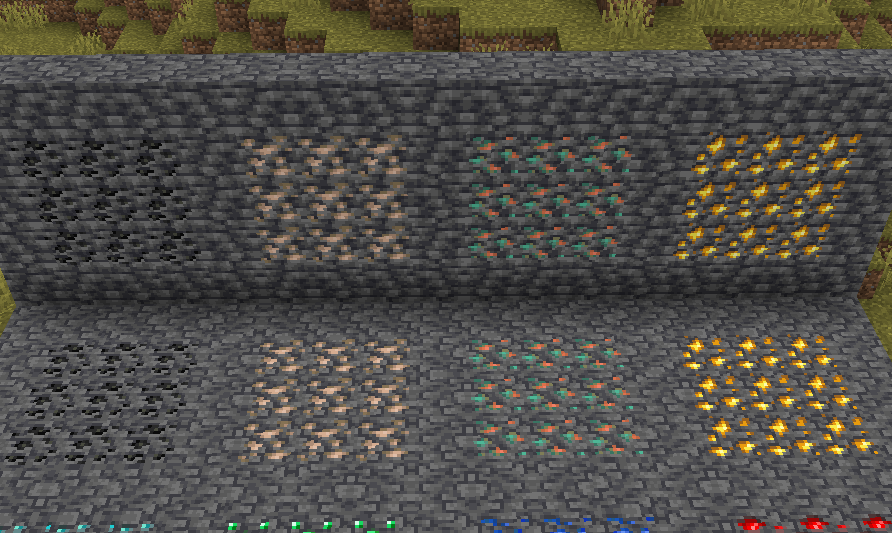
While I was making my Loopy Ores resource pack, I noticed that some ores had some issues with their textures, namely gilded blackstone and all of the deepslate ores. I went on the minecraft forums to report it, but it turns out someone already reported them, and they were marked as working as intended. I think that's dumb, and I decided to fix them up in the most vanilla way I could.
I admit, this is a very niche project, but if you've been bugged by the same problem, I've got it all fixed here!
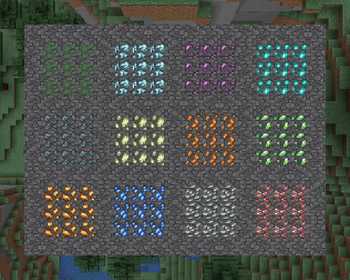
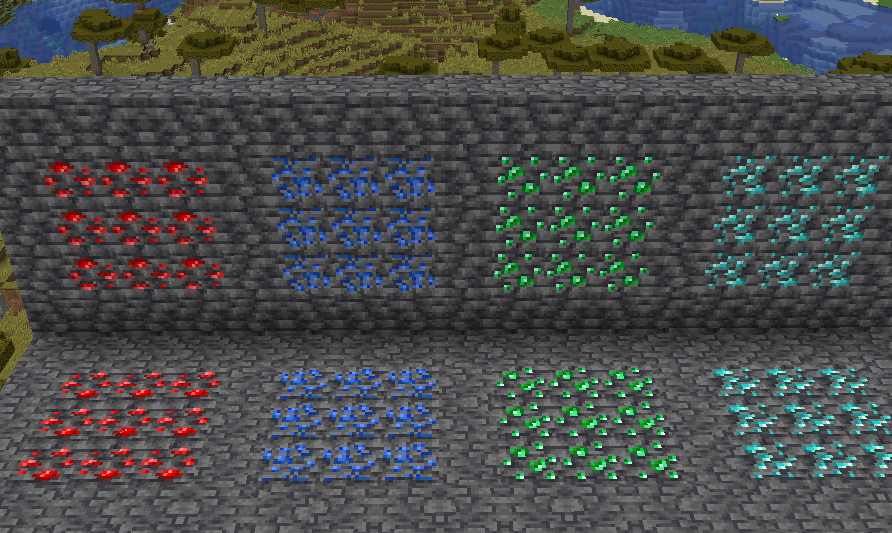
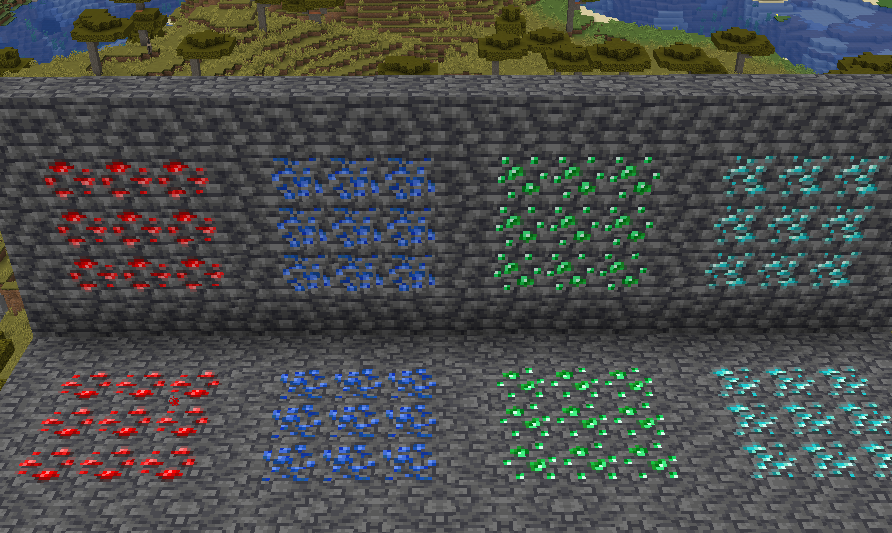
I also have added support for the following mods:
Images
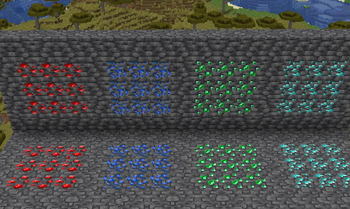
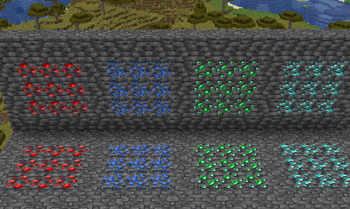
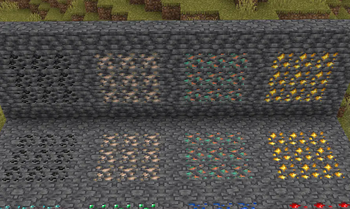
Side-by-Side Comparison
Before and after, respectively
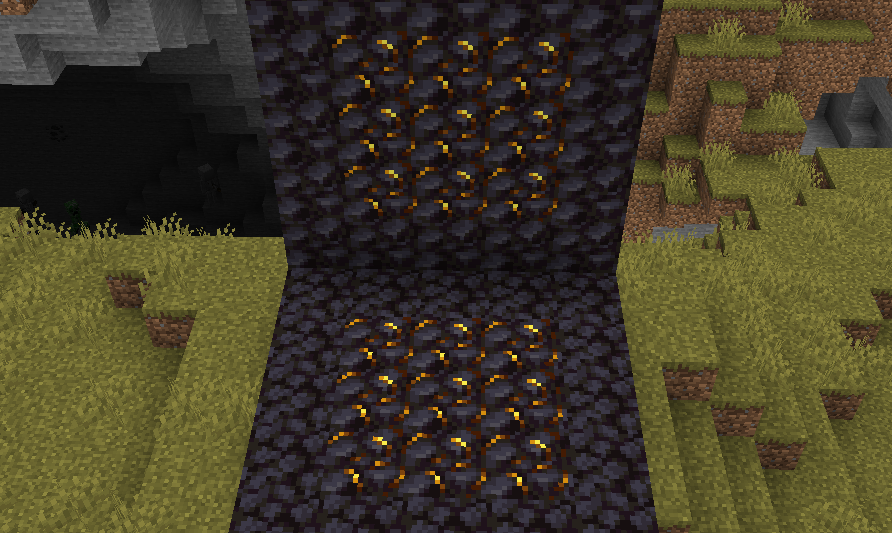
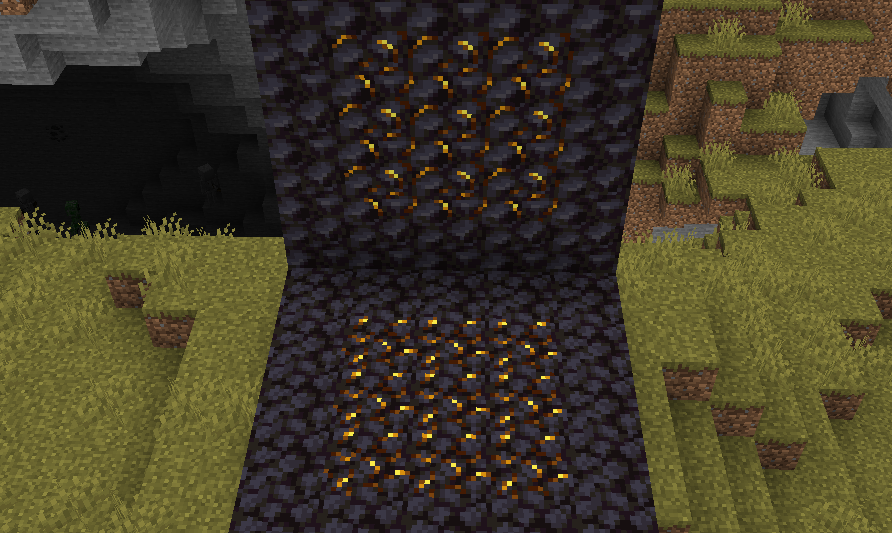
Modded Screenshots
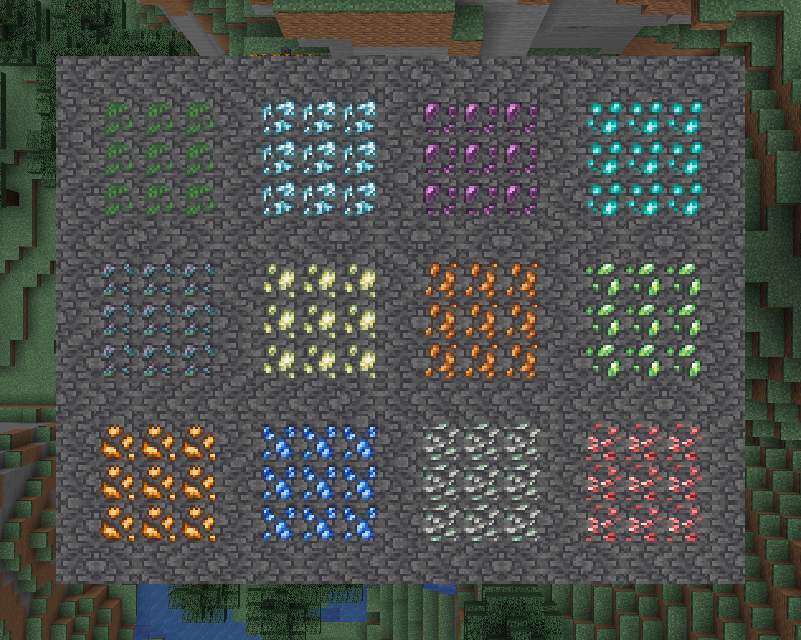
Ingame Screenshots
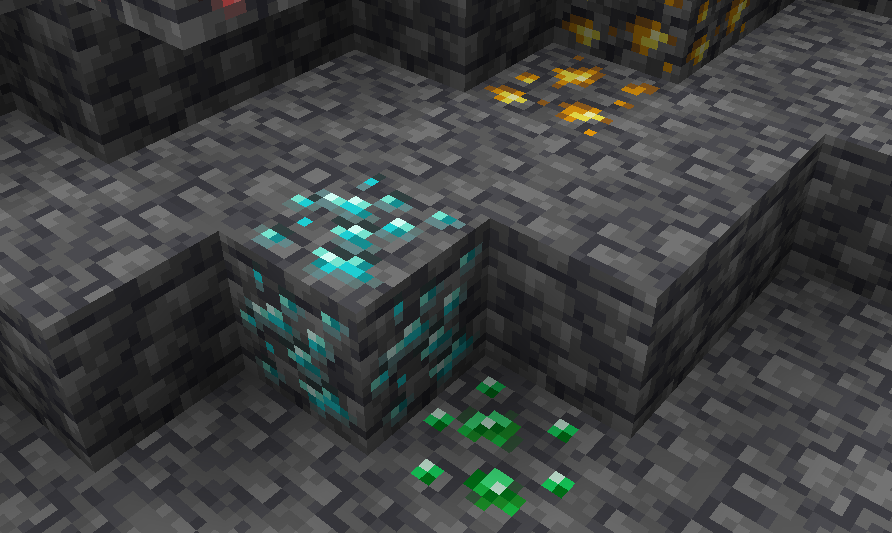
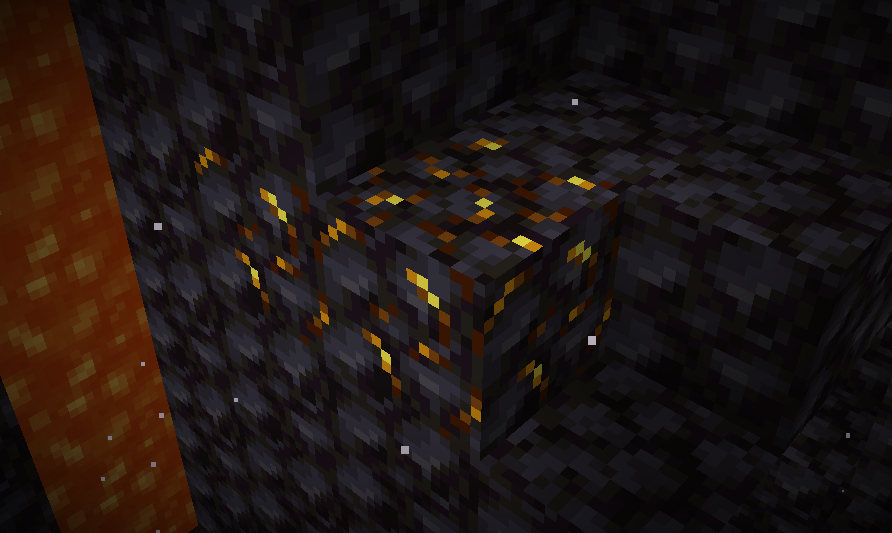
If you have any questions, comments, or ideas, please check out the wiki link and post them there.
- Edition: Minecraft Java
- File type: .zip (resource pack)
- Minecraft versions listed: 1.20, 1.20.1
- How to install: Download the .zip resource pack — do not unzip it. → Put it in .minecraft/resourcepacks. → Enable it in Options → Resource Packs.
- Where to get it: Opens on Modrinth — not every file is mirrored on our own servers.
Install steps are the general flow for this file type — How to install Minecraft Java resource packs walks through it step by step.
- Downloads as SKN's Topsy Textures.zip
- Download size: 45 KB
- Download link checked 3 Sept 2026 — working
These come from our own check of the pack file, not from the source page.