
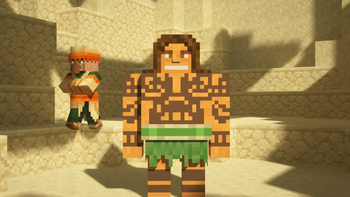
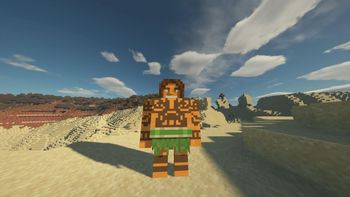
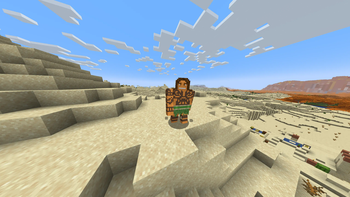
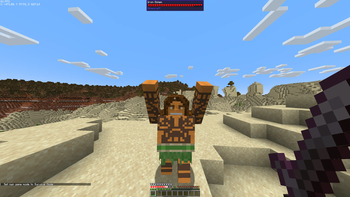
Maui Iron Golem Texture Pack
So what can I say except you're welcome!
The textures I used are from this skin
Features
- Compatible with all versions of Minecraft that support Optifine.
- Works seamlessly with Fabric on versions that include the EMF (Entity Model Features) mod.
Compatibility
- Optifine: Compatible with all versions that support Optifine. Download Optifine
- EMF Mod for Fabric: Works with all versions of Fabric that include the EMF mod. Download EMF Mod
Screenshots
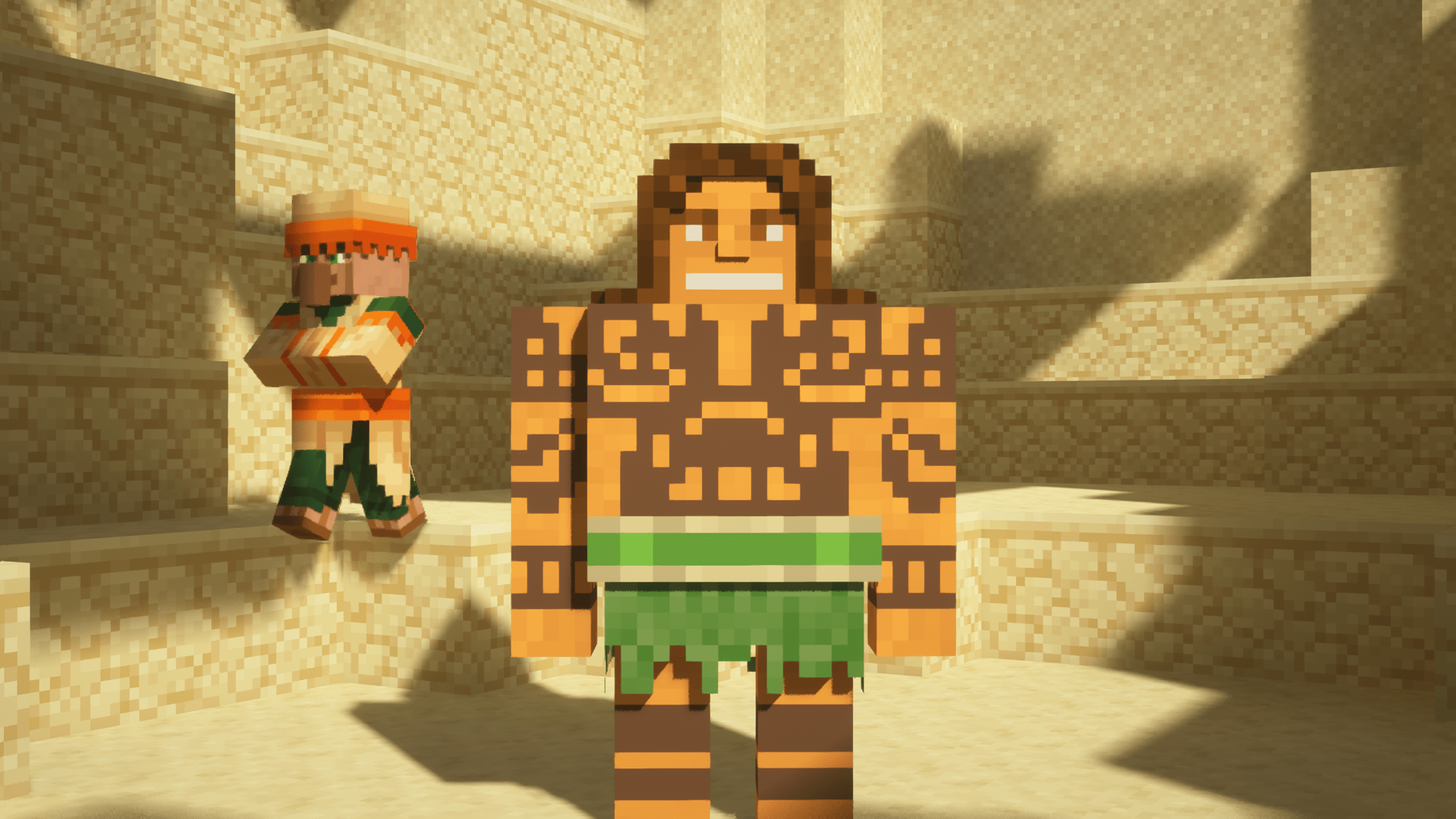
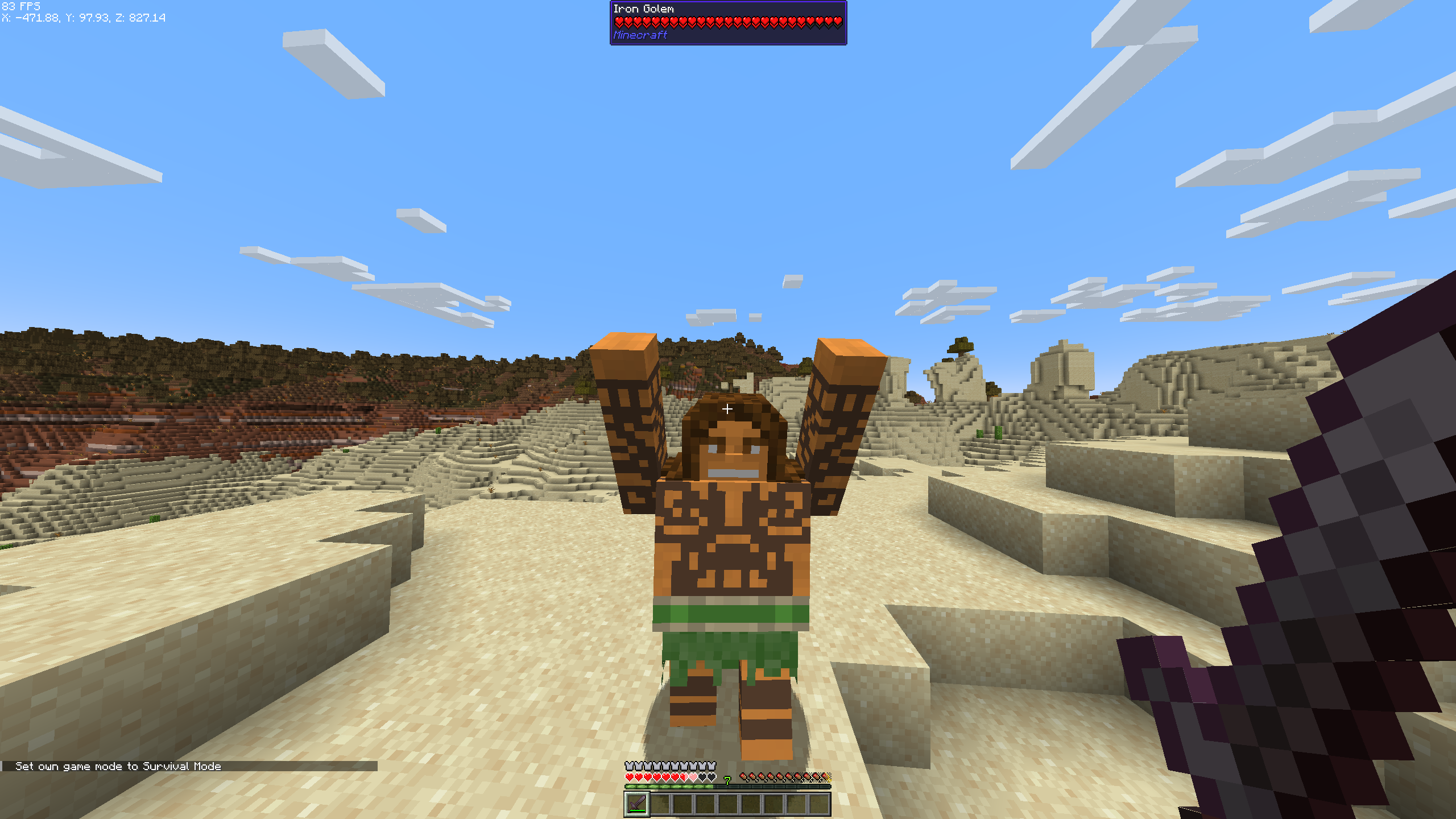
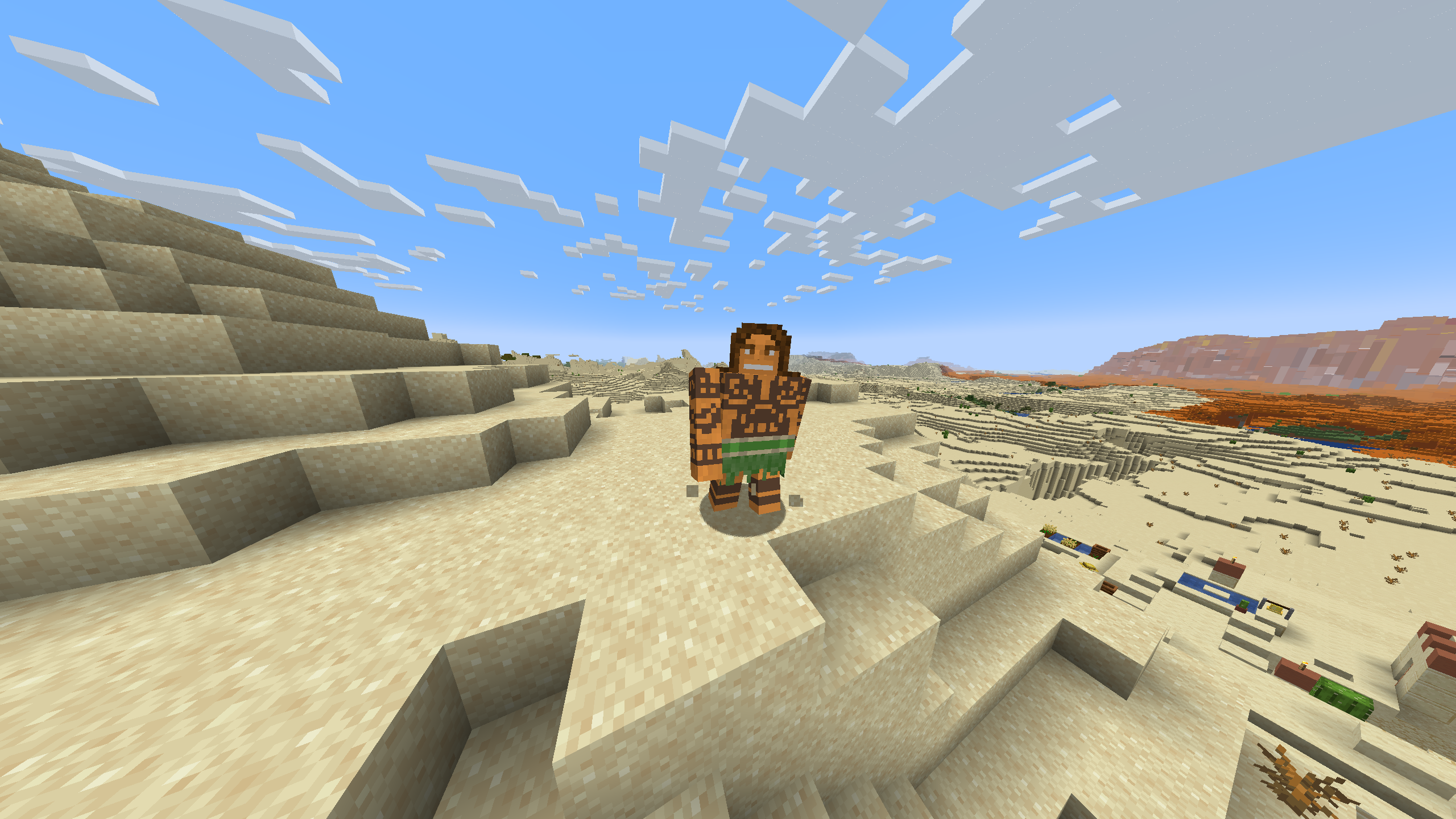
Installation
- Download and install Optifine or Fabric with the EMF mod, depending on your Minecraft version.
- Download the Maui Iron Golem Texture Pack.
- Place the texture pack in the "resourcepacks" folder in your Minecraft directory.
- Activate the texture pack in the Minecraft game settings.
Quick facts
- Edition: Minecraft Java
- File type: .zip (resource pack)
- Minecraft version listed: 1.20.1
- How to install: Download the .zip resource pack — do not unzip it. → Put it in .minecraft/resourcepacks. → Enable it in Options → Resource Packs.
- Where to get it: Opens on Modrinth — not every file is mirrored on our own servers.
Install steps are the general flow for this file type — see the MC Java Mods guides for the full walkthrough.
Verified by MCModsHub
- Downloads as MauiToIronGolem.zip
- Download size: 378 KB
- Download link checked 5 Sept 2026 — working
These come from our own check of the pack file, not from the source page.