![Dark Opium [ Battle Axe ]](https://cdn.modrinth.com/data/YcOz7jPH/2f1f91d281b8c07103355ac473eb976af89a7779_96.webp)
![Dark Opium [ Battle Axe ] — screenshot 1](https://cdn.modrinth.com/data/YcOz7jPH/images/b447d1ef8f40474c0ba20c2f111b4f19a9f00d00_350.webp)
![Dark Opium [ Battle Axe ] — screenshot 2](https://cdn.modrinth.com/data/YcOz7jPH/images/751e5400f47f386aea5a0e58f0dd29921208327c.png)
![Dark Opium [ Battle Axe ] — screenshot 3](https://cdn.modrinth.com/data/YcOz7jPH/images/62c7cfdfff608df345ea11255133396de4ec7ed7_350.webp)
![Dark Opium [ Battle Axe ] — screenshot 4](https://cdn.modrinth.com/data/YcOz7jPH/images/2f1f91d281b8c07103355ac473eb976af89a7779_350.webp)
This texturepack requires CIT Resewn
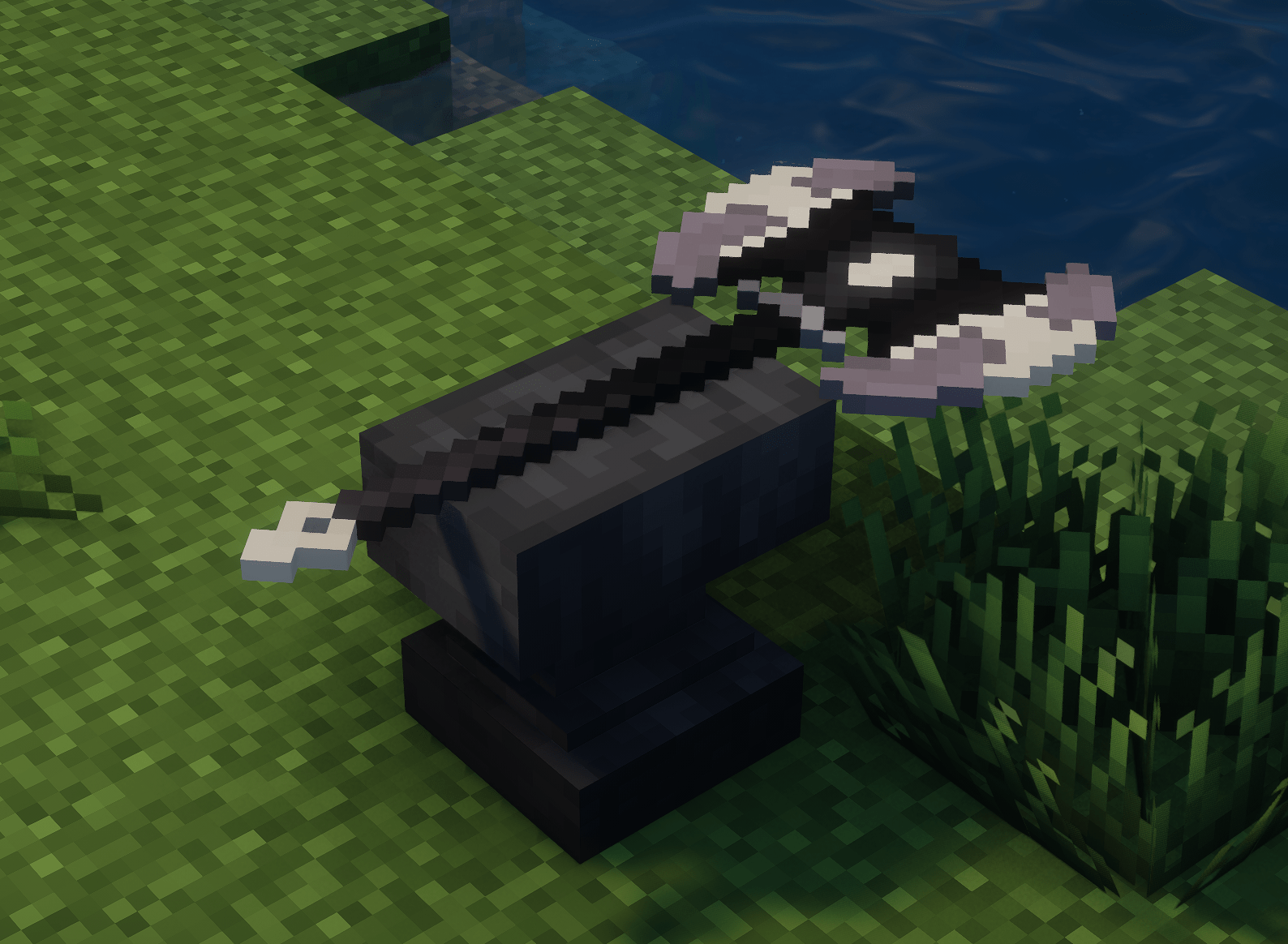
This was a paid commission by Botzlock, however anyone can use it. A simple texture pack that adds a distinct looking Batte Axe, that's pretty much it.
Quick facts
- Edition: Minecraft Java
- File type: .zip (resource pack)
- Minecraft versions listed: 1.21, 1.21.1
- How to install: Download the .zip resource pack — do not unzip it. → Put it in .minecraft/resourcepacks. → Enable it in Options → Resource Packs.
- Where to get it: Opens on Modrinth — not every file is mirrored on our own servers.
Install steps are the general flow for this file type — How to install Minecraft Java resource packs walks through it step by step.
Verified by MCModsHub
- Downloads as Dark Opium.zip
- Download size: 229 KB
- Download link checked 5 Sept 2026 — working
These come from our own check of the pack file, not from the source page.