
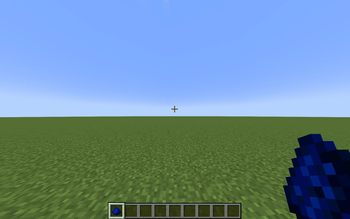
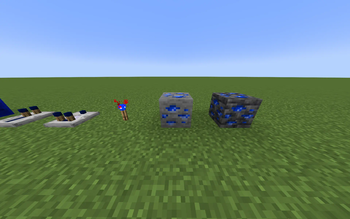
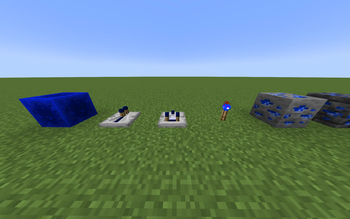
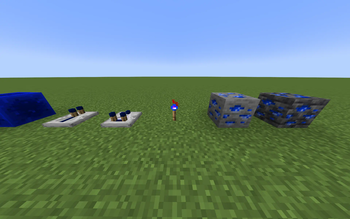
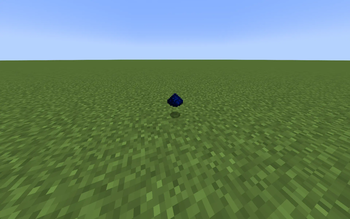
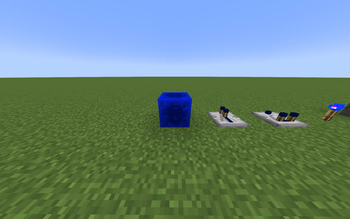
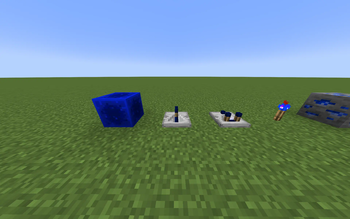
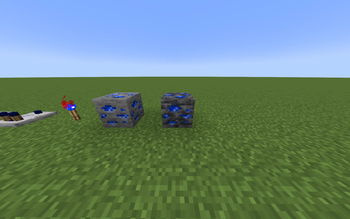
While working on my mod Bluestone, I wanted to see how my textures look in-game. It looked pretty good so I decided to just put all the textures in and upload it to Modrinth because why not? Don't expect much of it, because I just put all my textures. The Redstone particles and Redstone Wire still look the same because I wasn't able to change them. Maybe I'll come back to this resource pack after I finish my mod, or even before I finish my mod.
Quick facts
- Edition: Minecraft Java
- File type: .zip (resource pack)
- Minecraft version listed: 1.21.1
- How to install: Download the .zip resource pack — do not unzip it. → Put it in .minecraft/resourcepacks. → Enable it in Options → Resource Packs.
- Where to get it: Opens on Modrinth — not every file is mirrored on our own servers.
Install steps are the general flow for this file type — How to install Minecraft Java resource packs walks through it step by step.
Verified by MCModsHub
- Downloads as Bluestone.zip
- Download size: 127 KB
- Download link checked 25 Sept 2026 — working
These come from our own check of the pack file, not from the source page.