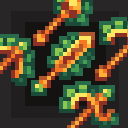
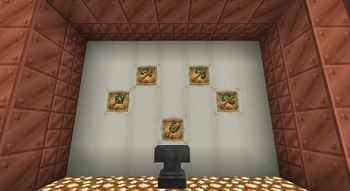
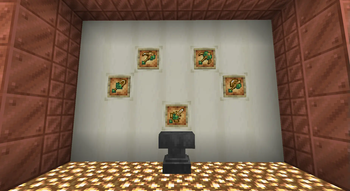
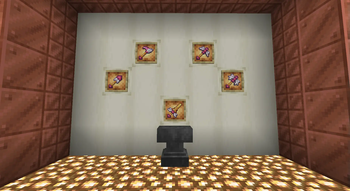
You ever wanted tool skins in Minecraft? Now you can get them!
Important! The resourcepack requires Optifine or CIT
As of right now the resource pack contains only 3 toolsets, but more will be added in the future.
How does it work?
If you rename a diamond or netherite tool it gets a texture of the tool Example: Aztec Sword -> Gets the Aztec Sword texture

Possible names:
- Aztec + tool name
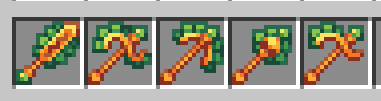
- Maya + tool name
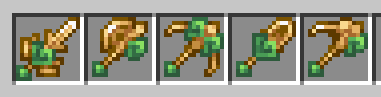
- Cupid + tool name

The resourcepack will get more toolskins in the future
Massive thanks to Dubgin for making the Aztec tool textures
Thank you Lanshan 蓝山 for making the Cupid Tools
Quick facts
- Edition: Minecraft Java
- File type: .zip (resource pack)
- Minecraft version listed: 1.20.1
- How to install: Download the .zip resource pack — do not unzip it. → Put it in .minecraft/resourcepacks. → Enable it in Options → Resource Packs.
- Where to get it: Opens on Modrinth — not every file is mirrored on our own servers.
Install steps are the general flow for this file type — How to install Minecraft Java resource packs walks through it step by step.
Verified by MCModsHub
- Downloads as RenameSkin 0.4.zip
- Download size: 20 KB
- Download link checked 5 Sept 2026 — working
These come from our own check of the pack file, not from the source page.