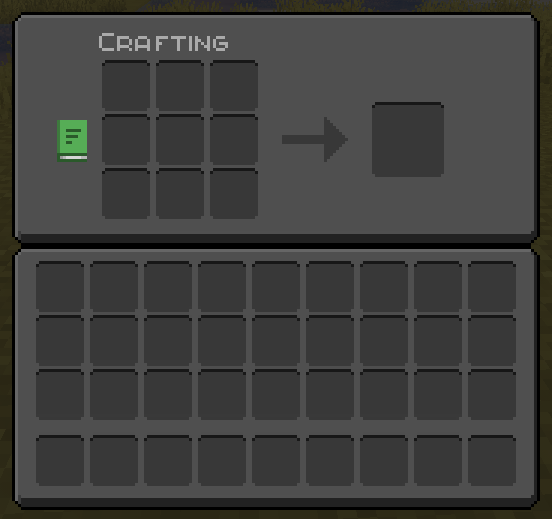
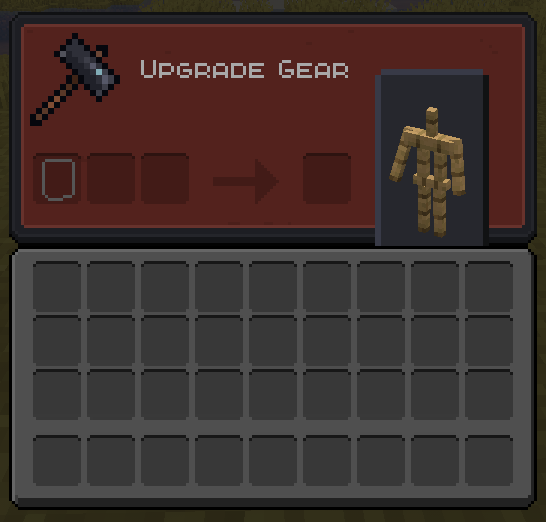
Disclaimer!! — This pack is based off of the OreUI Recreation by tmc249, and is not my original creation.
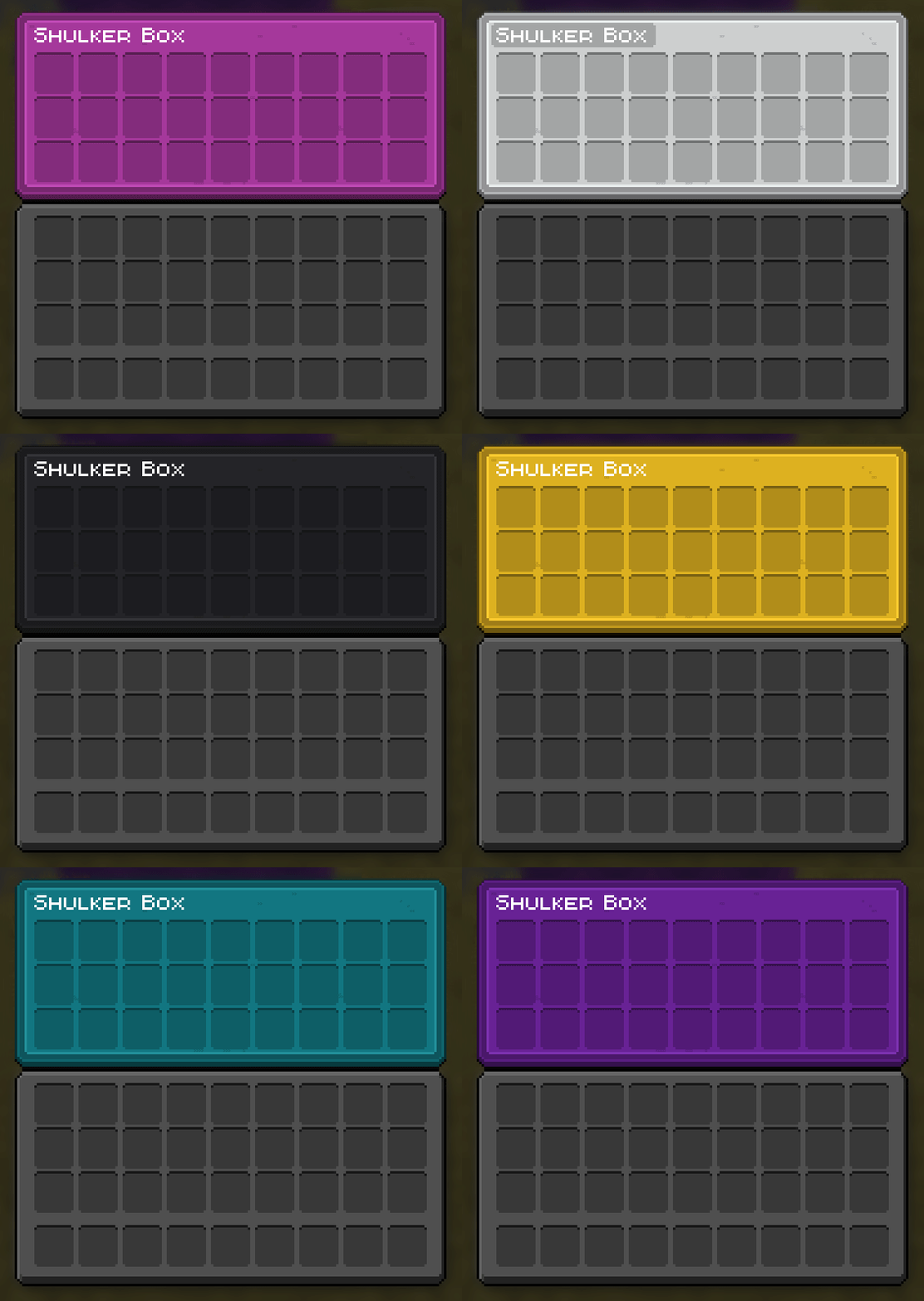
It's recommended to use OptiGUI for all the custom coloured inventories to work.
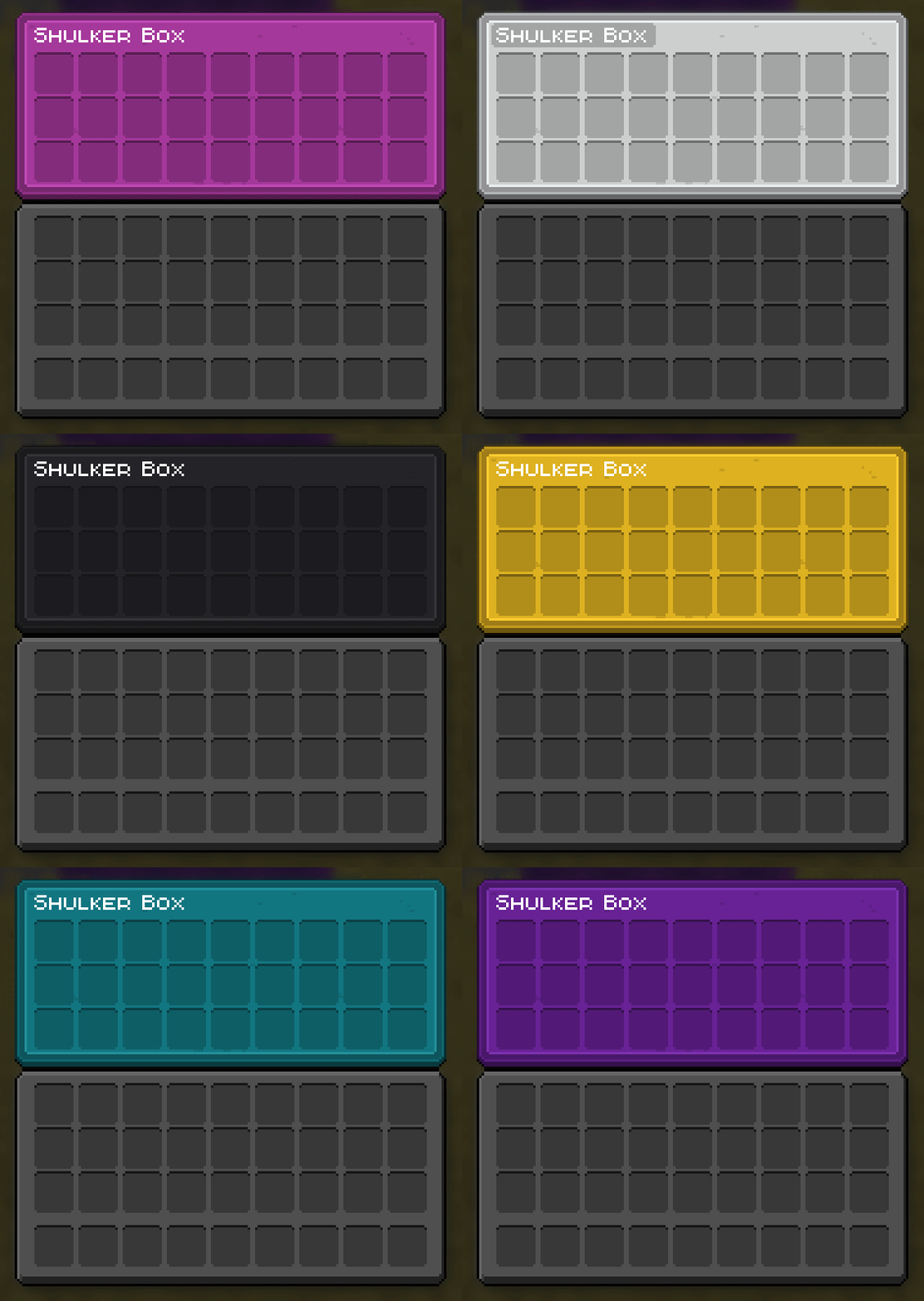
Shulker box colour variations:
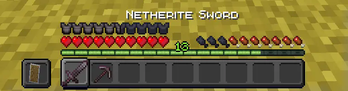
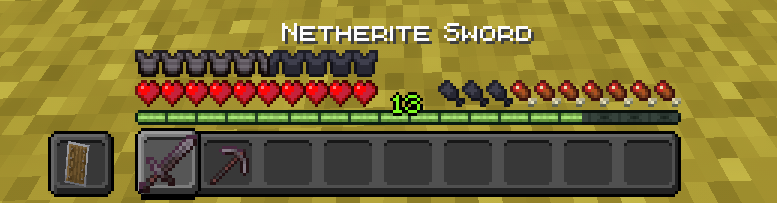
Hotbar (custom armor icons not from the pack):
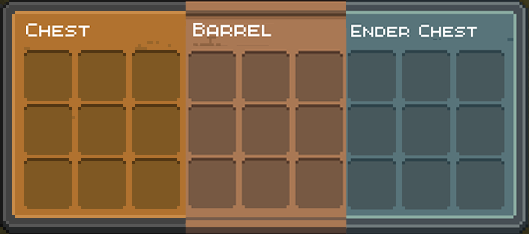
Storage:
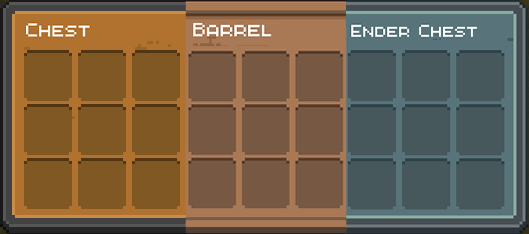
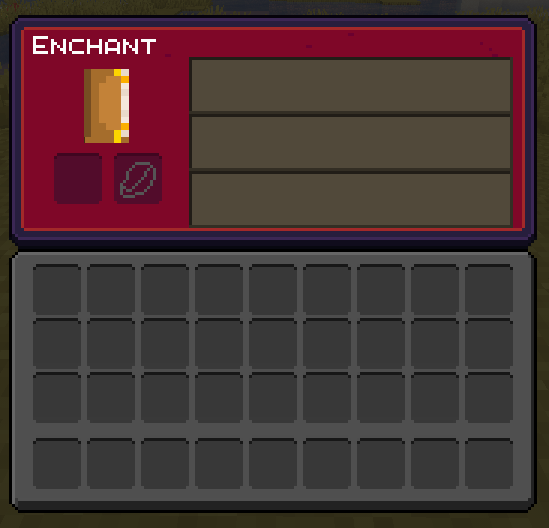
I liked the original pack that tmc249 made, but it was too bright and colourful. So I decided to tone down the vibrancy of certain inventories and make the standard UI dark to ease eye strain.
I do not claim any ownership over the fantastic work the author did, I'm simply putting something out that some people might like.
Quick facts
- Edition: Minecraft Java
- File type: .zip (resource pack)
- Minecraft version listed: 1.21.5
- How to install: Download the .zip resource pack — do not unzip it. → Put it in .minecraft/resourcepacks. → Enable it in Options → Resource Packs.
- Where to get it: Opens on Modrinth — not every file is mirrored on our own servers.
Install steps are the general flow for this file type — How to install Minecraft Java resource packs walks through it step by step.
Verified by MCModsHub
- Downloads as OreUI_Recreation_dark.zip
- Download size: 331 KB
- Download link checked 5 Sept 2026 — working
These come from our own check of the pack file, not from the source page.