
Azalea
Java resource pack listed for Minecraft 1.17–1.21. Downloads from the MC Java Mods app on Android.
I don't know my version or loader


================================================================================

================================================================================
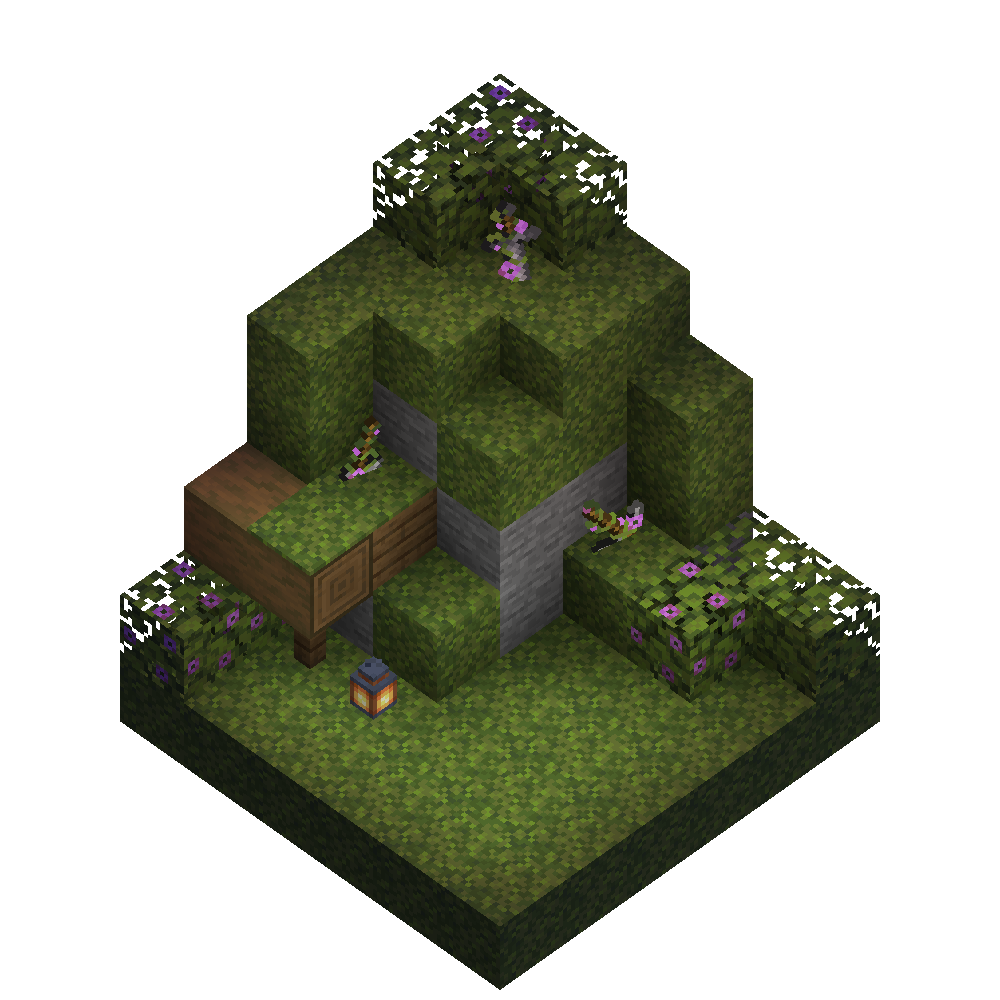
Sick of stone? Try adding some greenery to it!
Changes all stone tools and stone tool names!
Stone sword -> Overgrown sword
Stone pickaxe -> Overgrown pickaxe
Stone axe -> Overgrown axe
Etc...
================================================================================
Enjoy your new lively tools! ~Freebeam
================================================================================
- Edition: Minecraft Java
- File type: .zip (resource pack)
- Minecraft versions listed: 1.17, 1.17.1, 1.18
- How to install: Download the .zip resource pack — do not unzip it. → Put it in .minecraft/resourcepacks. → Enable it in Options → Resource Packs.
- Where to get it: Opens on Modrinth — not every file is mirrored on our own servers.
Install steps are the general flow for this file type — How to install Minecraft Java resource packs walks through it step by step.
- Downloads as Azalea.zip
- Download size: 5 KB
- Download link checked 16 Oct 2026 — working
These come from our own check of the pack file, not from the source page.