




Join Discord Server to recommend changes or fix bugs!
Ian’s Mint GUI
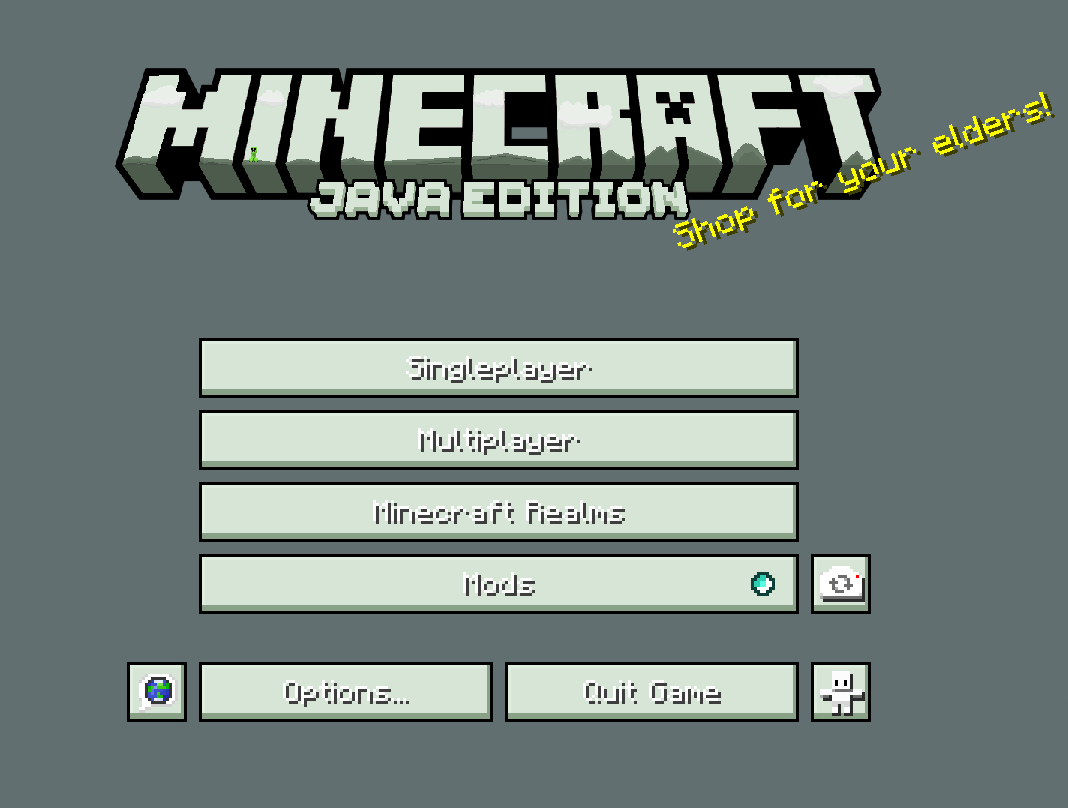
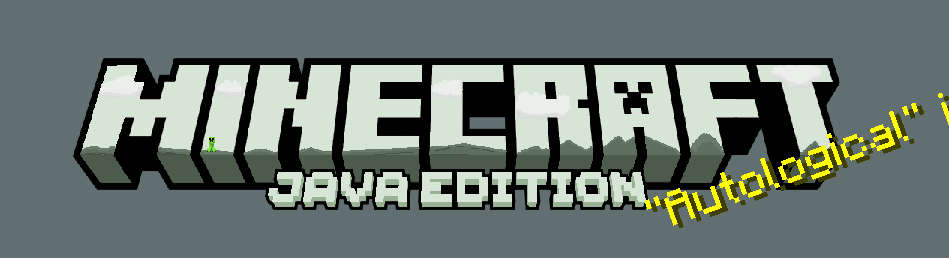
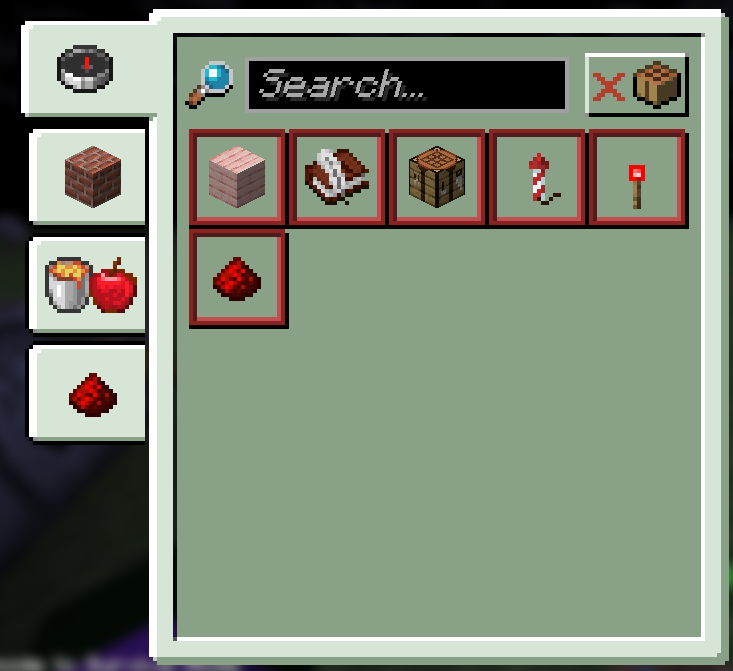
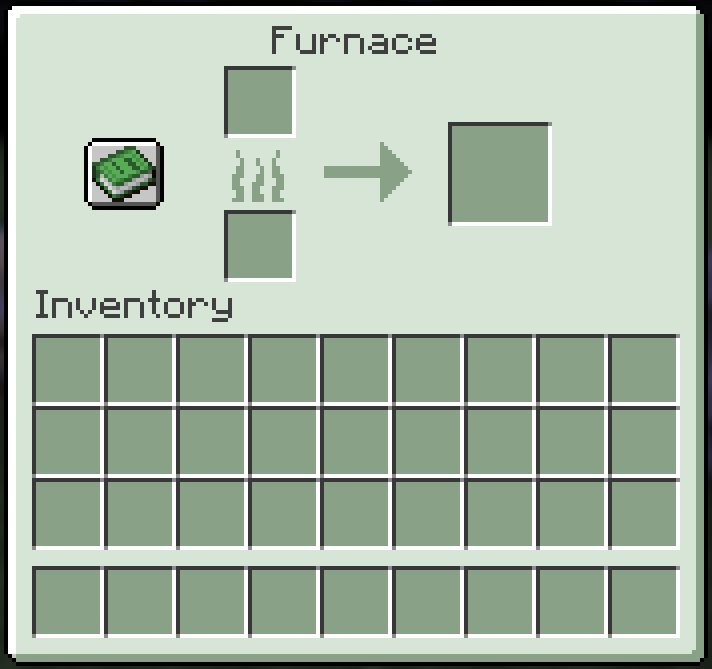
Ian’s Mint GUI is a work-in-progress Minecraft resource pack that refreshes the game’s interface with a clean, mint-themed aesthetic. It replaces most major GUI elements with soft, cool colors to create a calm, modern, and visually cohesive experience across menus, inventories, and HUD components. The goal is to enhance clarity and readability while keeping Minecraft’s familiar layout intact.
Features
Mint-themed GUI redesign across many core screens
Updated hotbar, inventory, crafting, container menus, and HUD elements
Soft shading and gentle contrasts for clear visibility in all environments
Minimalist style that keeps the interface clean without feeling empty
Consistent look and feel that ties all redesigned elements together
Work-in-Progress Status
This pack is actively being expanded. Additional menus, icons, and interface elements will be added over time as development continues. Although not every GUI component has been updated yet, the existing redesign already provides a polished and refreshing upgrade to the standard visuals.
Who This Pack Is For
Ian.
OR
Players seeking a calm, modern, and clean interface without drastically changing Minecraft’s core identity will find Ian’s Mint GUI to be a fitting and stylish enhancement.
- Edition: Minecraft Java
- File type: .zip (resource pack)
- Minecraft versions listed: 1.21.4, 1.21.5, 1.21.6
- How to install: Download the .zip resource pack — do not unzip it. → Put it in .minecraft/resourcepacks. → Enable it in Options → Resource Packs.
- Where to get it: Opens on Modrinth — not every file is mirrored on our own servers.
Install steps are the general flow for this file type — How to install Minecraft Java resource packs walks through it step by step.
- Downloads as Ian's Mint GUI.zip
- Download size: 897 KB
- Download link checked 26 Sept 2026 — working
These come from our own check of the pack file, not from the source page.