Rings+
What is Rings+?
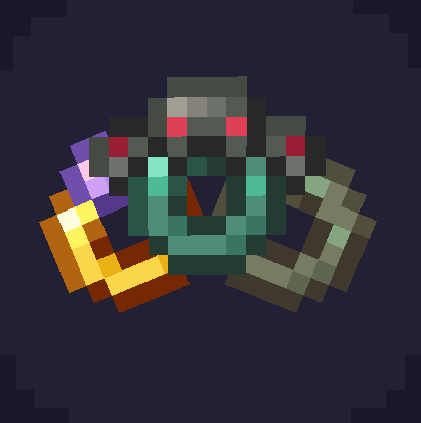
This is a ResourcePack (that required OptiFine or CIT) combinated with DataPack, that adds rings to your game.
How to rename to get Rings?
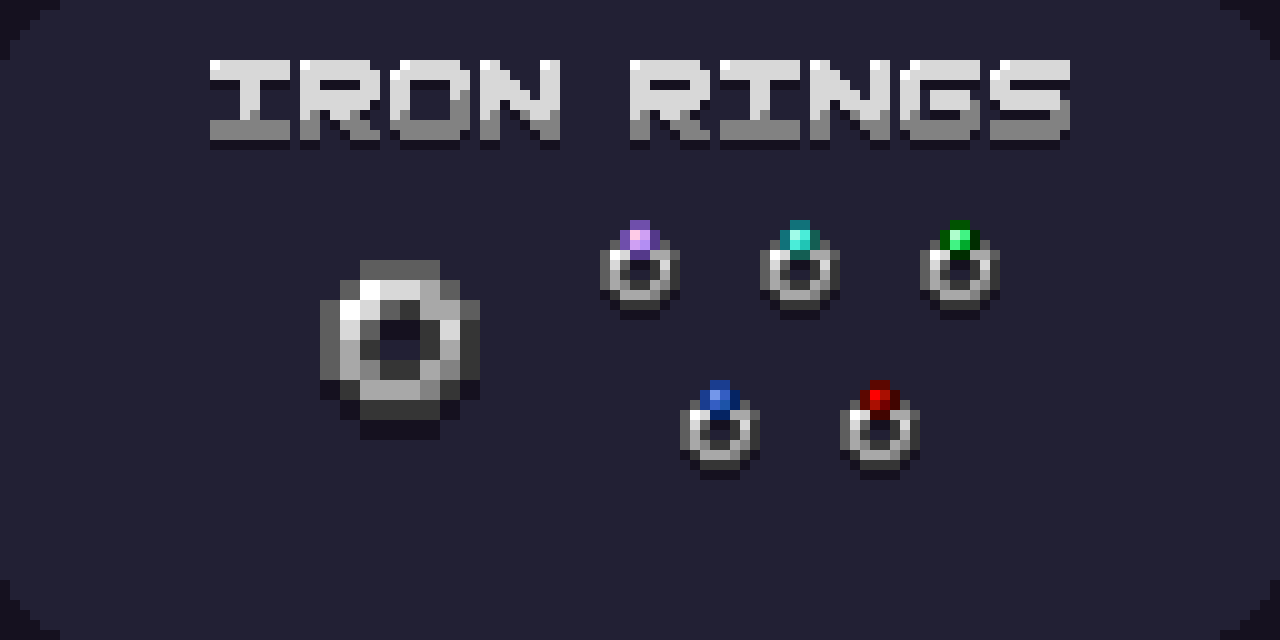
Rings have the cathegories. To get iron rings it you need rename iron ingot according to this scheme:
Iron + None/Amethyst/Diamond/Emerald/Lapis/Redstone + Ring
!IMPORTANT! All words must be written starting with capital letter!
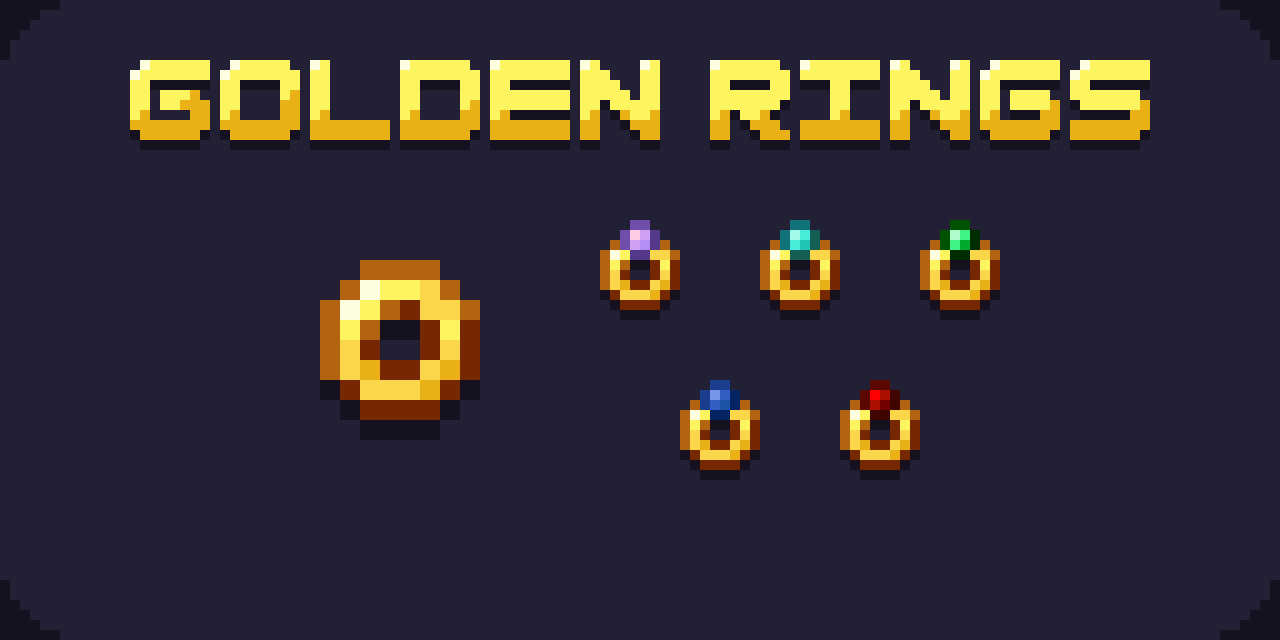
Next group of rings is golden. Rename golden ingot like this:
Golden + None/Amethyst/Diamond/Emerald/Lapis/Redstone + Ring
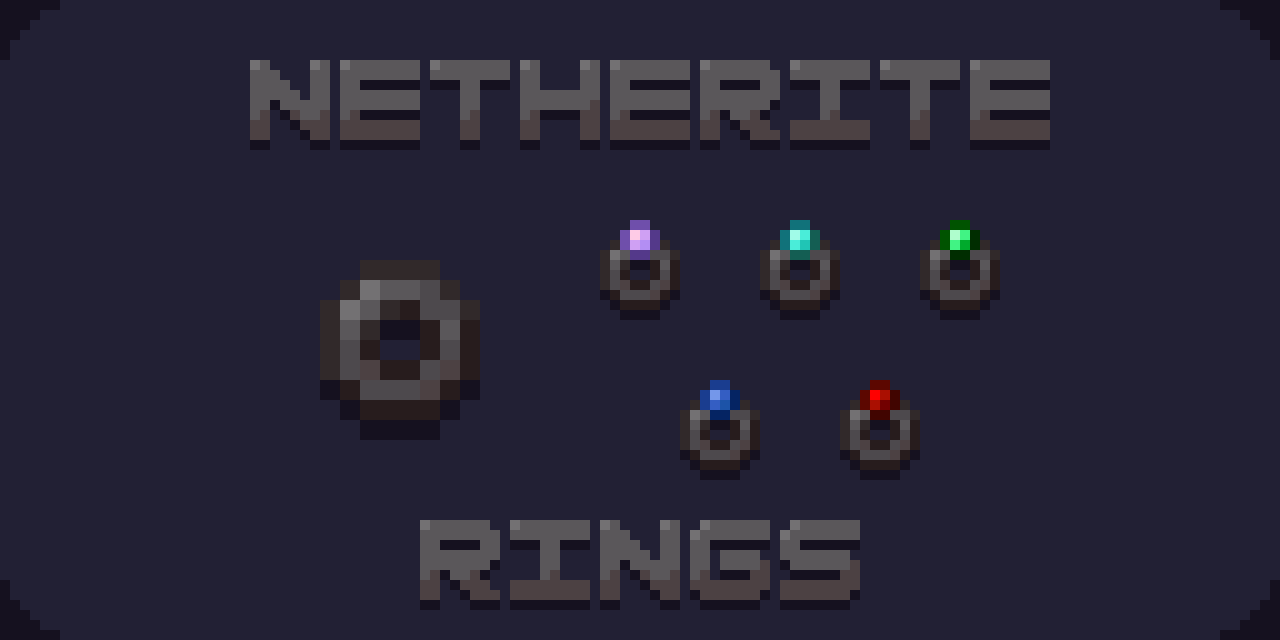
To get netherite rings rename netherite ingot to:
Netherite + None/Amethyst/Diamond/Emerald/Lapis/Redstone + Ring
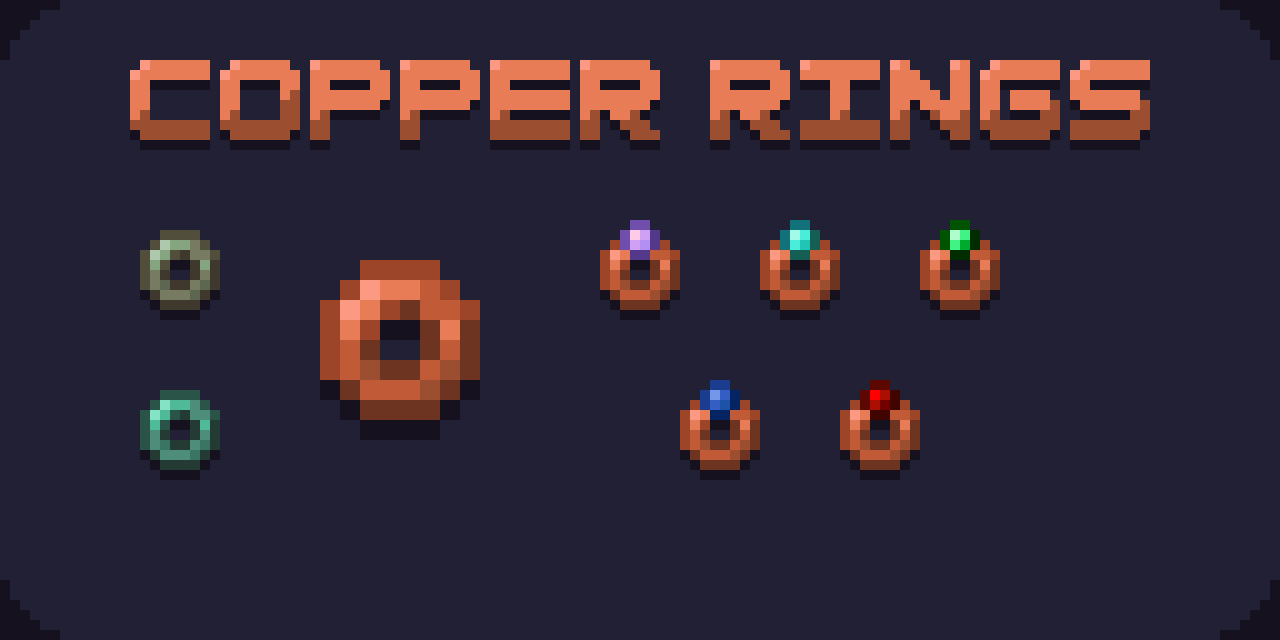
To get copper rings rename copper ingot to:
Copper + None/Amethyst/Diamond/Emerald/Lapis/Redstone + Ring
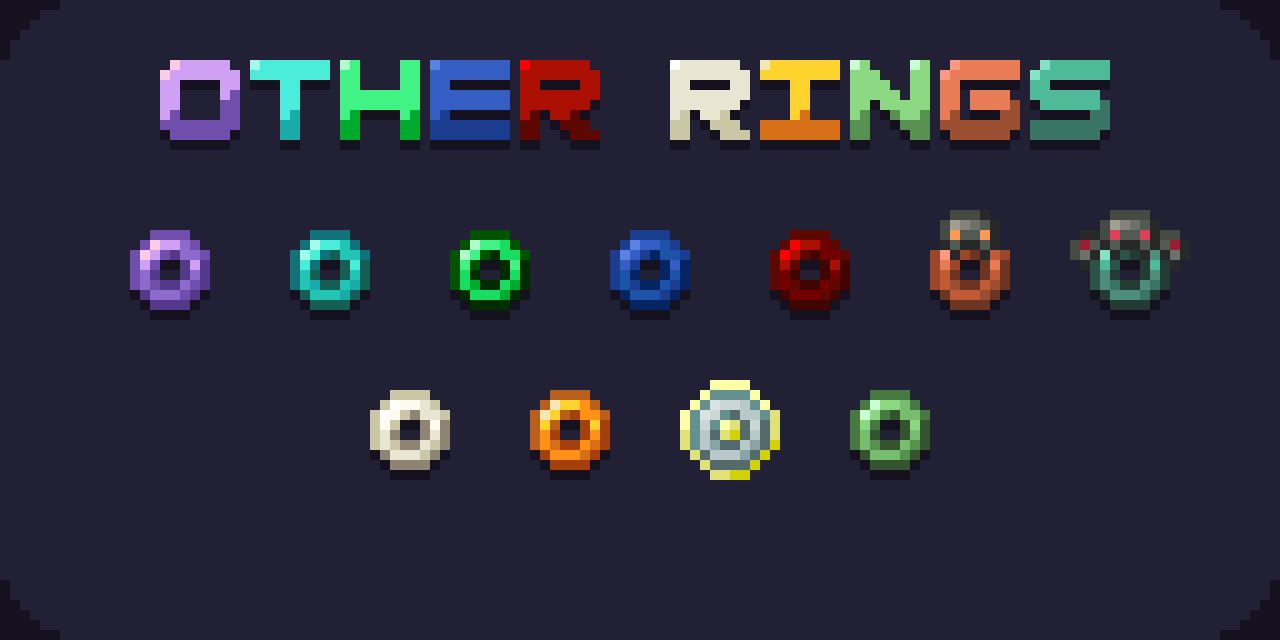
Copper Oxidized Ring and Copper Half Oxidized Ring available too!
There are also this rings, which can give you effects if you install Datapack too:
Amethyst Shard ---> Amethyst Ring (gives night vision)
Bone ---> Bone Ring (gives weakness to all mobs nearby you)
Diamond ---> Diamond Ring (gives speed up effect)
Emerald ---> Emerald Ring (gives hero of the village effect)
Honeycomb ---> Honey Ring (gives slowness to all mobs nearby you)
Lapis Lazuli ---> Lapis Ring (gives you water breathing)
Nether Star ---> Nether Ring (gives resistance effect)
Ominous Trial Key ---> Ominous Trial Ring (gives health boost)
Redstone ---> Redstone Ring (gives haste)
Slime Ball ---> Slime Ring (gives jump boost)
Trial Key ---> Trial Ring (gives glowing effect to all mobs nearby you)
- Edition: Minecraft Java
- File type: .zip (resource pack)
- Minecraft versions listed: 1.21, 1.21.1
- How to install: Download the .zip resource pack — do not unzip it. → Put it in .minecraft/resourcepacks. → Enable it in Options → Resource Packs.
- Where to get it: Opens on Modrinth — not every file is mirrored on our own servers.
Install steps are the general flow for this file type — How to install Minecraft Java resource packs walks through it step by step.
- Downloads as Rings+ Data.zip
- Download size: 4 KB
- Download link checked 5 Sept 2026 — working
These come from our own check of the pack file, not from the source page.