
Modern Art (Probably)
Java resource pack listed for Minecraft 1.19–26.x. Downloads from the MC Java Mods app on Android.
⬇ Download on Modrinth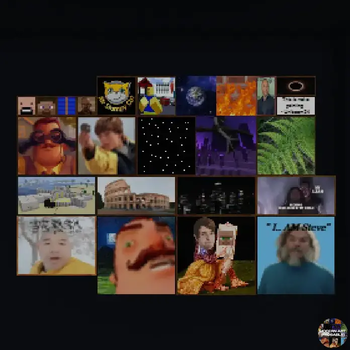
🖼️ Modern Art (Probably)
Replace Minecraft's vanilla paintings with hilarious memes, iconic internet moments, and nostalgic classics.
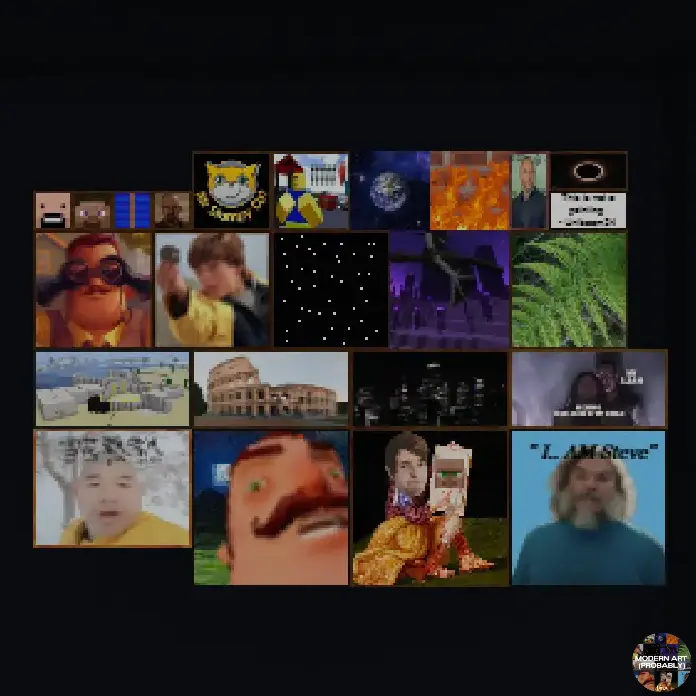
✨ Features
- Replaces 22 vanilla paintings
- Filled with memes and funny references
- Includes nostalgic internet classics
- Lightweight resource pack with no gameplay changes
- Works in any world or server that supports resource packs
🖼️ Replaced Paintings
- Alban
- Aztec (1 & 2)
- Backyard
- Burning Skull
- Pigscene
- Unpacked
- Baroque
- Bomb
- Cavebird
- Changing
- Bust
- Cotan
- Courbet
- Creebet
- Donkey Kong
- Earth
- Endboss
- Fern
- Fighters
- Finding
- Fire
- Graham
📦 Installation
- Download the resource pack.
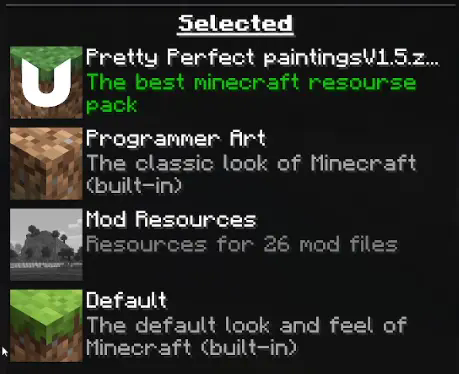
- Open Options → Resource Packs.
- Enable Meme Paintings.
- Move it to the top of your resource pack list.
If another resource pack changes paintings and is above this one, its paintings will take priority.
❓ Frequently Asked Questions
My paintings aren't changing
Make sure the pack is at the very top of your enabled resource packs. If another pack replaces paintings and has a higher priority, these textures won't appear.
Does this work in multiplayer?
Yes! As long as you have the resource pack enabled, you'll see the custom paintings. Other players will need the pack as well if they want to see the same artwork.
Does this affect gameplay?
No. This is a purely visual resource pack that only changes painting textures.
🚧 Beta
This resource pack is currently in beta.
Some paintings may be updated, improved, or replaced in future releases based on community feedback.
- Edition: Minecraft Java
- File type: .zip (resource pack)
- Minecraft versions listed: 1.19, 1.19.1, 1.19.2
- How to install: Download the .zip resource pack — do not unzip it. → Put it in .minecraft/resourcepacks. → Enable it in Options → Resource Packs.
- Where to get it: Opens on Modrinth — not every file is mirrored on our own servers.
Install steps are the general flow for this file type — How to install Minecraft Java resource packs walks through it step by step.
- Downloads as modernart(probably).zip
- Download size: 1.8 MB
- Download link checked 16 Oct 2026 — working
These come from our own check of the pack file, not from the source page.