
Create: Blueprint Block
Retexures bedrock and command blocks to allow you to make screenshots of your builds with cleaner backgrounds!
I don't know my version or loader
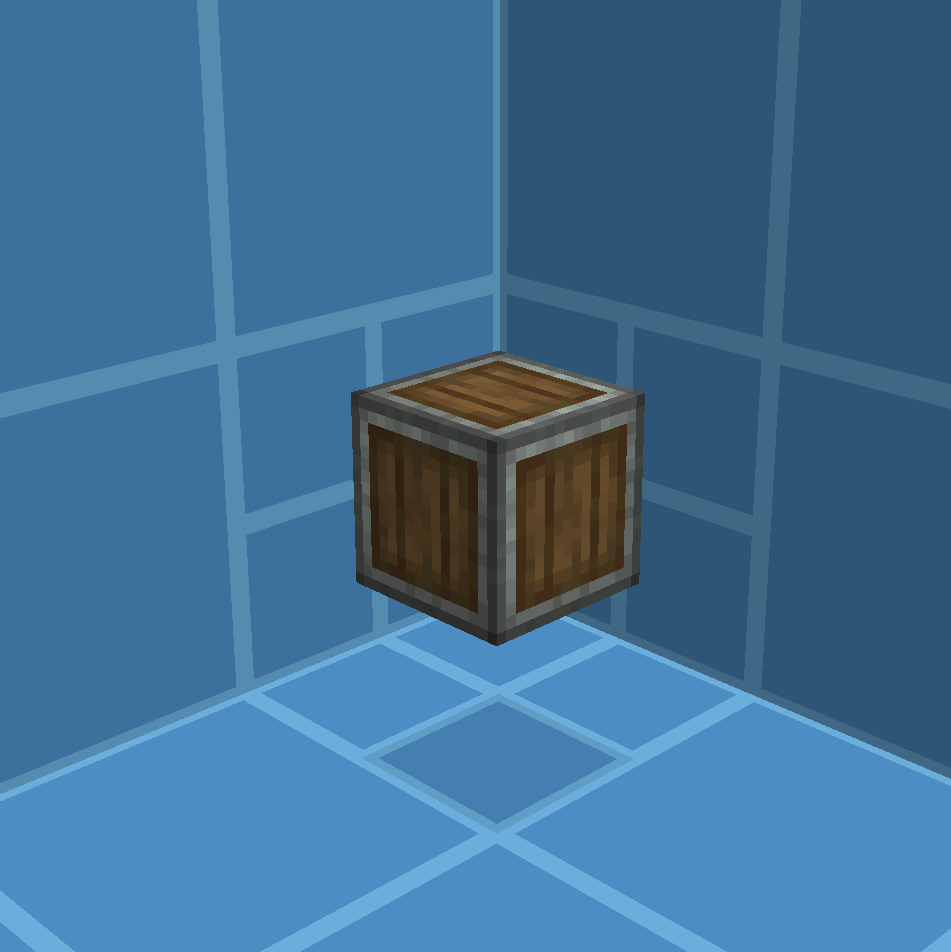
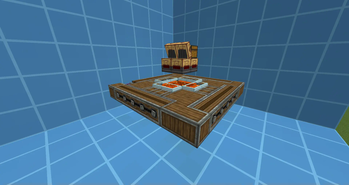
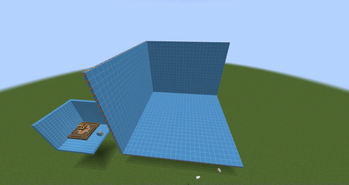
Retexures the standard command block and bedrock to 2 different blocks that have the colors of the Create background. Used to make cleaner screenshots of builds for schematics.
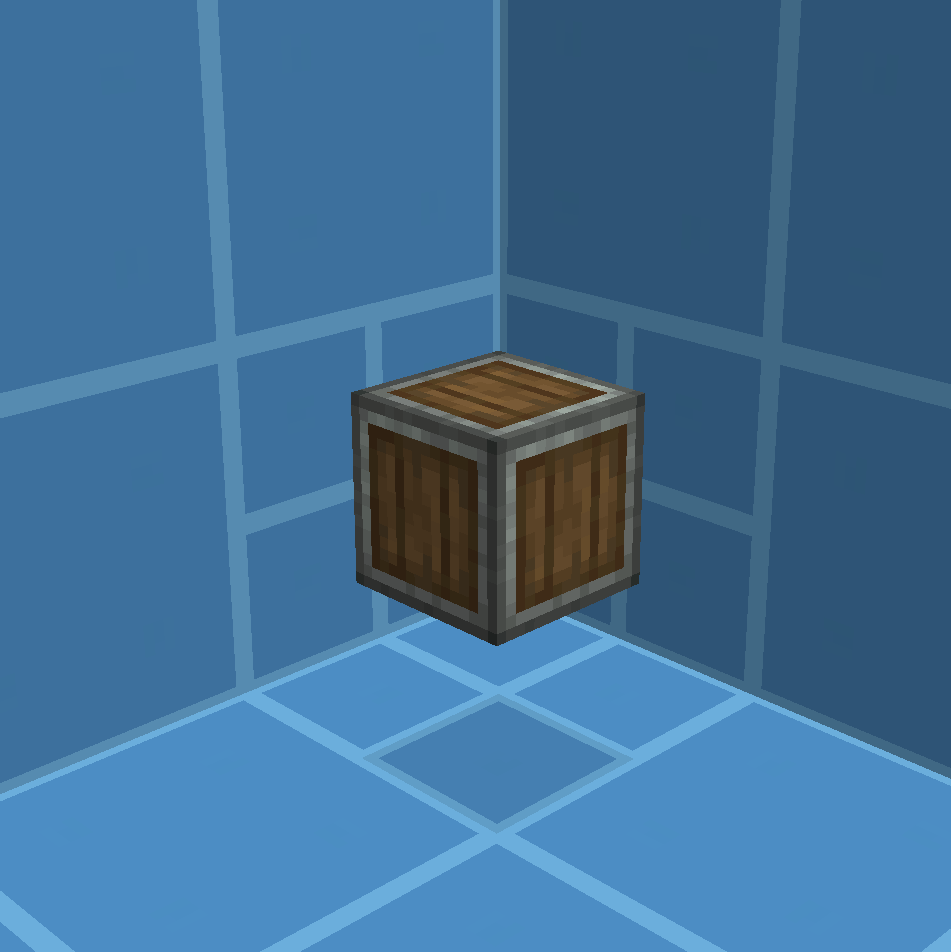
I recommend downloading any mod that gives you fullbright to remove any shadows.
I also recommend downloading an orthographic camera mod, like this one. It's not needed, but makes your screenshots way nicer!
Most screenshots on this page use a FOV of 30.
I also made this downloadable schematic for the 2x2 blocks, since they are a bit difficult to work with.
- Edition: Minecraft Java
- File type: .zip (resource pack)
- Minecraft versions listed: 1.21, 1.21.1
- How to install: Download the .zip resource pack — do not unzip it. → Put it in .minecraft/resourcepacks. → Enable it in Options → Resource Packs.
- Where to get it: Opens on Modrinth — not every file is mirrored on our own servers.
Install steps are the general flow for this file type — How to install Minecraft Java resource packs walks through it step by step.
- Downloads as Create Blueprint Block.zip
- Download size: 29 KB
- Download link checked 26 Sept 2026 — working
These come from our own check of the pack file, not from the source page.