
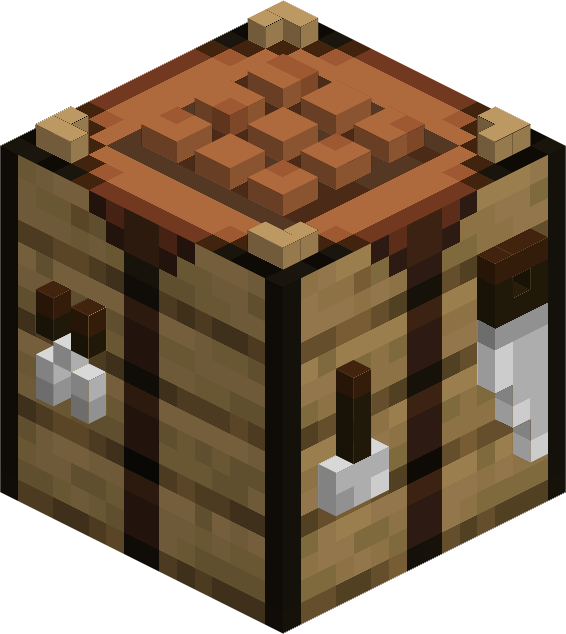
Makes work tables truly 3D!
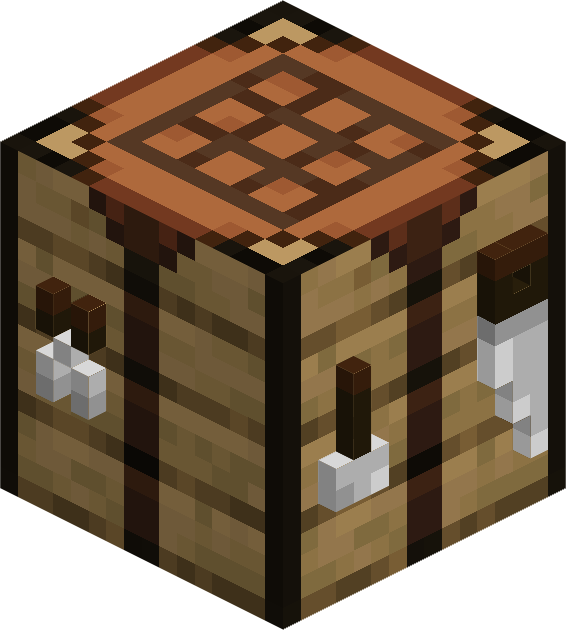
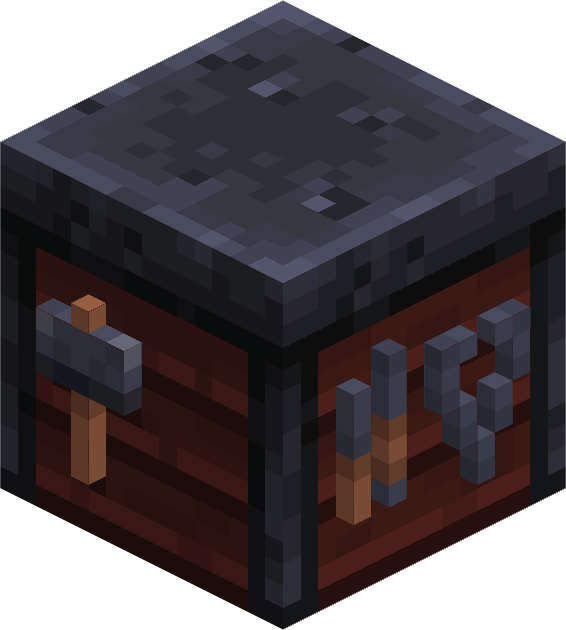
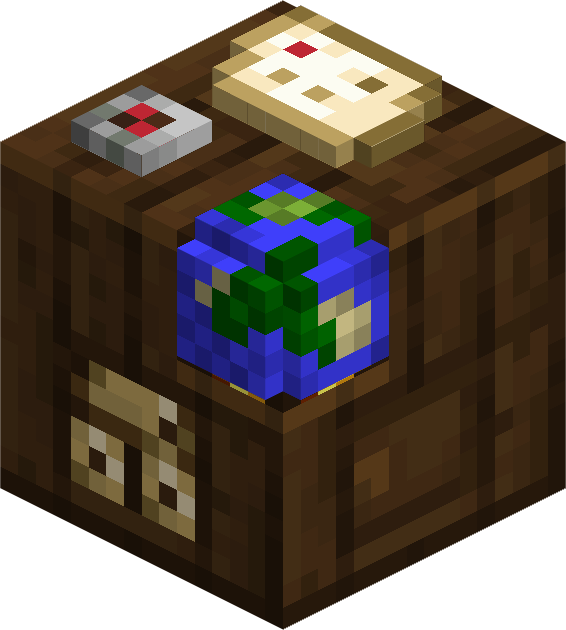
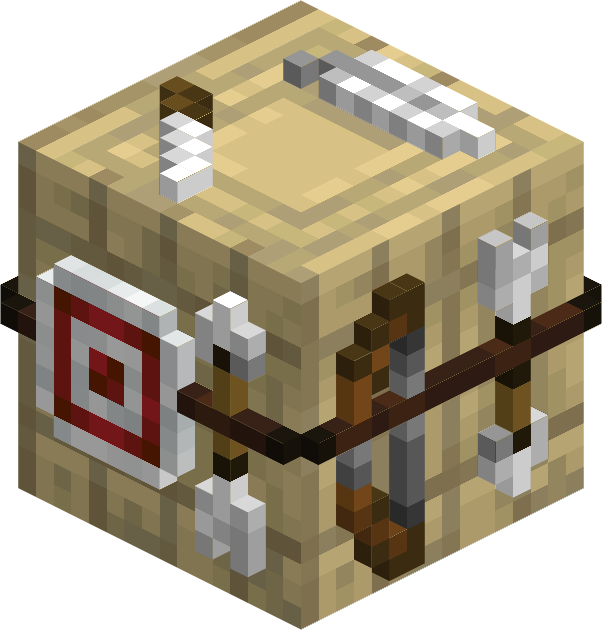
This resource pack remodels tables to be 3D while only using vanilla textures.
It affects:
- Crafting Table
- Smithing Table
- Cartography Table
- Fletching Table
- Open resource pack menu and disable Tables 3D
- Close and re-open resource pack menu (Trust me)
- Click 'Open Pack Folder'
- Open 'Tables 3D.zip'
- Open 'ADDONS' Folder
- Move desired addon into the 'resourcepacks' folder from Step 3
- Enable packs with all addons above 'Tables 3D'
- Click 'Done'
Quick facts
- Edition: Minecraft Java
- File type: .zip (resource pack)
- Minecraft versions listed: 1.21, 1.21.1
- How to install: Download the .zip resource pack — do not unzip it. → Put it in .minecraft/resourcepacks. → Enable it in Options → Resource Packs.
- Where to get it: Opens on Modrinth — not every file is mirrored on our own servers.
Install steps are the general flow for this file type — How to install Minecraft Java resource packs walks through it step by step.
Verified by MCModsHub
- Downloads as Tables 3D.zip
- Download size: 715 KB
- Download link checked 6 Sept 2026 — working
These come from our own check of the pack file, not from the source page.