
ResourcepacksJava
Q-pack SP!
I don't know my version or loader
Open the Minecraft launcher and look at the profile you play on — it names both, like fabric-loader-1.21.4. The version also shows in the bottom-right corner of the game's main menu.
No loader in the profile name? Then it's plain Minecraft, and these mods won't run — you need Fabric or NeoForge installed first.

Guide to the Resource Pack:
There are 2 versions of the resource pack:
Q-pack Basic!
This version includes all regular figures and custom models.
Q-pack Gold!
This version contains only Gold figures.
You are currently on Q-pack Basic!
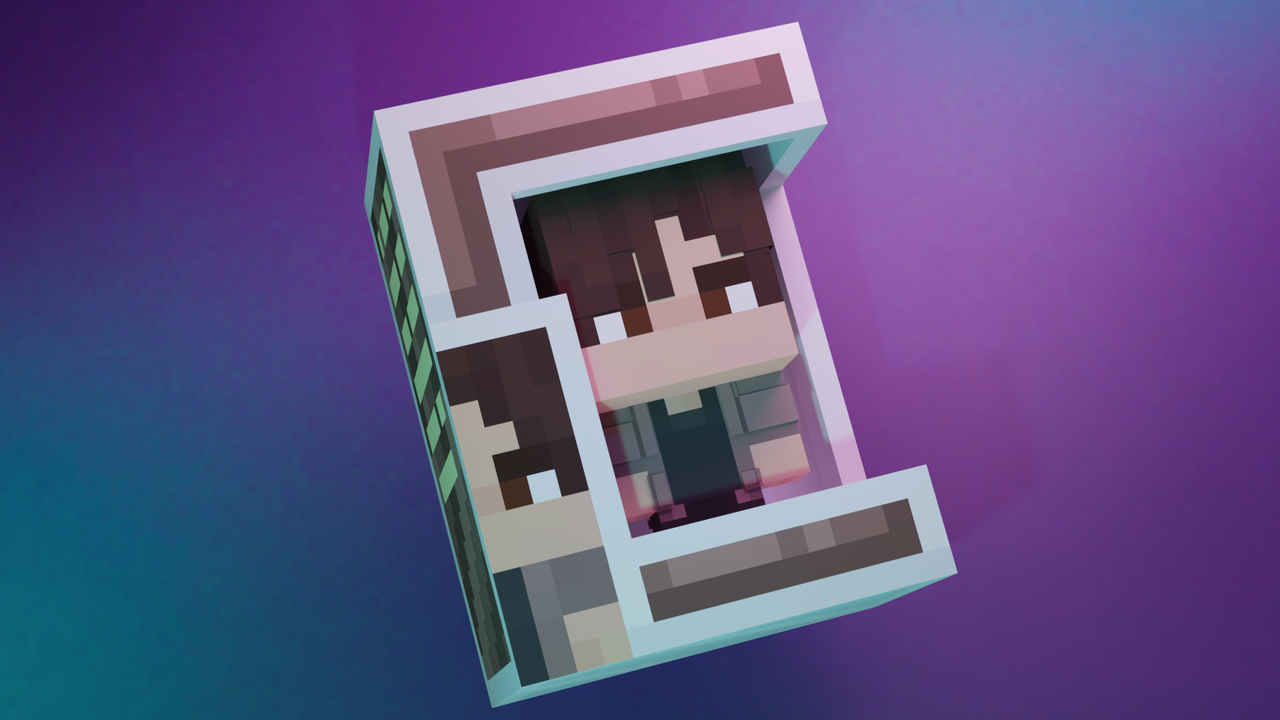
F.A.Q.
Q: How can I get my own figure?
A: You need to order it in the official resource pack Discord.
===
Q: The models from the resource pack aren't showing up. What should I do?
A: Make sure you have Optifine/CIT Resewn installed.
Гайд по ресурспаку:
Существует 2 версии ресурспака:
Q-pack Basic!
Эта версия содержит все обычные фигурки, а также все кастомные модельки
Q-pack Gold!
Эта версия только чейз фигурки (с предметом в руках)
Вы находитесь на Q-pack Basic!
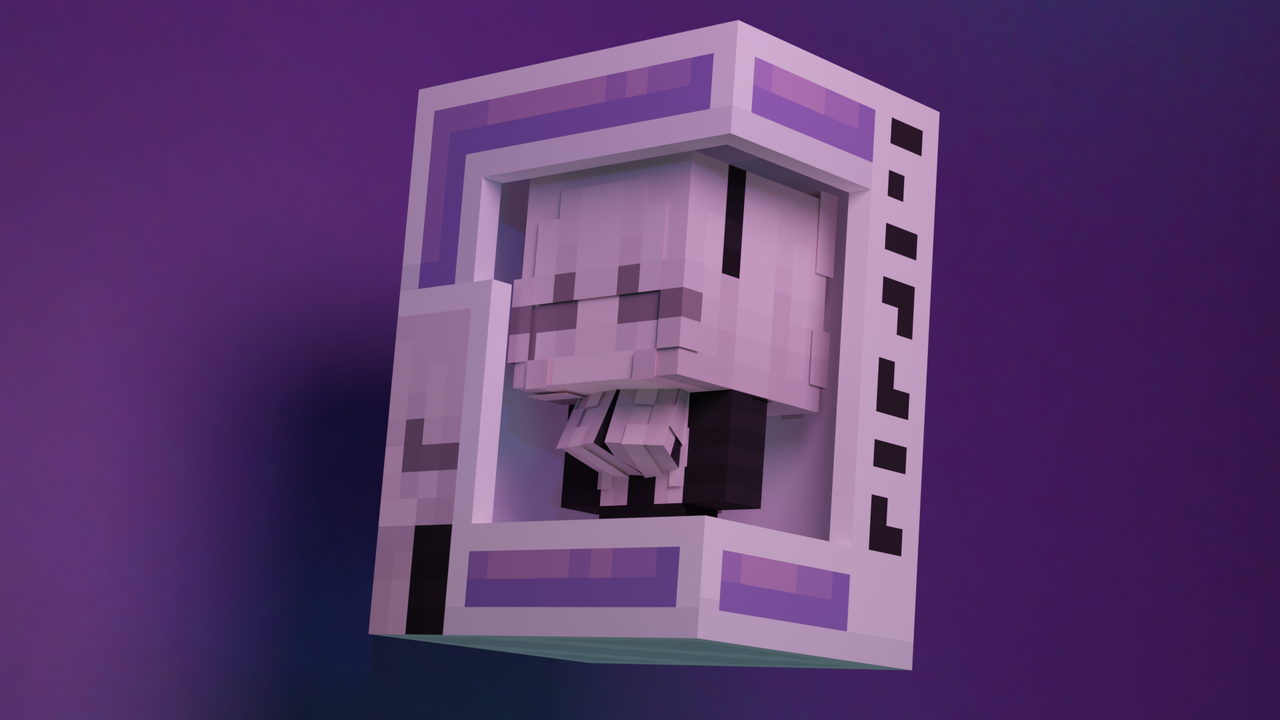
F.A.Q.
В: Как мне получить свою фигурку?
О: Её нужно заказать в офицальном дискорде ресурспака
===
В: У меня не отображаются модели из ресурспака, что делать?
О: Проверьте наличие Optifine/Cit Reserwn.
Quick facts
- Edition: Minecraft Java
- File type: .zip (resource pack)
- Minecraft versions listed: 1.21, 1.21.1
- How to install: Download the .zip resource pack — do not unzip it. → Put it in .minecraft/resourcepacks. → Enable it in Options → Resource Packs.
- Where to get it: Opens on Modrinth — not every file is mirrored on our own servers.
Install steps are the general flow for this file type — How to install Minecraft Java resource packs walks through it step by step.
Verified by MCModsHub
- Downloads as §d§n§lQ-Pack§r §6v-0.4§r§0.zip
- Download size: 468 KB
- Download link checked 6 Sept 2026 — working
These come from our own check of the pack file, not from the source page.