
Zediaph 3D Texture Pack
Java resource pack listed for Minecraft 1.21. Downloads from the MC Java Mods app on Android.
⬇ Download on Modrinth



Get 25% off your first month when purchasing a Minecraft server with BisectHosting! Use promo code zediaph at checkout. https://bisecthosting.com/zediaph
The resource pack for the YouTuber Zediaph!
📖 What's this texture pack?
A totem of undying is an uncommon combat item that can save holders from death. It is dropped by evokers, which spawn in woodland mansions and raids. And this texture pack uses Zediaph's 3D Minecraft skin and completely changes Minecraft's totem of undying item.
📥 Installation Guide
Download Zediaph's 3D Texture Pack
- Click on the "Download Texture Pack" button to download the
.zipfile.
- Click on the "Download Texture Pack" button to download the
Locate Your Minecraft Resource Pack Folder
- Open Minecraft and go to
Options>Resource Packs>Open Resource Pack Folder. - Alternatively, you can manually navigate to the folder:
- Windows:
C:\Users\[Your Username]\AppData\Roaming\.minecraft\resourcepacks - Mac:
~/Library/Application Support/minecraft/resourcepacks - Linux:
~/.minecraft/resourcepacks
- Windows:
- Open Minecraft and go to
Move the Downloaded File
- Move the downloaded
.zipfile into theresourcepacksfolder.
- Move the downloaded
Activate the Texture Pack
- Go back to Minecraft.
- In the
Resource Packsmenu, you should see the Zediaph Totem Pack 3D listed under "Available Resource Packs". - Click the arrow to move it to the "Selected Resource Packs" section.
- Click
Doneto apply the texture pack.
Enjoy Your New Texture Pack
- Start or join a game to see the new textures in action!
If you encounter any issues or need further assistance, feel free to ask! Enjoy your new Zediaph's 3D totem textures!
Screenshots

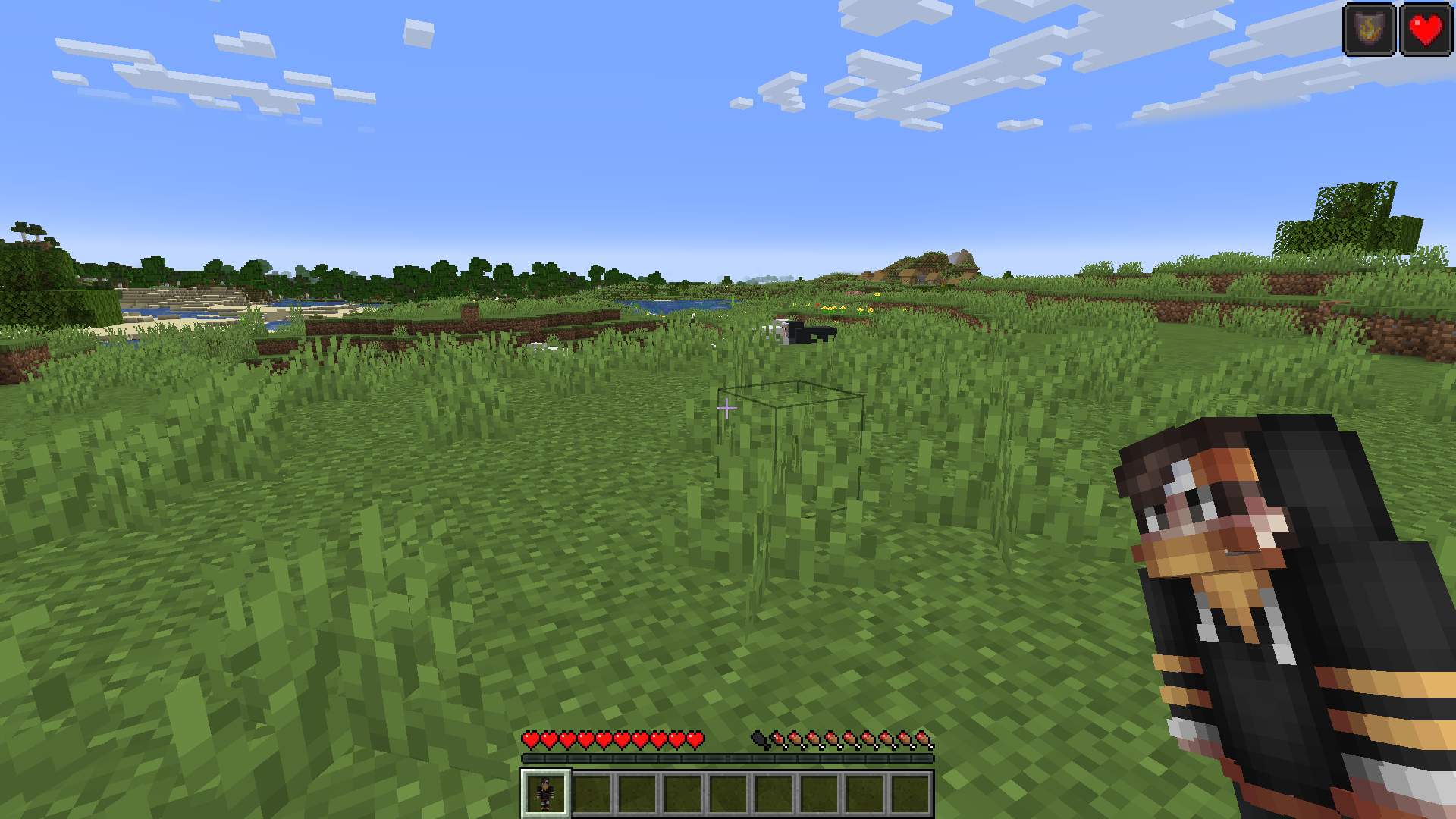
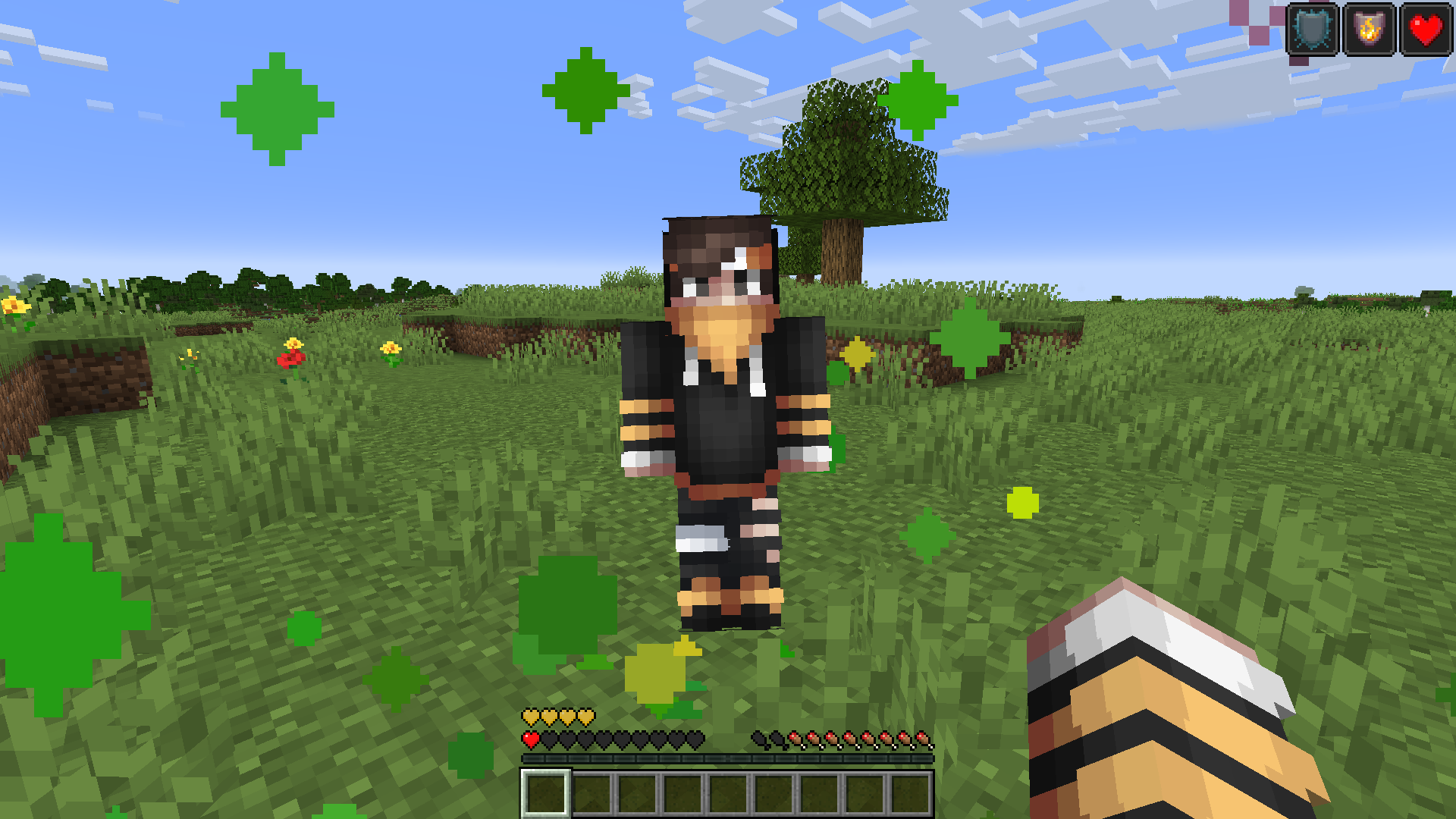

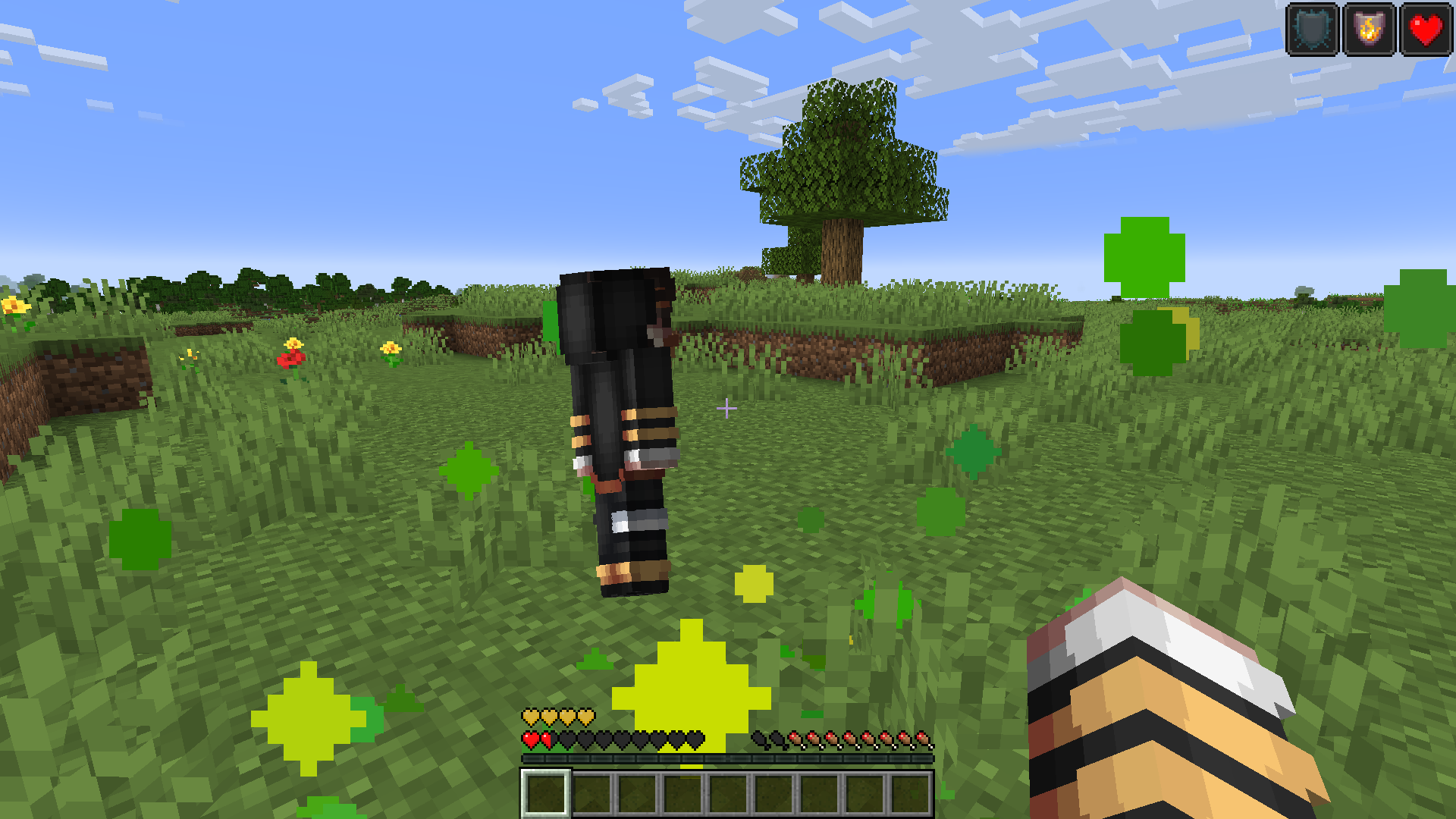
Need help? Come check out on Discord Server
- Edition: Minecraft Java
- File type: .zip (resource pack)
- Minecraft version listed: 1.21.1
- How to install: Download the .zip resource pack — do not unzip it. → Put it in .minecraft/resourcepacks. → Enable it in Options → Resource Packs.
- Where to get it: Opens on Modrinth — not every file is mirrored on our own servers.
Install steps are the general flow for this file type — How to install Minecraft Java resource packs walks through it step by step.
- Downloads as ZediaphMC-totem-1.21-3D.zip
- Download size: 6 KB
- Download link checked 7 Nov 2026 — working
These come from our own check of the pack file, not from the source page.