
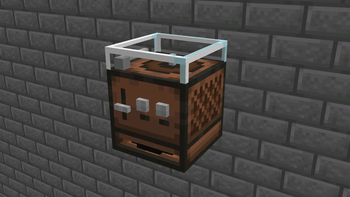
Freshified Music Discs
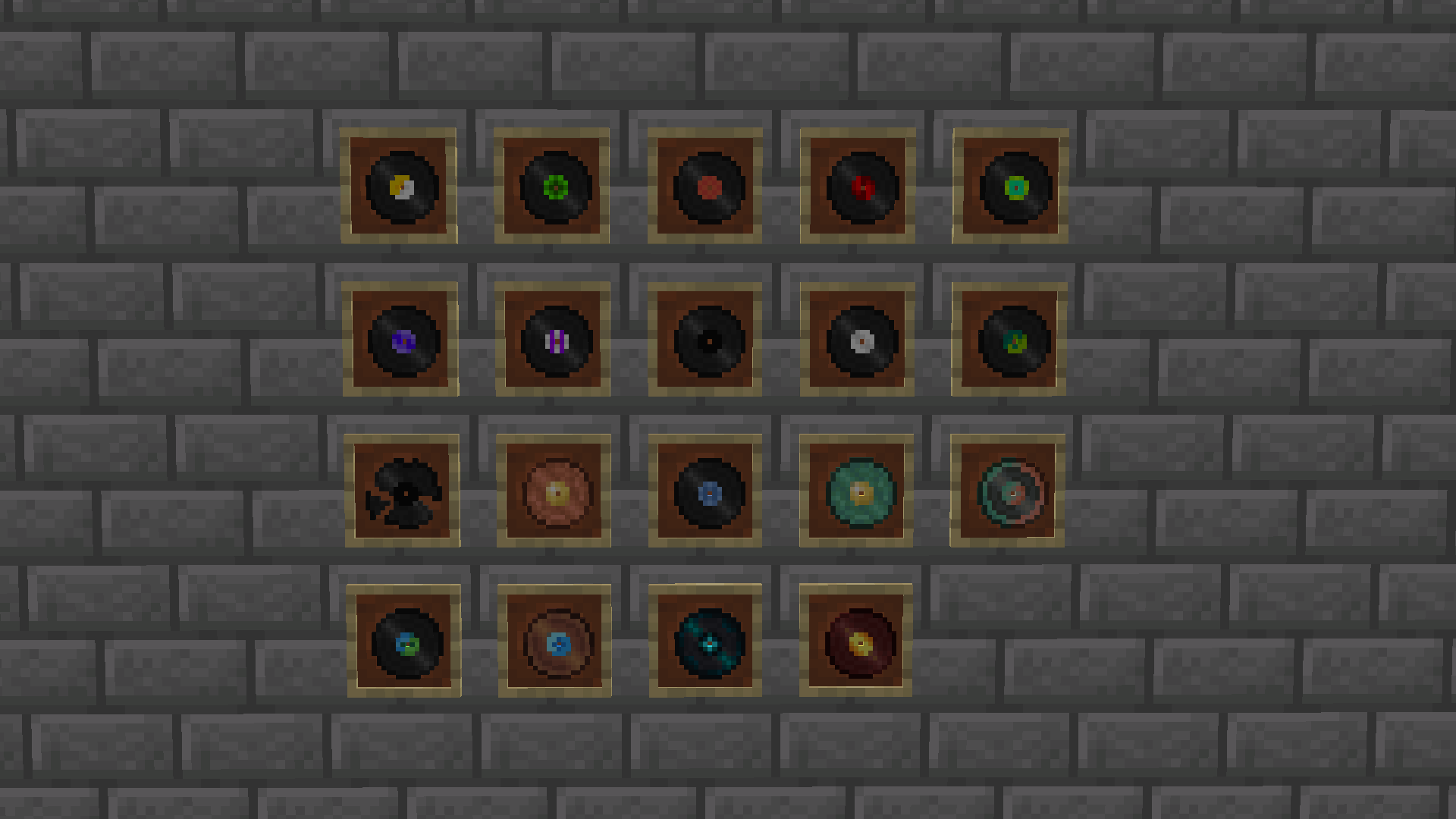
Freshified Music Discs is a small texture pack with the goal of bringing the vanilla music discs and jukebox back into the past by giving them that old timey feel. Its a simple pack that makes collecting music discs even more interesting!
How to install
- Download the .zip file for Freshified Music Discs
- Go to %appdata%
- Copy .zip to /Roaming/.minecraft/resourcepacks
- (You can delete the old version that you have installed)
- Load Minecraft and select the Freshified Music Disc Texture Pack
OR
- Download the resource pack to your instance in the Modrinth app
If you find any bugs, missing textures or have any other issues, let me know in the google form.
Quick facts
- Edition: Minecraft Java
- File type: .zip (resource pack)
- Minecraft versions listed: 1.21, 1.21.1, 1.21.2
- How to install: Download the .zip resource pack — do not unzip it. → Put it in .minecraft/resourcepacks. → Enable it in Options → Resource Packs.
- Where to get it: Opens on Modrinth — not every file is mirrored on our own servers.
Install steps are the general flow for this file type — How to install Minecraft Java resource packs walks through it step by step.
Verified by MCModsHub
- Downloads as freshified_music_discs-1.0.0-resource_pack.zip
- Download size: 14.0 MB
- Download link checked 6 Sept 2026 — working
These come from our own check of the pack file, not from the source page.