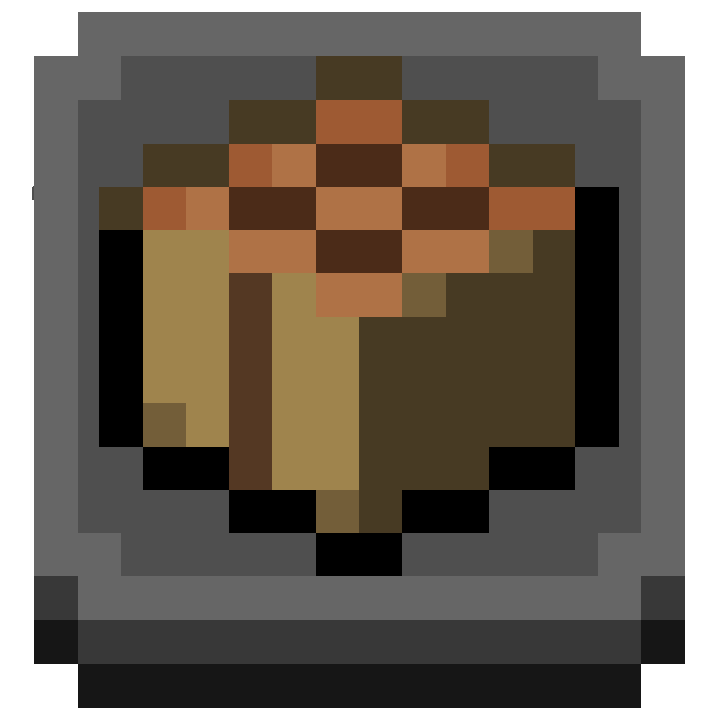
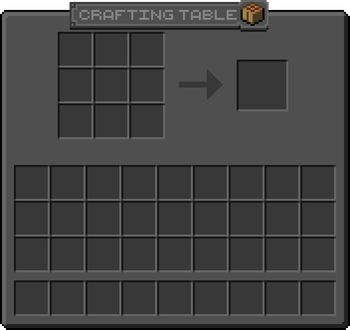
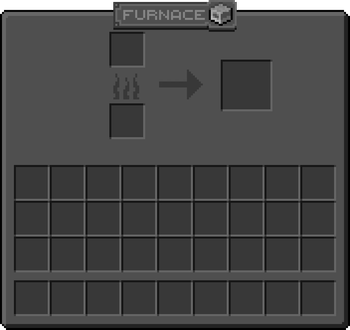
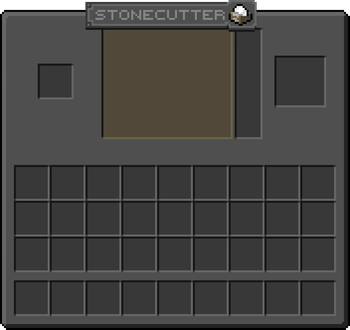

About
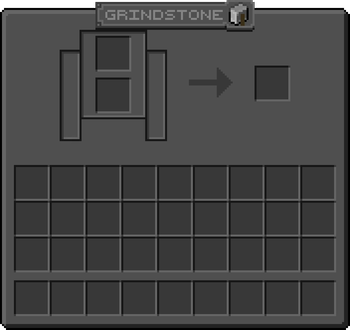
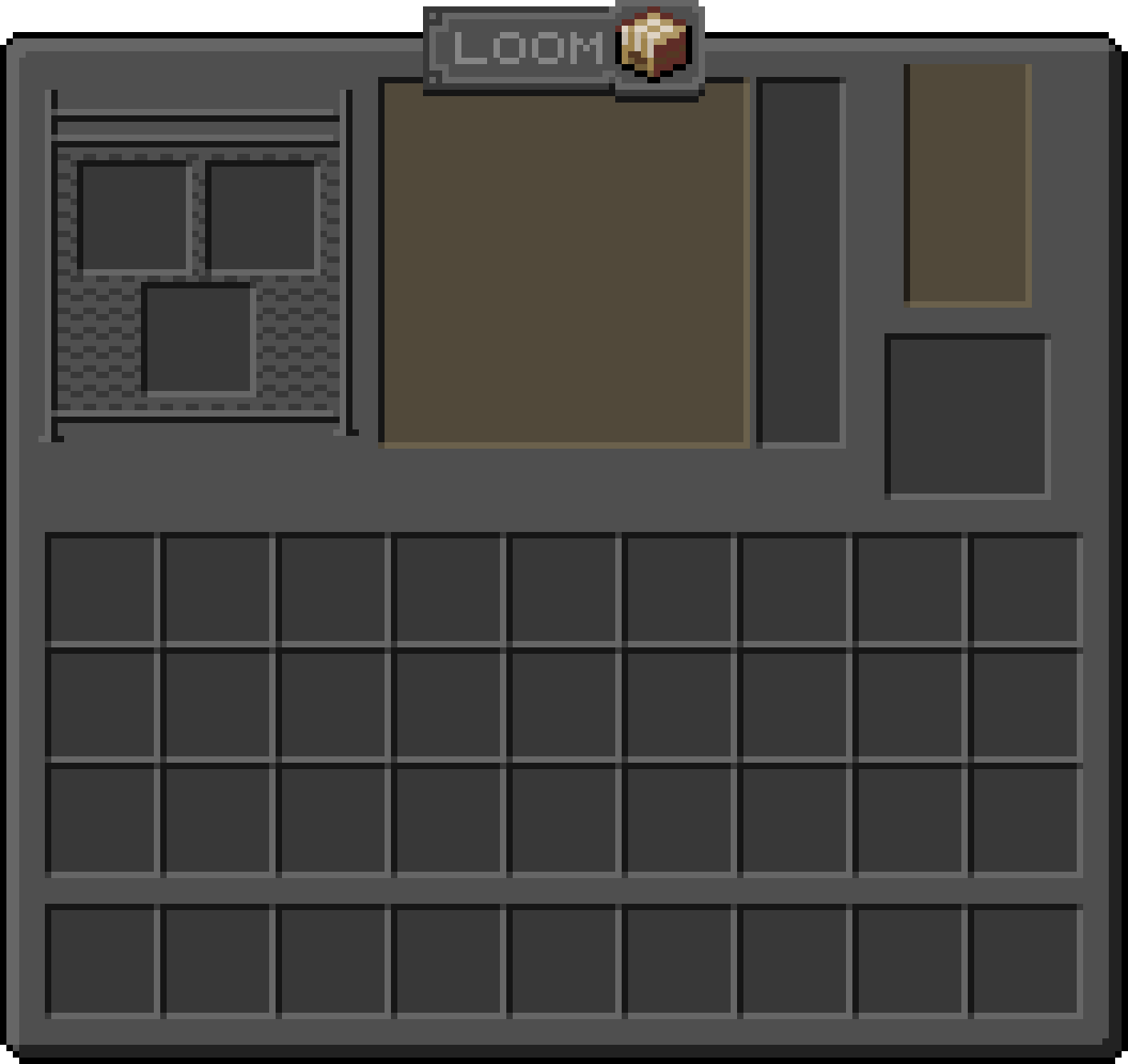
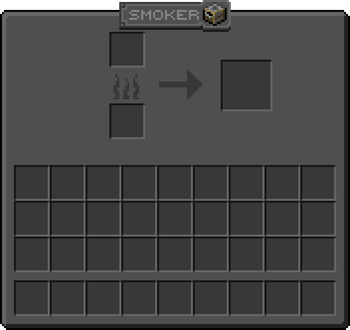
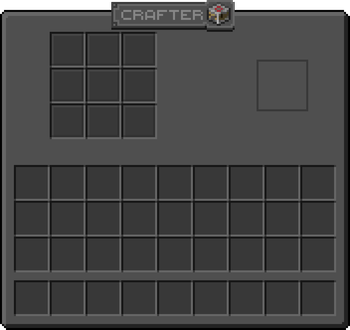
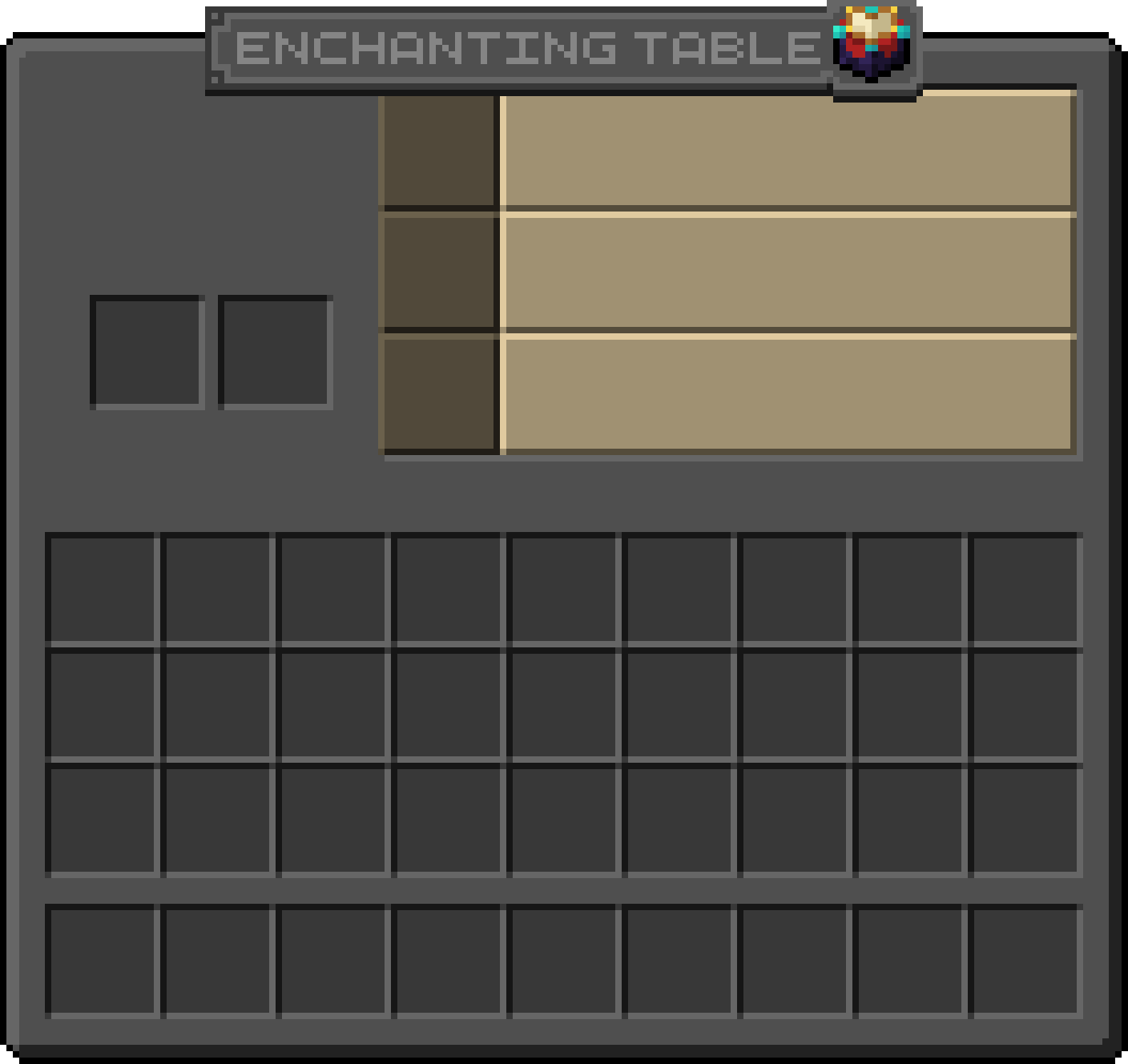
Adds fancy plaques to the top of container GUI's!
Also available in Light Mode!
Also check dependencies on Versions tab
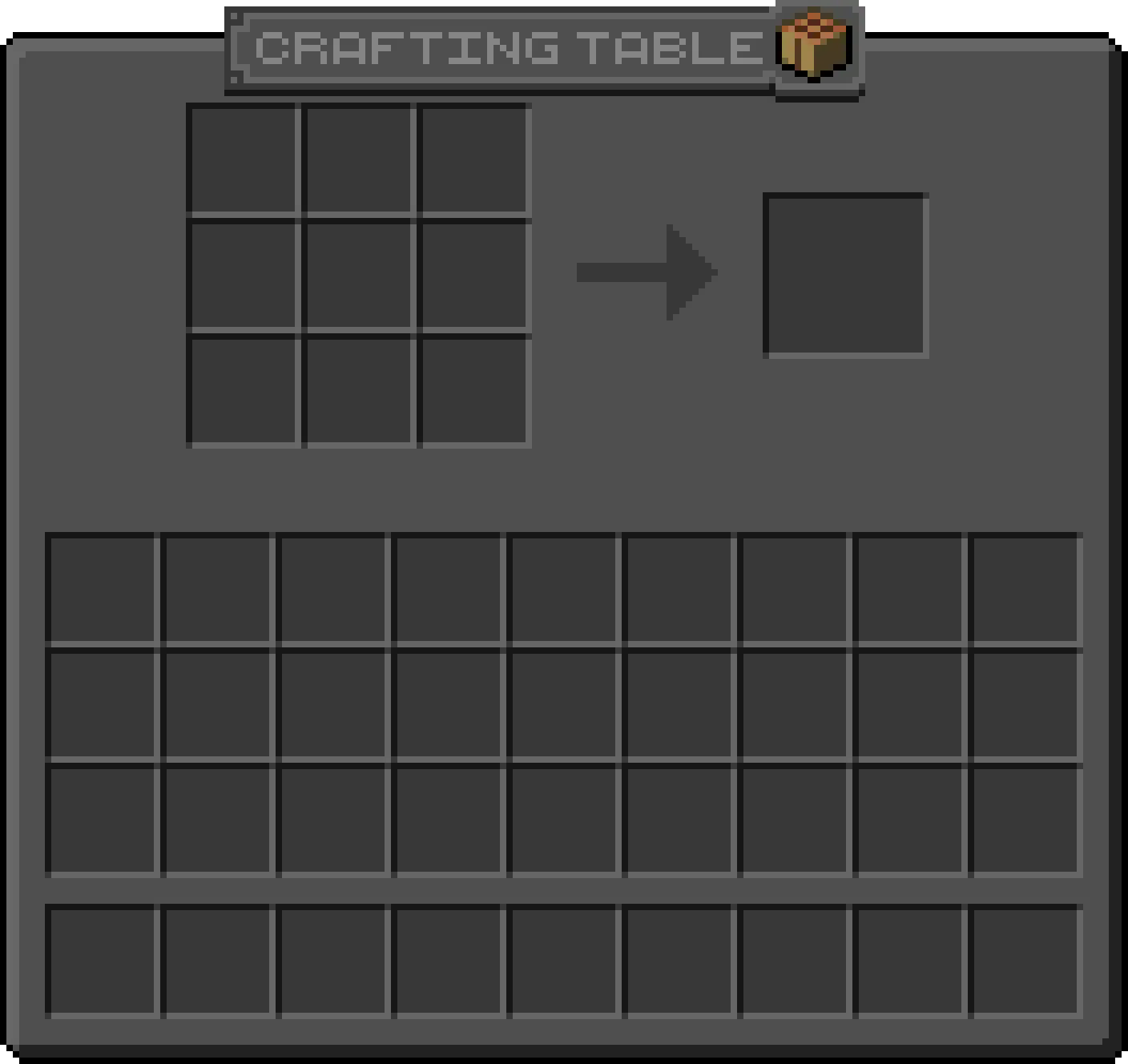
View all:
all plaques: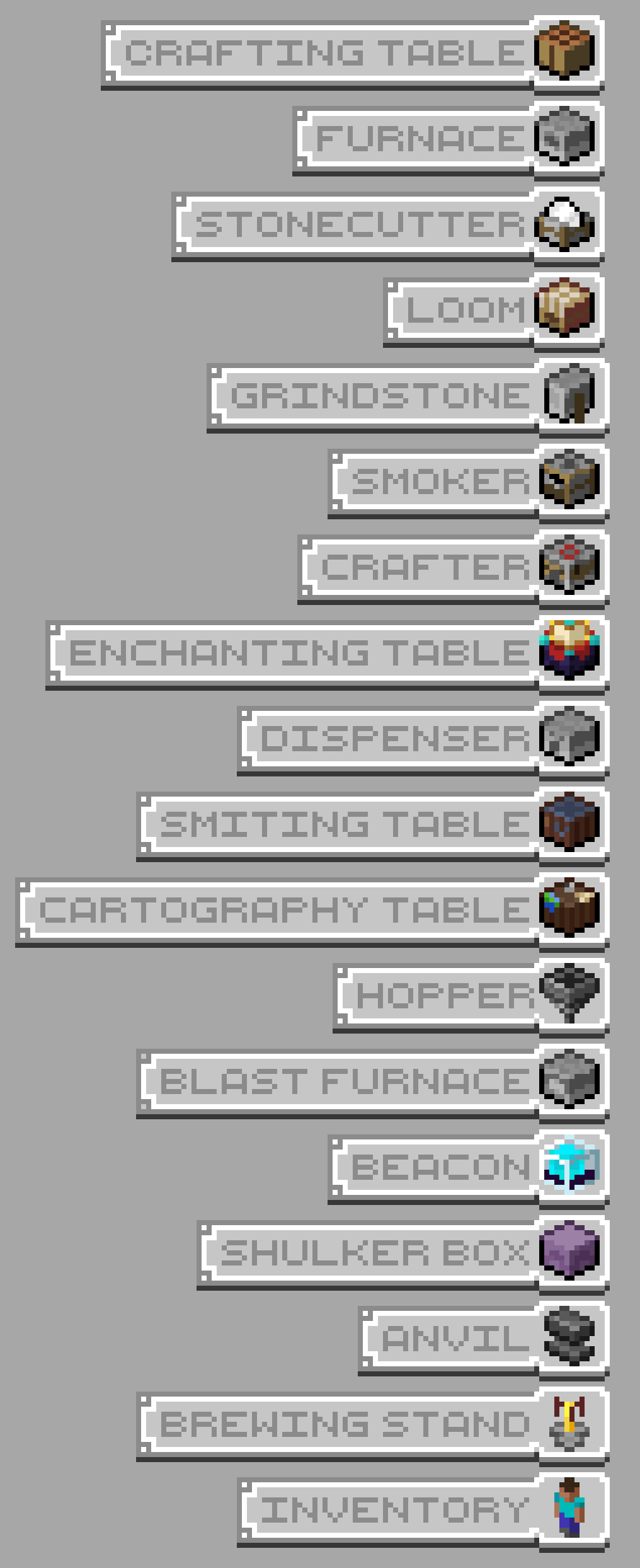
FAQ / Issues:
Incompatible with other resoruce packs that change container GUI due to how resoruce packs work. If you want to have the plaques with another pack, you will have to combine the textures in microsoft paint or something
If there is white text on the GUI that dosen't look like it's supposed to be there, then go to
.minecraft\resourcepacks\Ben's Container Plaques\assets\minecraft\langand add new .json file for the language you are using in Minecraft. I use this site, but you can get it from wherever you like. Now, open it in notepad or whatever and find (ctrl + F) "container". Once you get past the commands and reach something that looks like"container.beacon": "Beacon", then remove the text in the brackets so it will say"container.beacon": "". Do this for all the containers that have textures in the pack. Save the file and reload textures on Minecraft by pressing F3+T and it should work.
Contact
@bennymccarthy on Discord if you find any issues or want to reach out
- Edition: Minecraft Java
- File type: .zip (resource pack)
- Minecraft version listed: 1.21.5
- How to install: Download the .zip resource pack — do not unzip it. → Put it in .minecraft/resourcepacks. → Enable it in Options → Resource Packs.
- Where to get it: Opens on Modrinth — not every file is mirrored on our own servers.
Install steps are the general flow for this file type — How to install Minecraft Java resource packs walks through it step by step.
- Downloads as Ben's Container Plauqes DARK.zip
- Download size: 222 KB
- Download link checked 7 Sept 2026 — working
These come from our own check of the pack file, not from the source page.